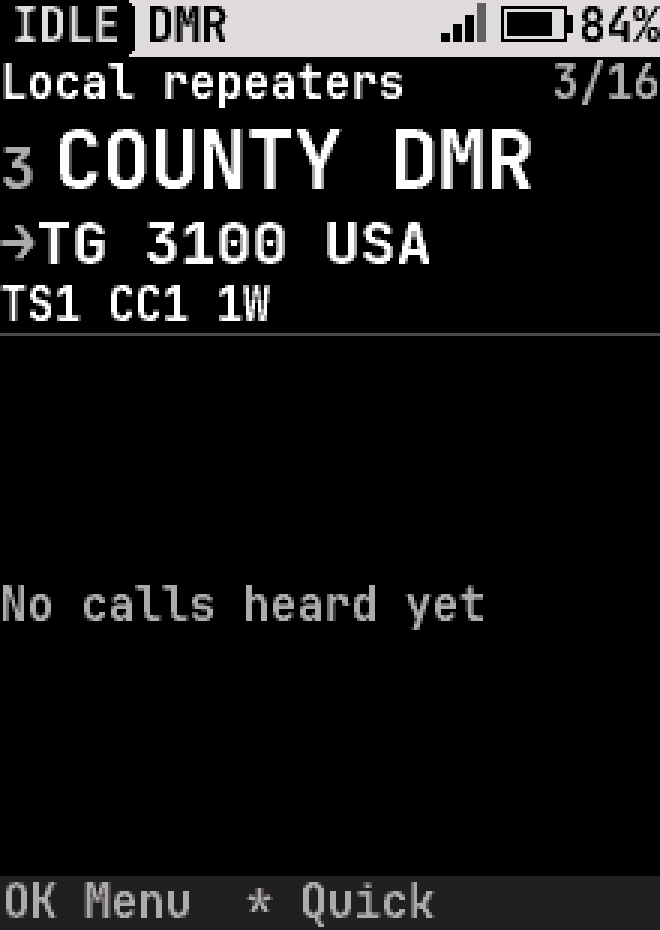
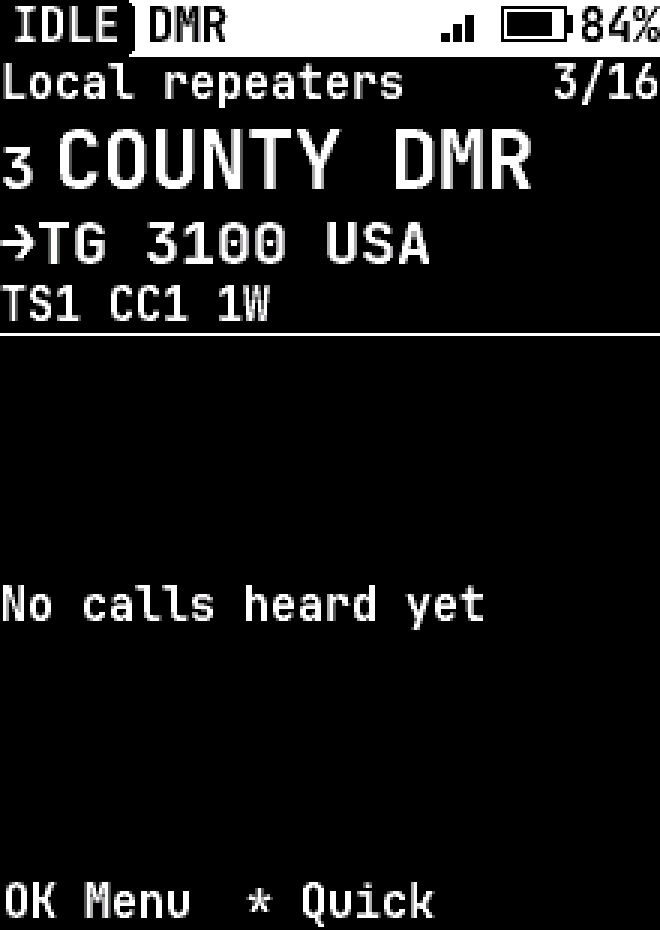
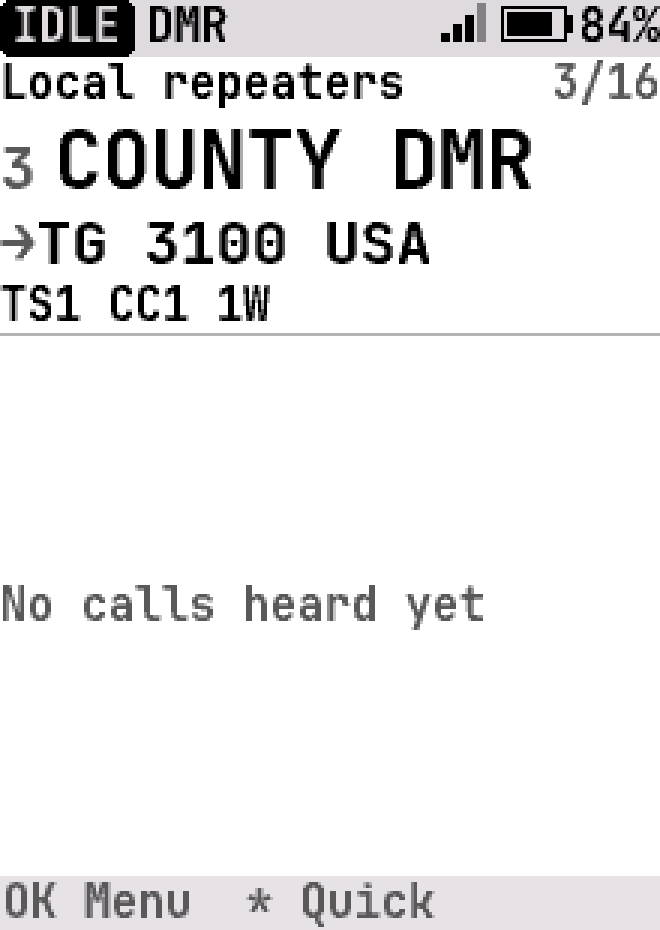
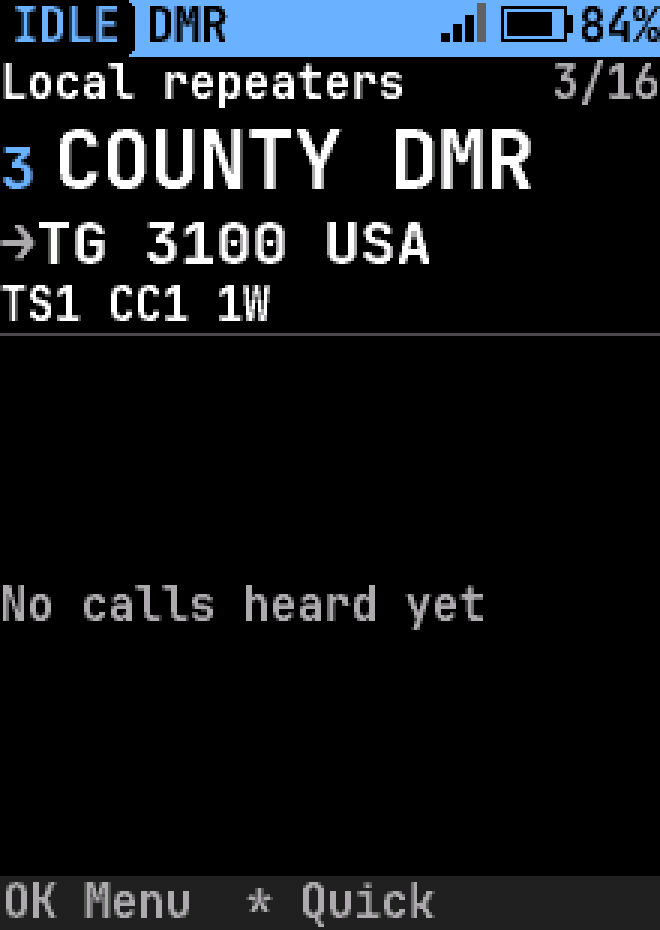
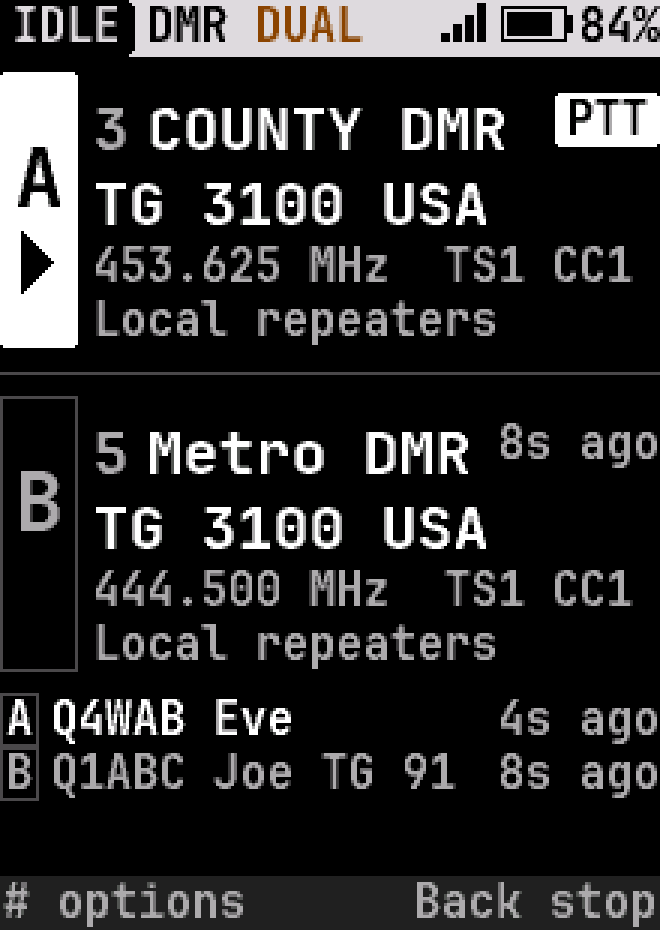
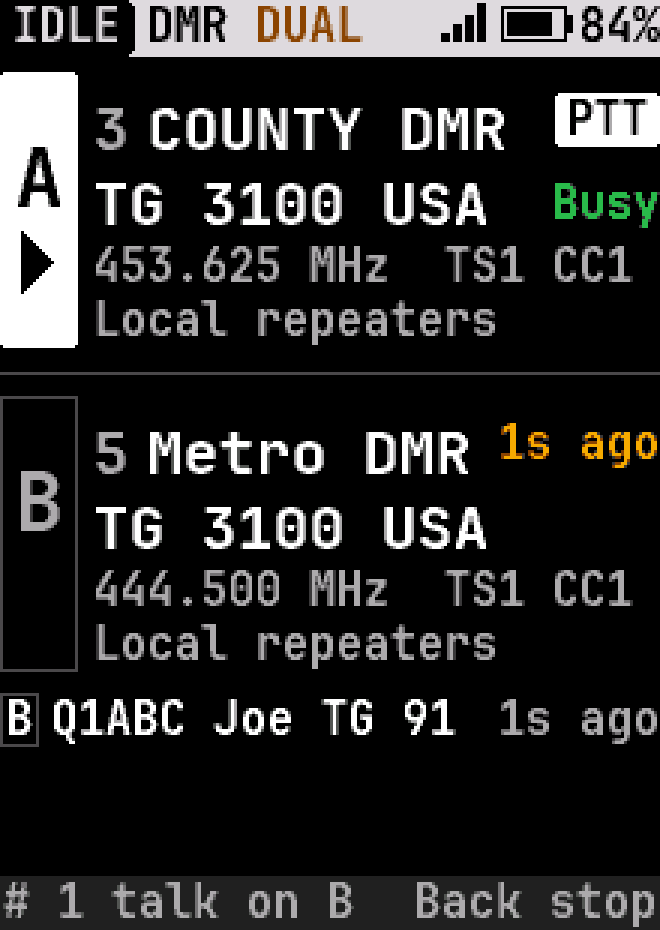
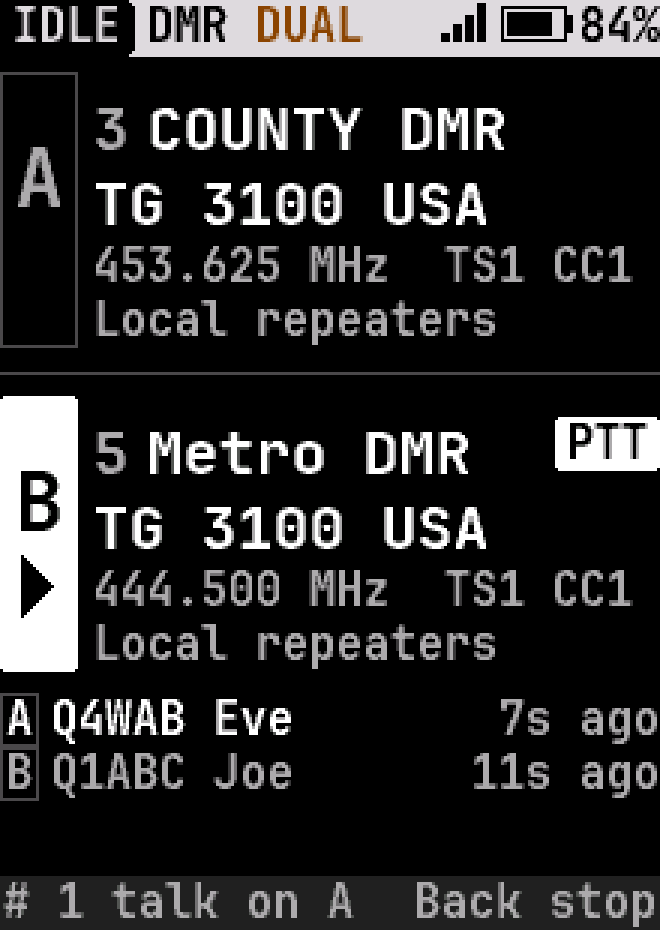
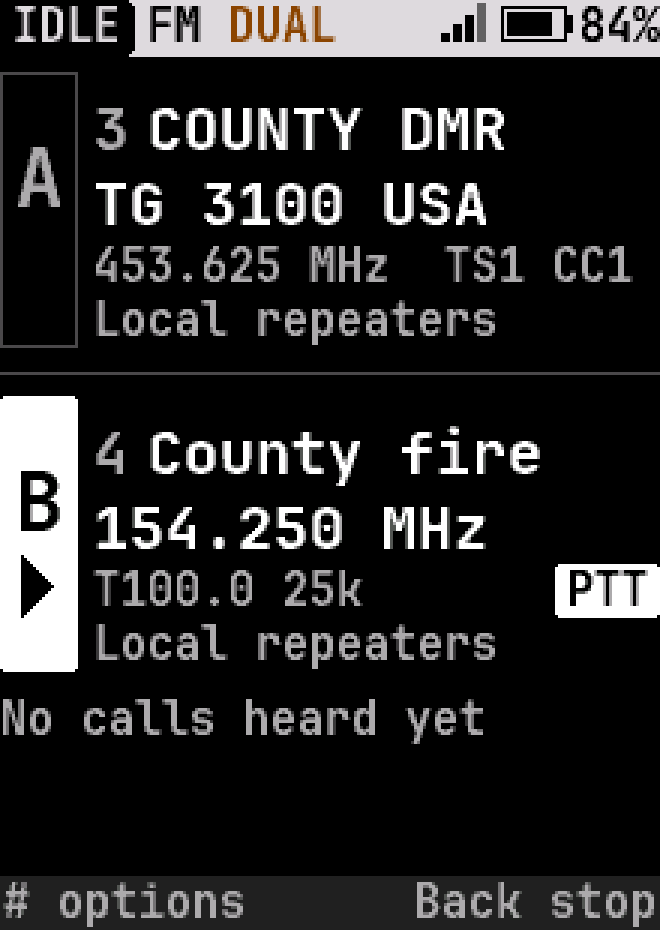
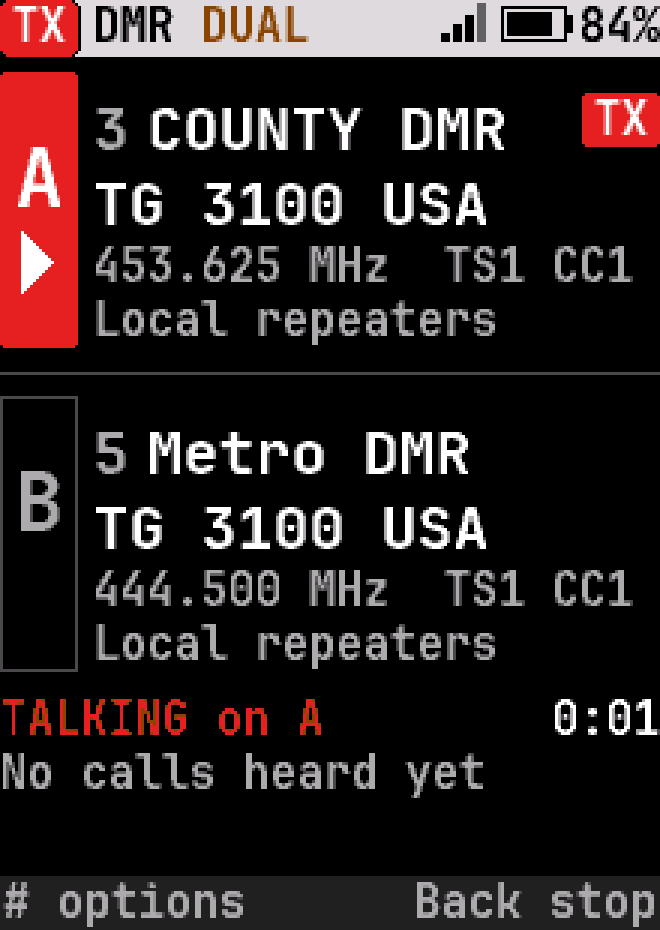
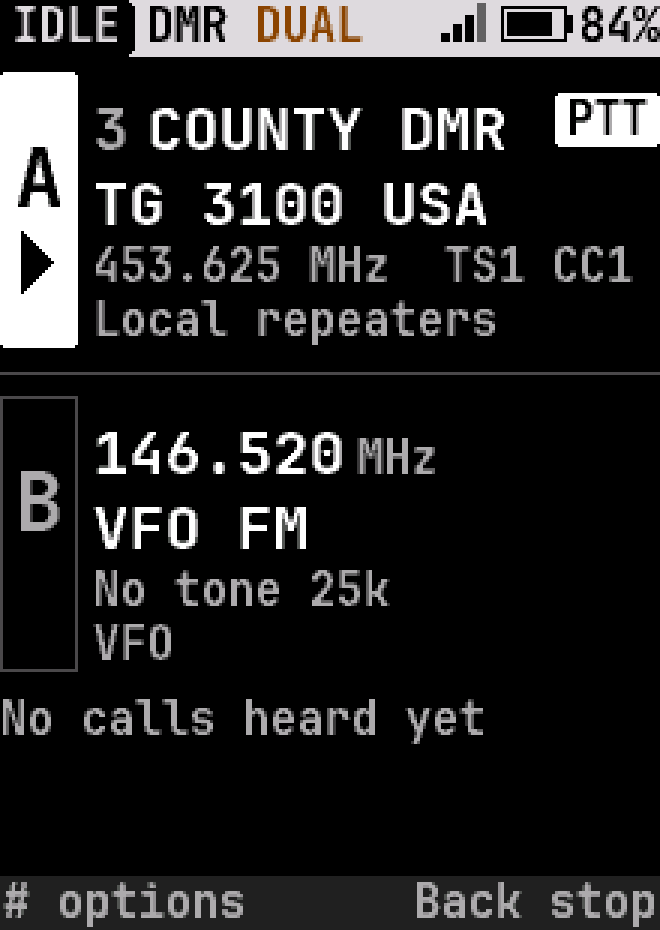
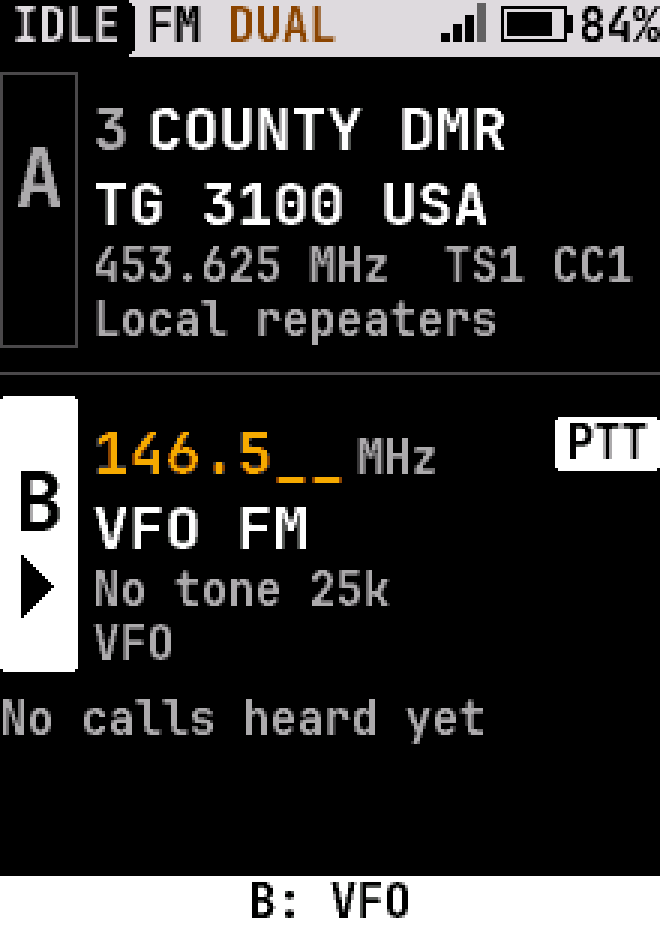
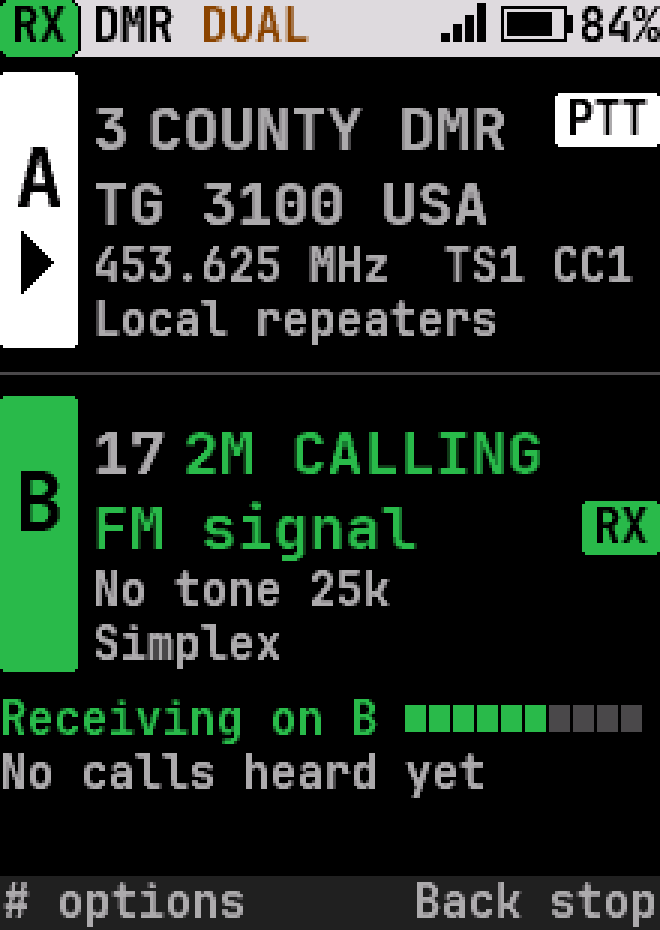
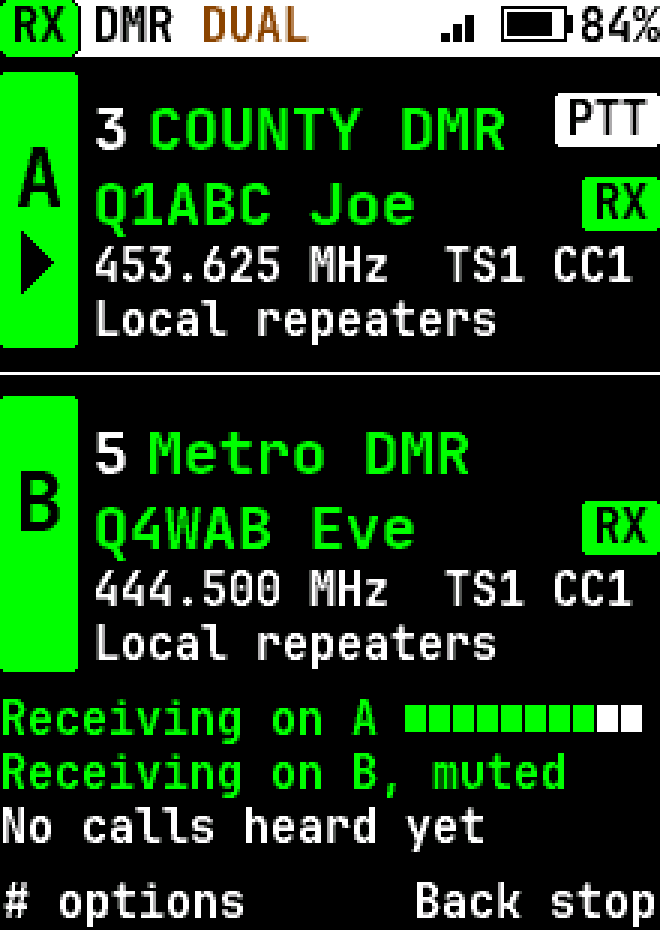
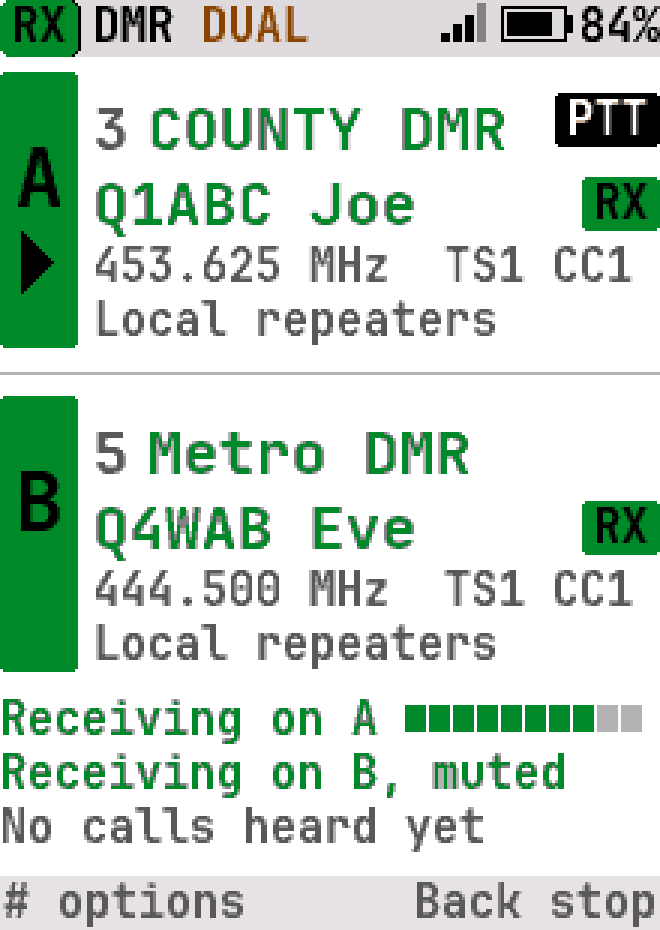
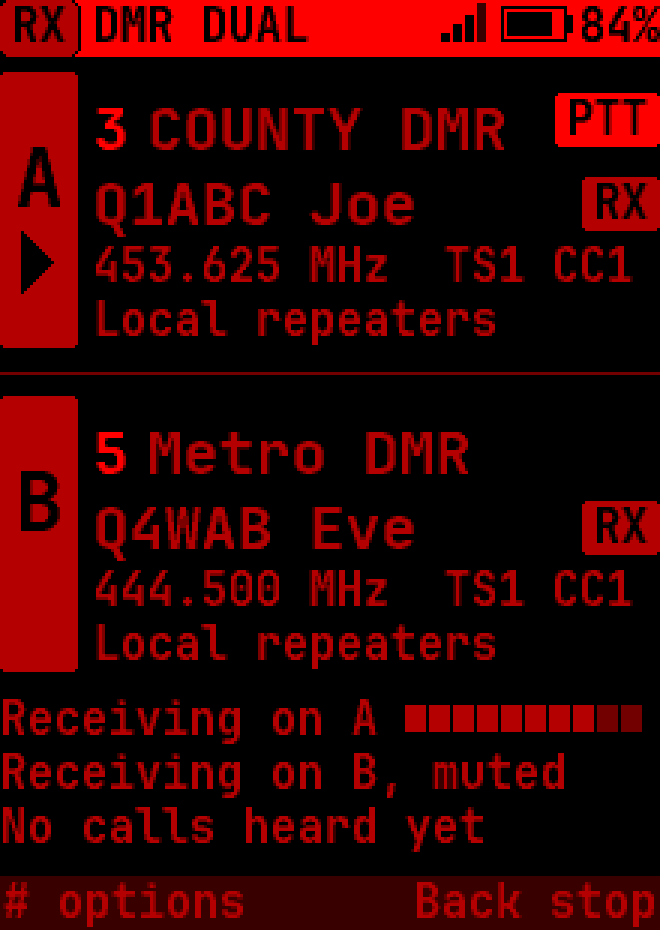
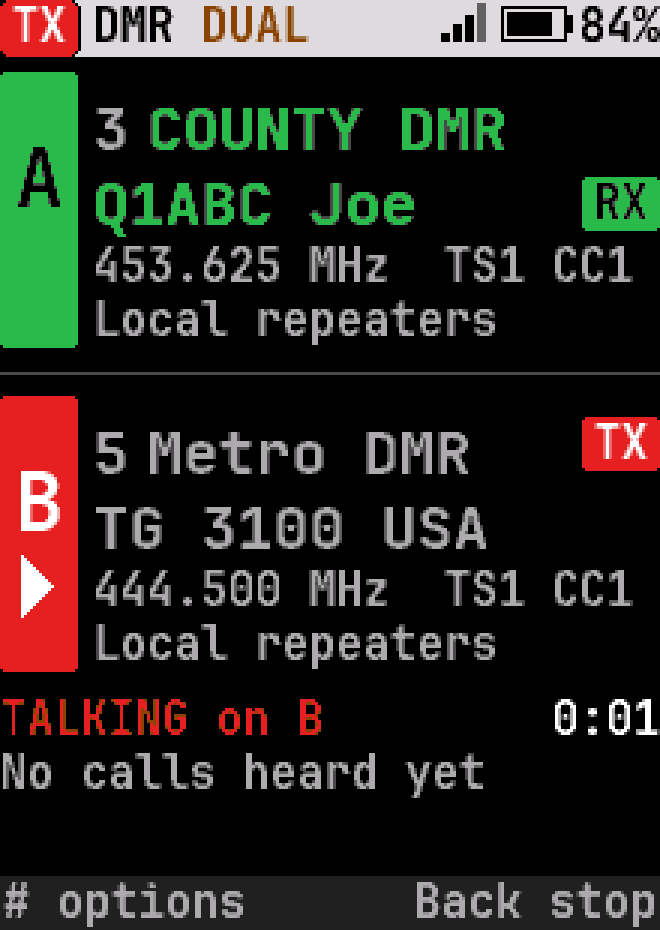
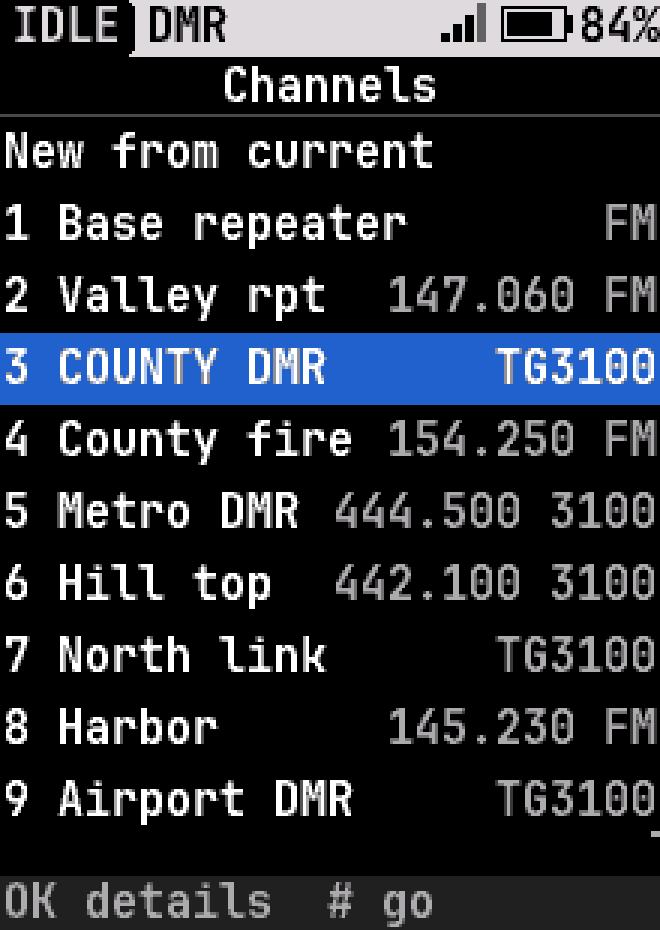
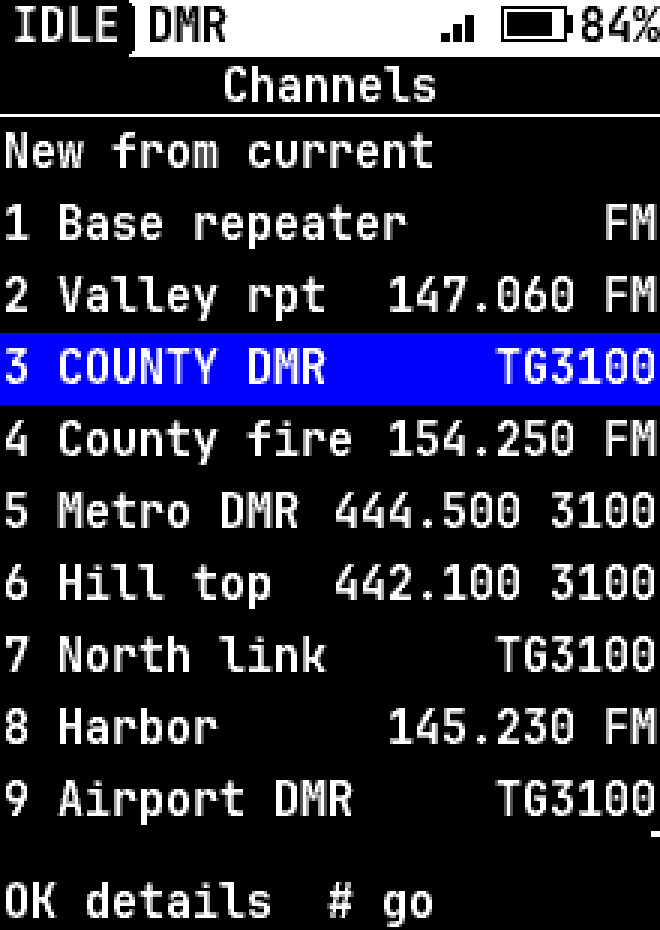
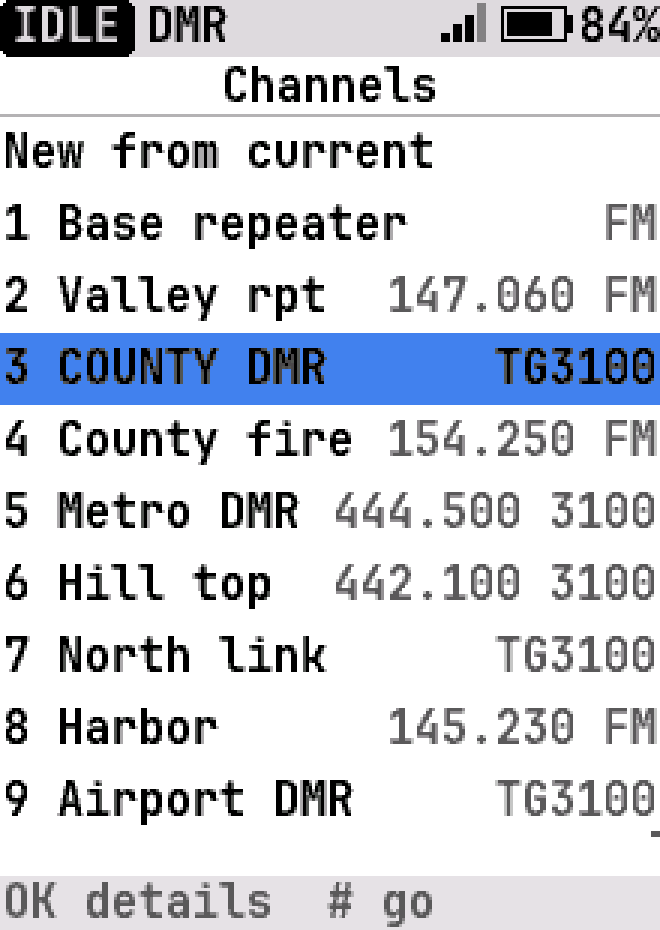
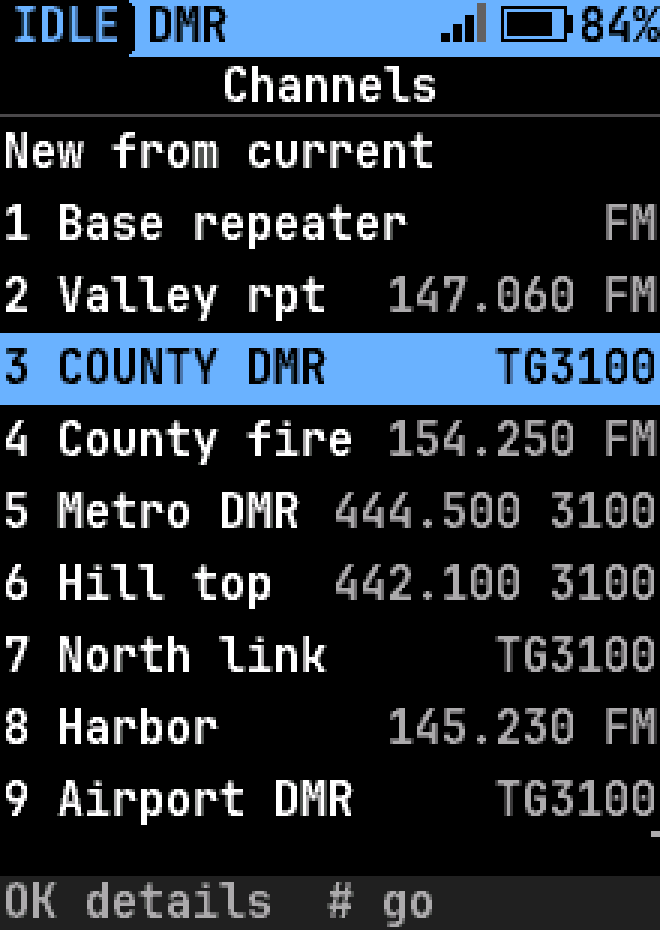
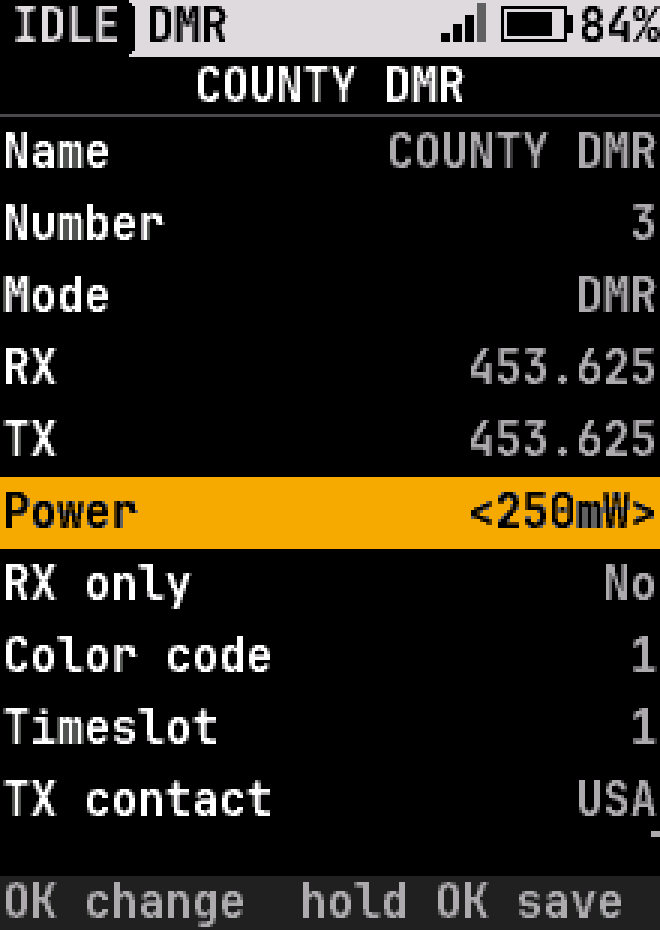
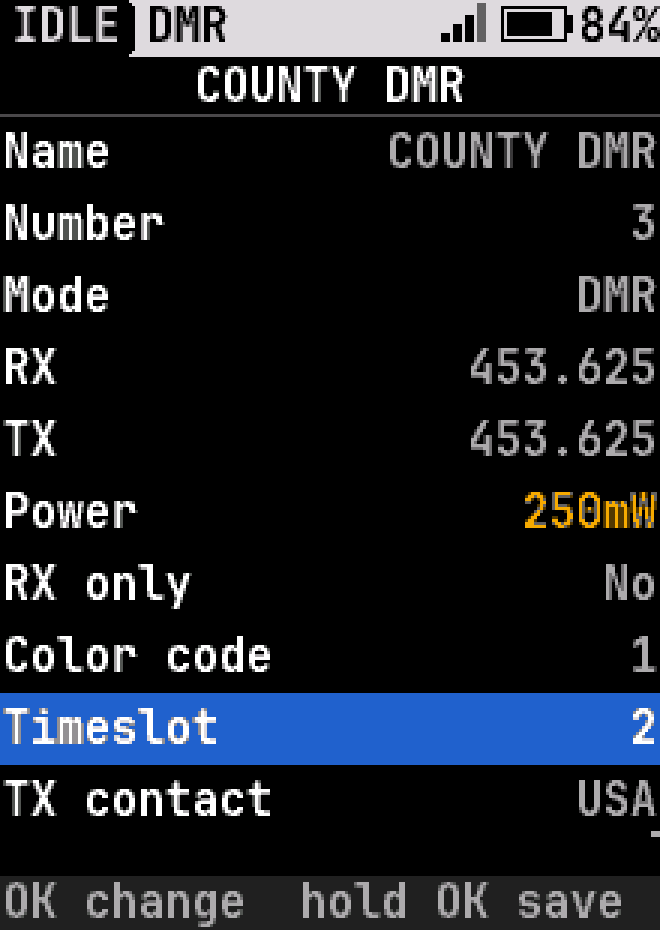
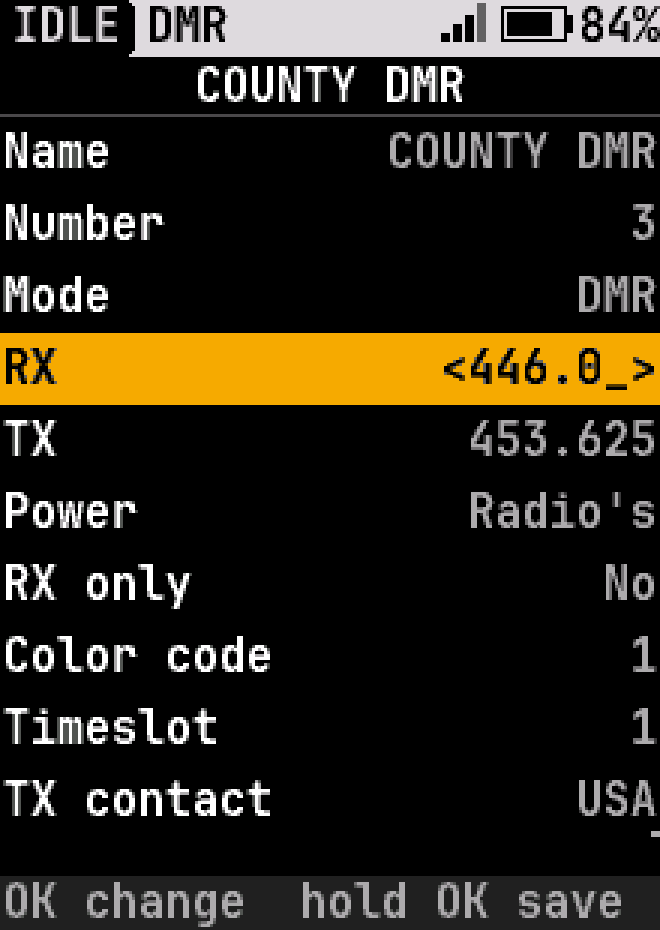
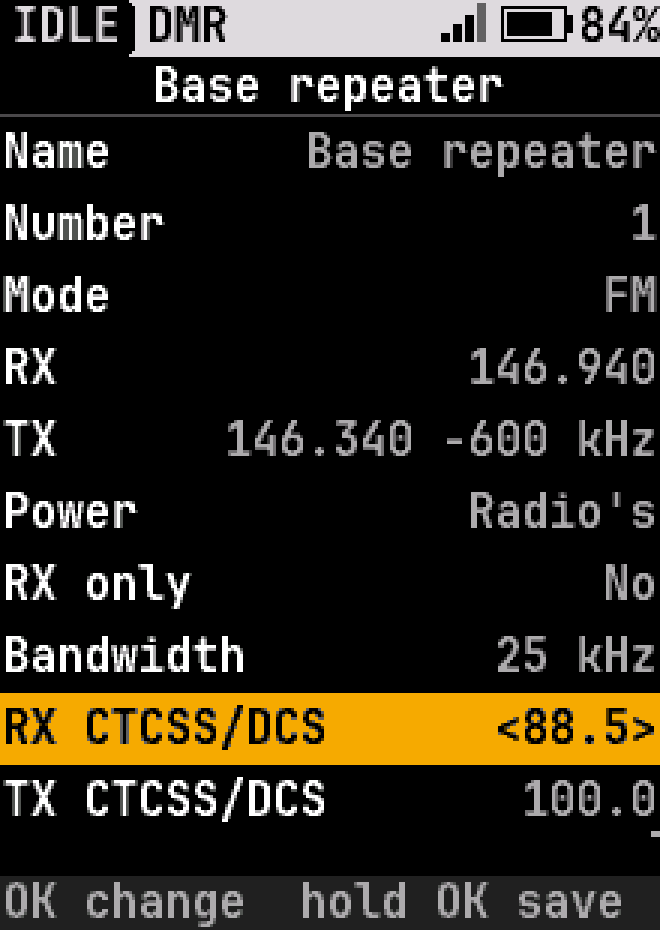
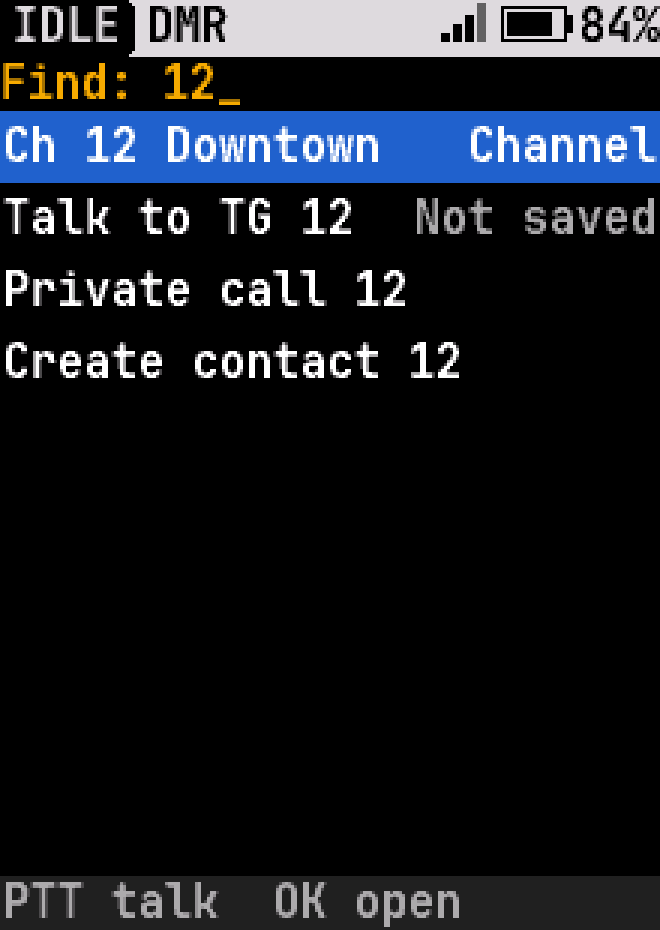
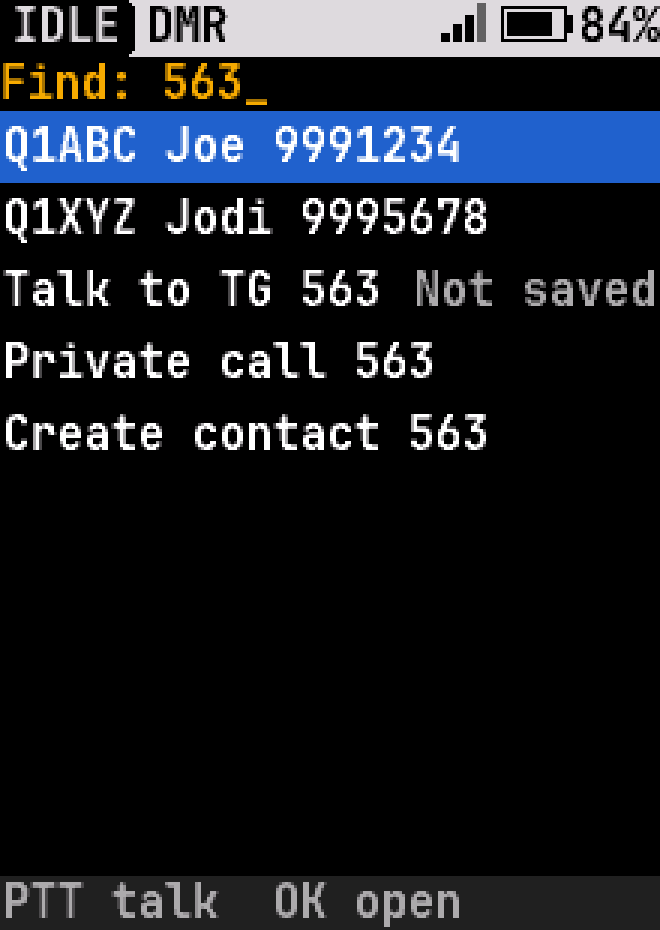
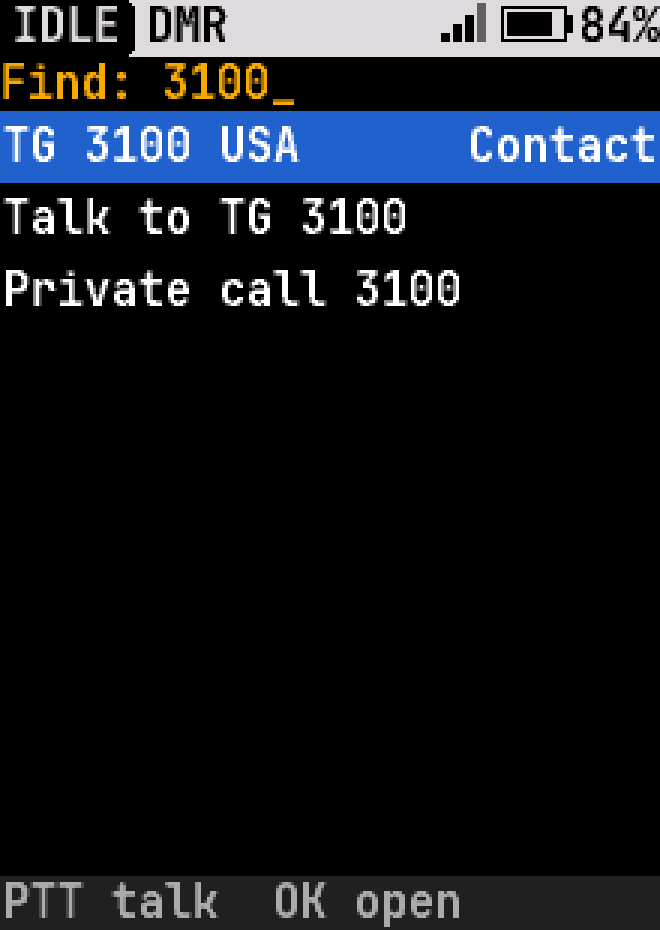
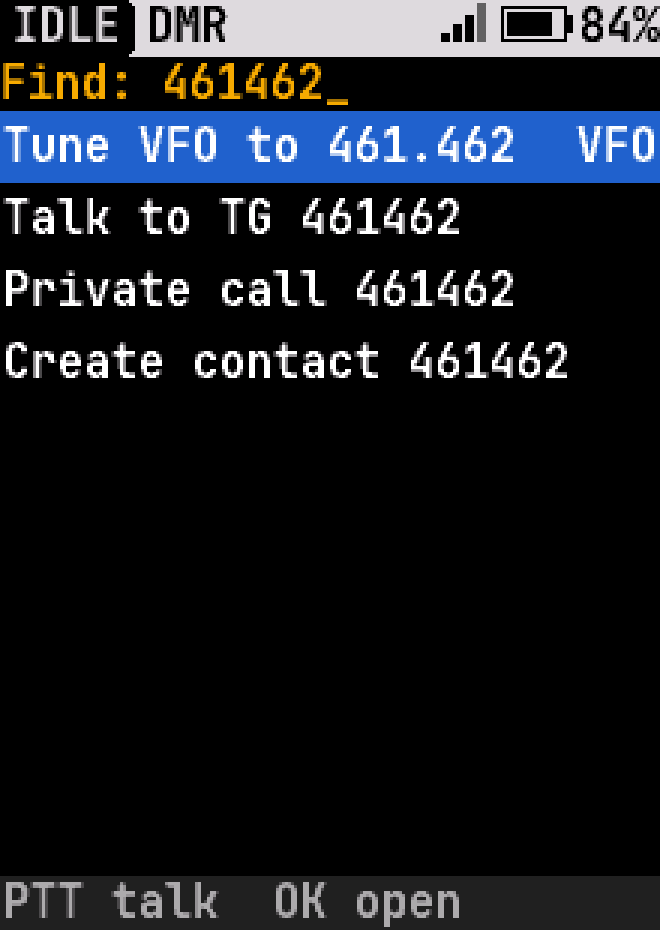
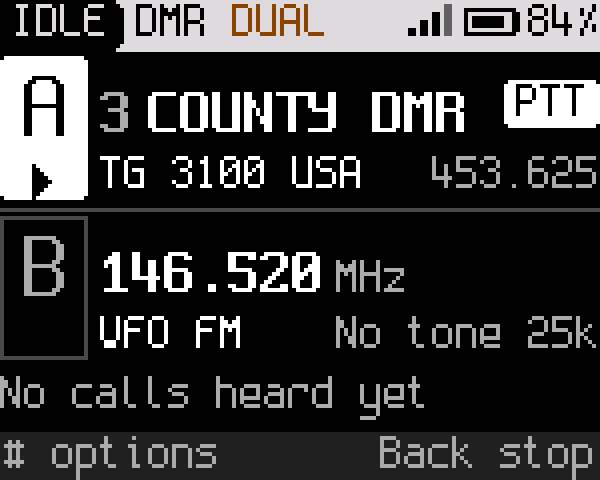
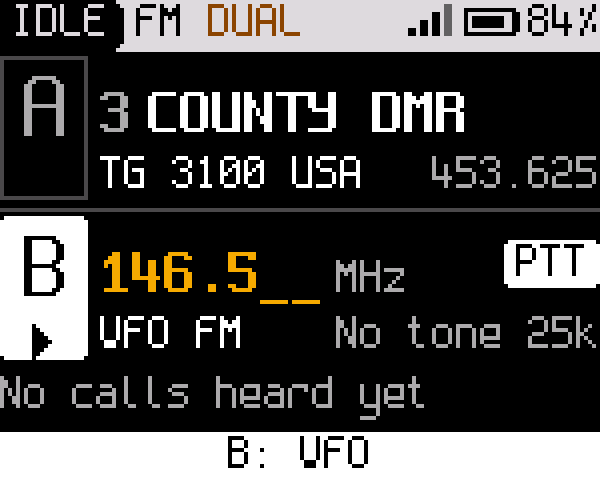
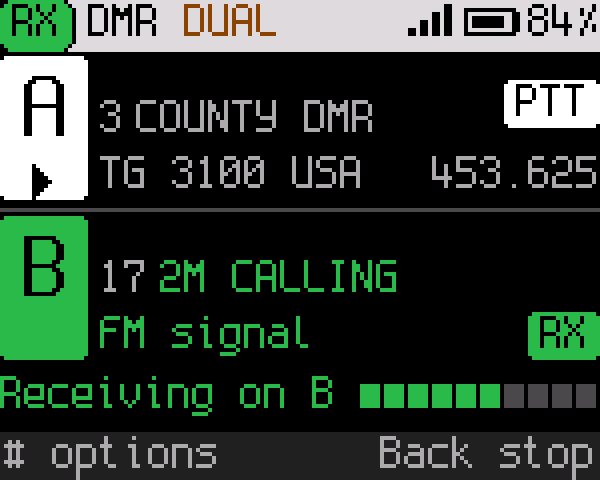
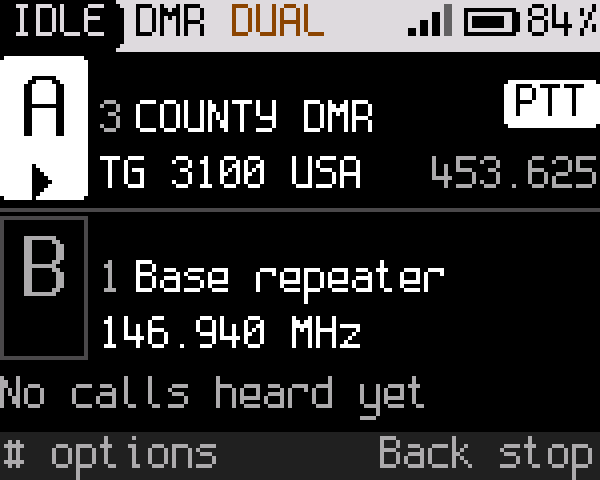
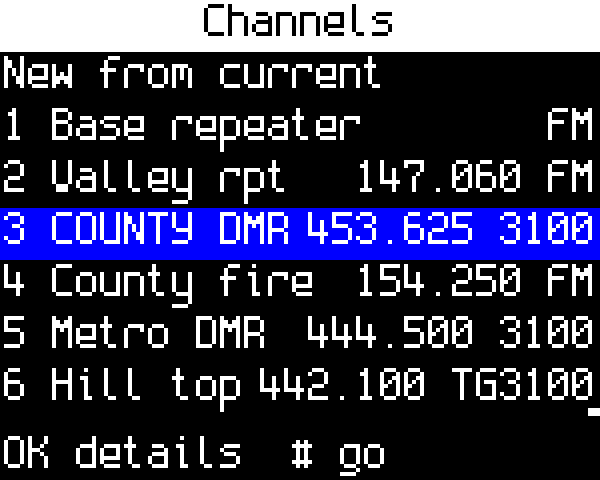
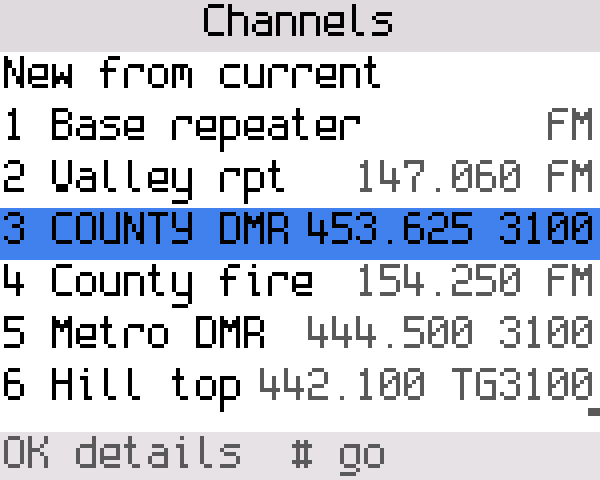
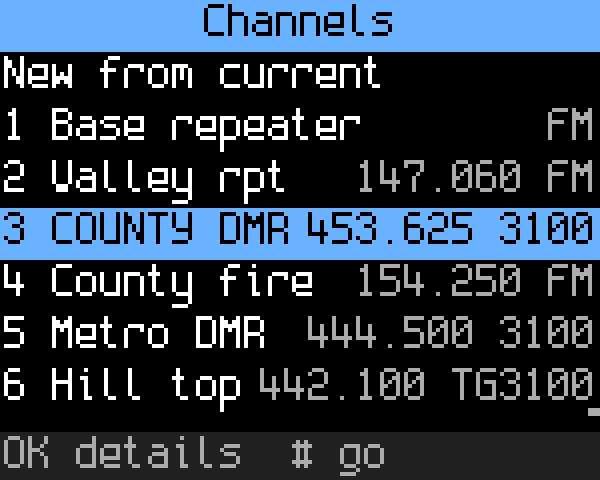
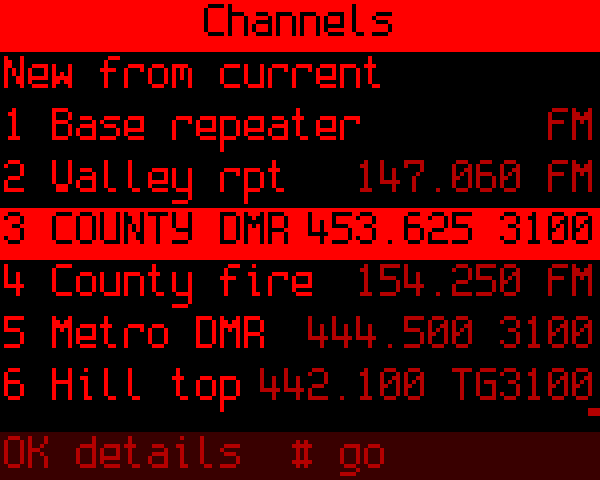
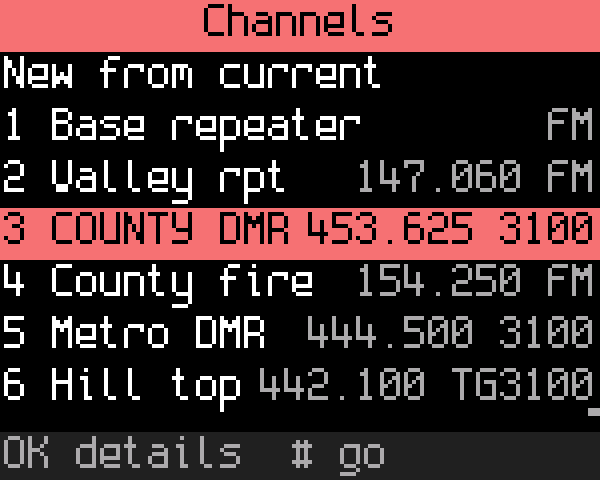
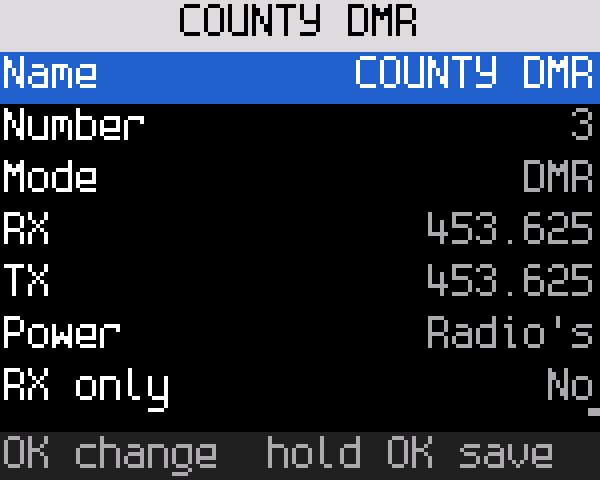
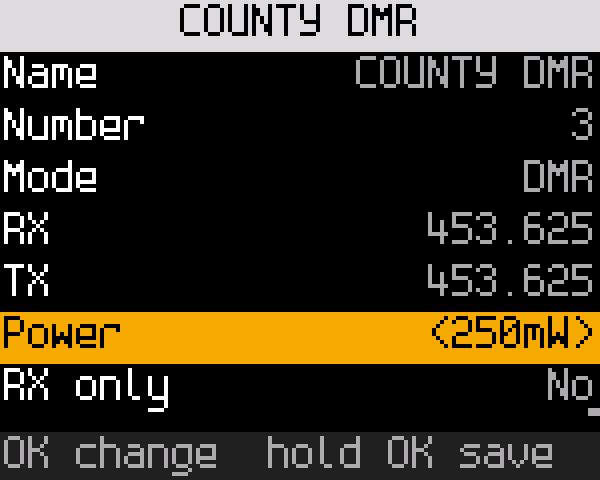
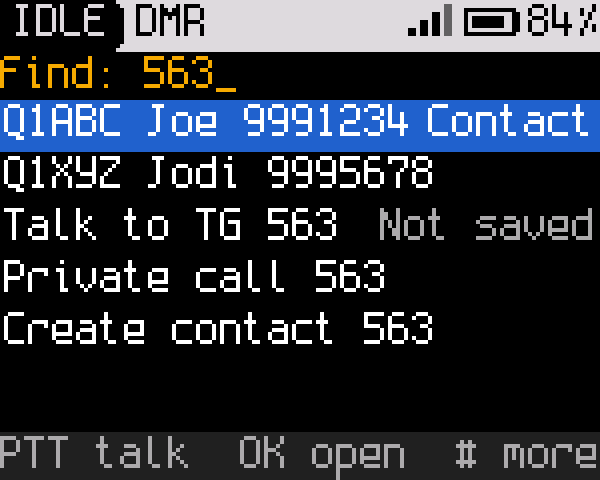
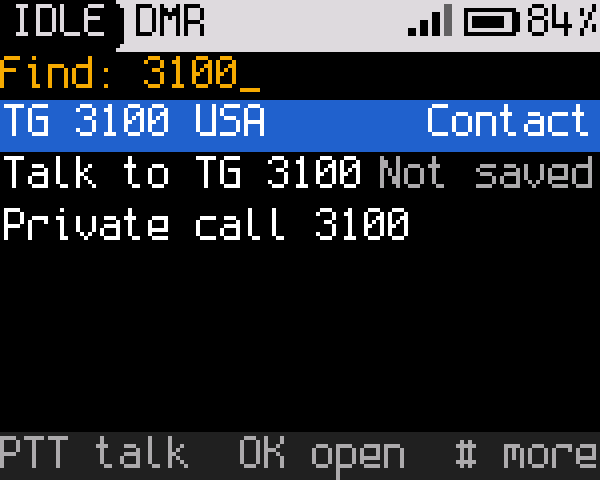
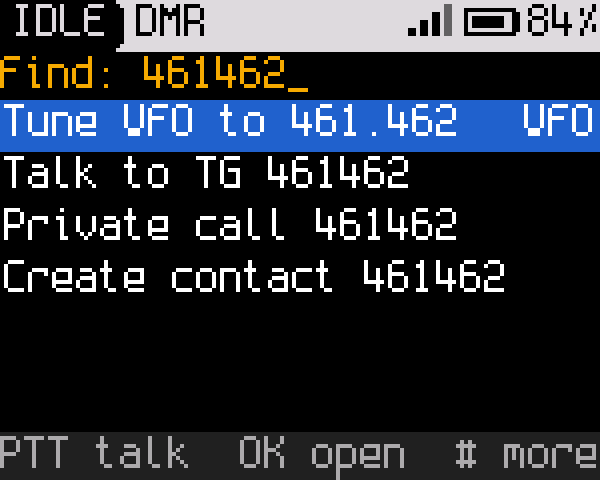
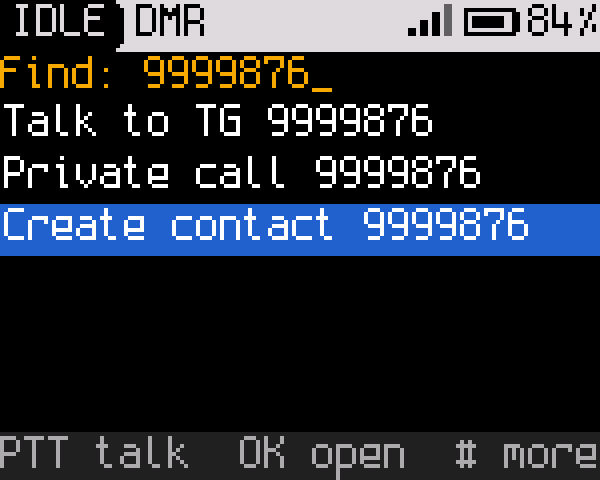
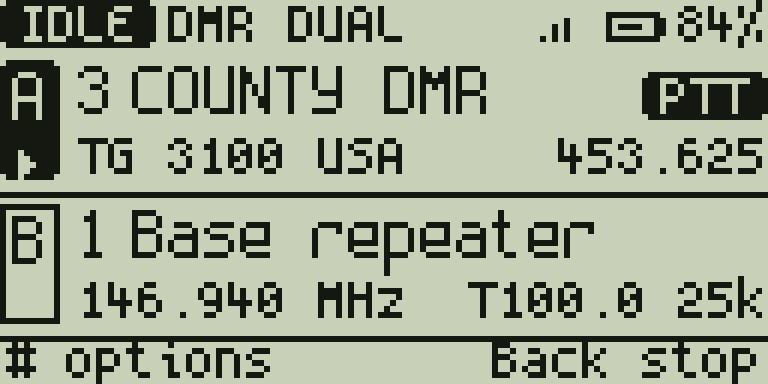
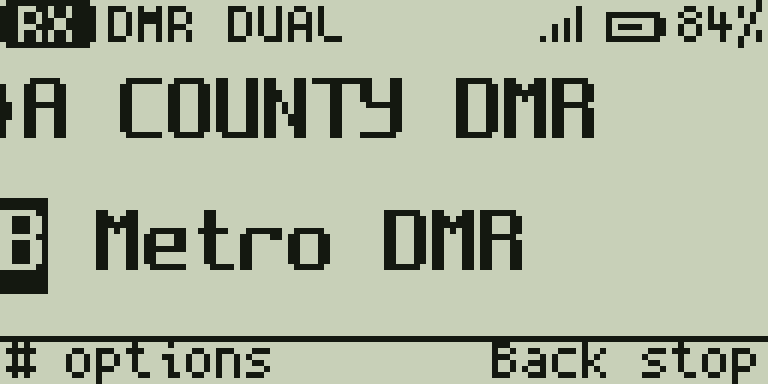
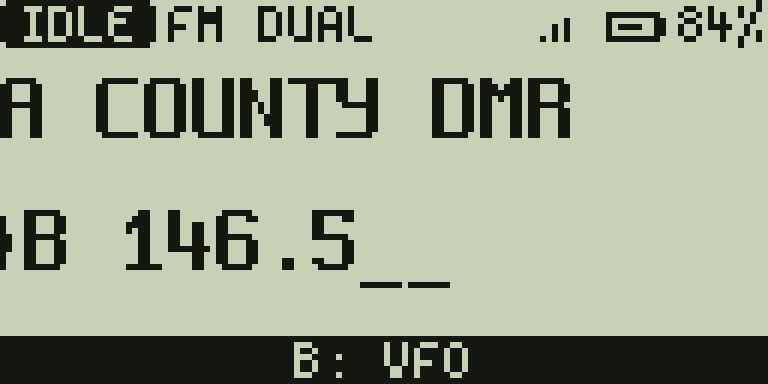
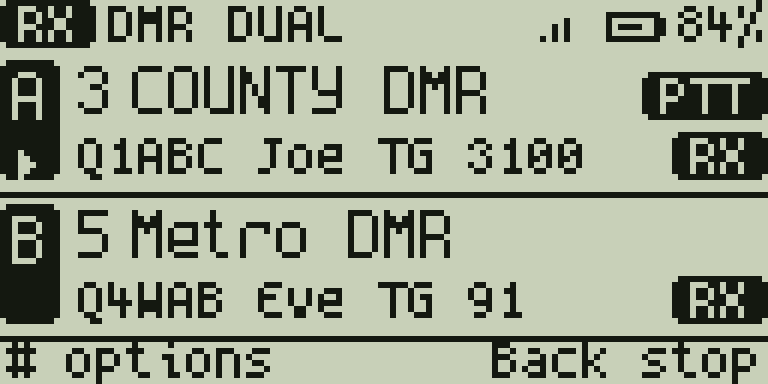
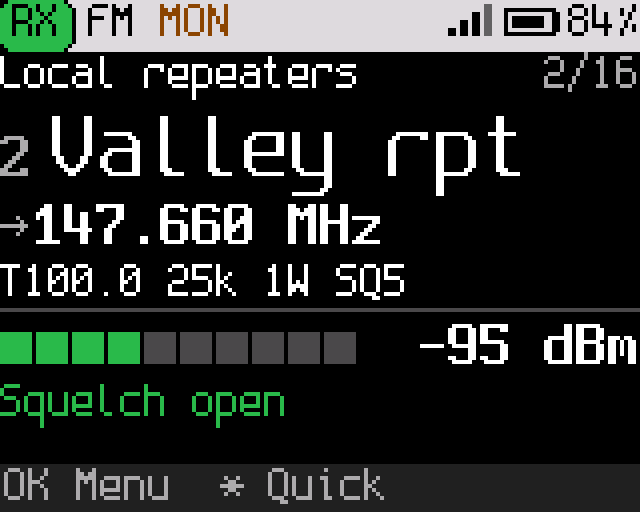
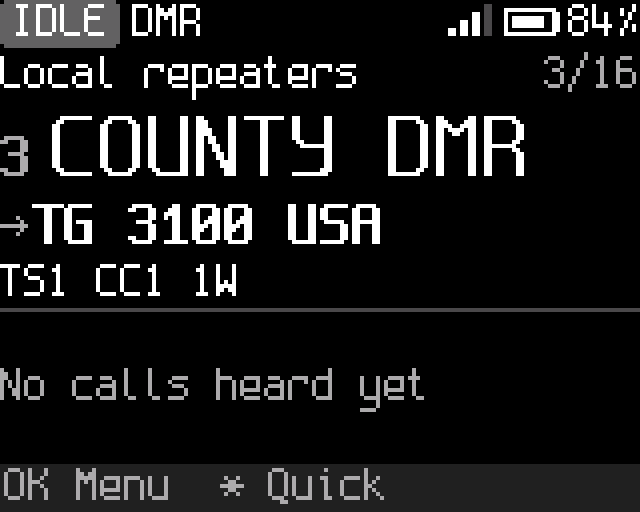
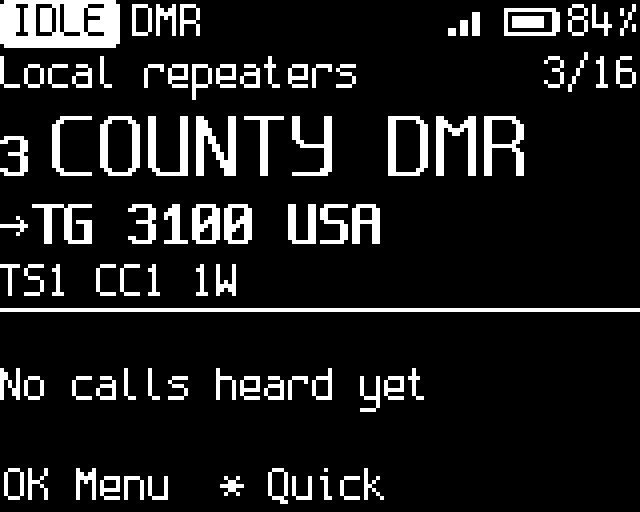
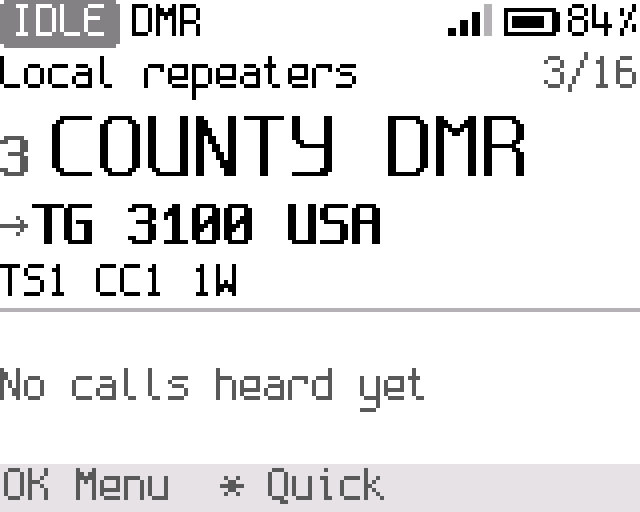
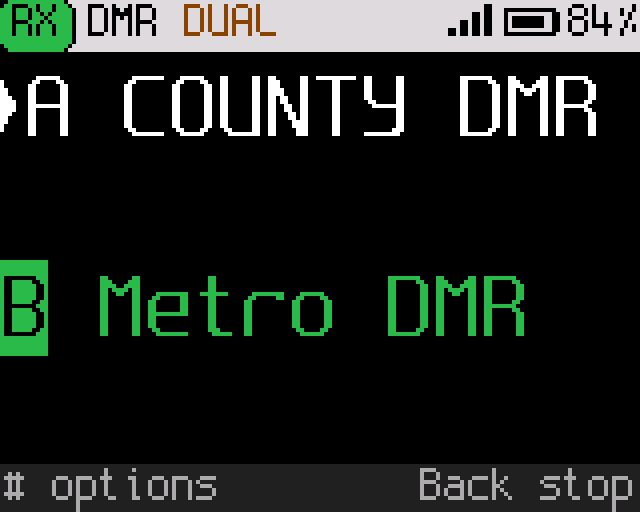
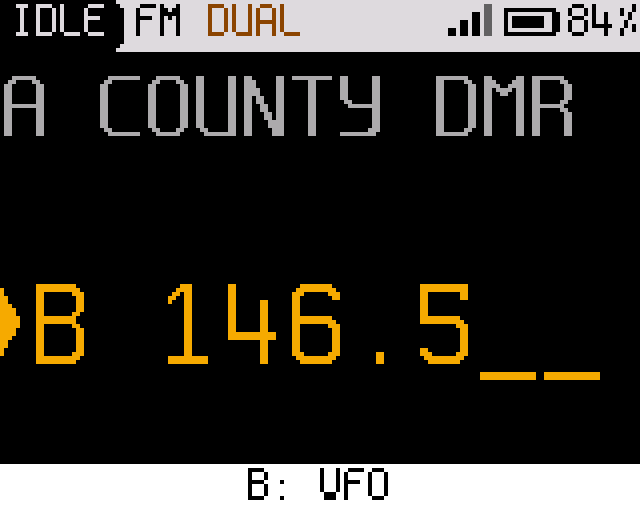
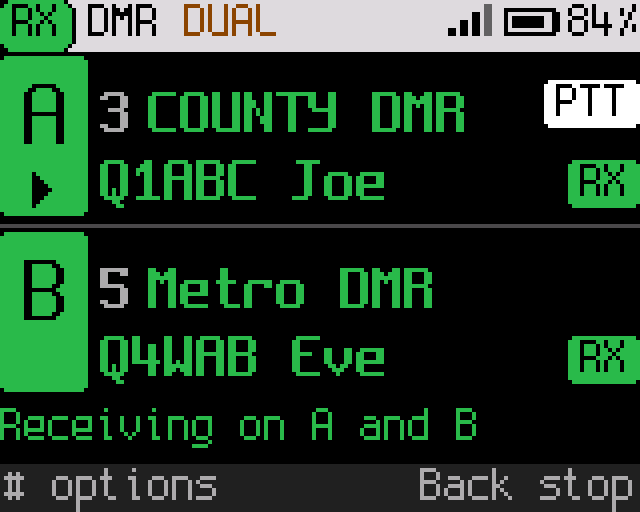
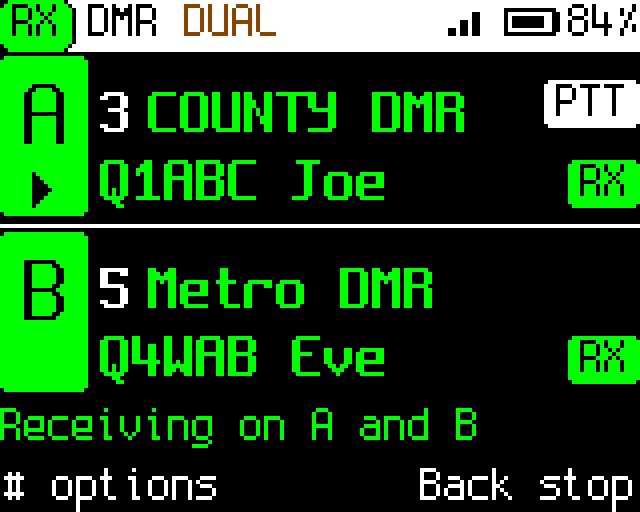
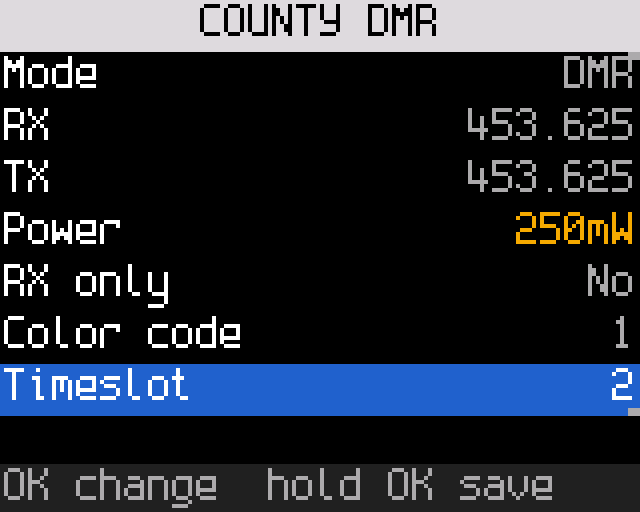
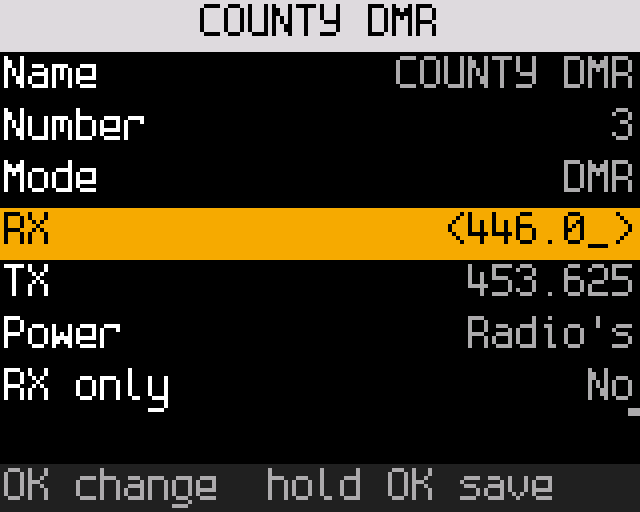
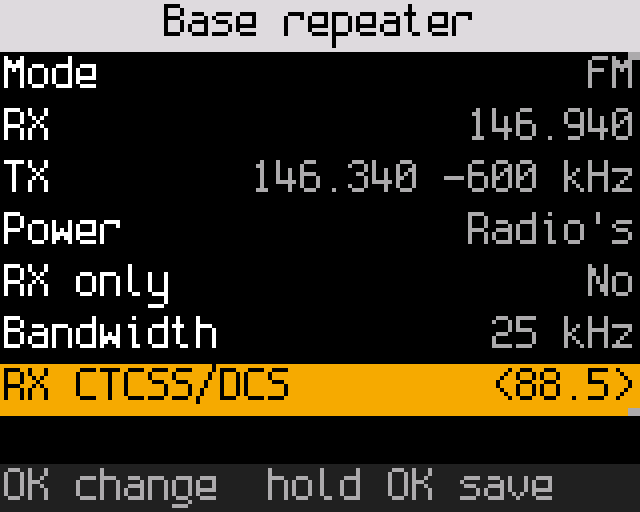
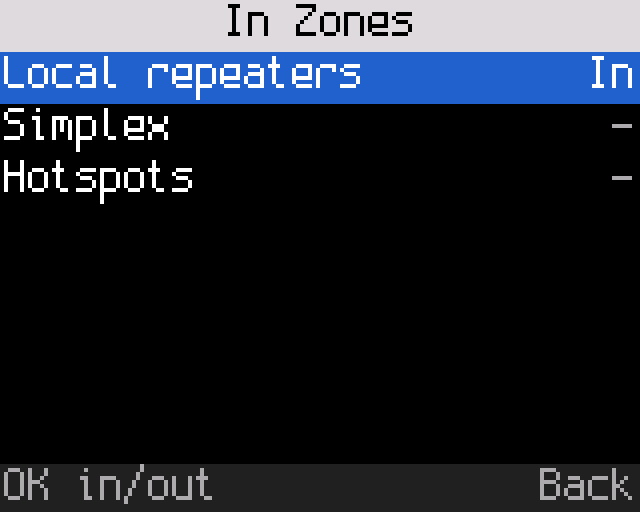
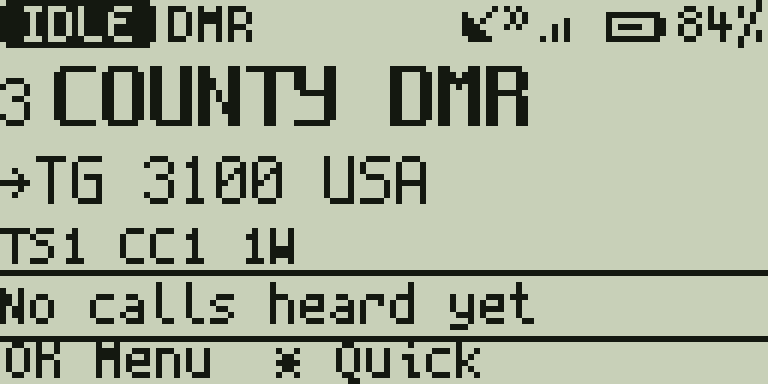
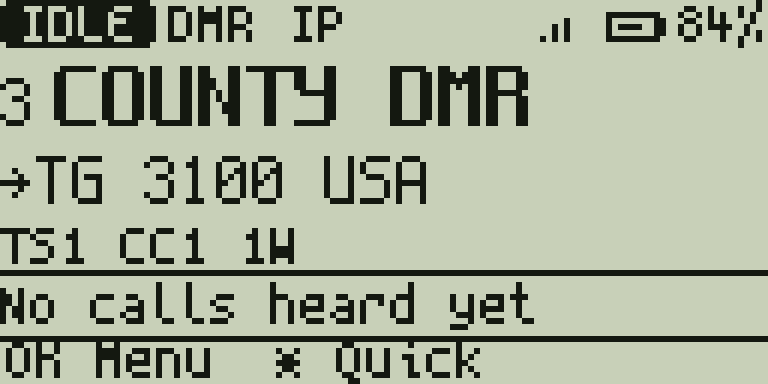
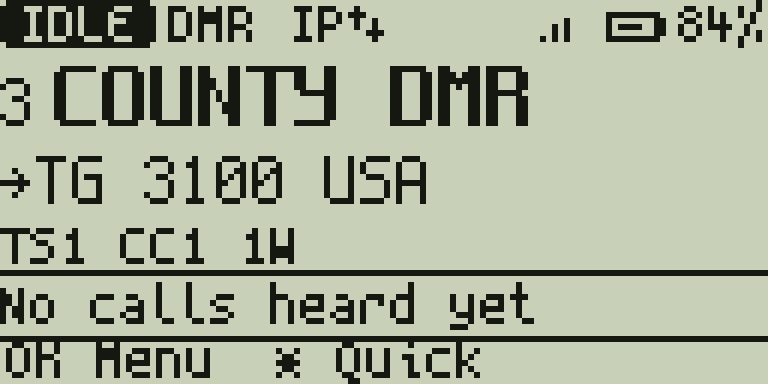
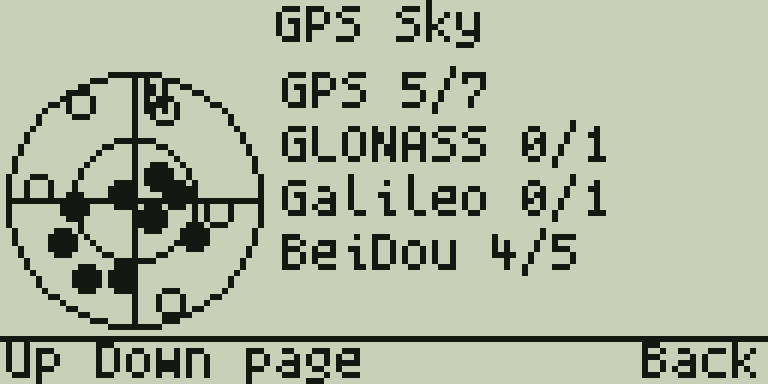
Screenshots

Every screen of each radio's build, from the UI gallery. Pick a radio.

Baofeng DM-32UV

152 screens · color, 240 × 320 · About the Baofeng DM-32UV

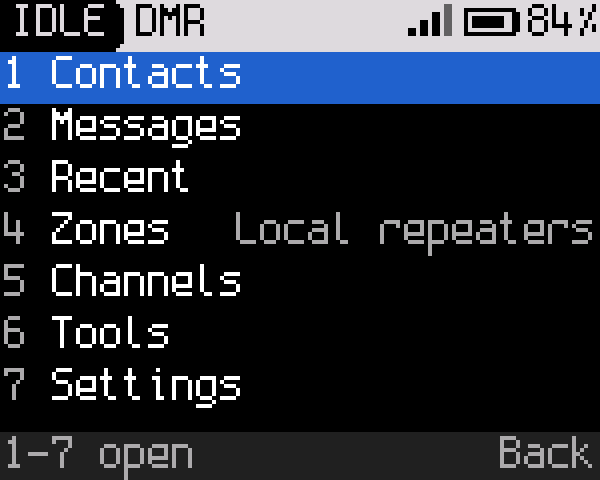
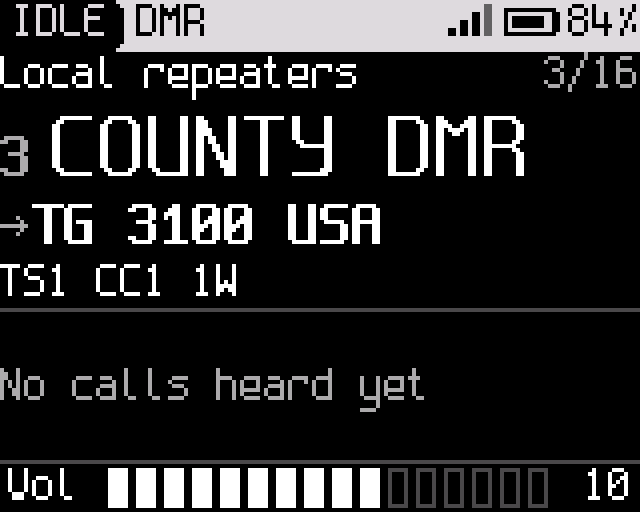
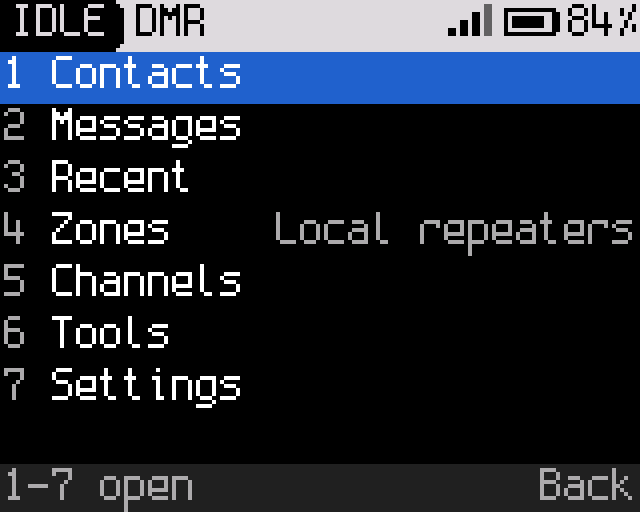
Home and quick settings
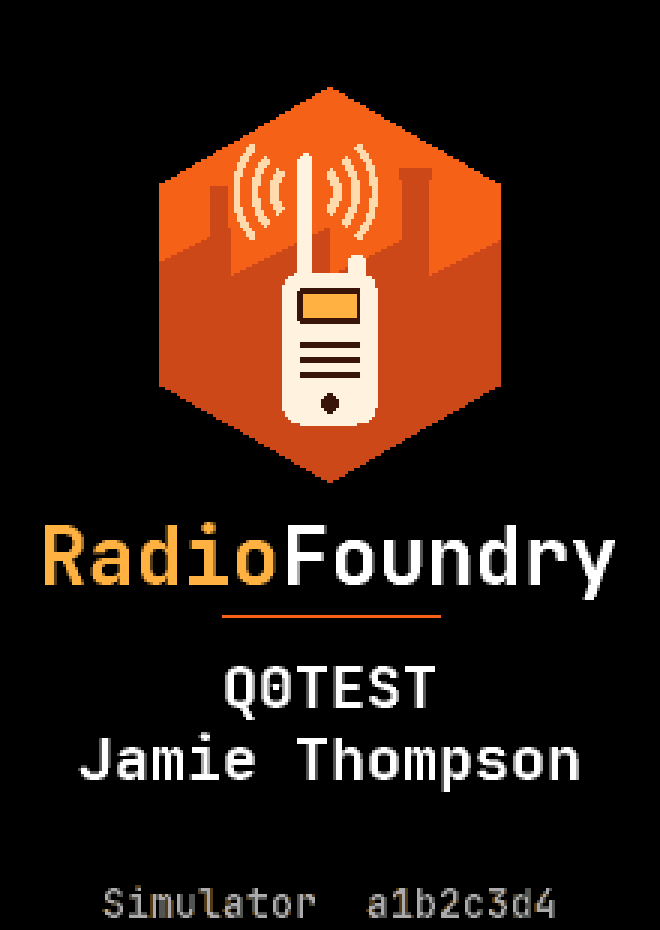
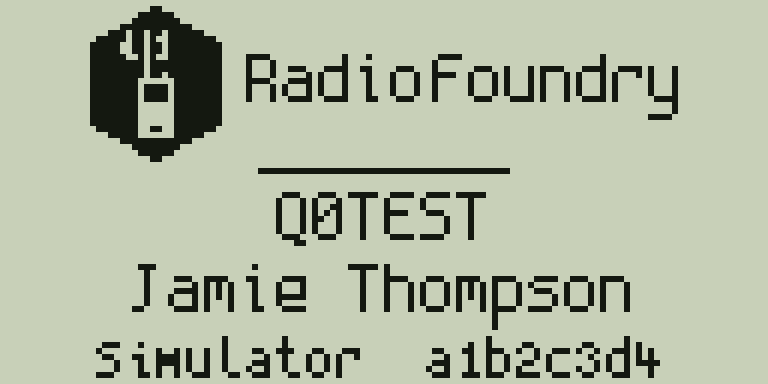
Boot screen
Boot screen
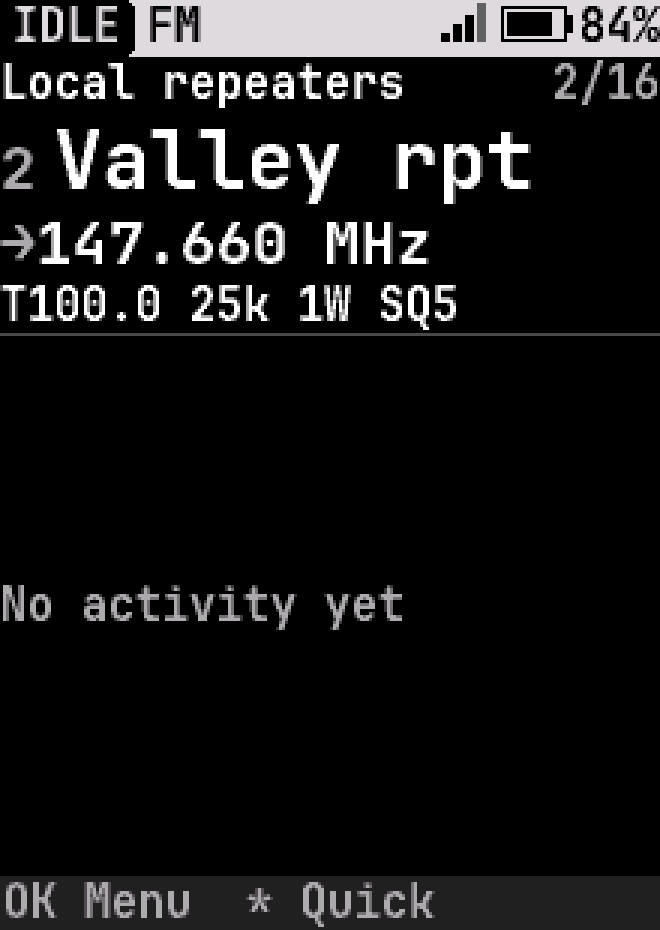
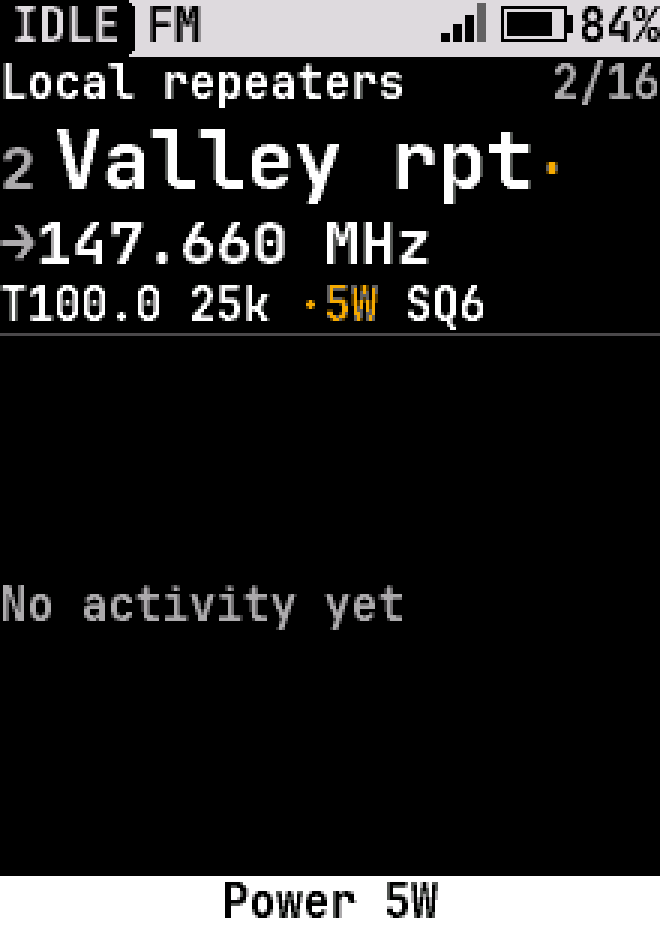
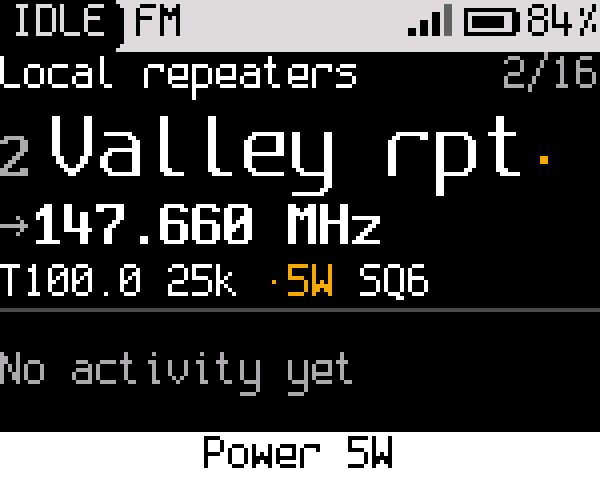
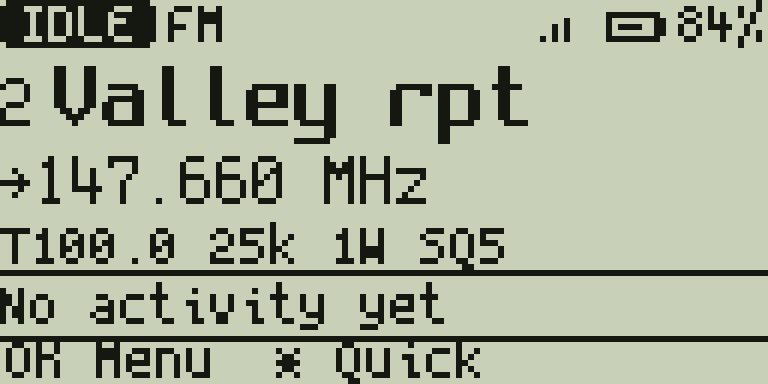
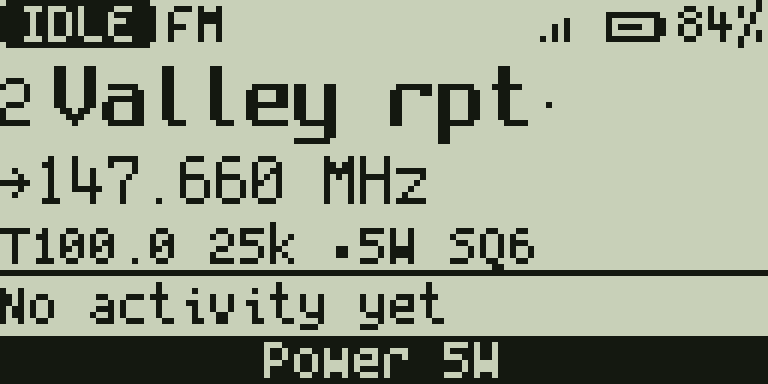
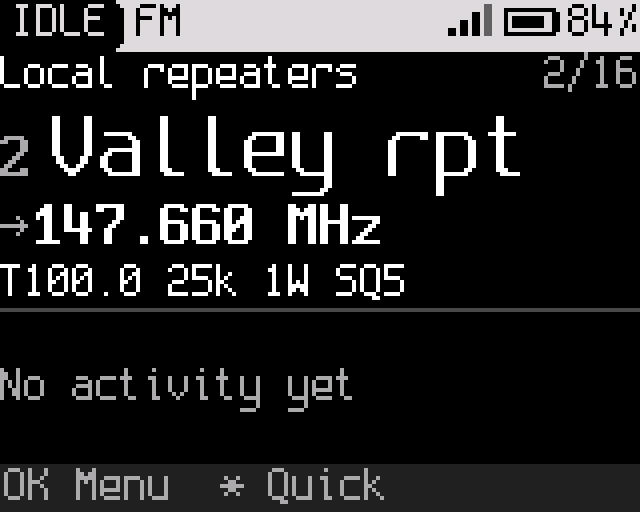
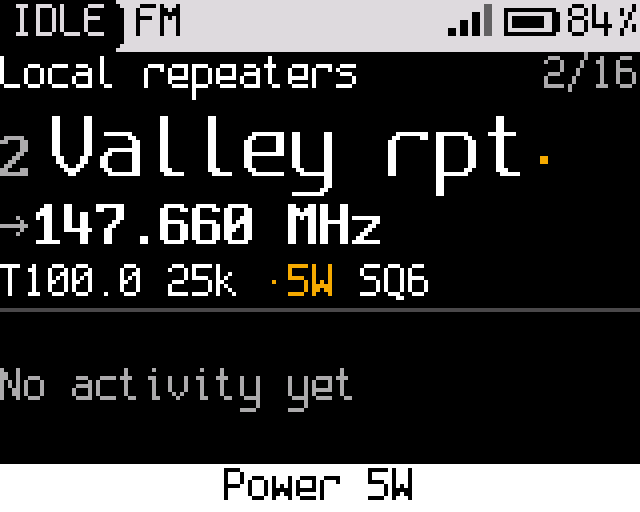
Home, FM channel
Home, FM channel
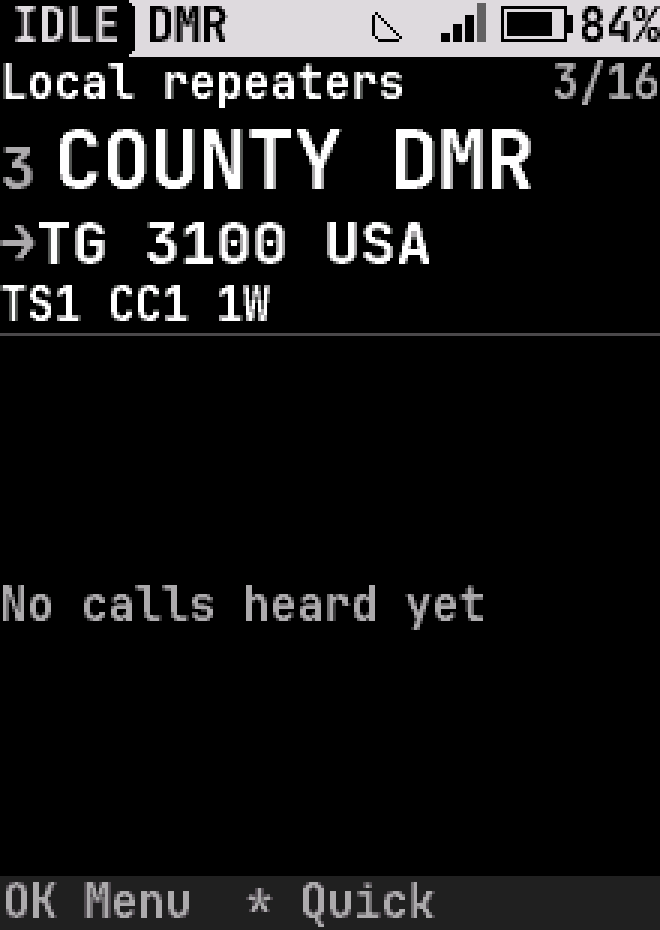
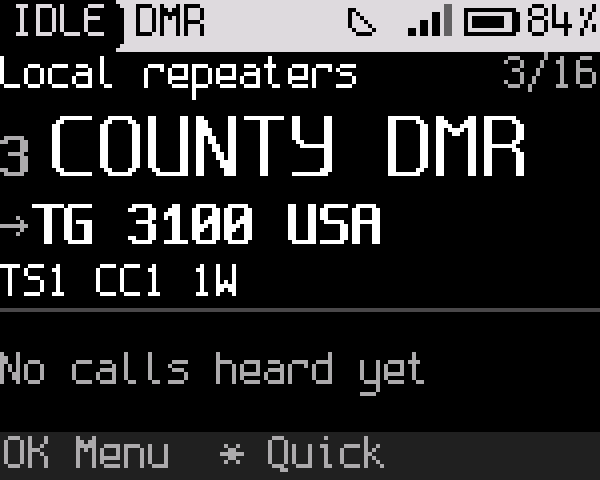
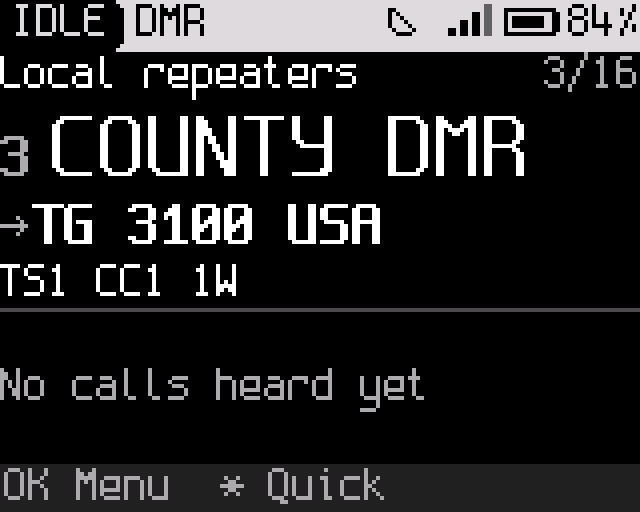
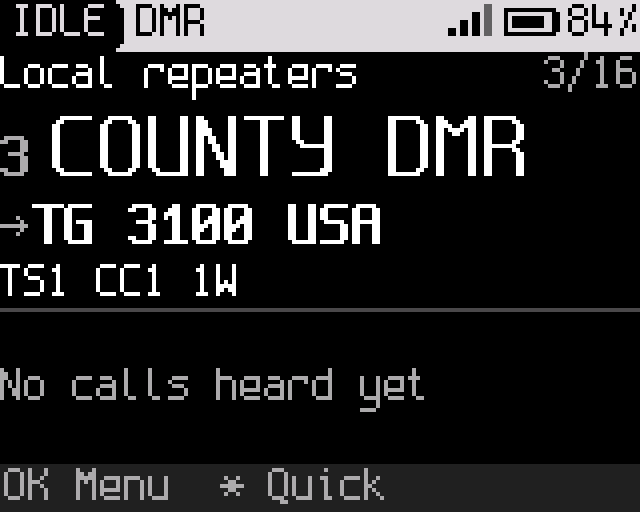
Home, GPS off: a hollow dish by the signal bars
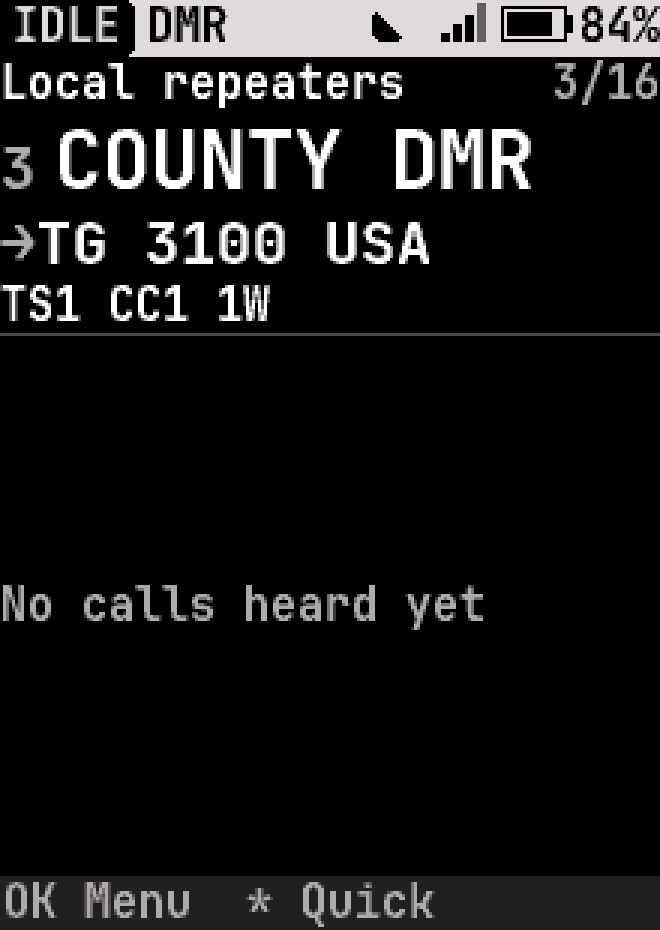
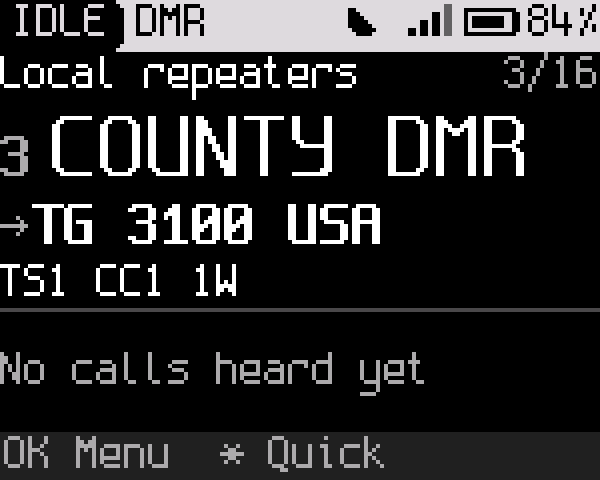
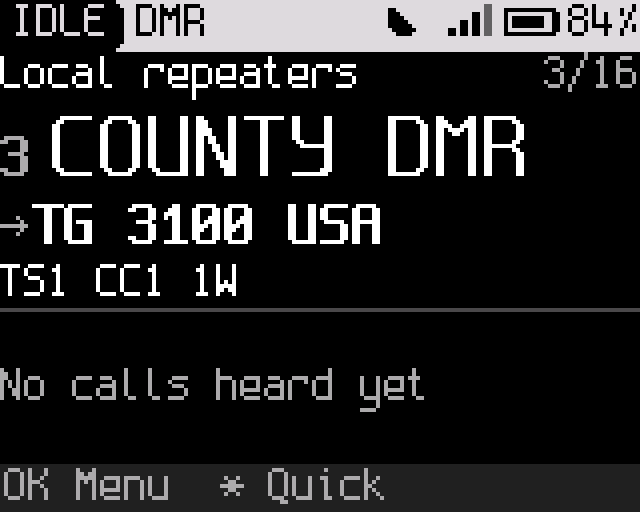
Home, GPS on, searching: a solid dish
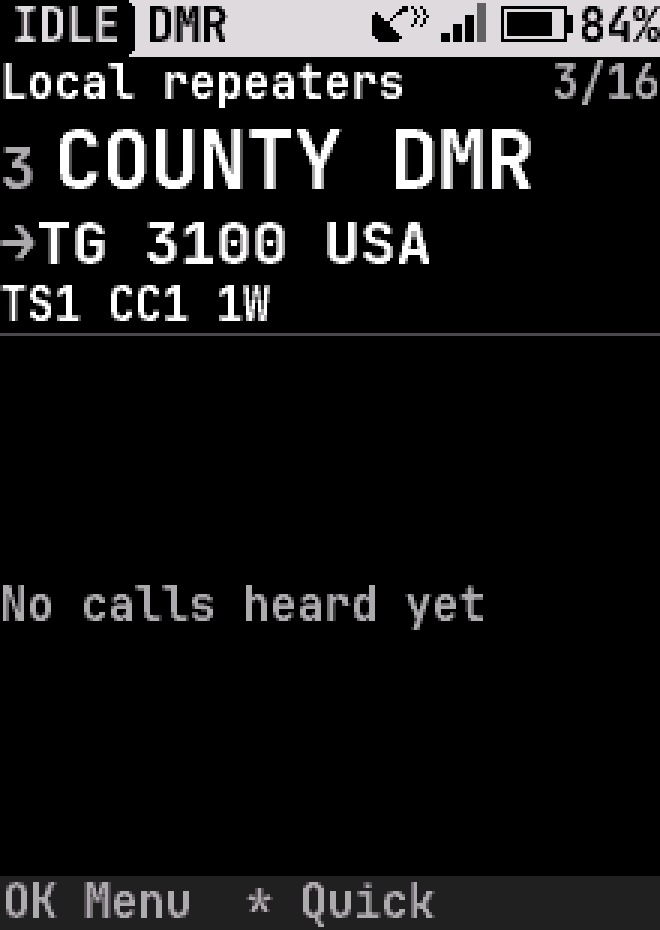
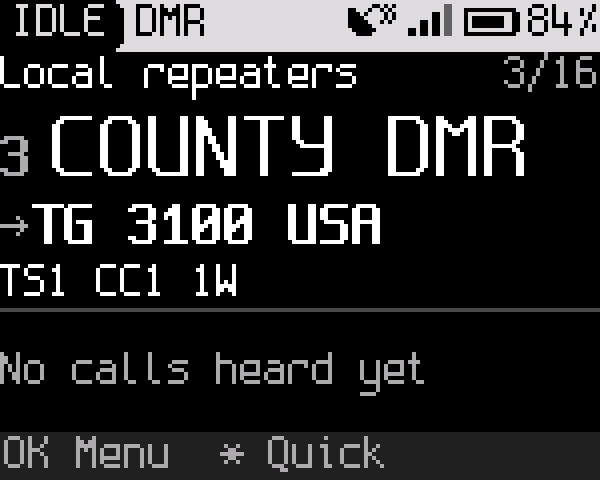
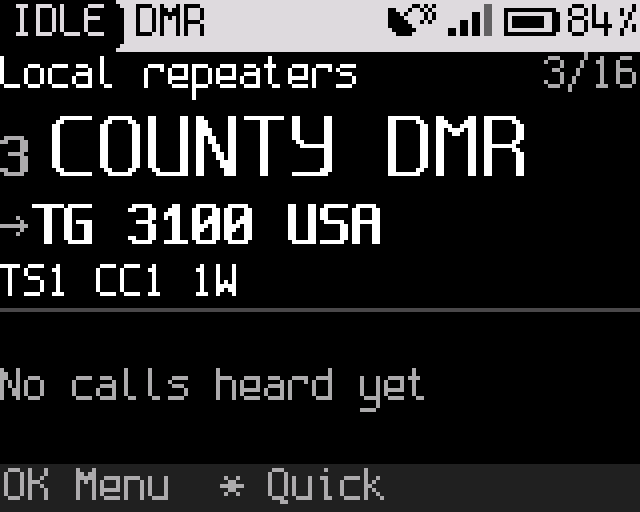
Home, GPS with a fix: the dish with waves
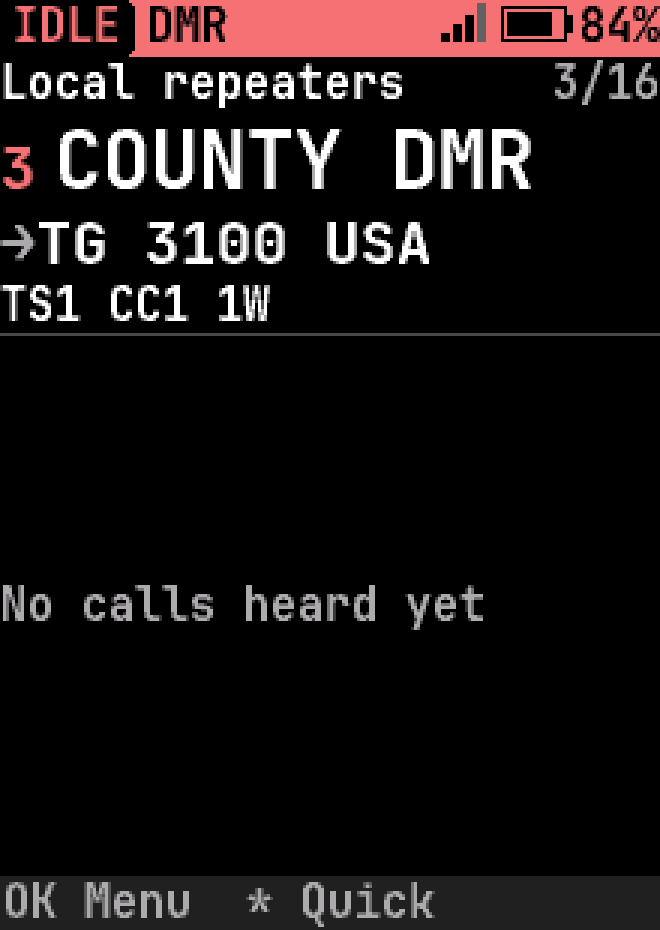
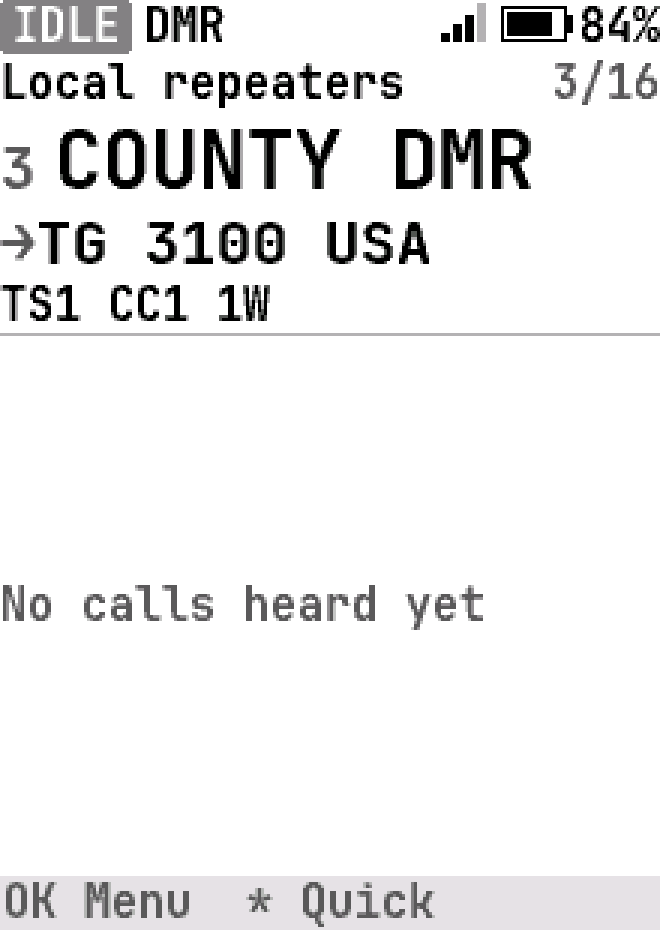
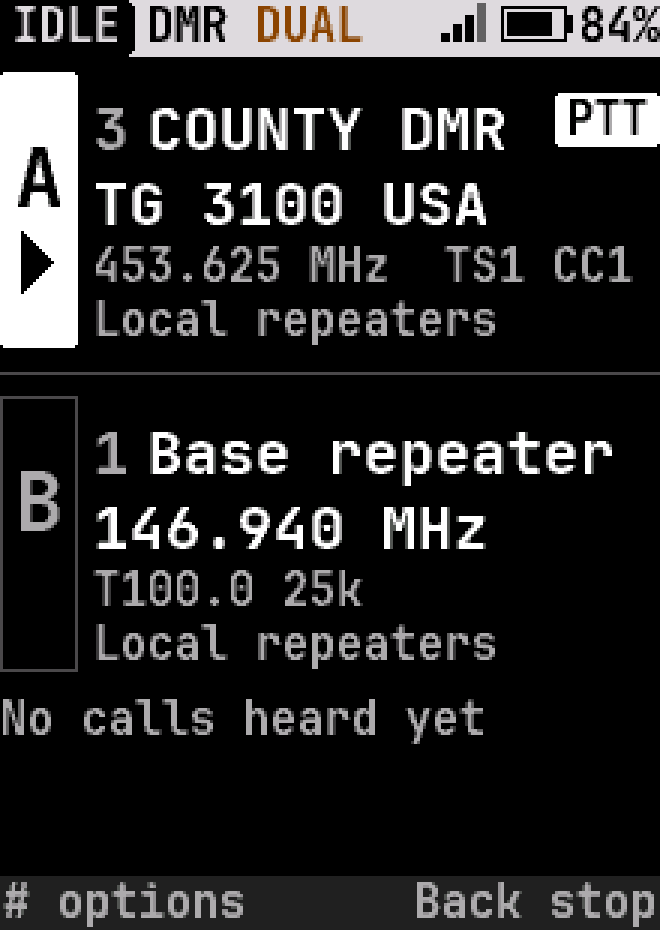
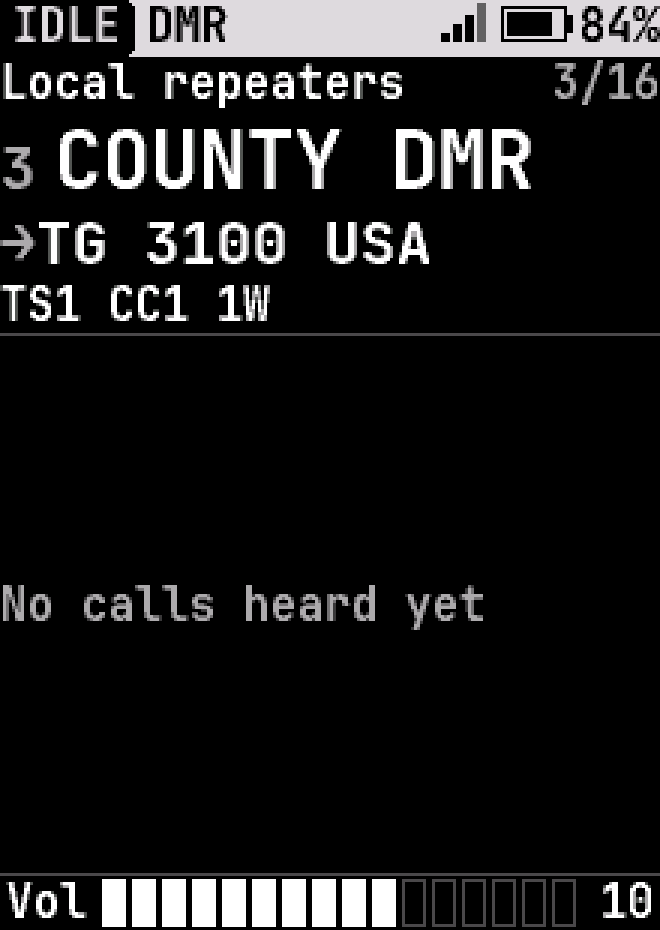
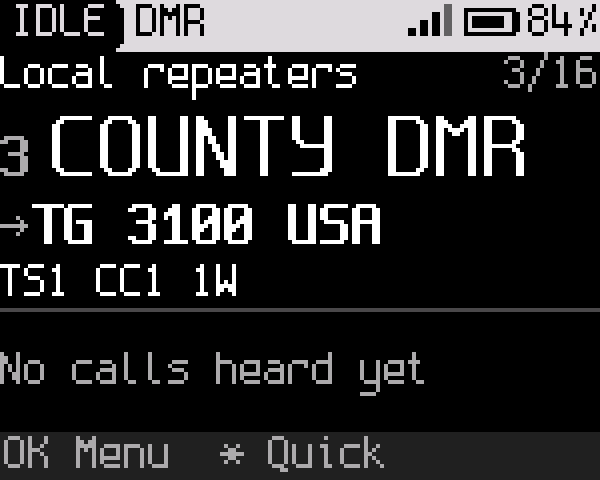
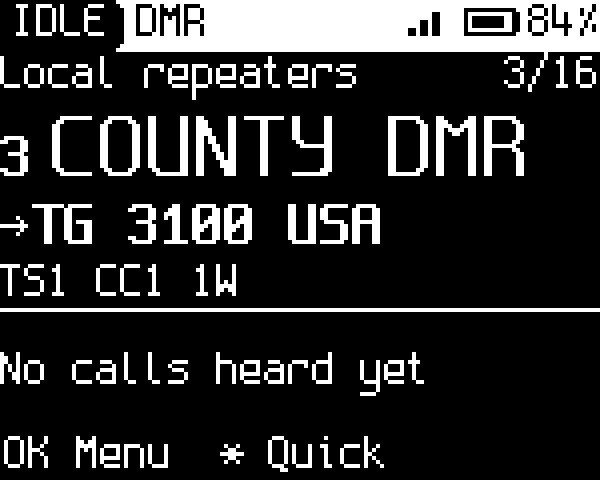
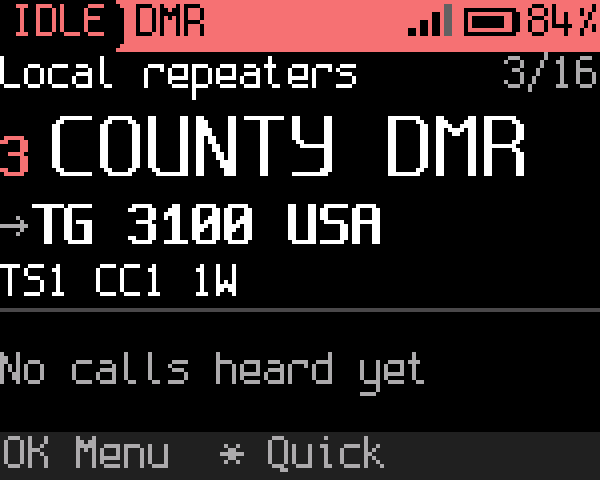
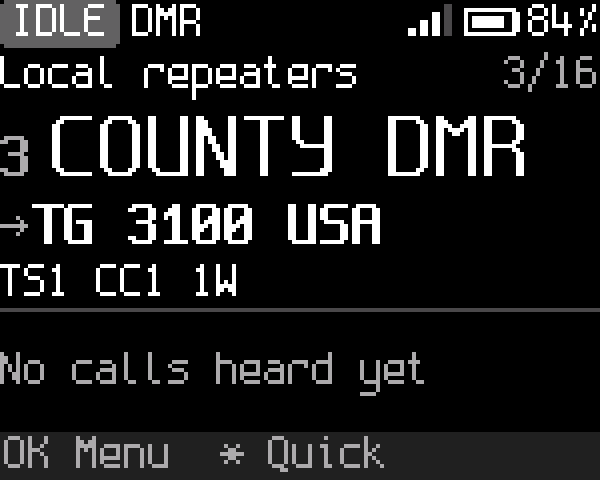
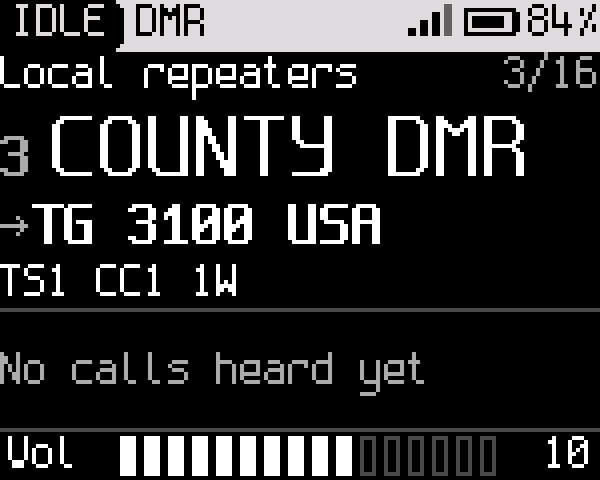
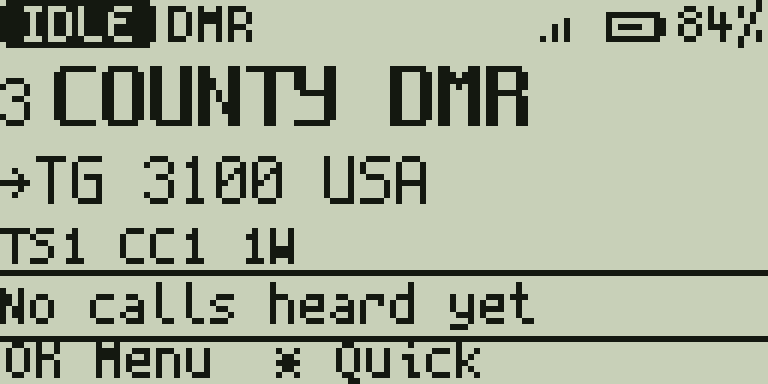
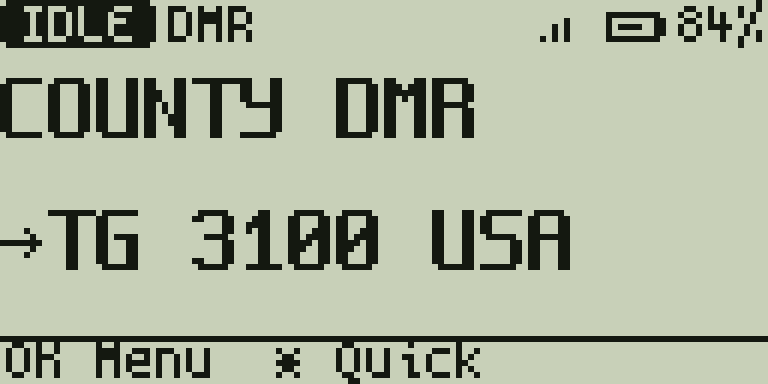
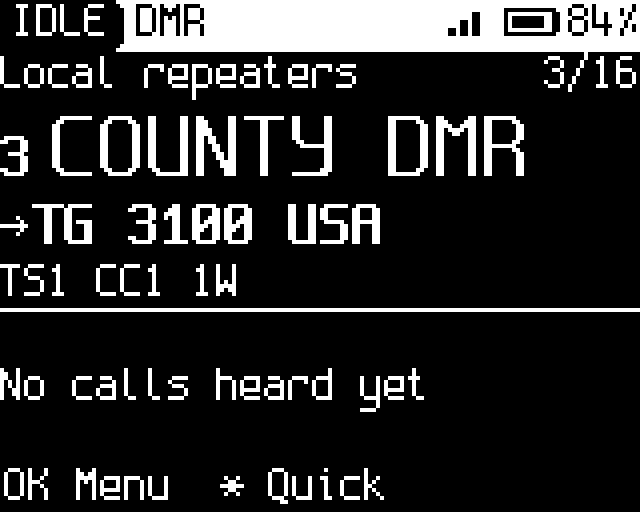
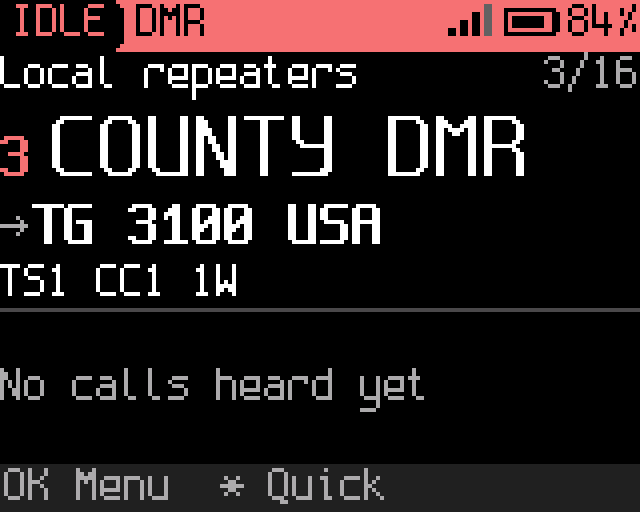
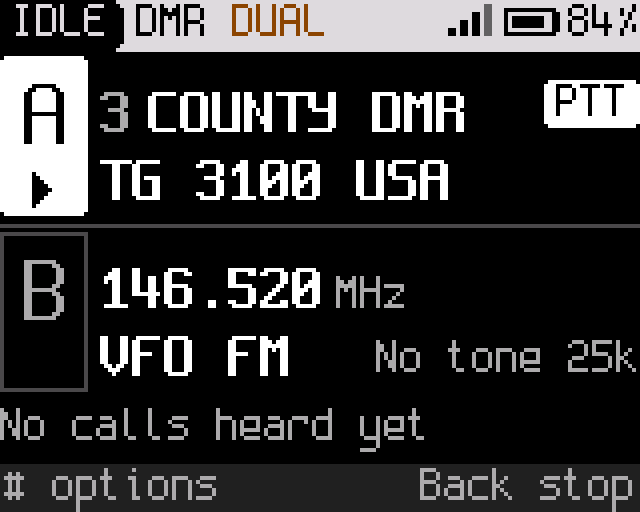
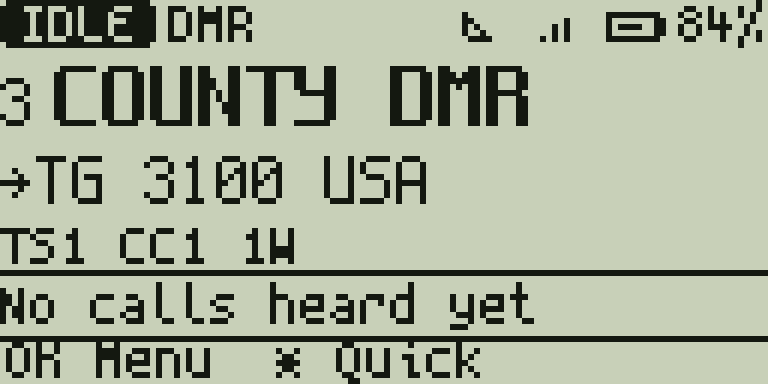
Home, DMR channel
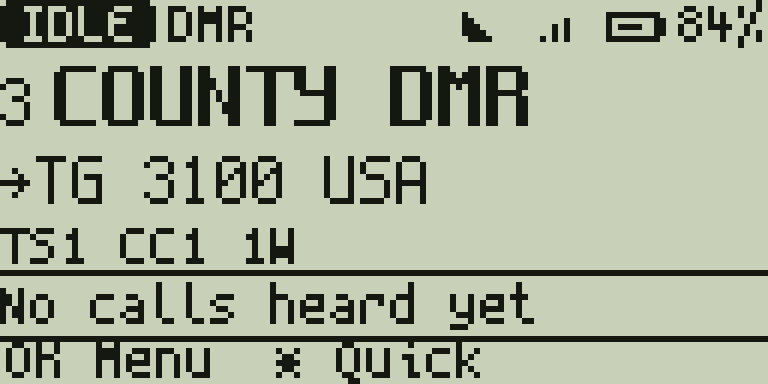
Home, DMR channel
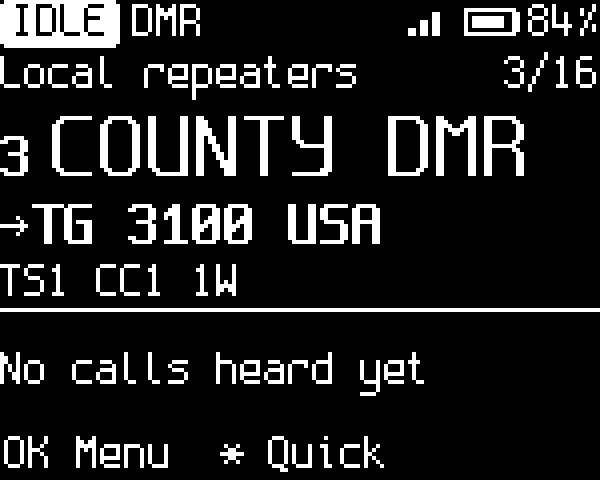
Home, DMR channel, high-contrast theme
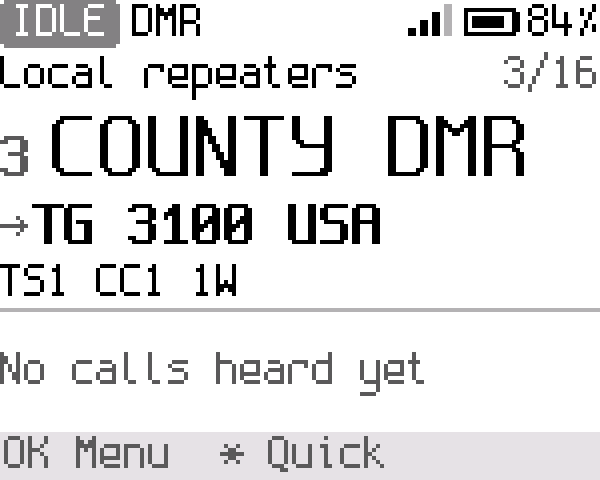
Home, DMR channel, light theme
Home, DMR channel, light blue highlight
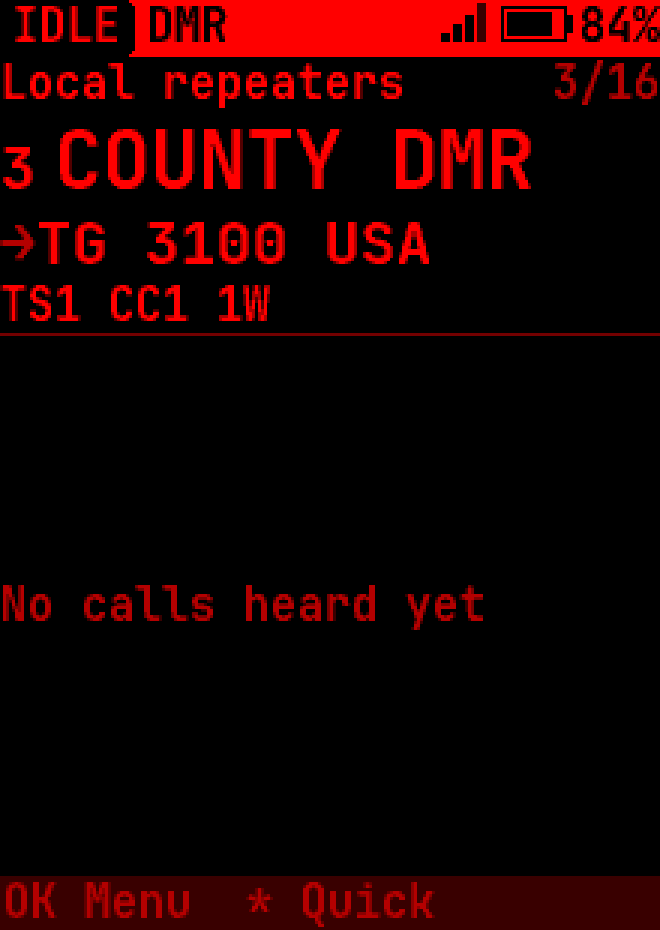
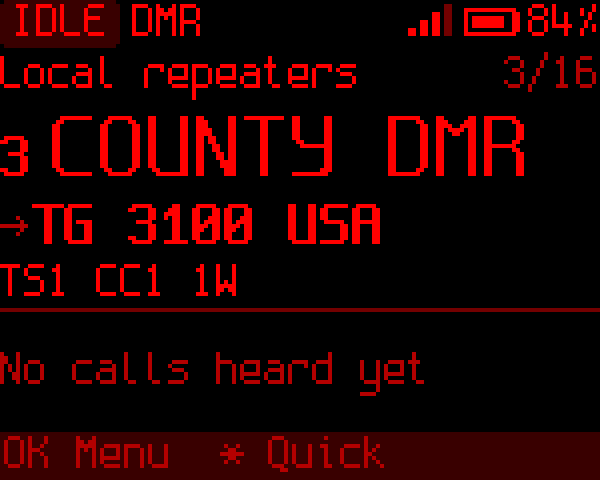
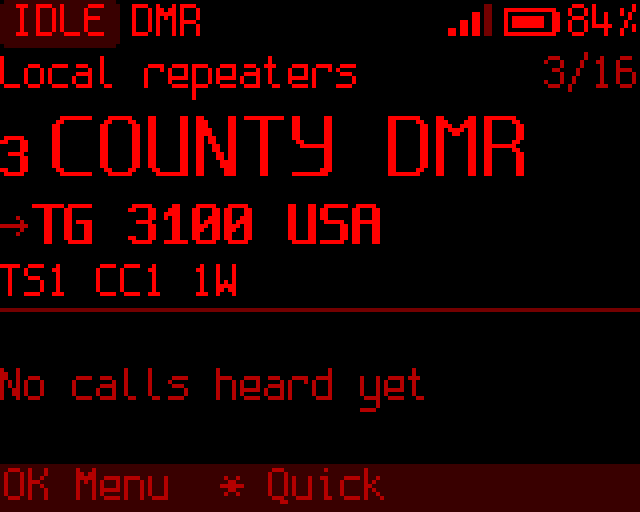
Home, DMR channel, night (red) theme
Home, DMR channel, red highlight
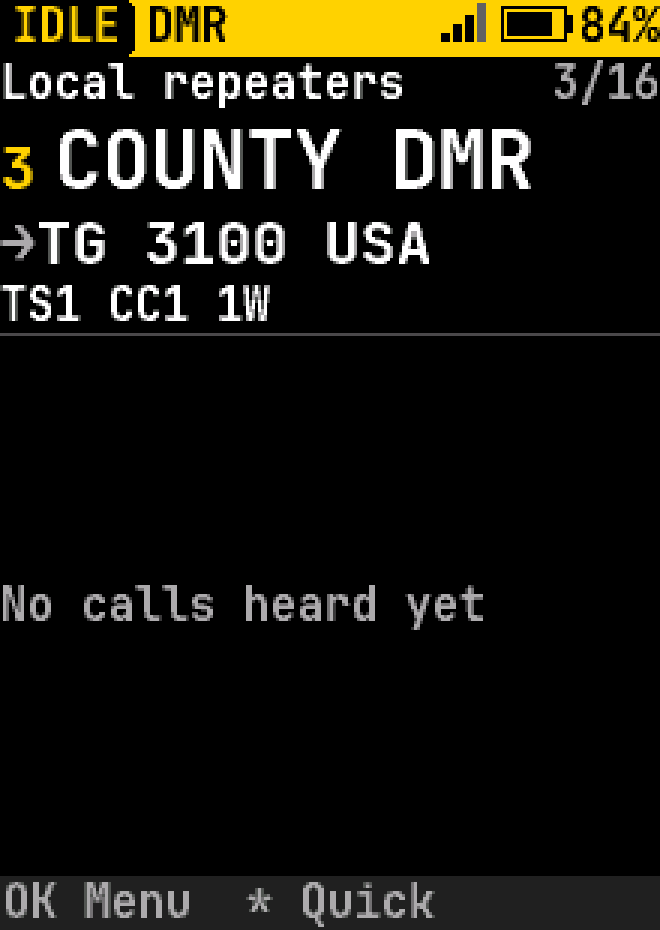
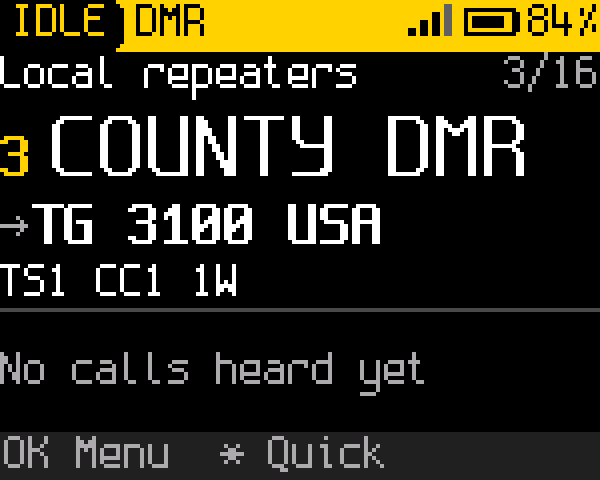
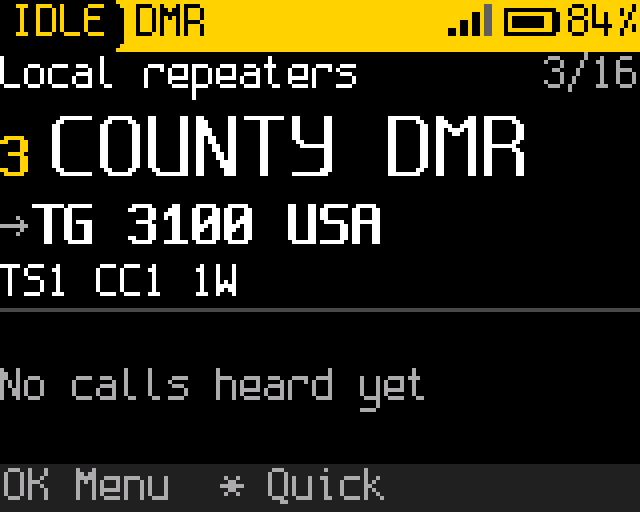
Home, DMR channel, yellow highlight
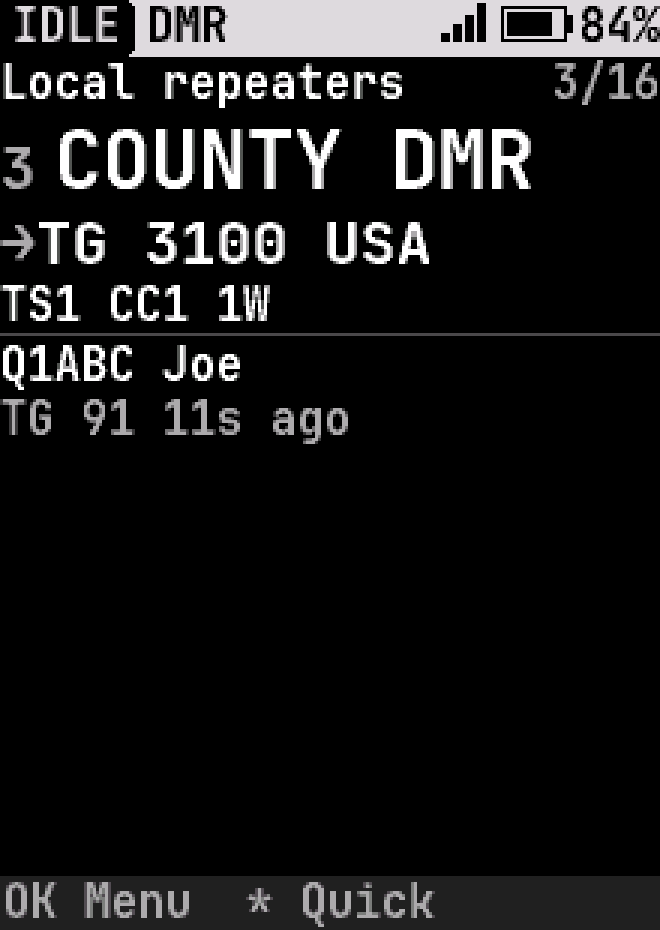
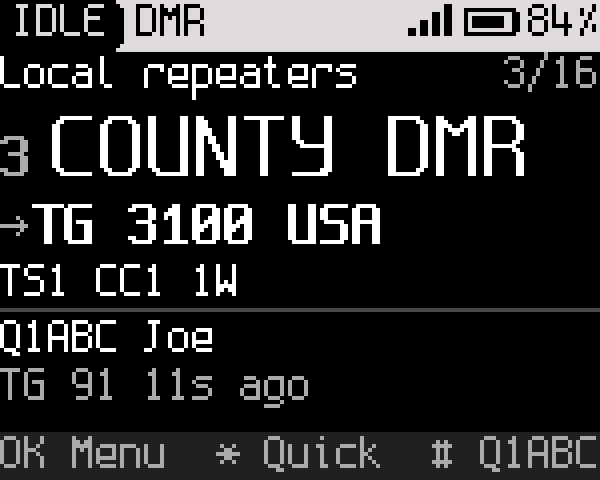
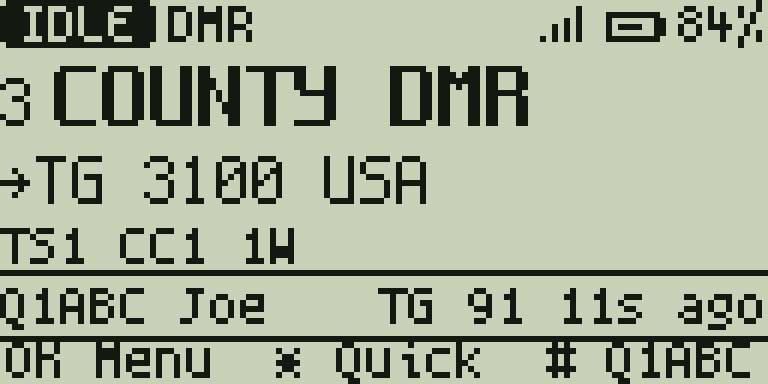
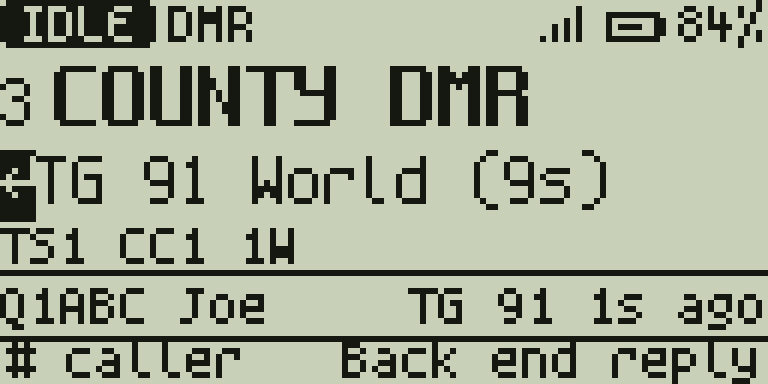
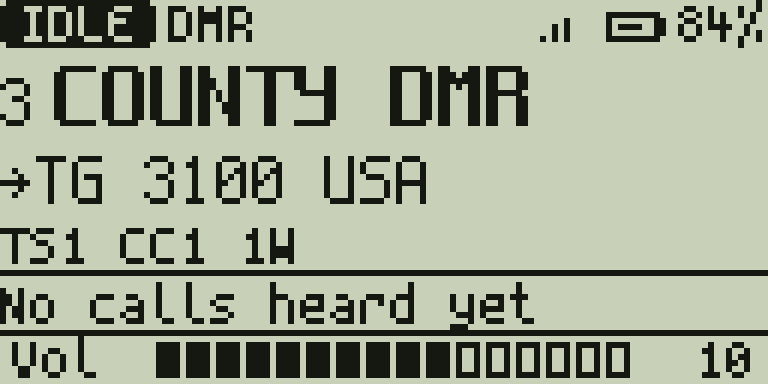
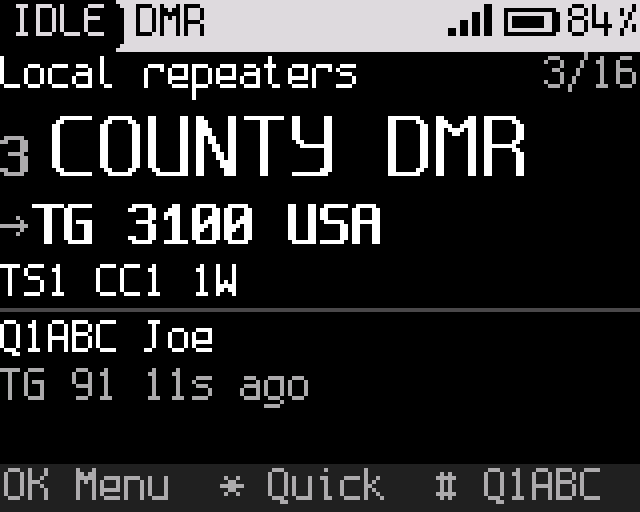
Home, DMR, last heard
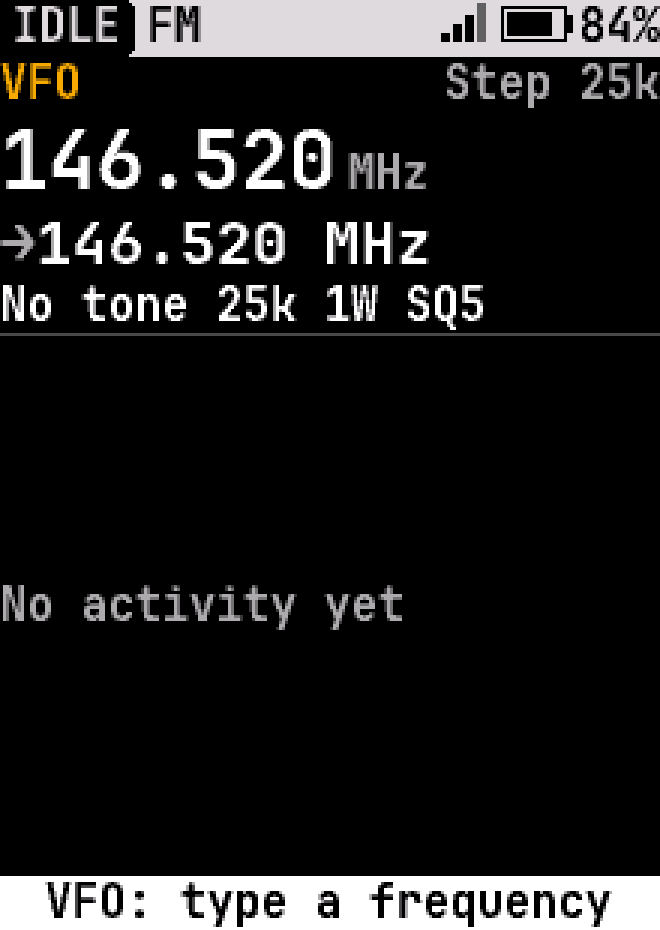
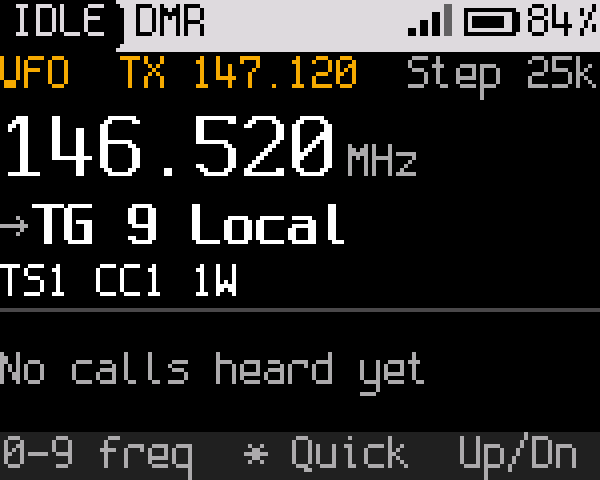
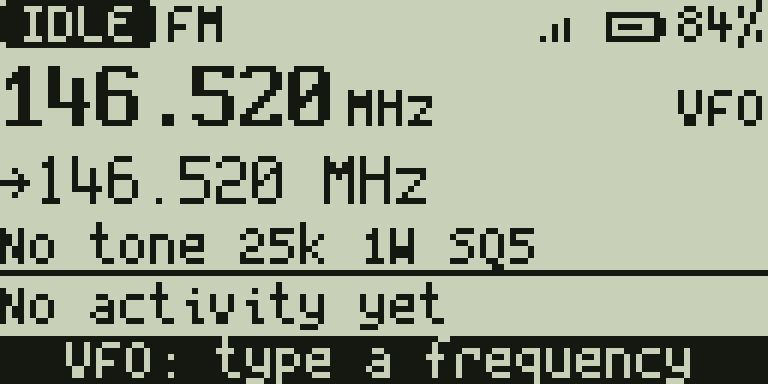
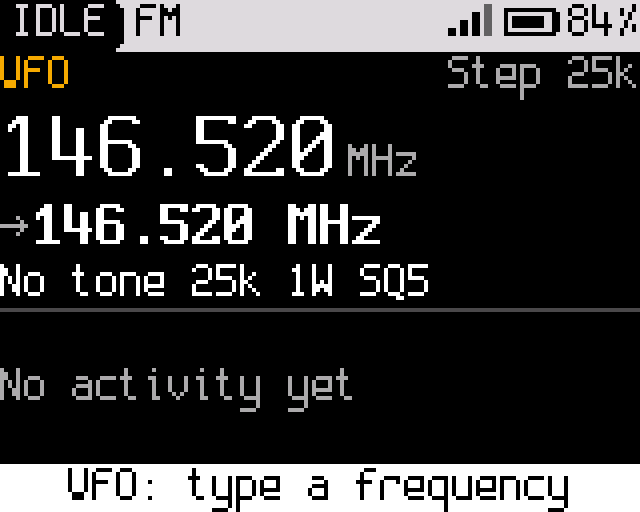
VFO
VFO
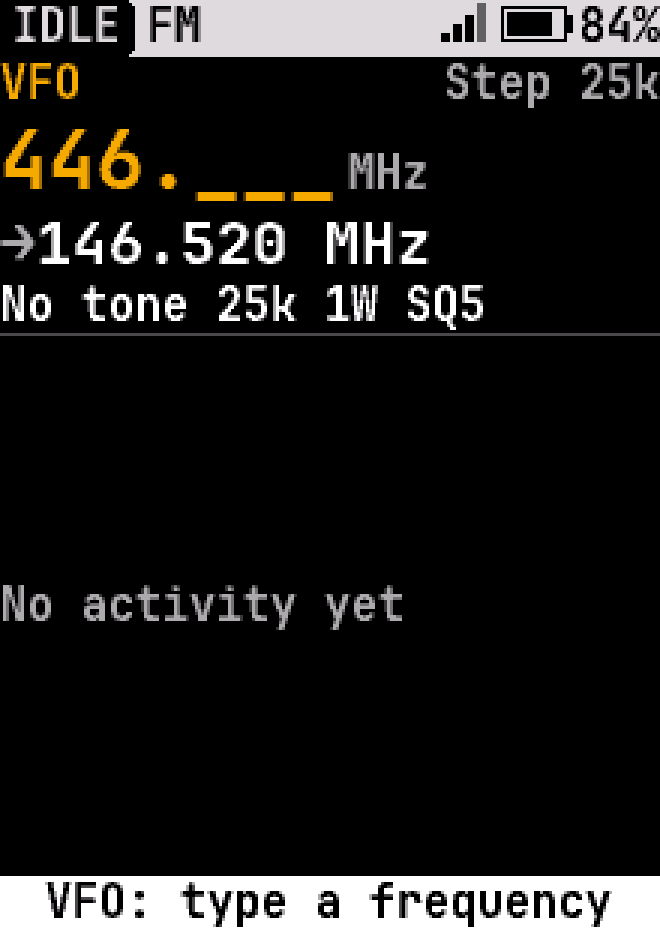
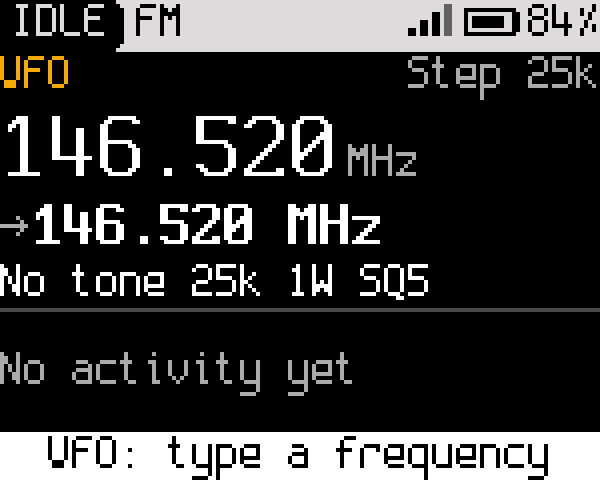
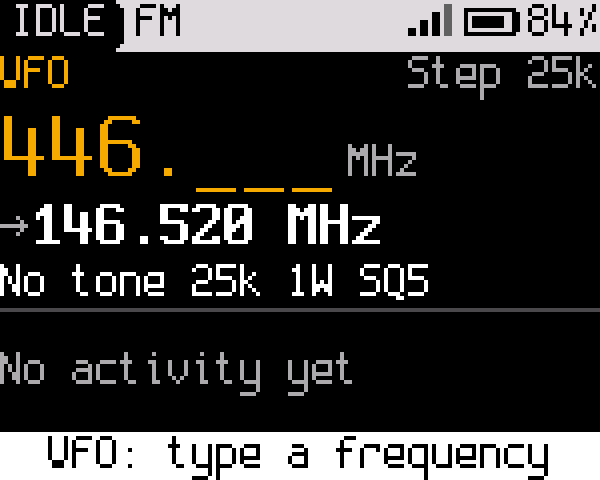
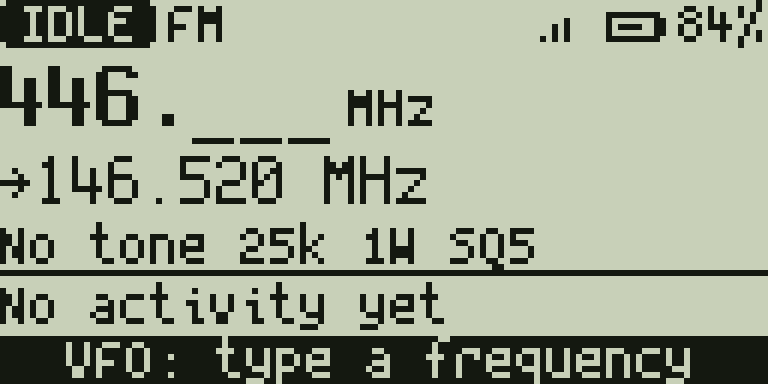
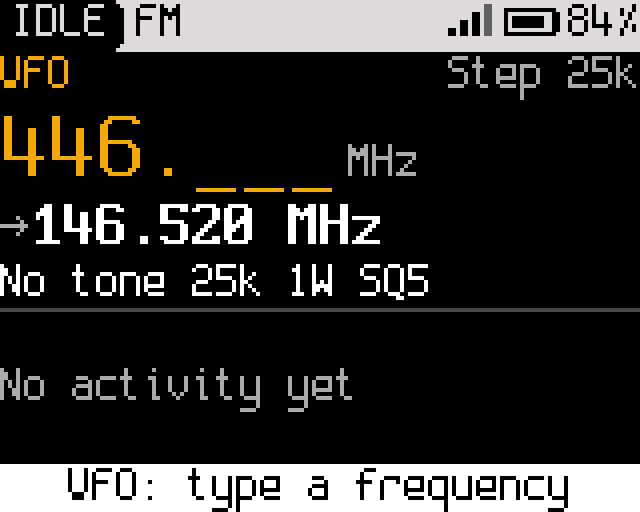
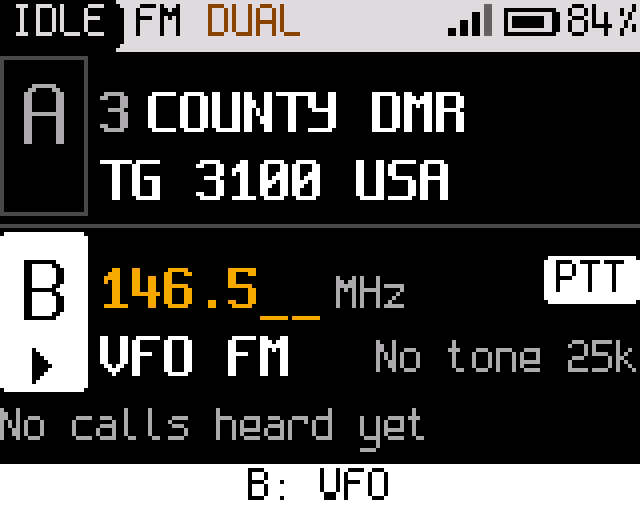
VFO, typing a frequency
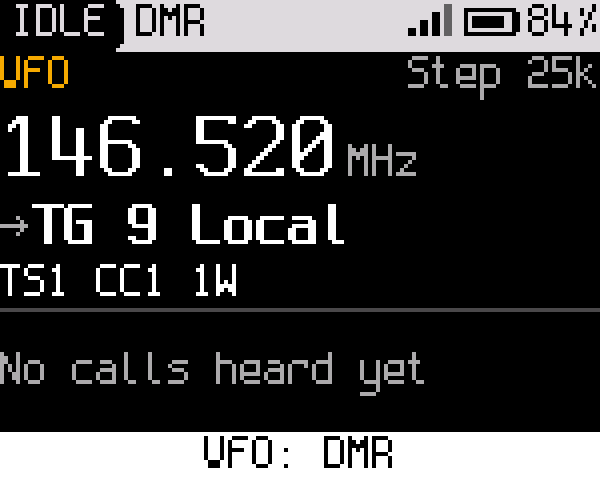
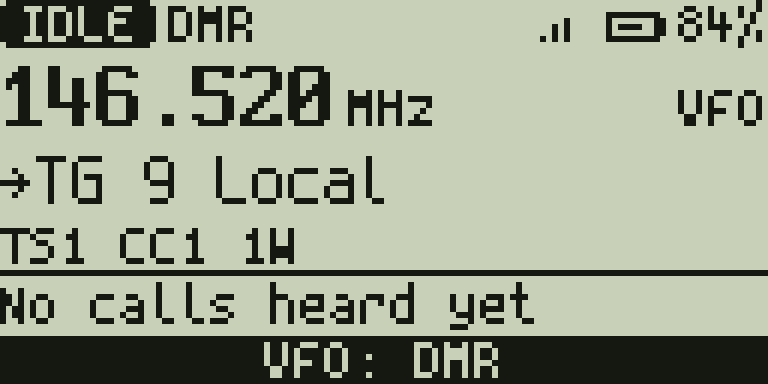
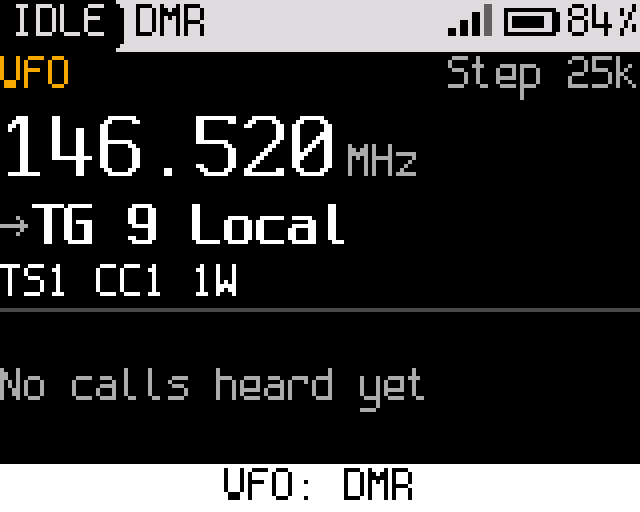
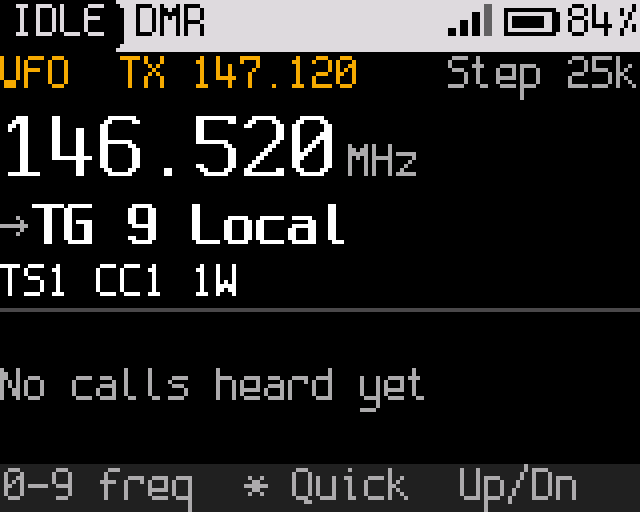
VFO, digital (DMR)
VFO, digital (DMR)
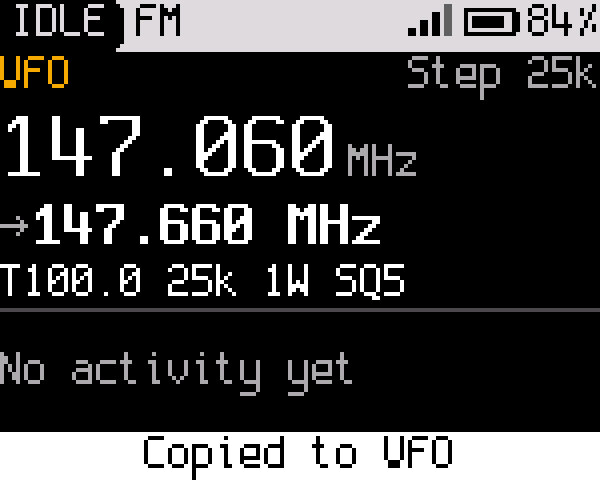
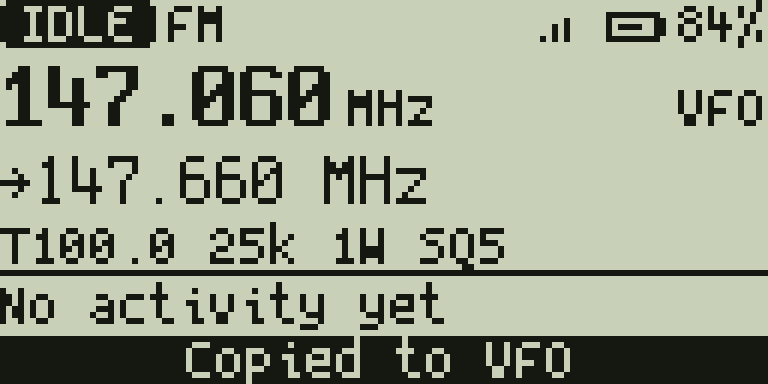
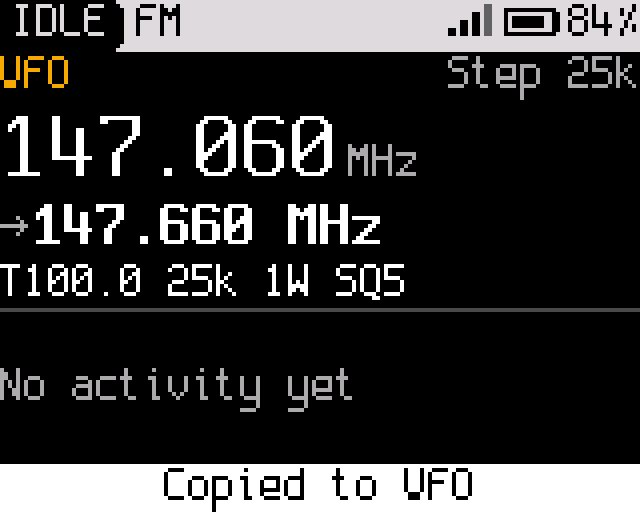
Copy to VFO
Copy to VFO
Home, large text
Home, large text
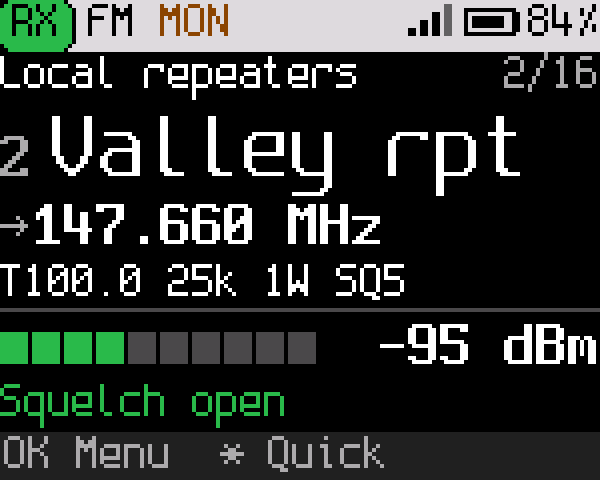
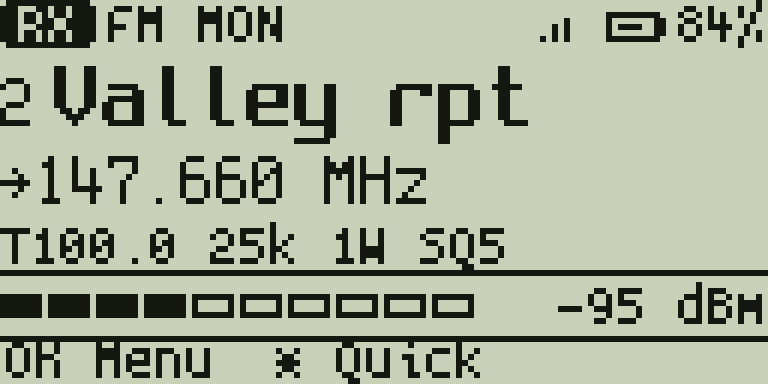
Home on FM, Monitor held: squelch open, RX
Home, status bar not filled
Home, status bar not filled, high-contrast theme
Home, status bar not filled, light theme
Home, status bar not filled, night (red) theme
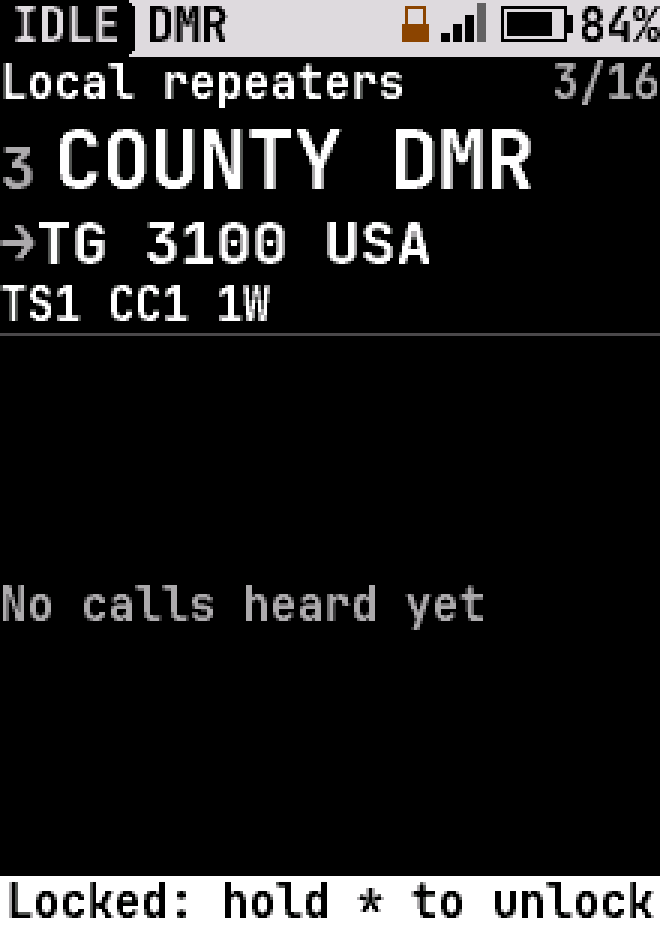
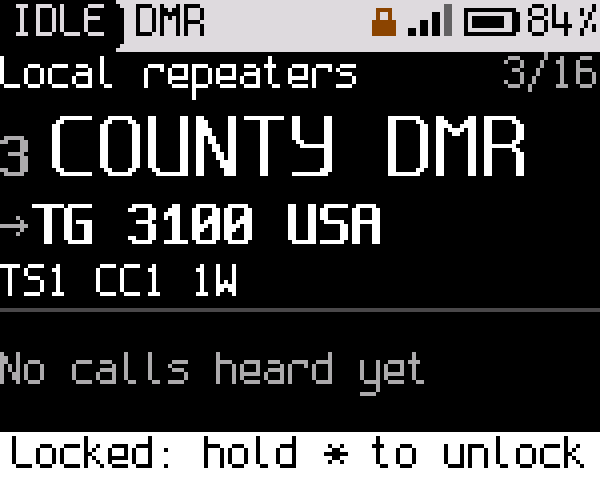
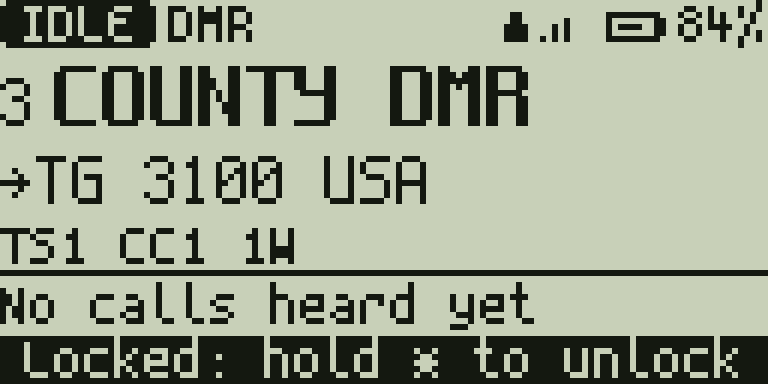
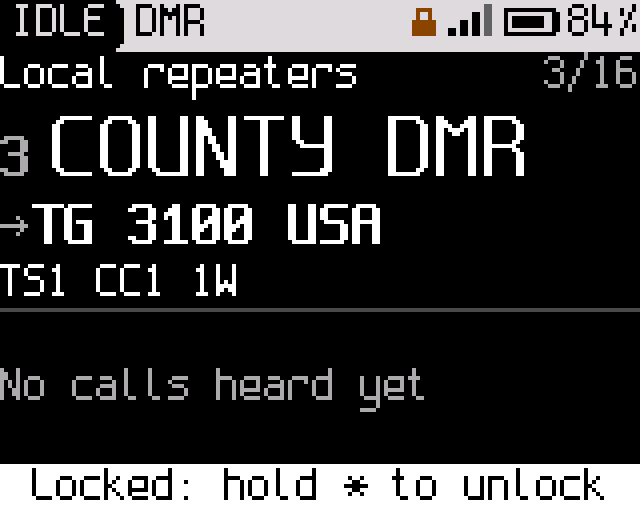
Home, keys locked
Home, keys locked
Home, temporary talk target
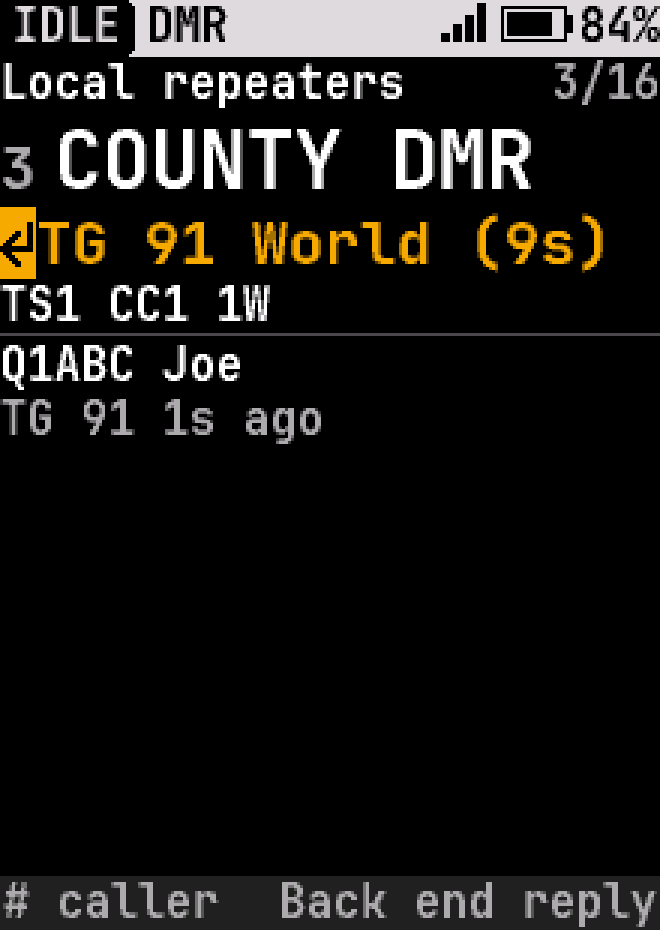
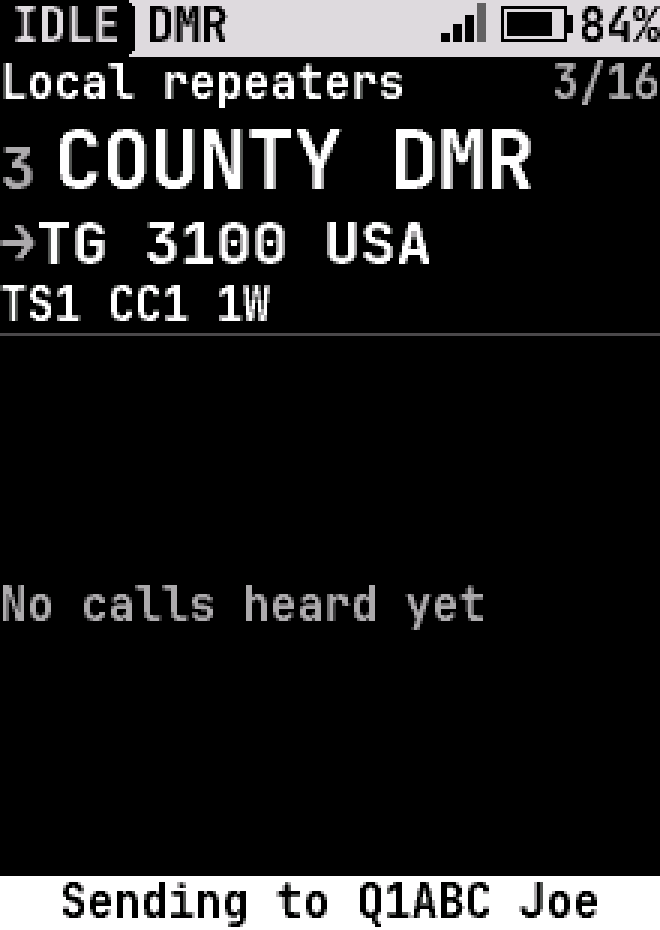
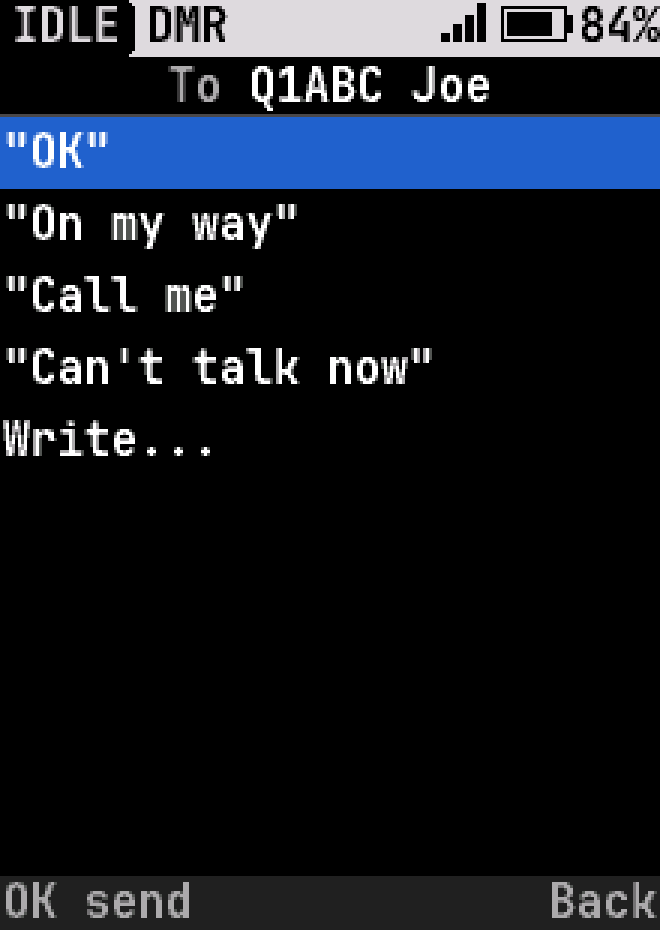
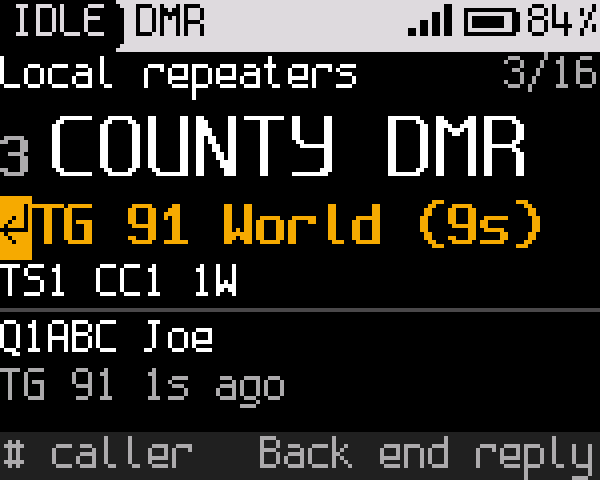
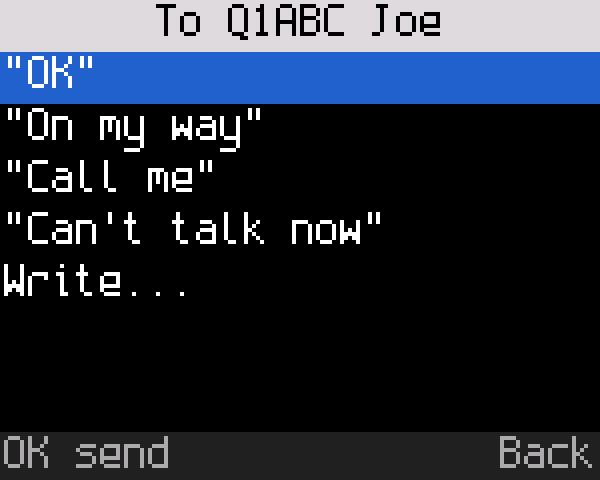
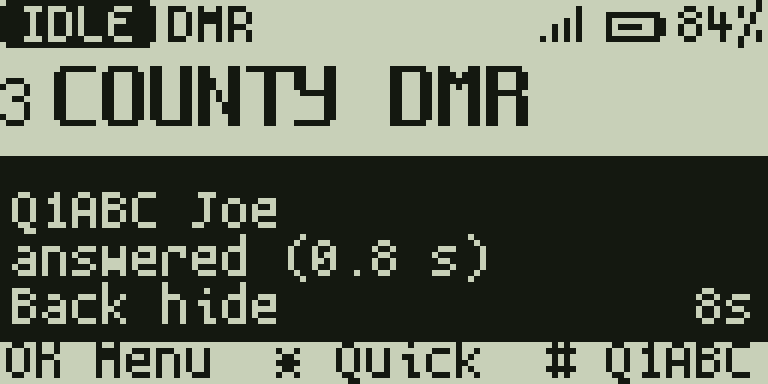
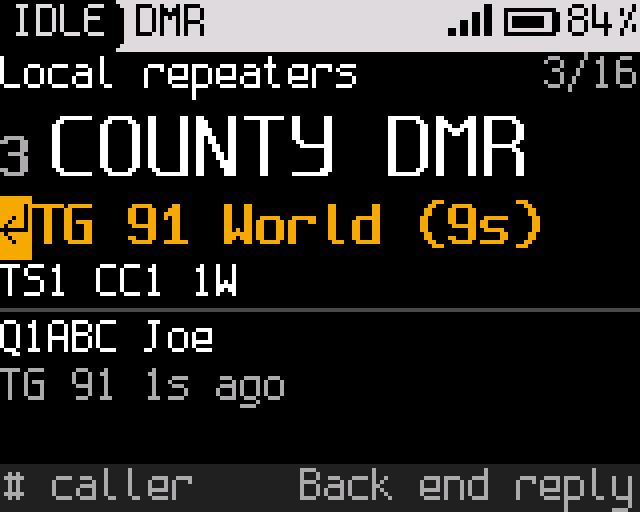
Home, reply to caller
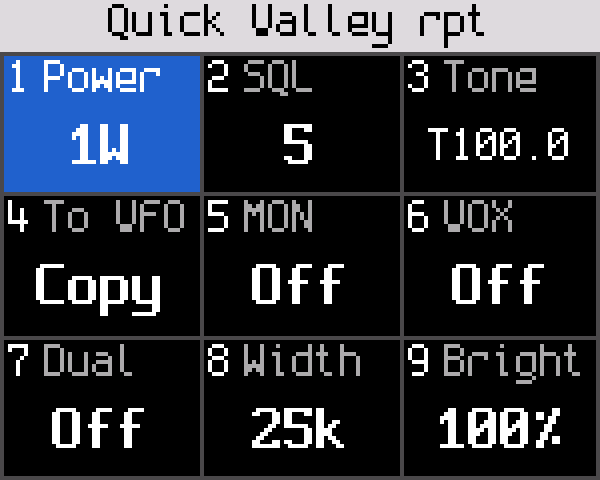
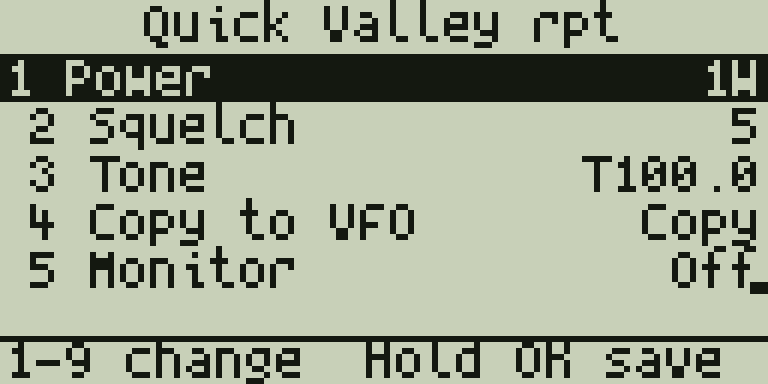
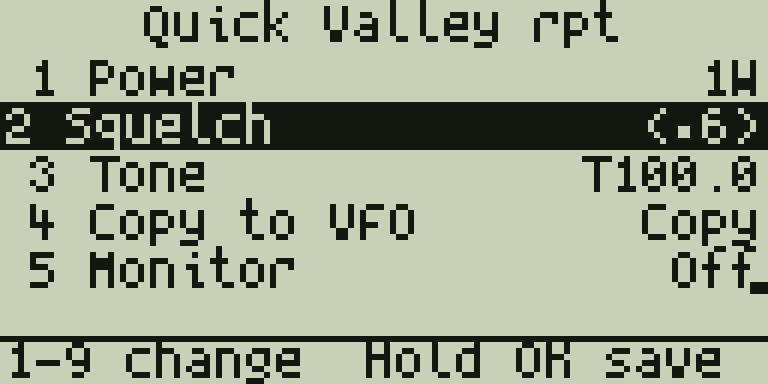
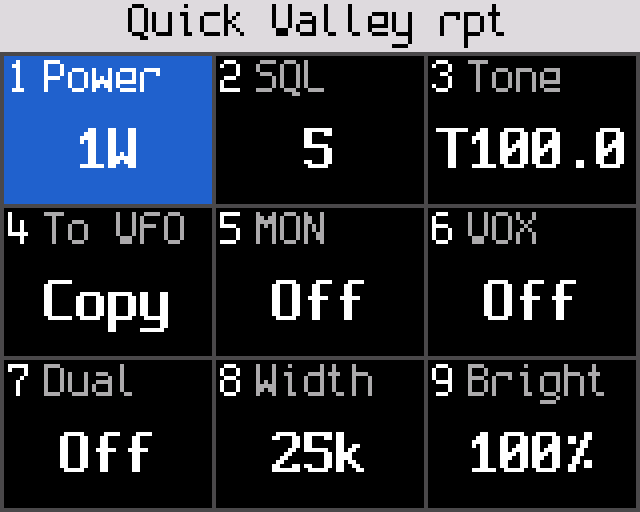
Quick settings, FM
Quick settings, FM
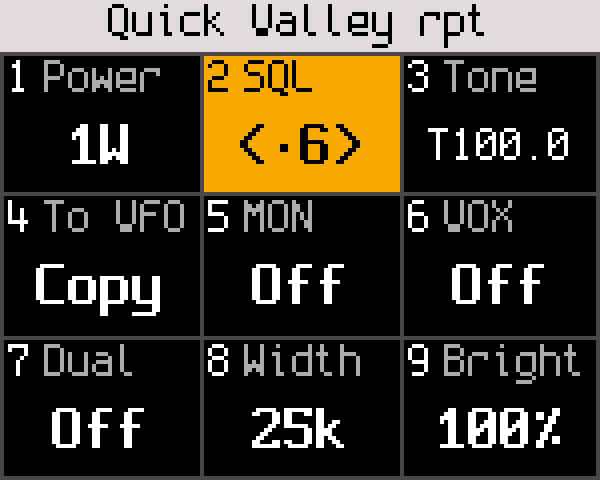
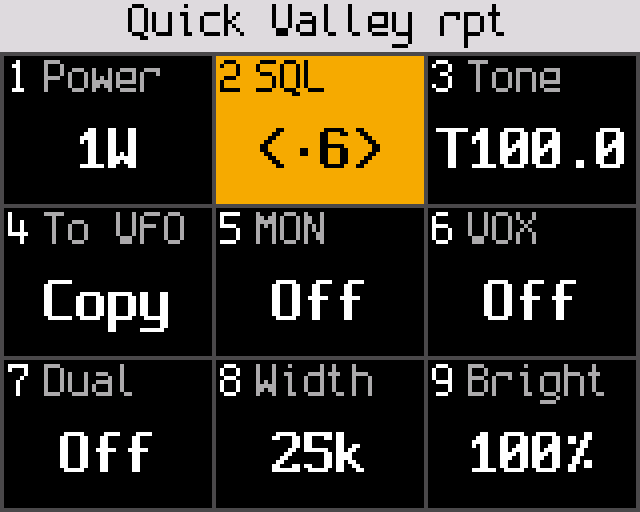
Squelch
Squelch
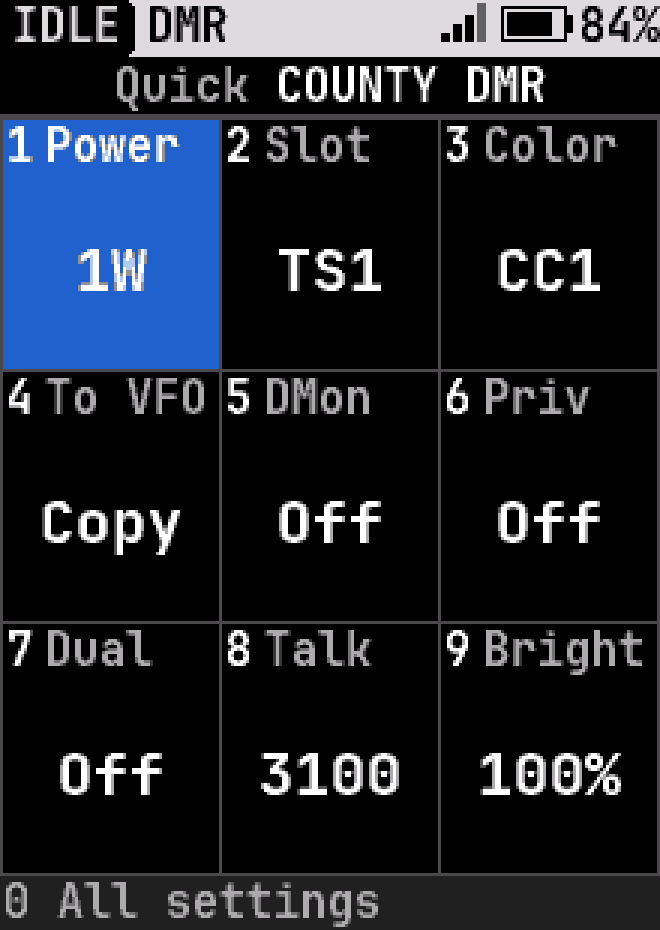
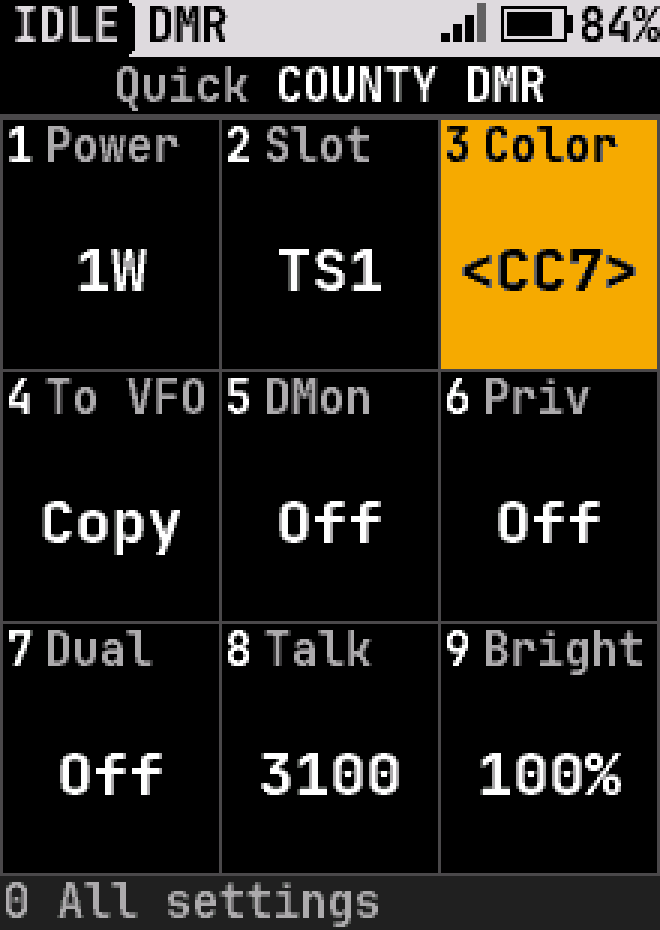
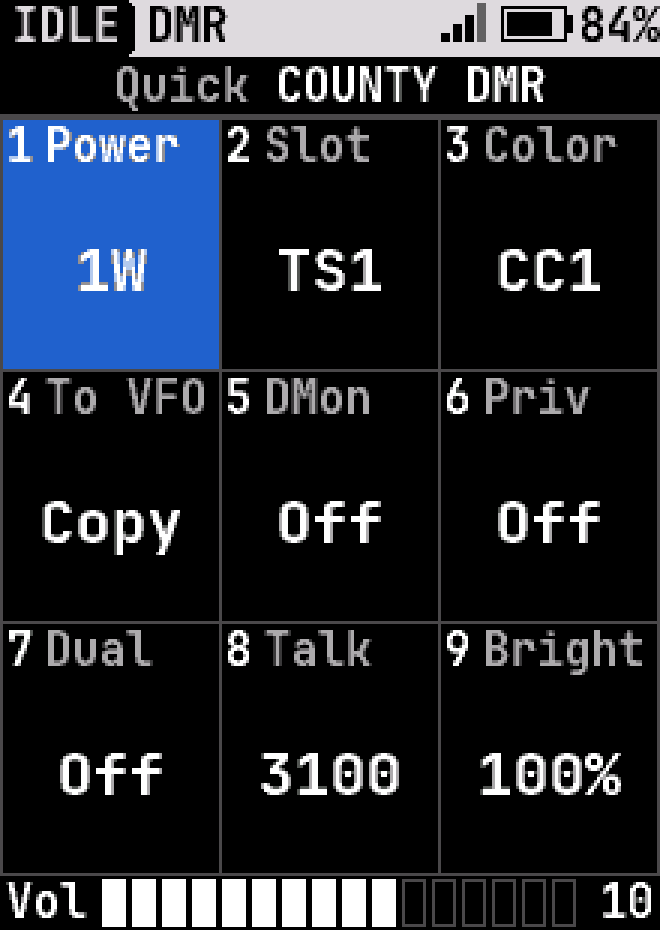
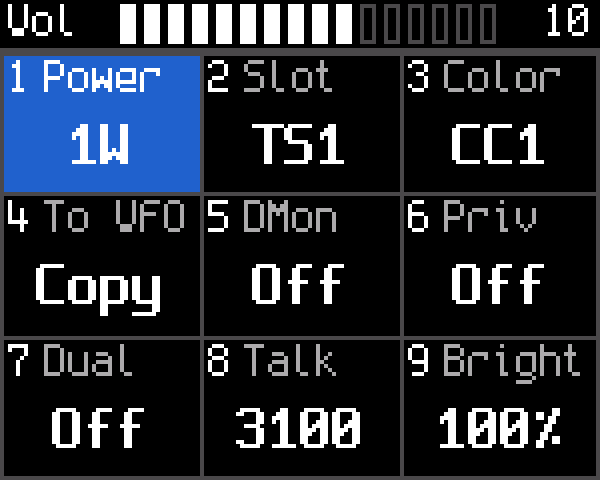
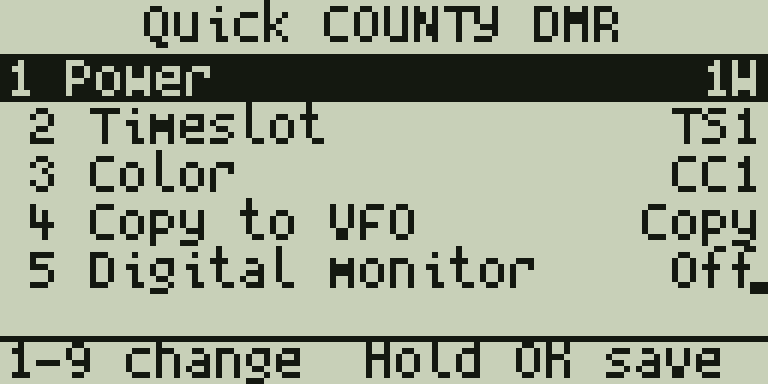
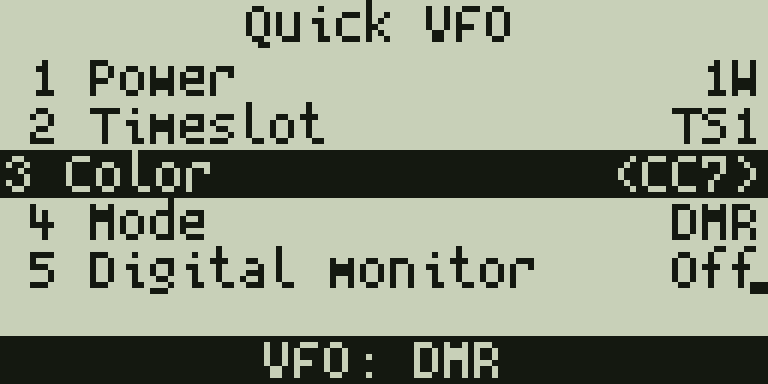
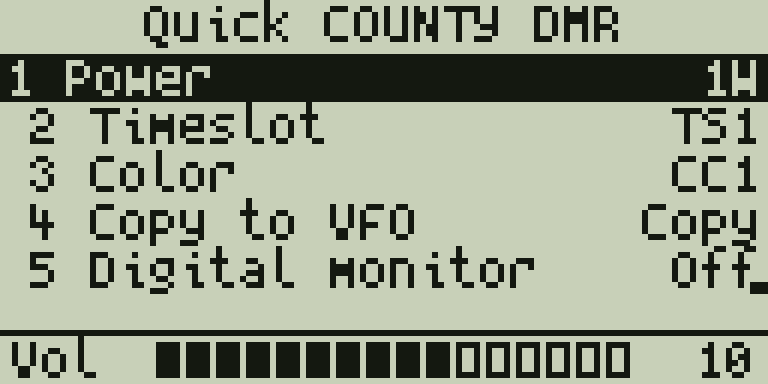
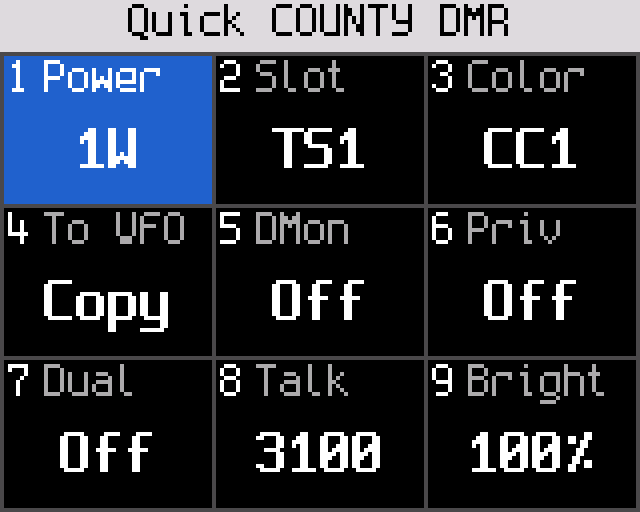
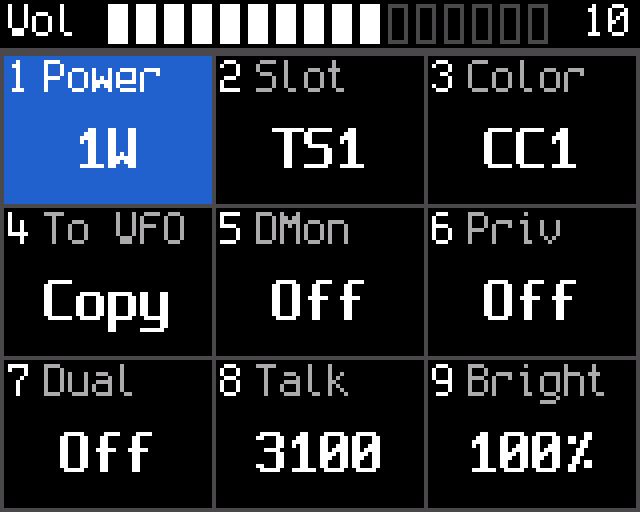
Quick settings, DMR
Quick settings, DMR
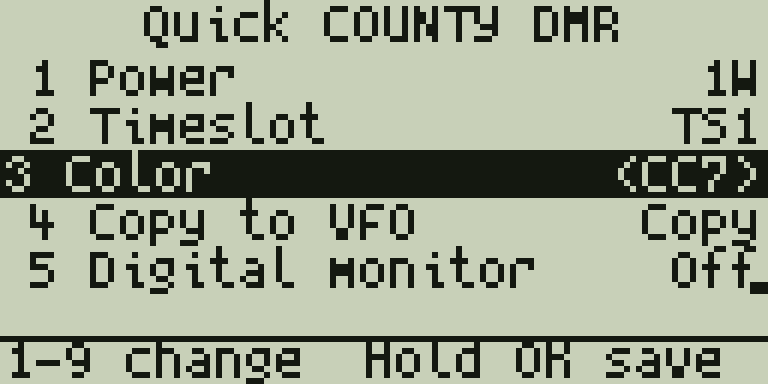
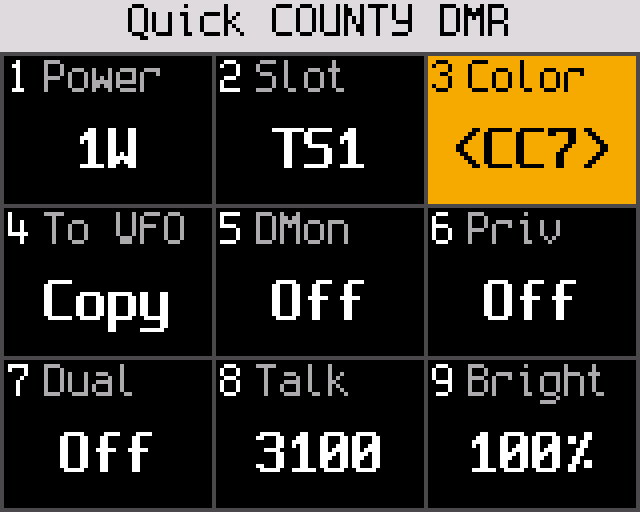
Color code
Color code
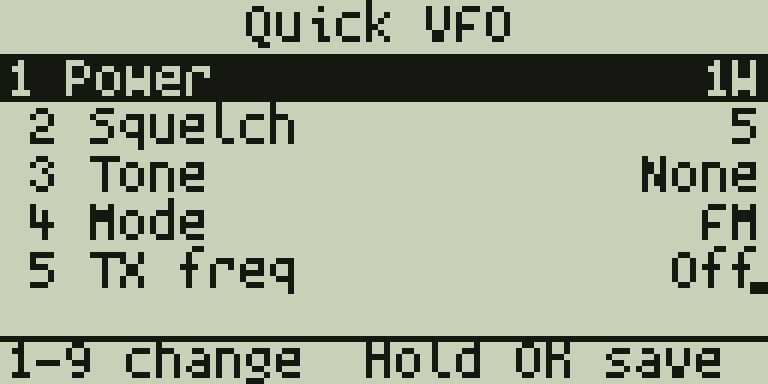
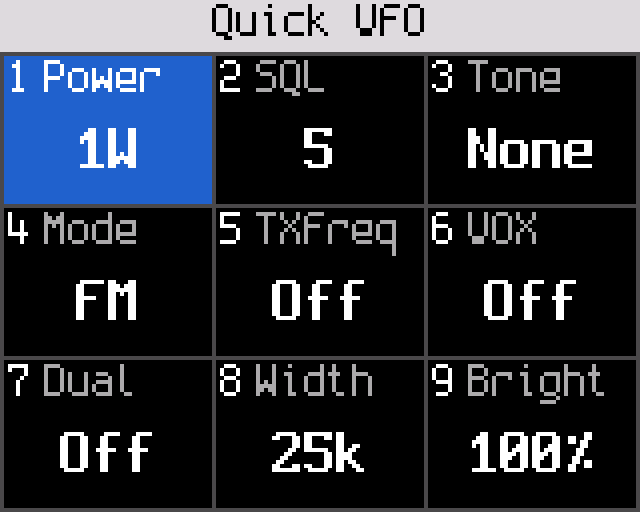
Quick settings, FM VFO
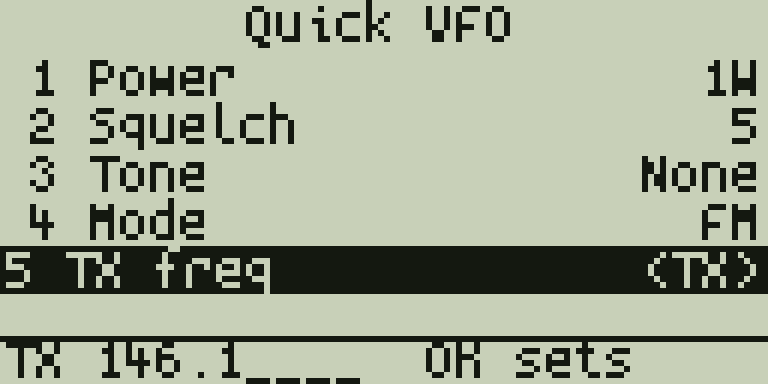
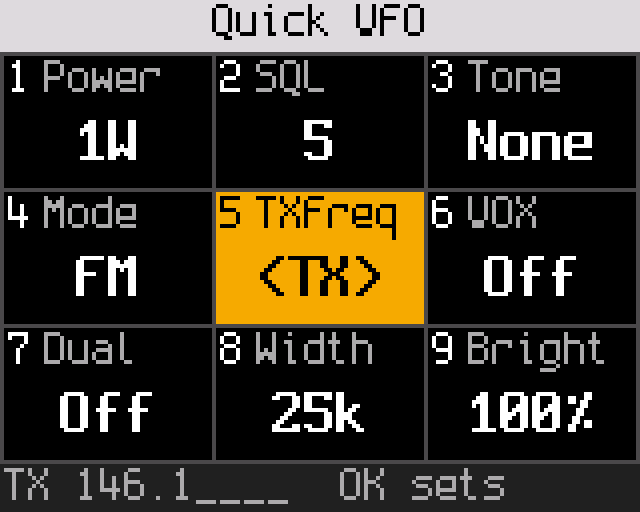
Quick settings: typing a TX frequency
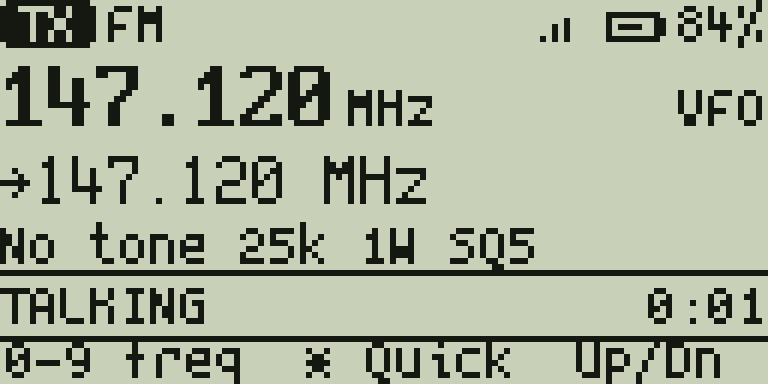
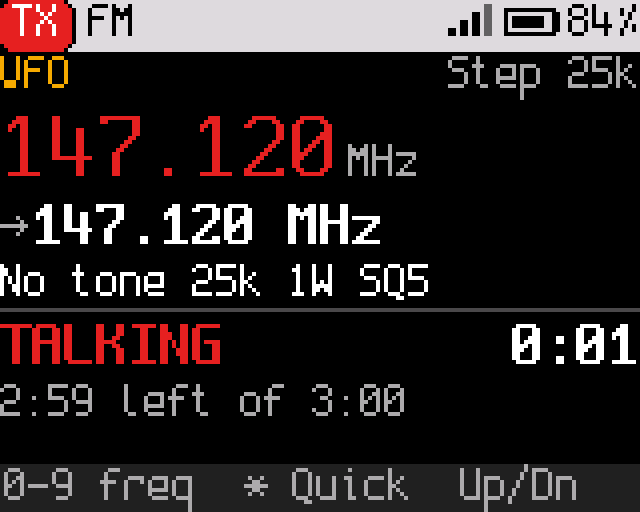
VFO, FM, transmitting on a split
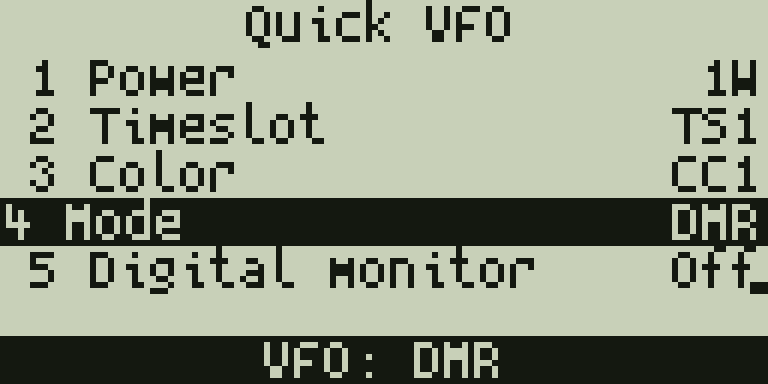
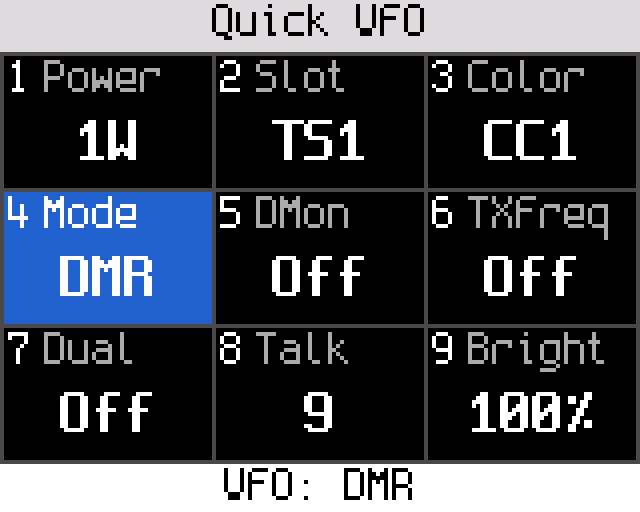
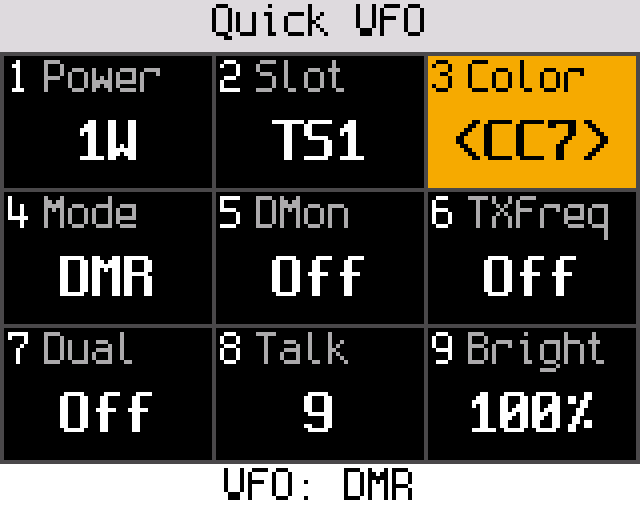
Quick settings, DMR VFO
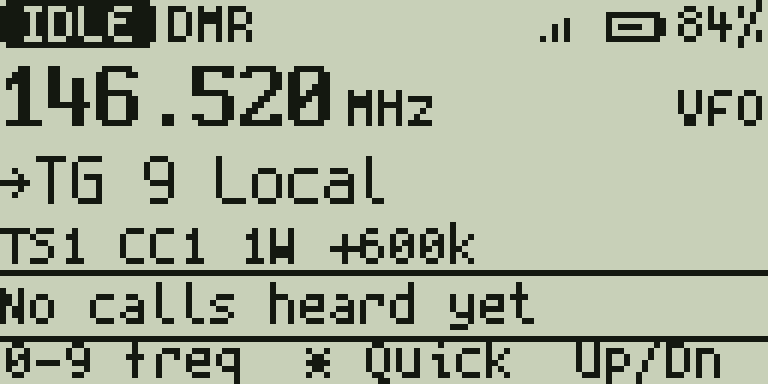
VFO, DMR, with a split TX frequency
VFO, DMR, transmitting on a split
VFO color code
VFO color code
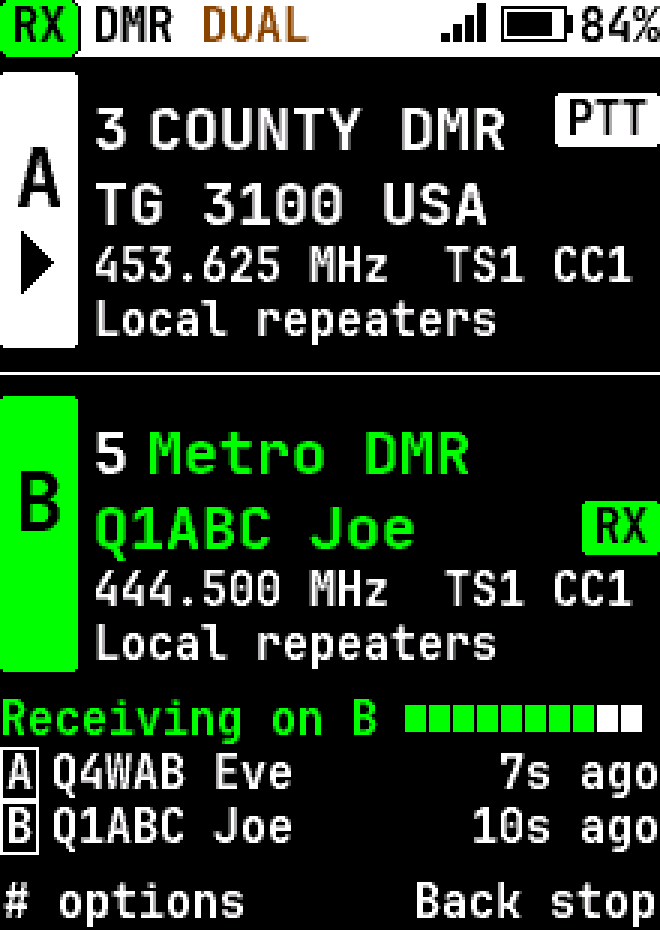
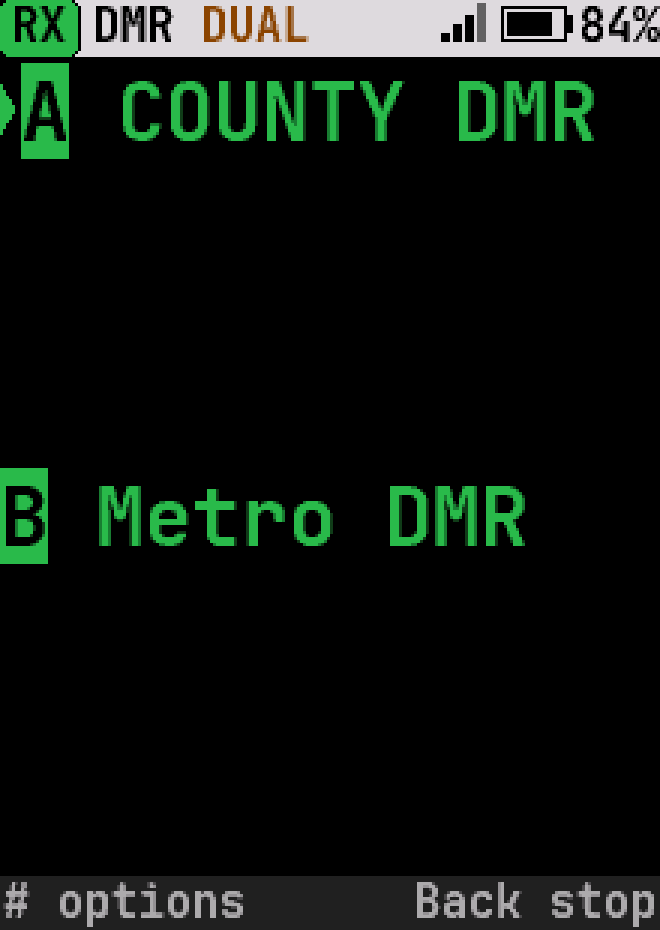
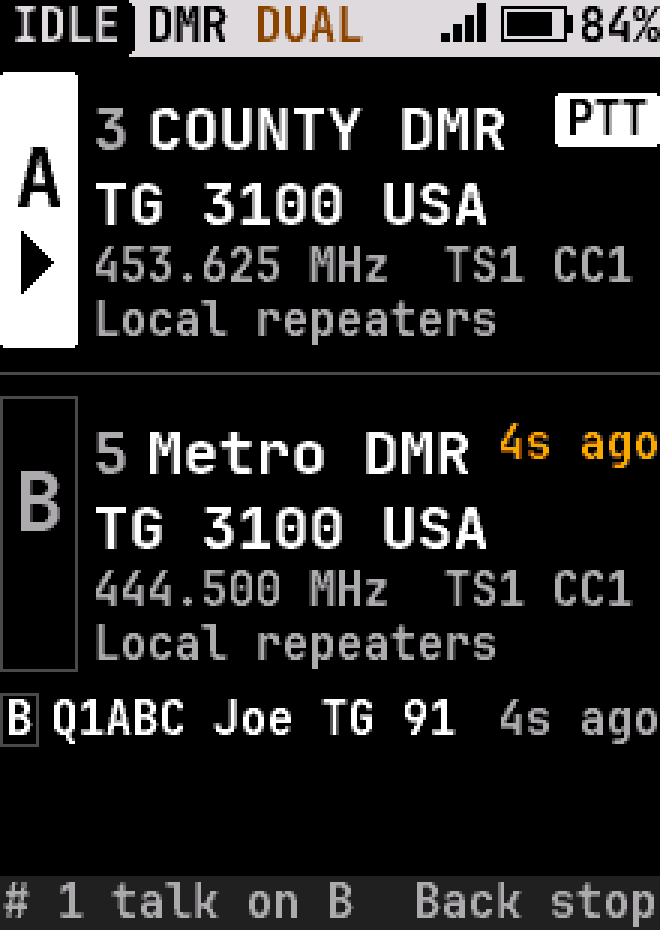
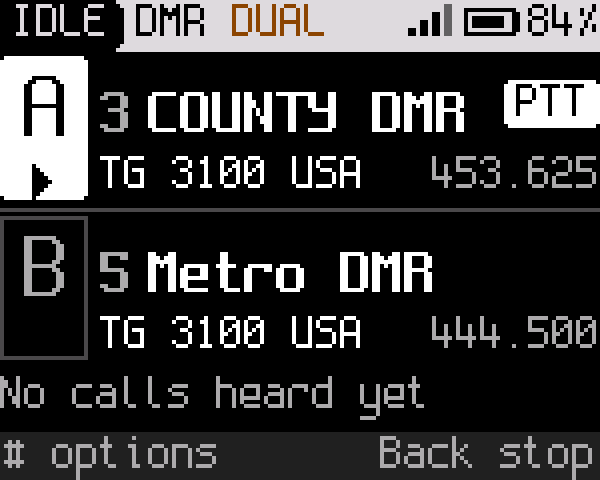
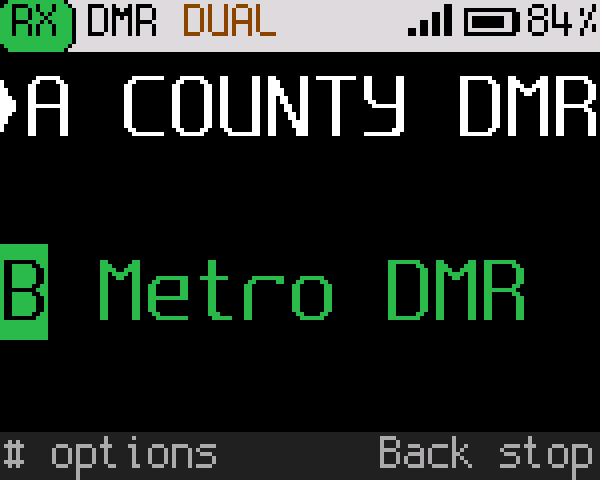
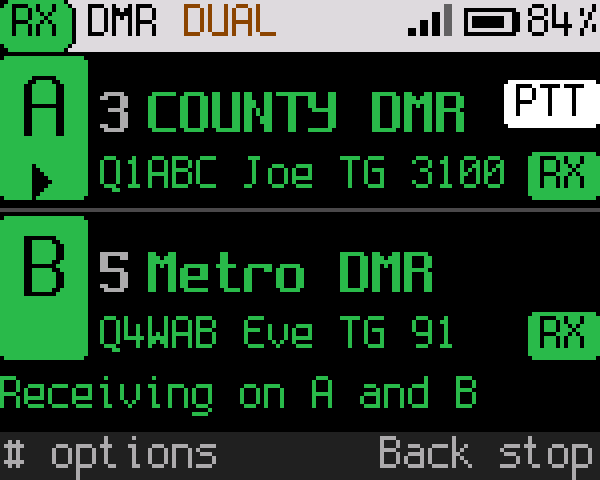
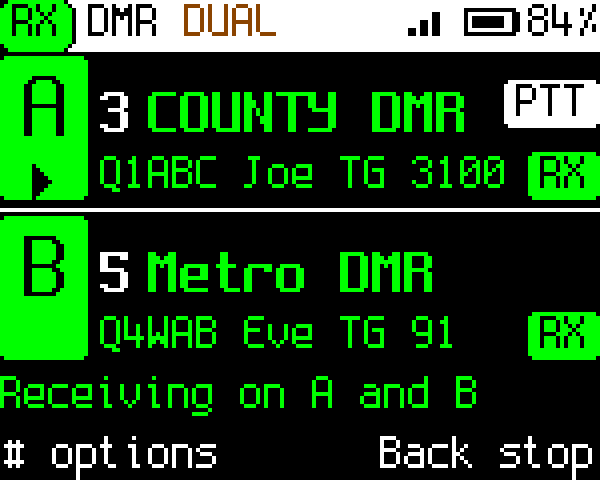
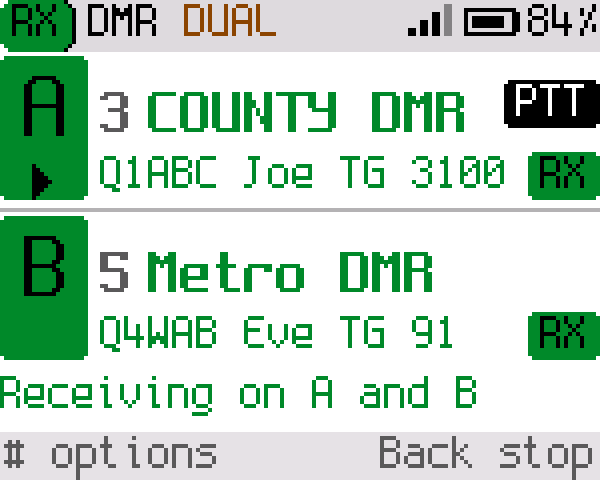
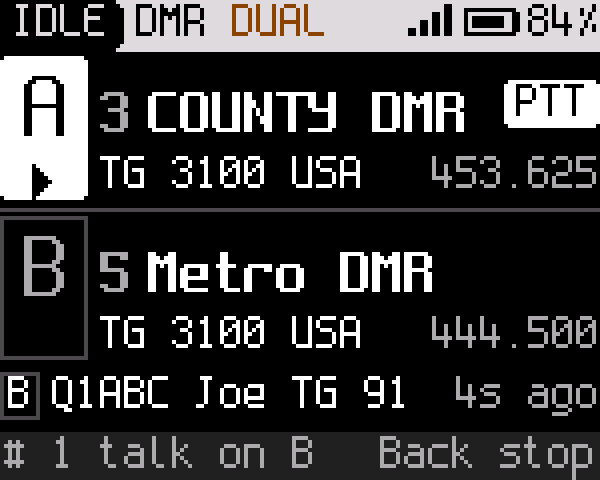
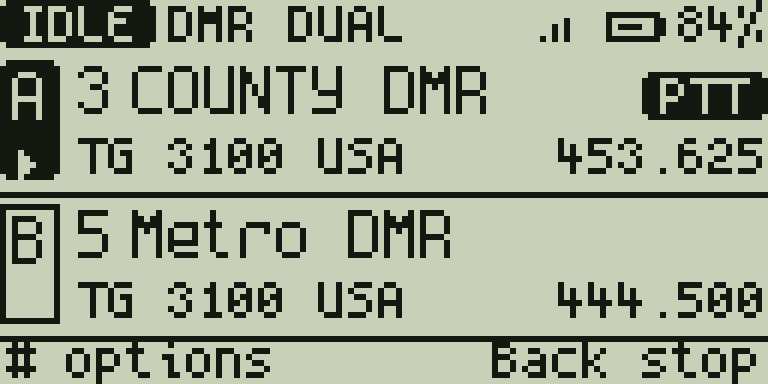
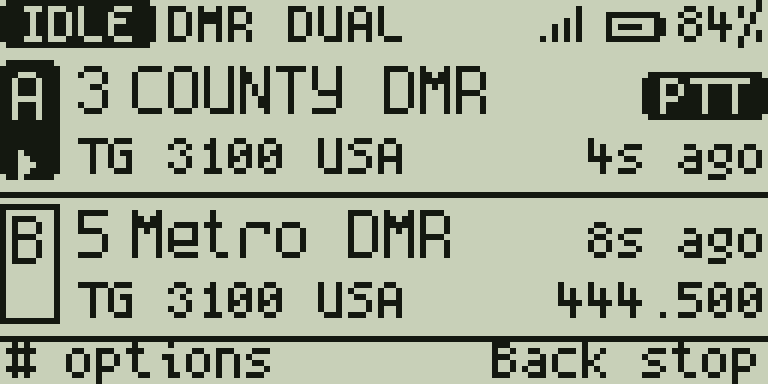
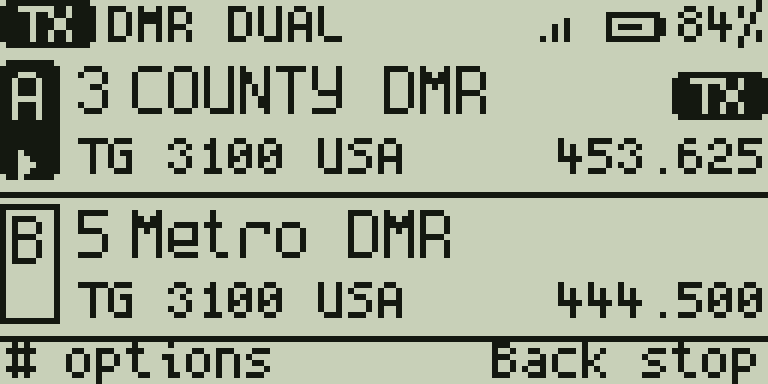
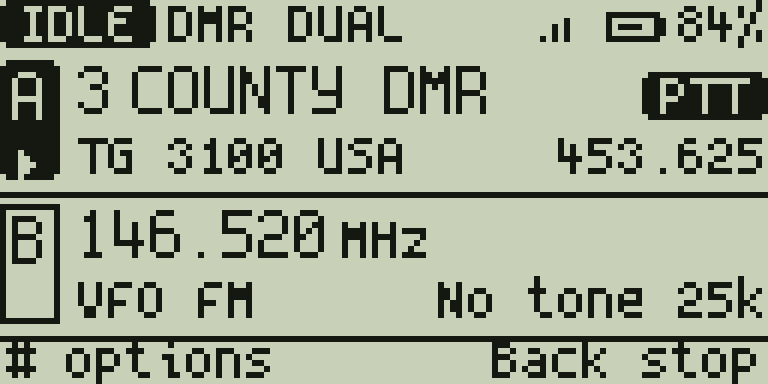
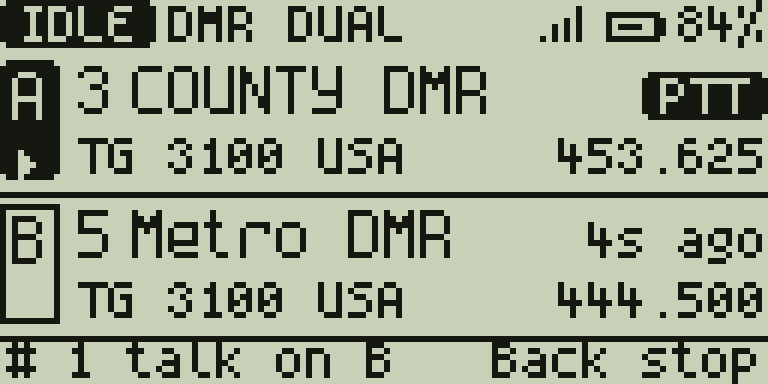
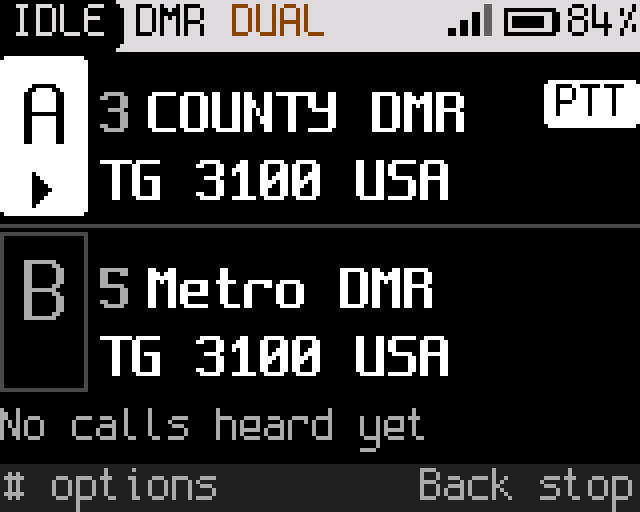
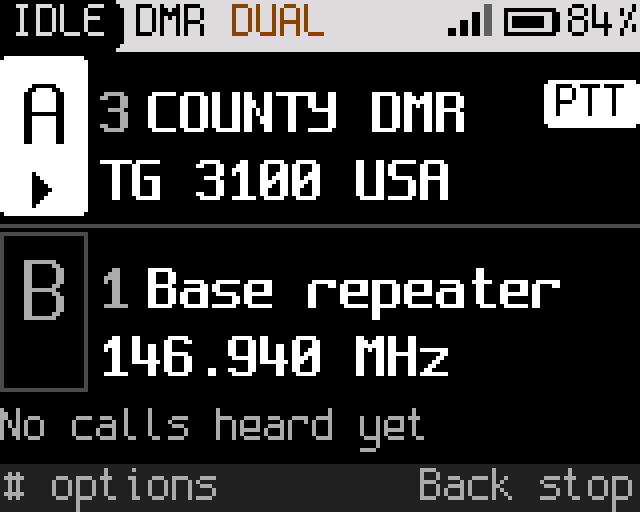
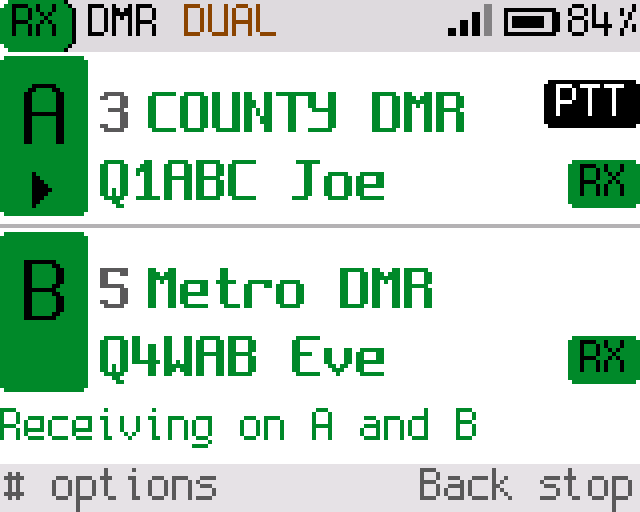
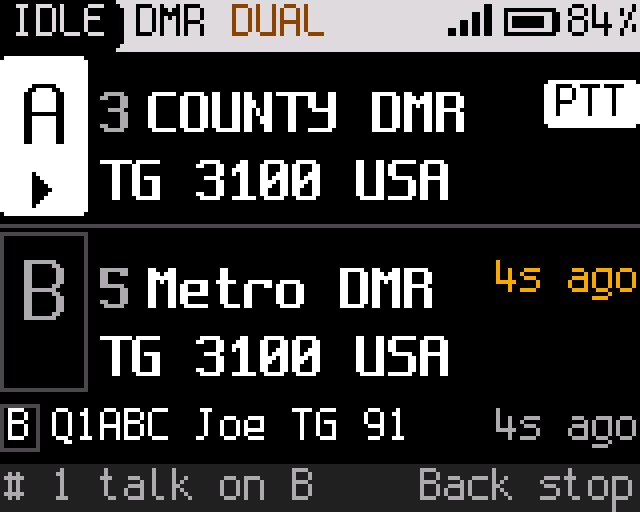
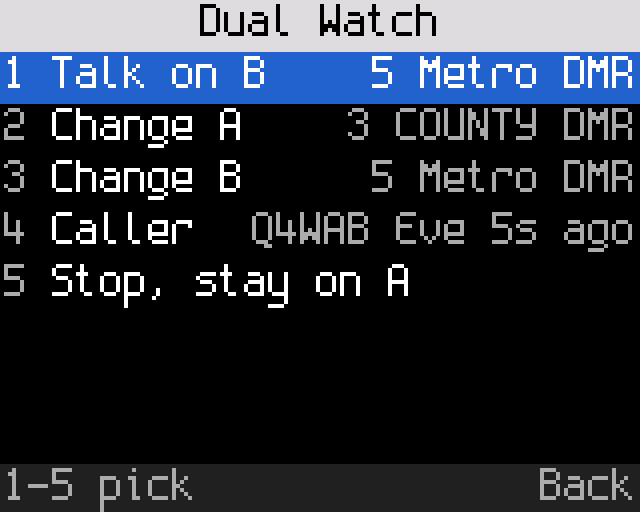
Dual watch: A and B, PTT on A
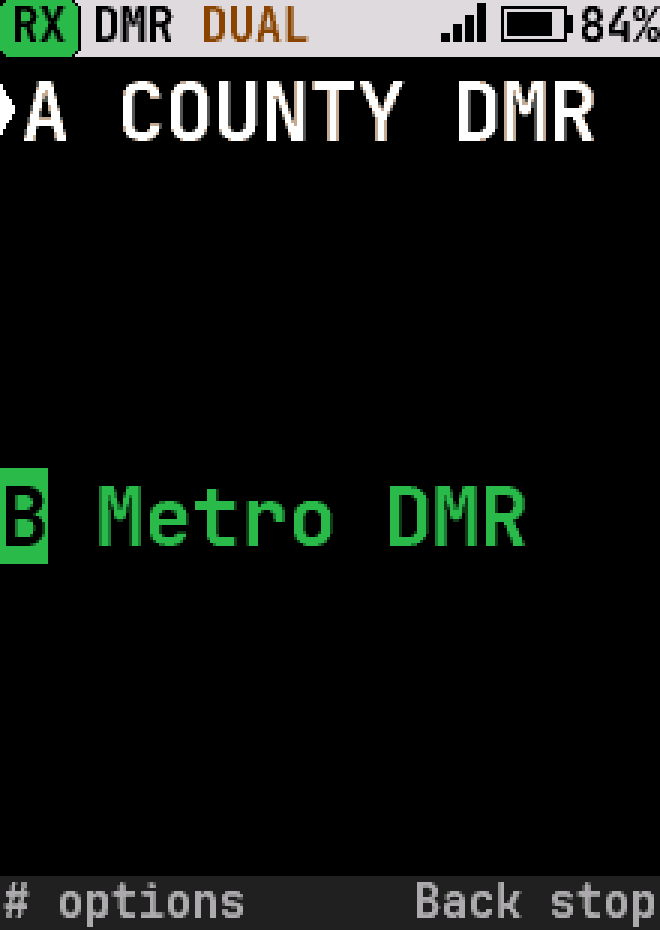
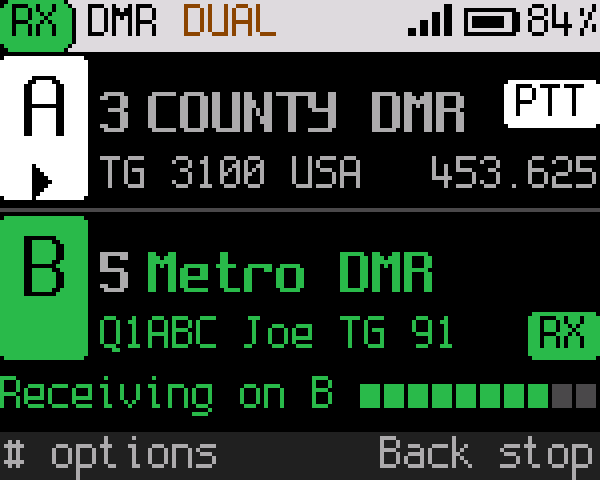
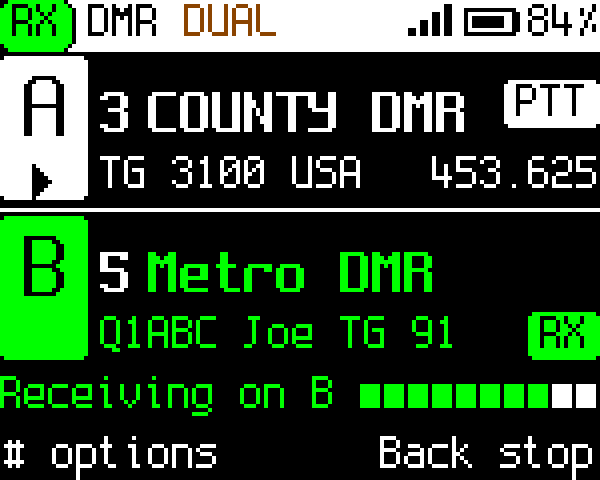
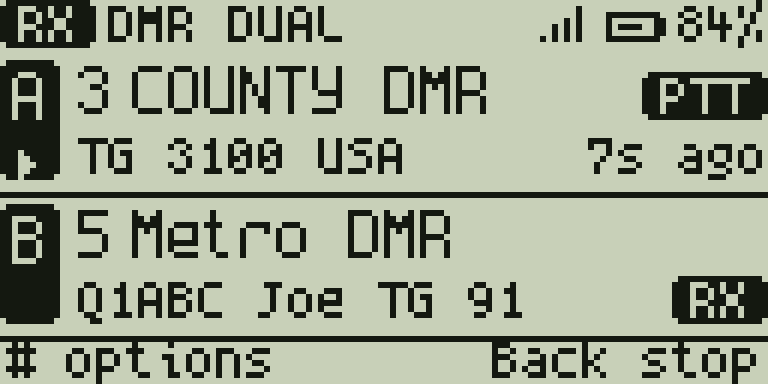
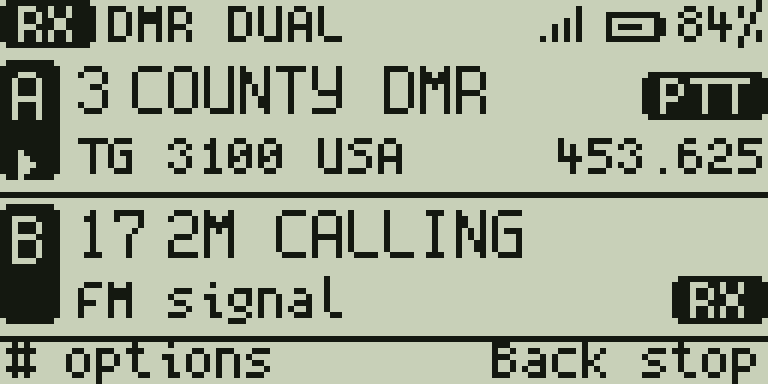
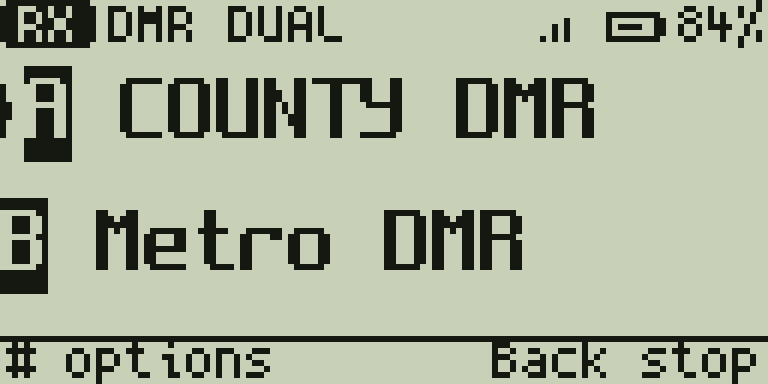
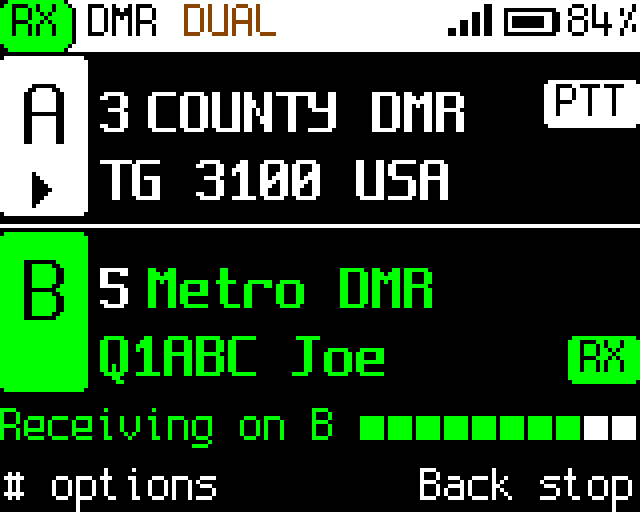
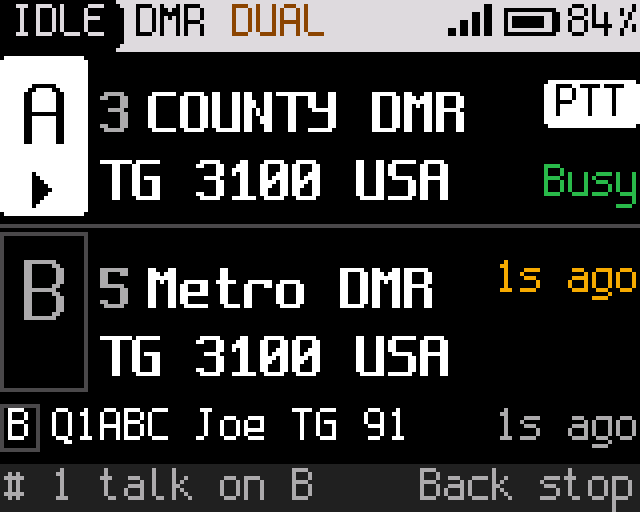
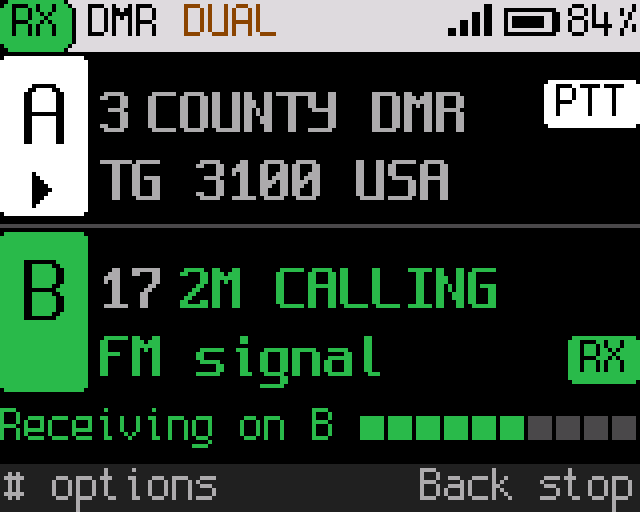
Dual watch: a call coming in on B
Dual watch: a call coming in on B, high-contrast theme
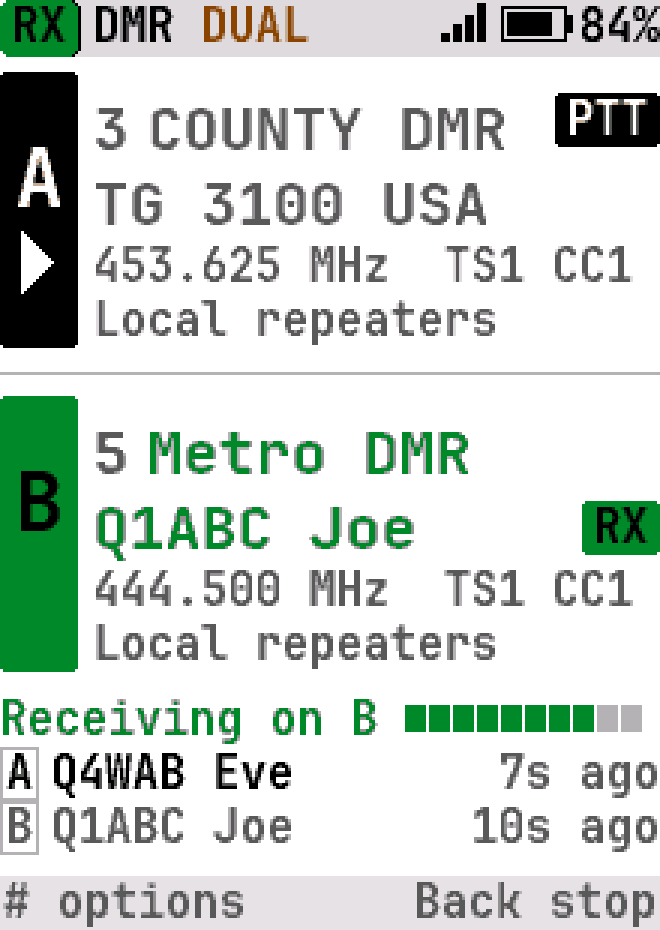
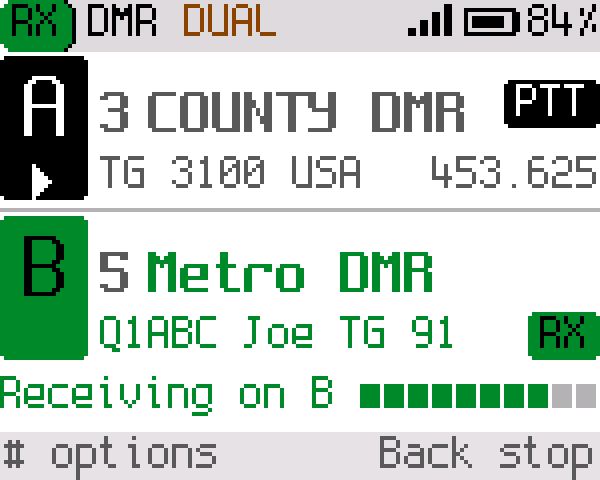
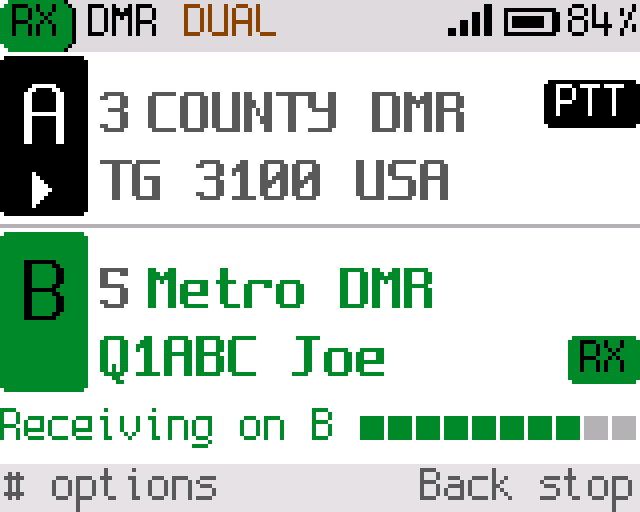
Dual watch: a call coming in on B, light theme
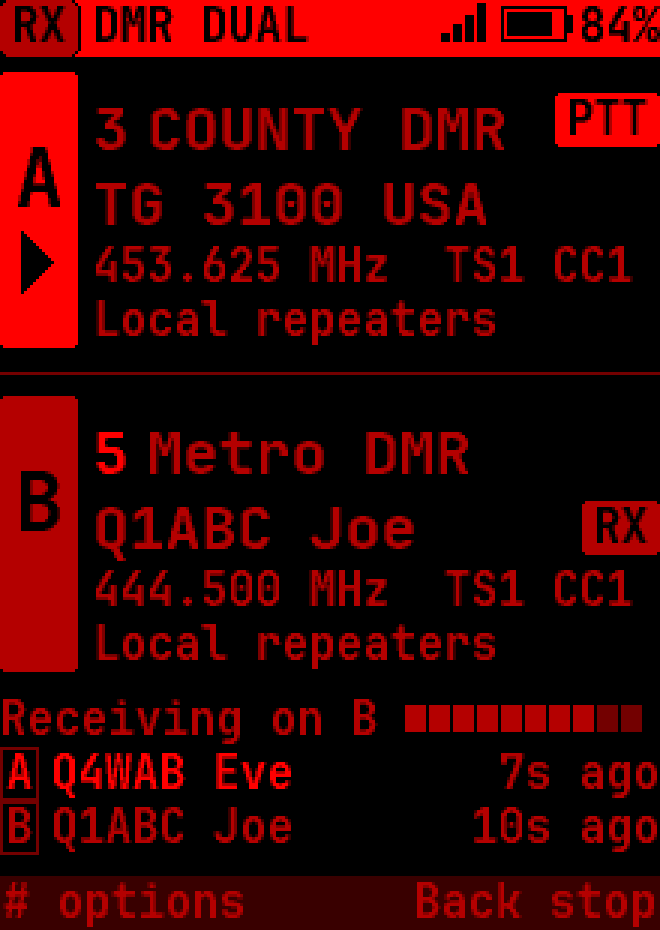
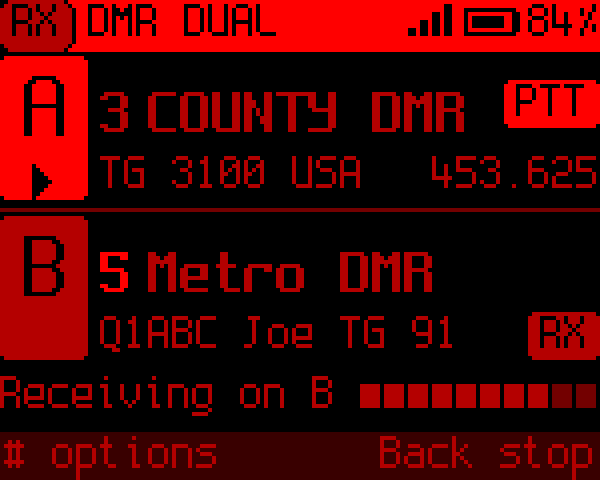
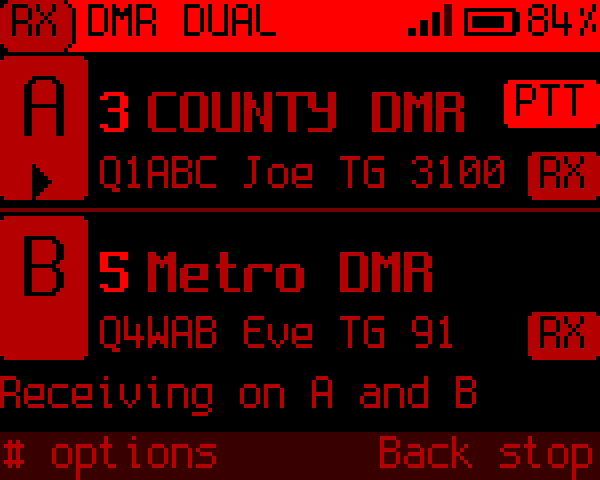
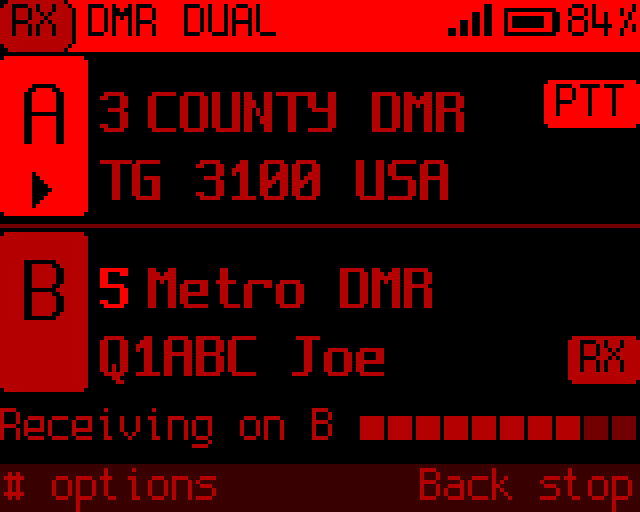
Dual watch: a call coming in on B, night (red) theme
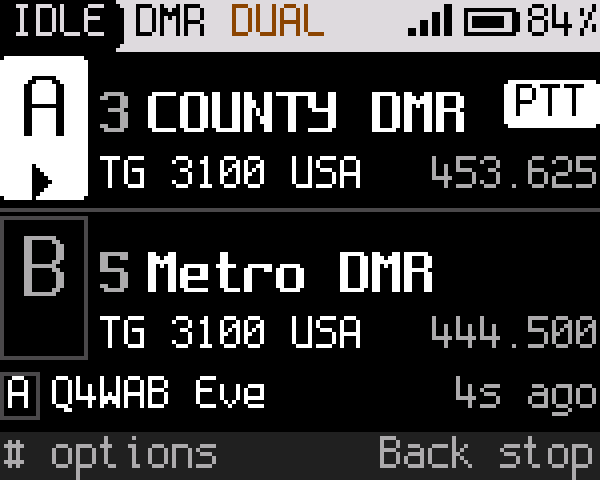
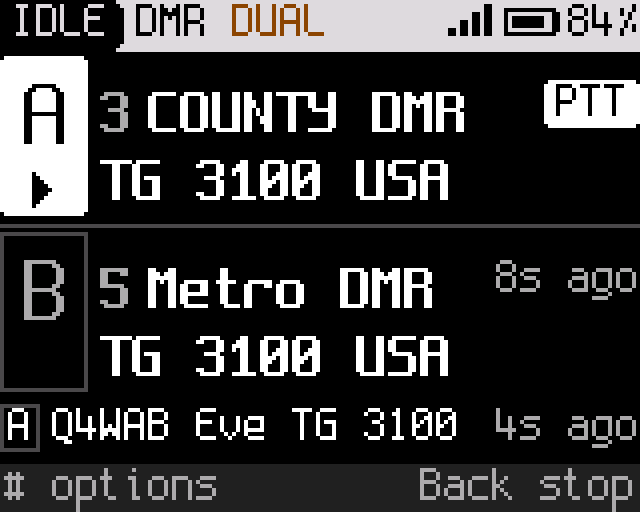
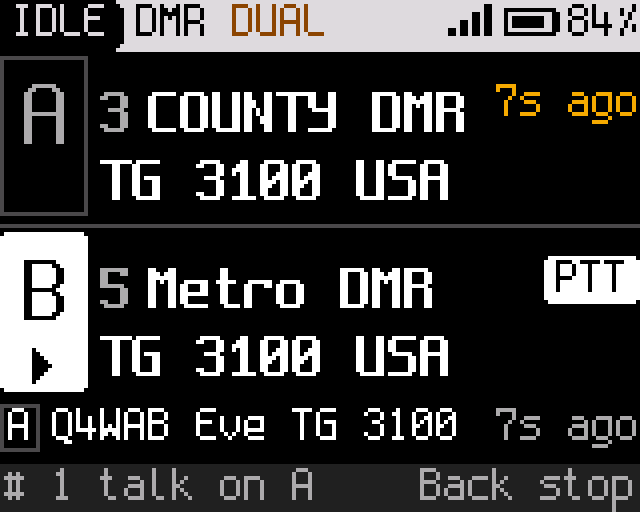
Dual watch: the last calls, with their channel
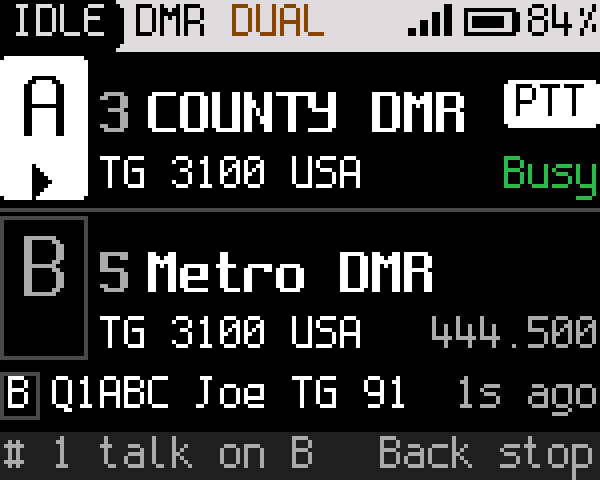
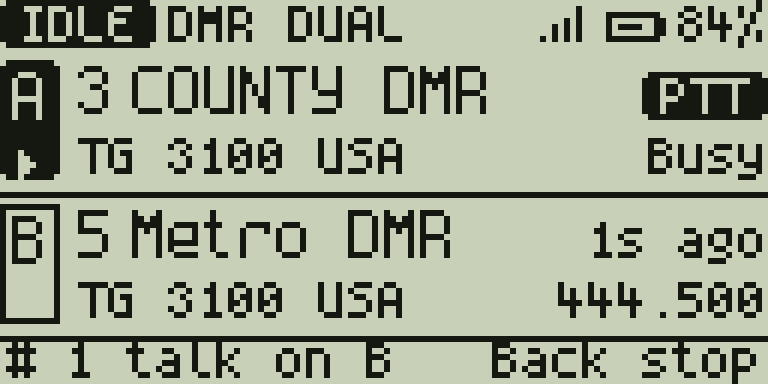
Dual watch: busy on A during the wait after a call on B
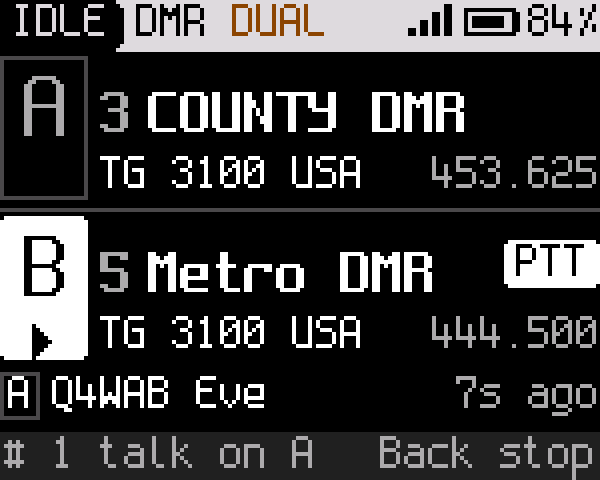
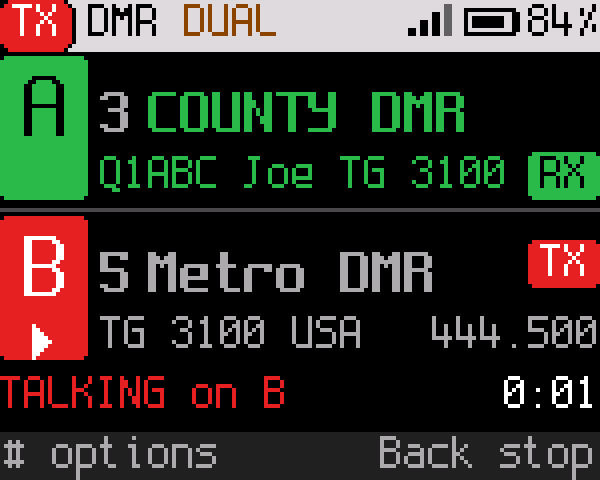
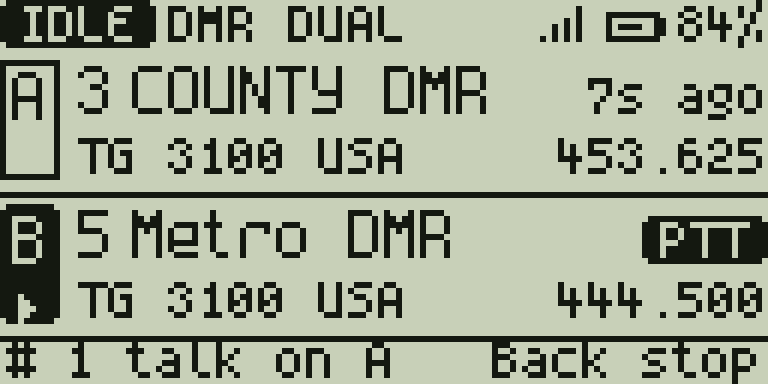
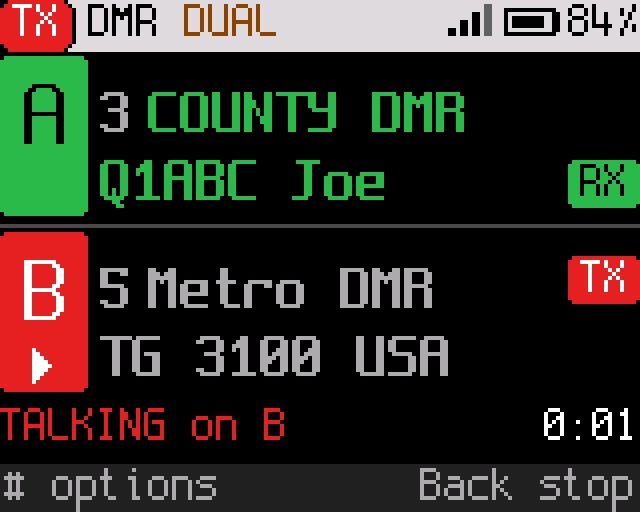
Dual watch: talking on B
Dual watch: a long channel name moves the PTT pill to row 3
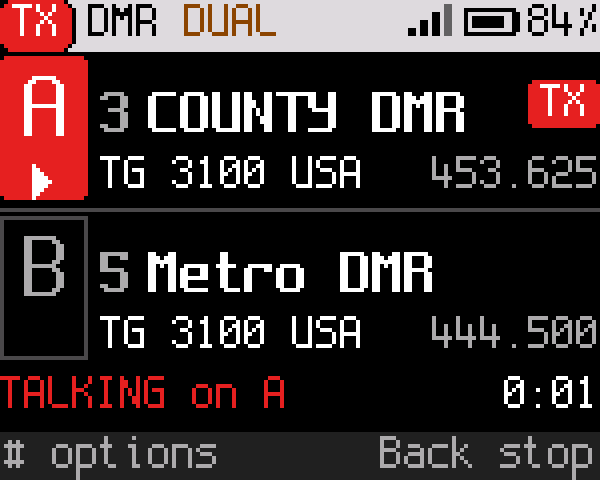
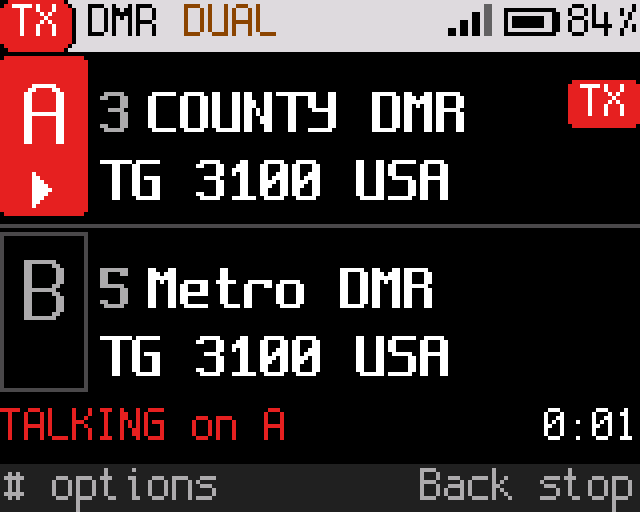
Dual watch: transmitting on A
Dual watch: the VFO as B
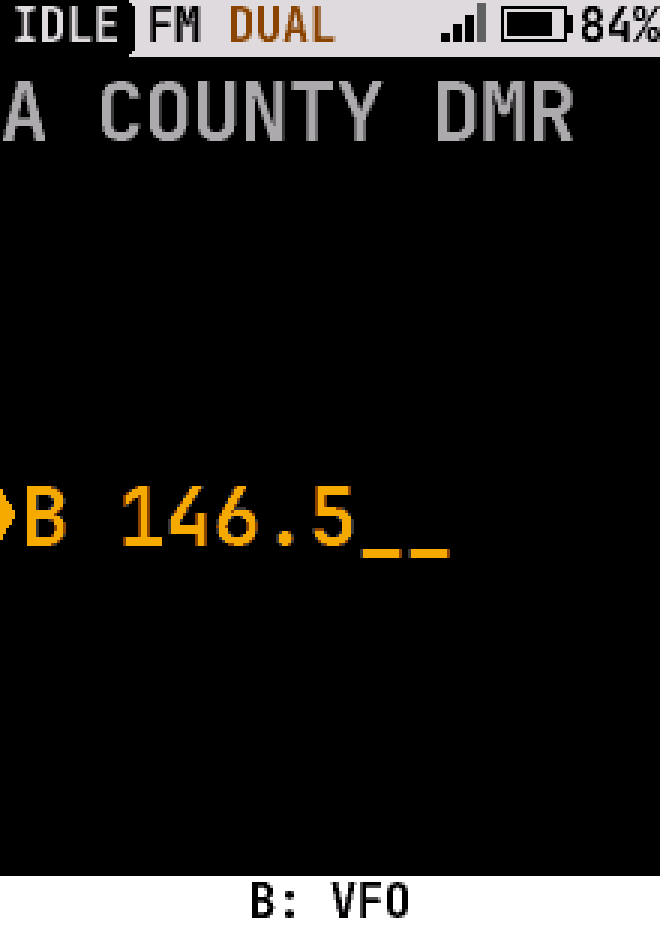
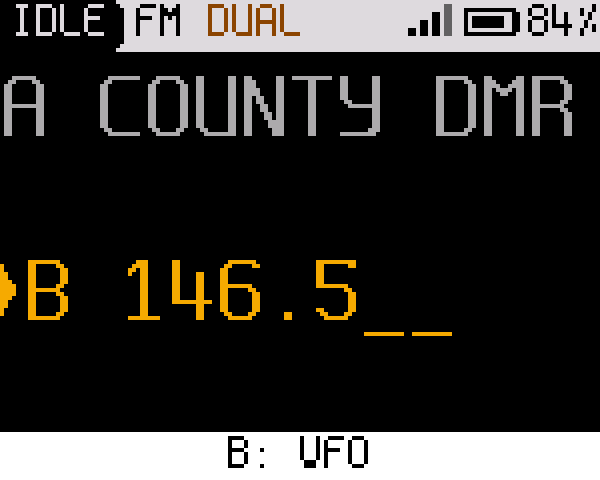
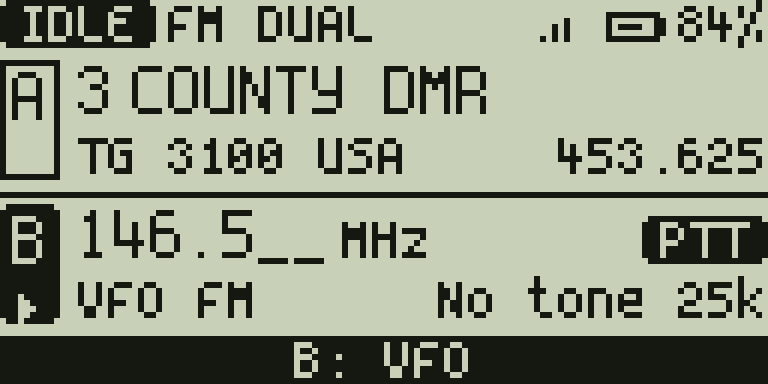
Dual watch: typing a frequency into the VFO
Dual watch: B in another zone
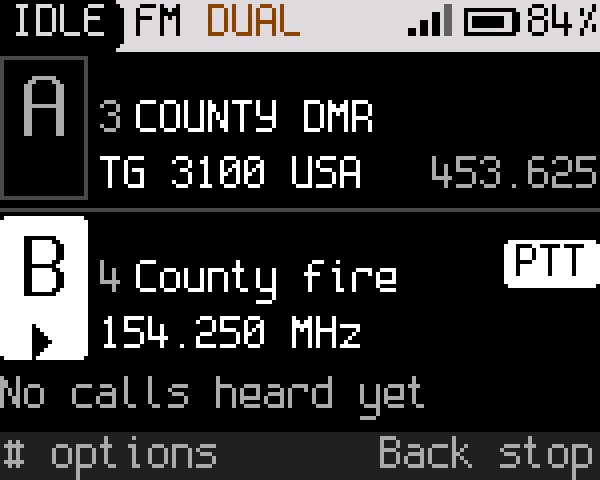
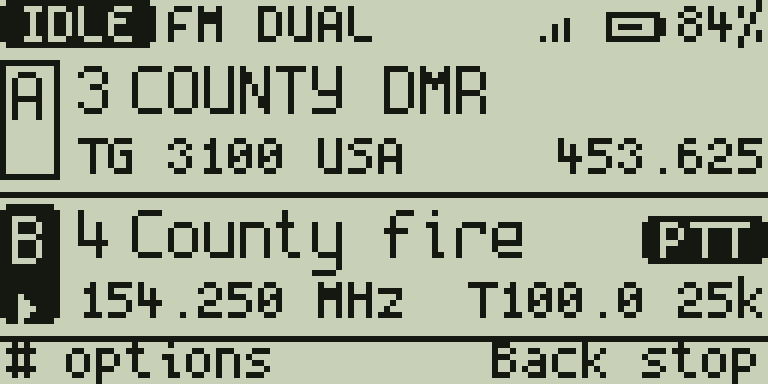
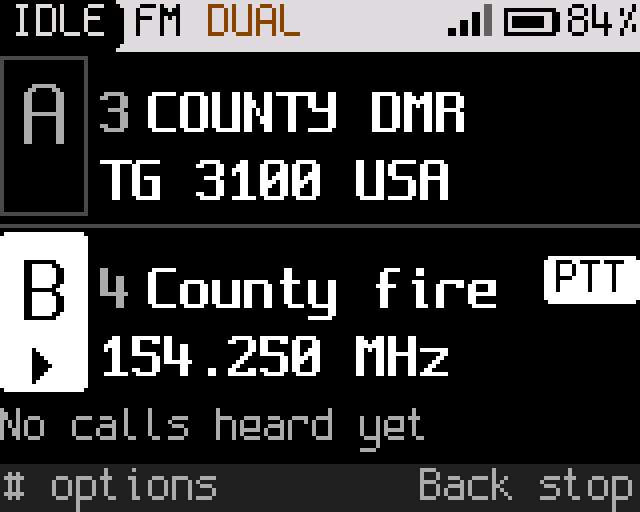
Dual watch: an FM channel as B
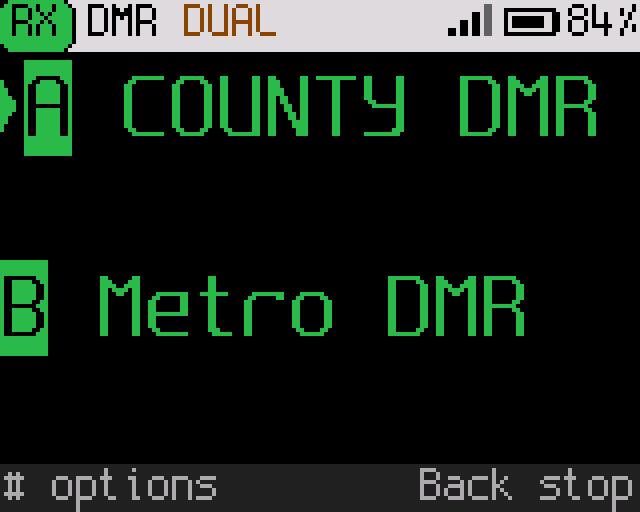
Dual watch, large text
Dual watch, typing a frequency, large text
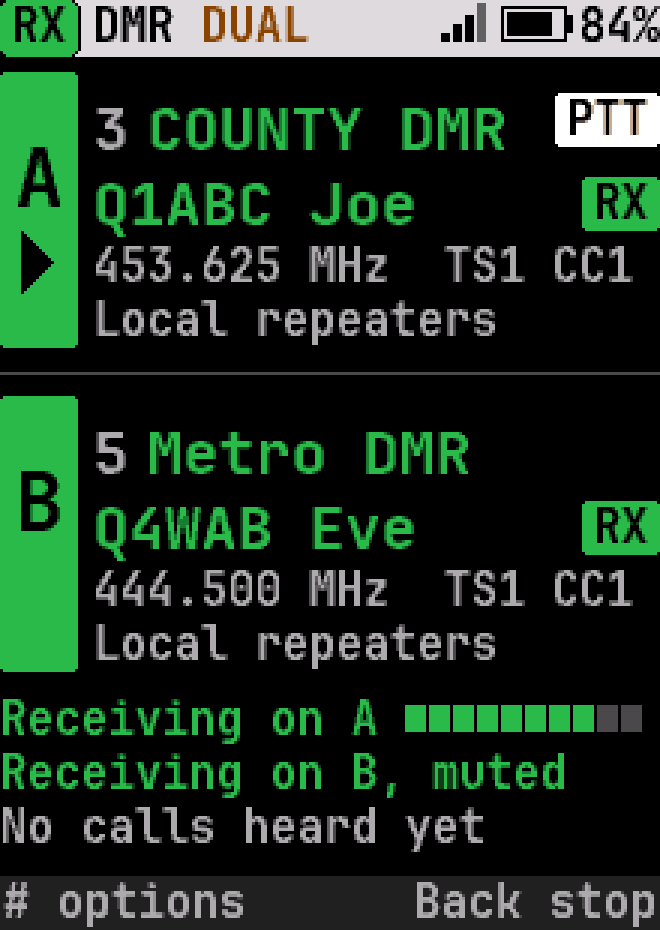
Dual watch on two receivers: a call on each
Dual watch on two receivers: a call on each, high-contrast theme
Dual watch on two receivers: a call on each, light theme
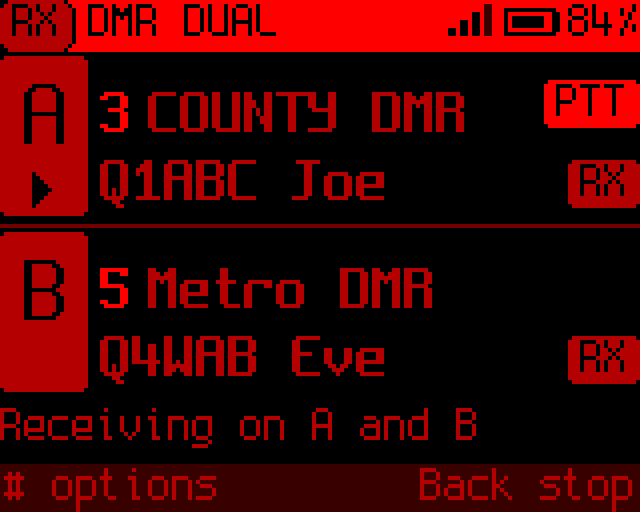
Dual watch on two receivers: a call on each, night (red) theme
Dual watch: talking on B while a call arrives on A
Dual watch on two receivers, large text
Dual watch: talk back on B after its call
Volume bar: the knob turned
Volume bar over Quick settings

Calls

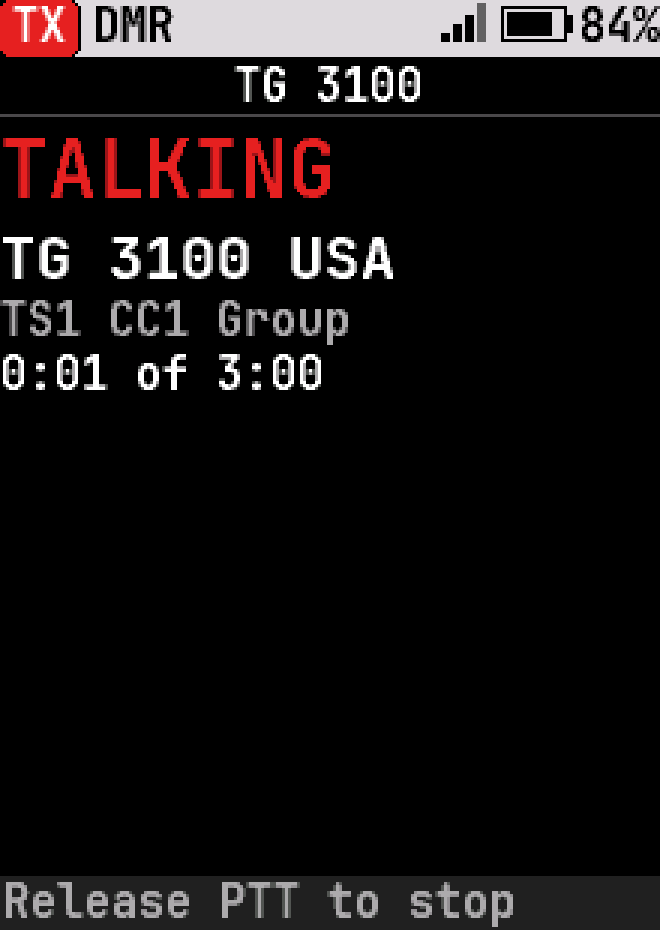
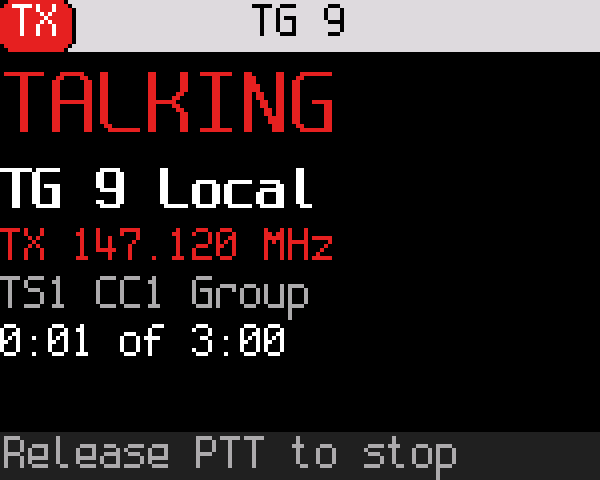
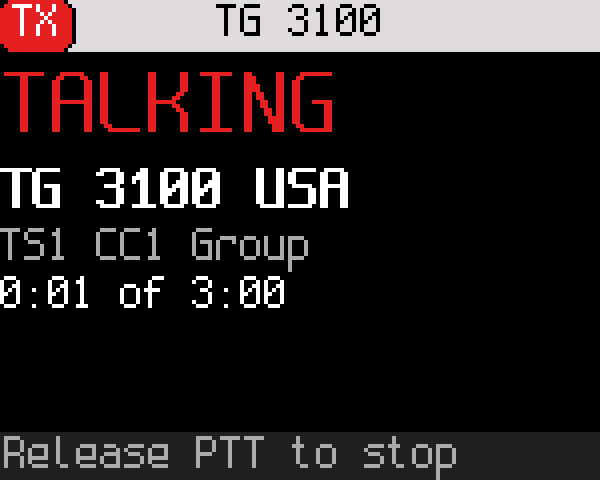
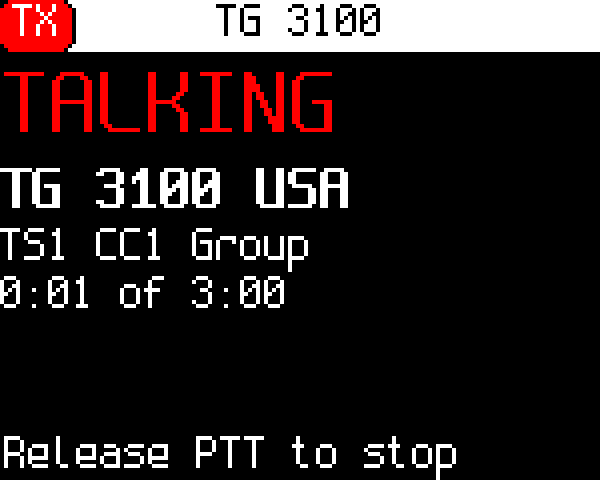
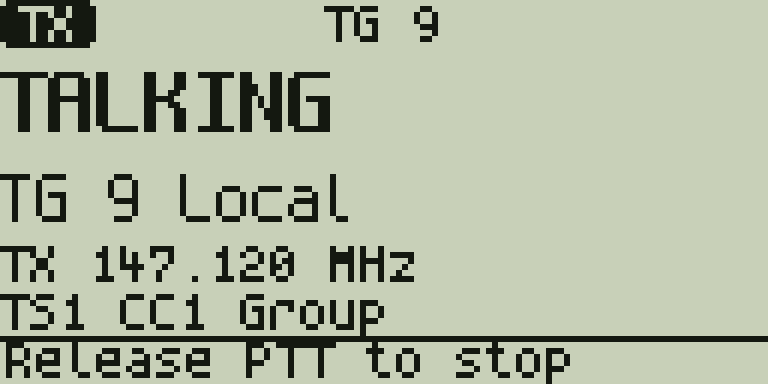
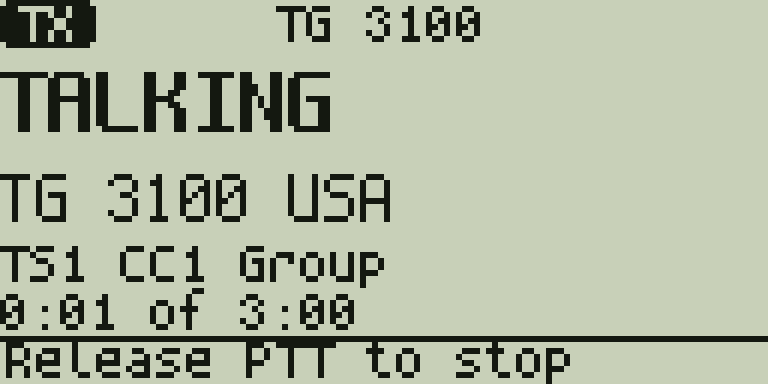
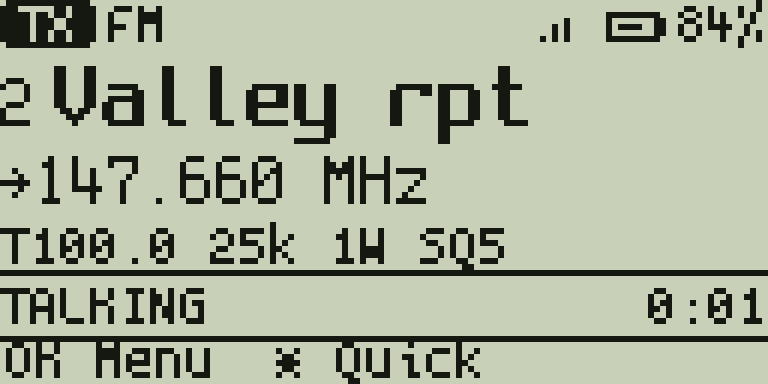
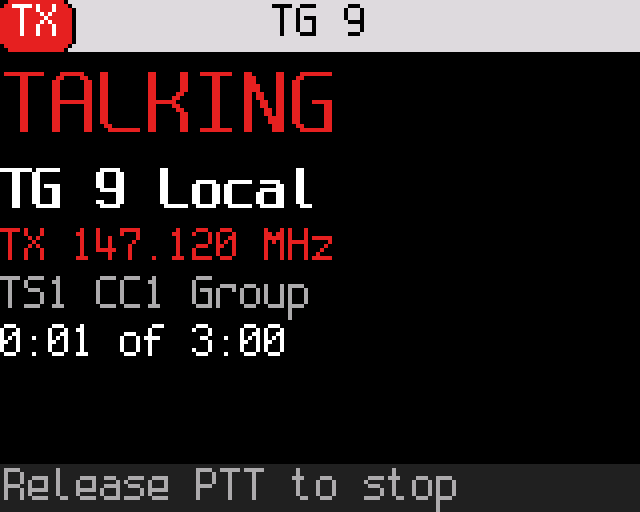
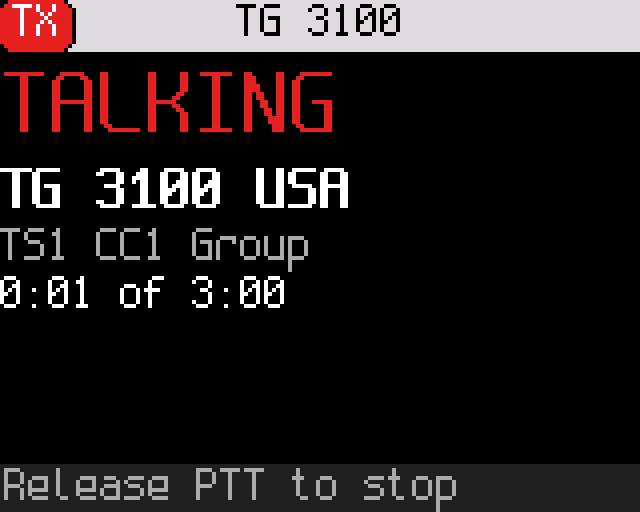
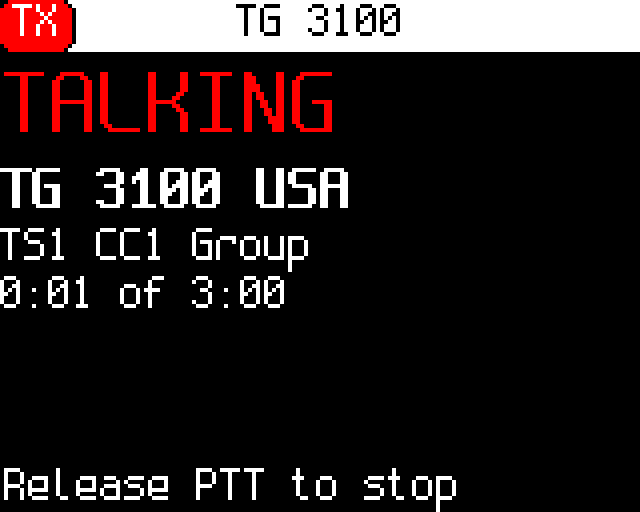
Transmitting
Transmitting
Transmitting, high-contrast theme
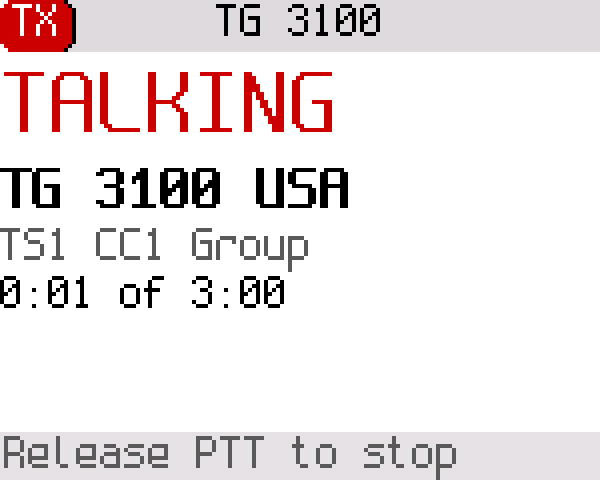
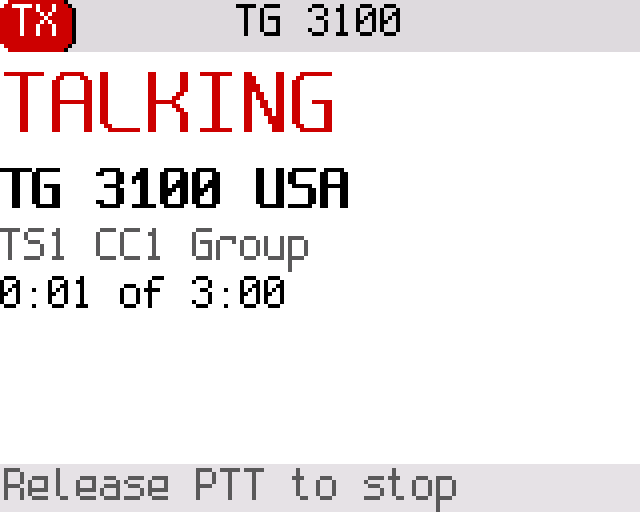
Transmitting, light theme
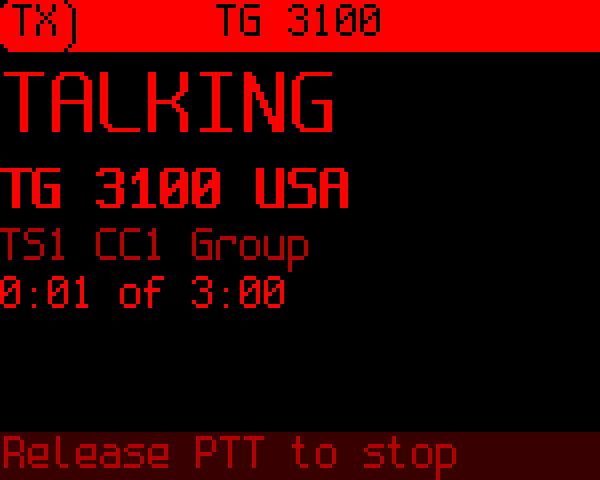
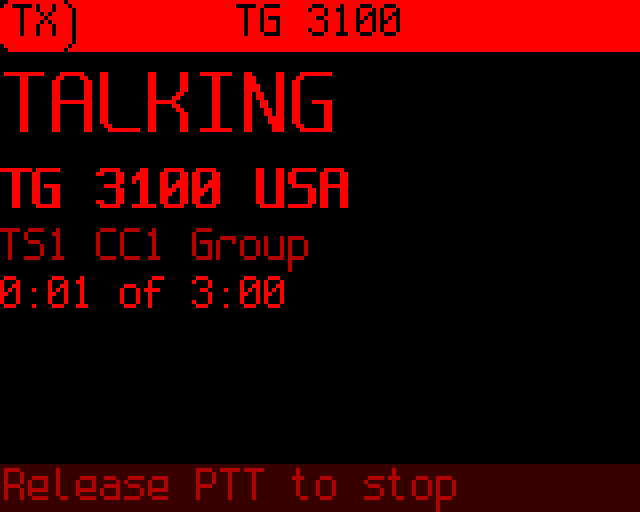
Transmitting, night (red) theme
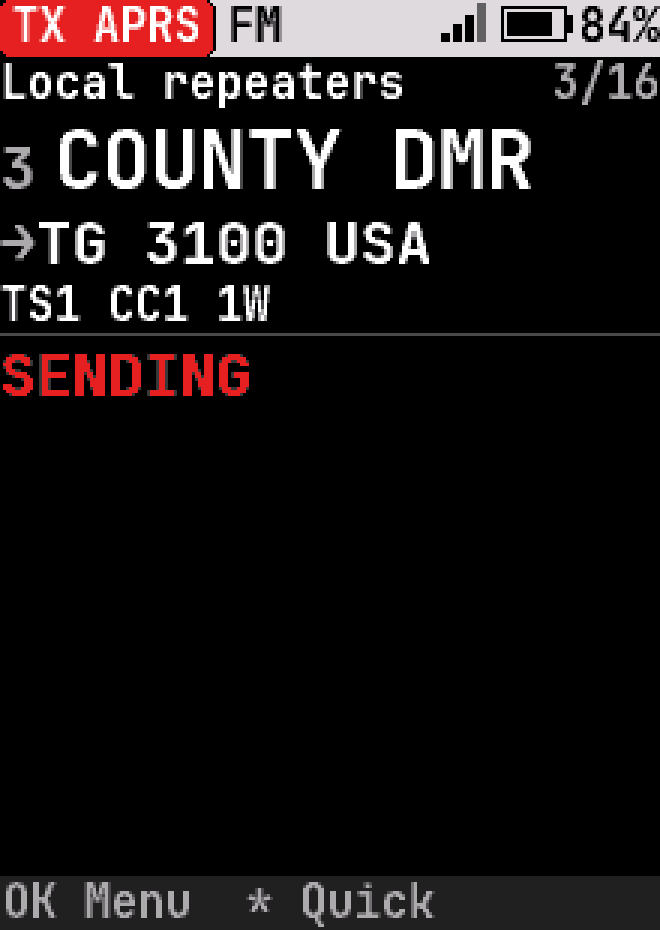
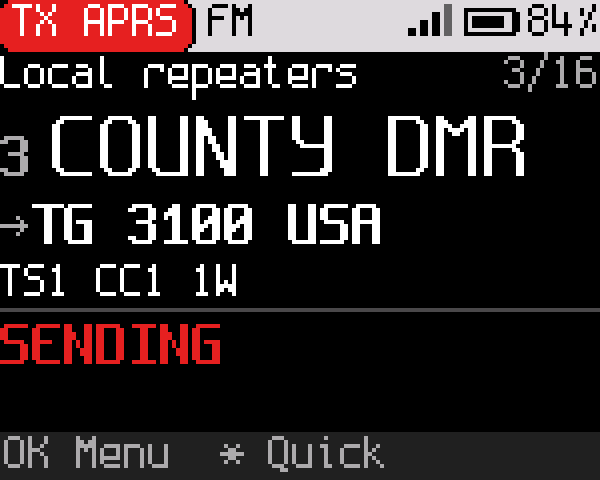
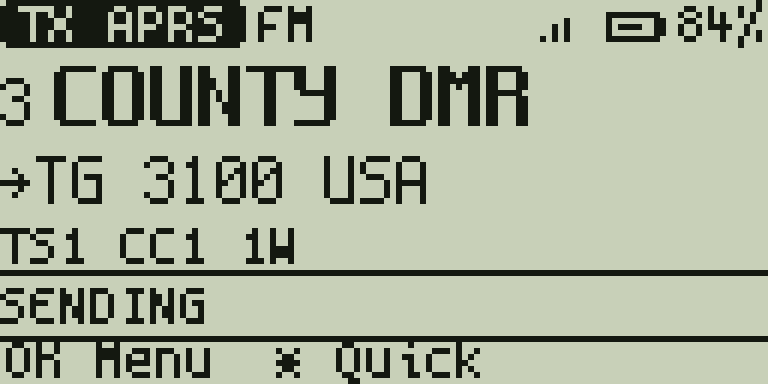
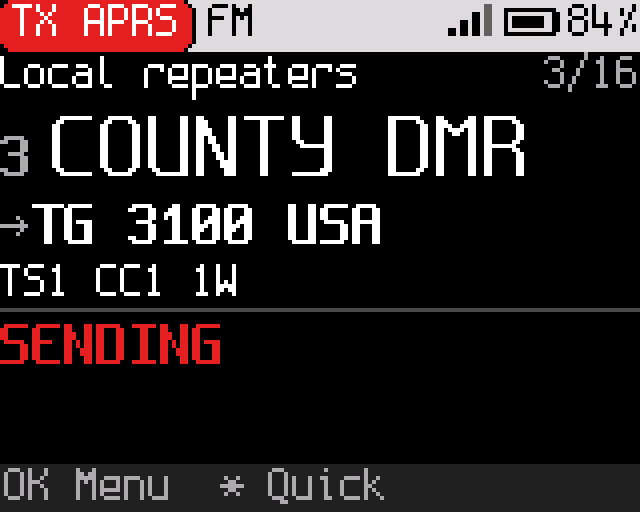
Sending an APRS beacon
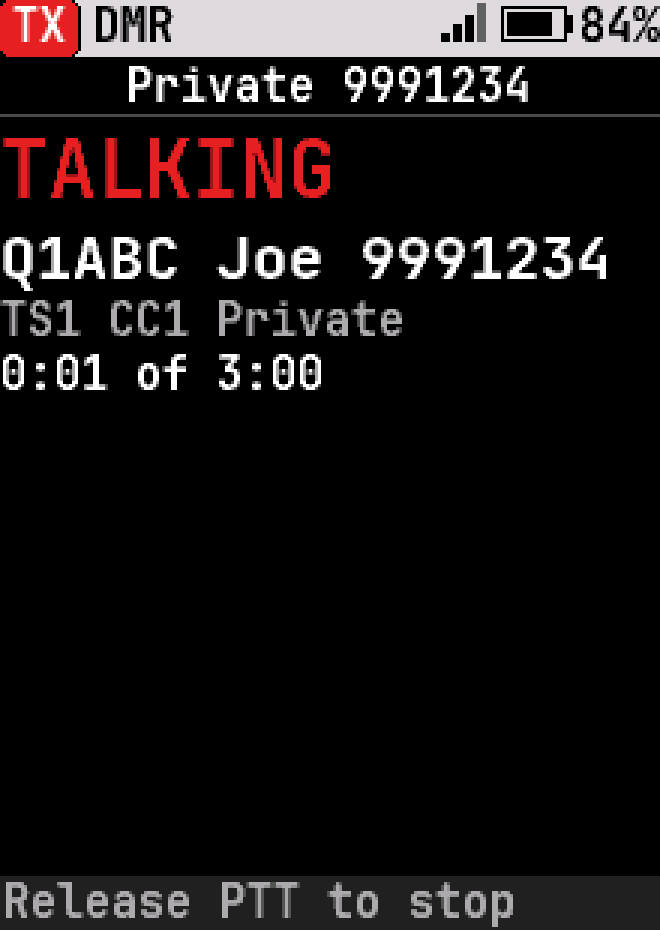
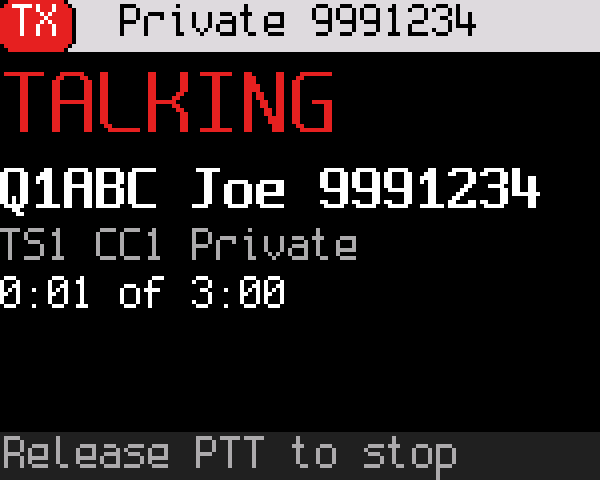
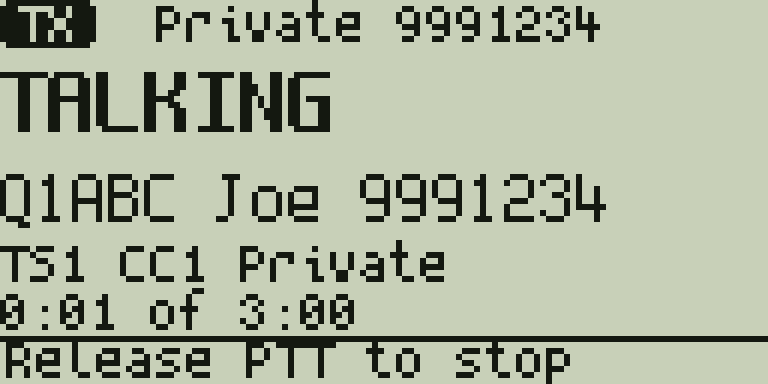
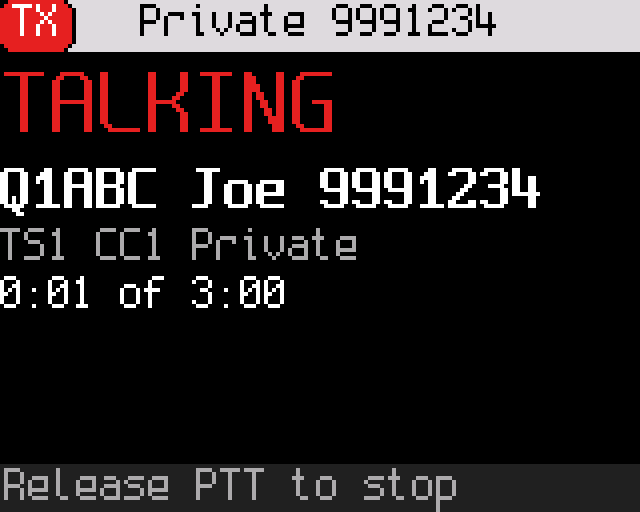
Transmitting a private call
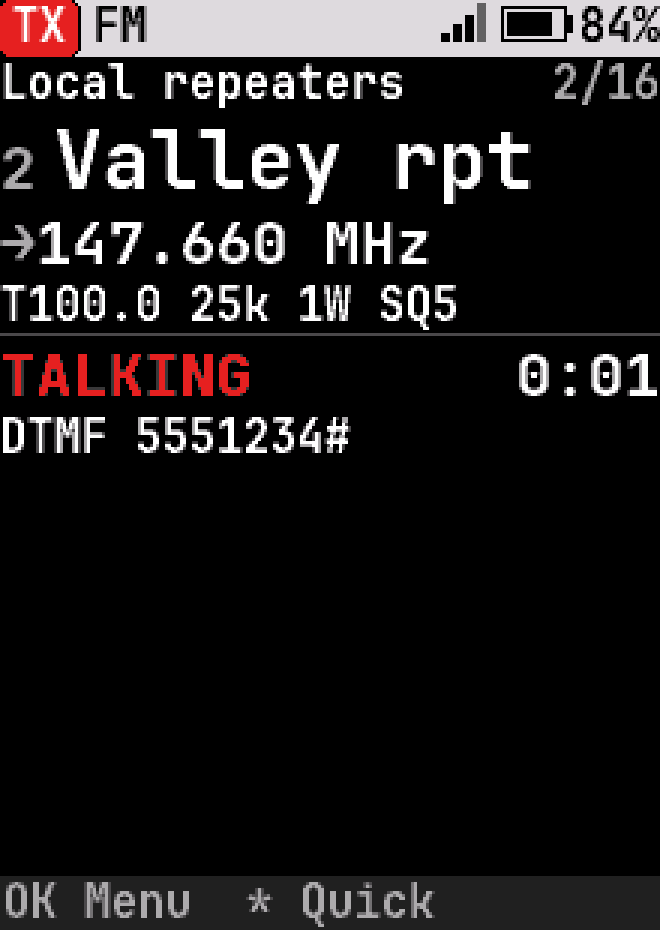
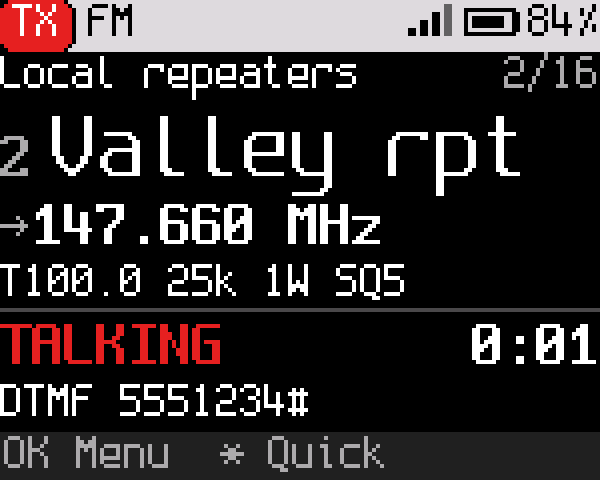
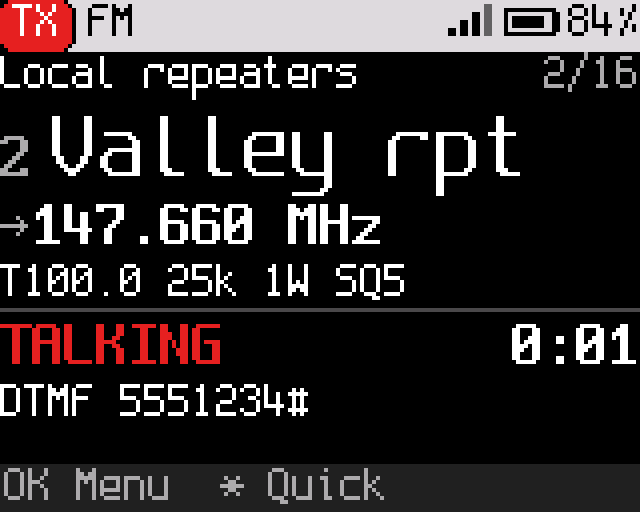
Sending touch tones (DTMF) on FM
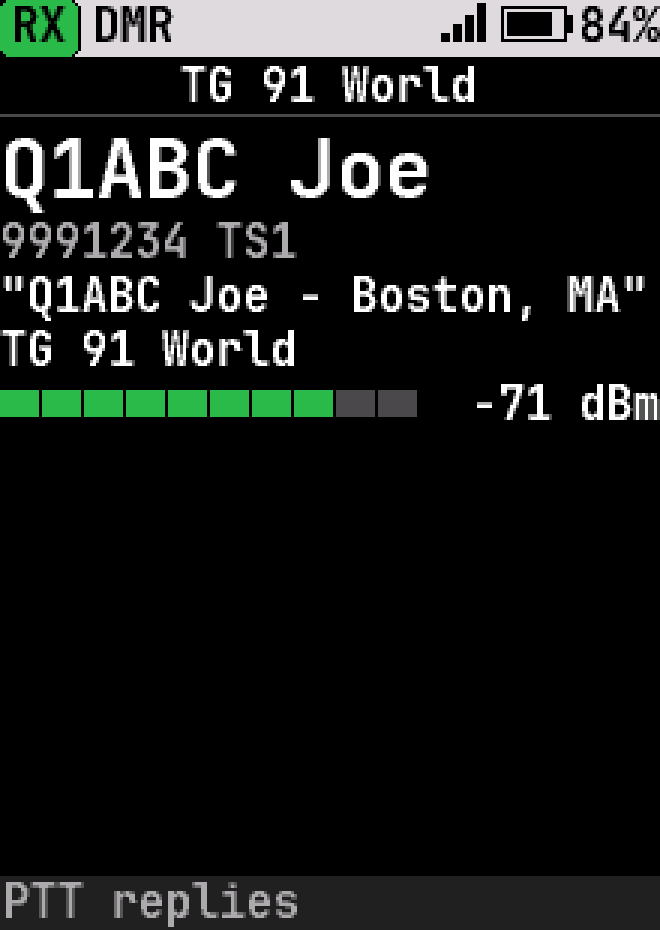
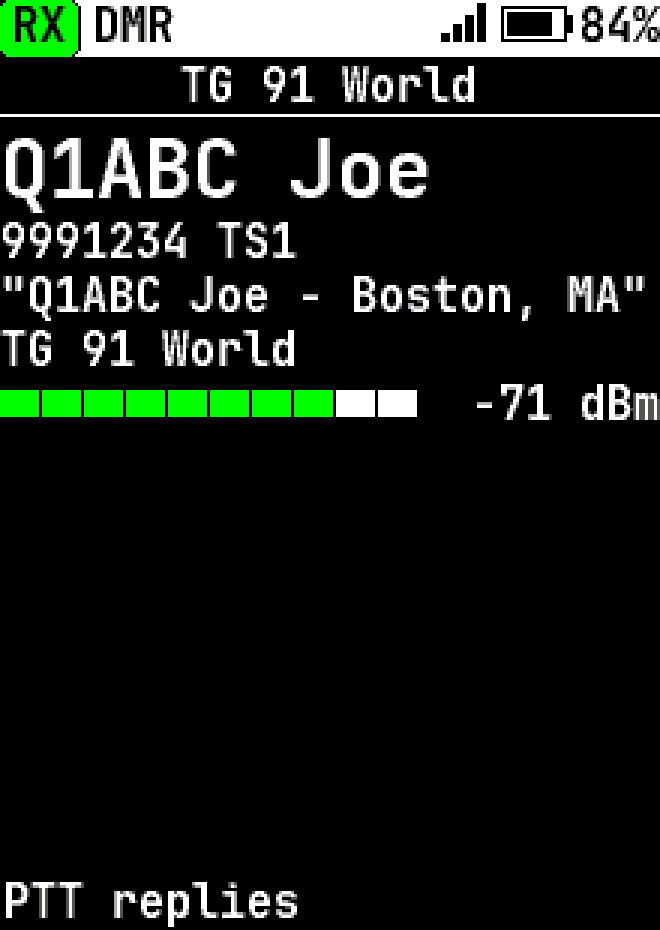
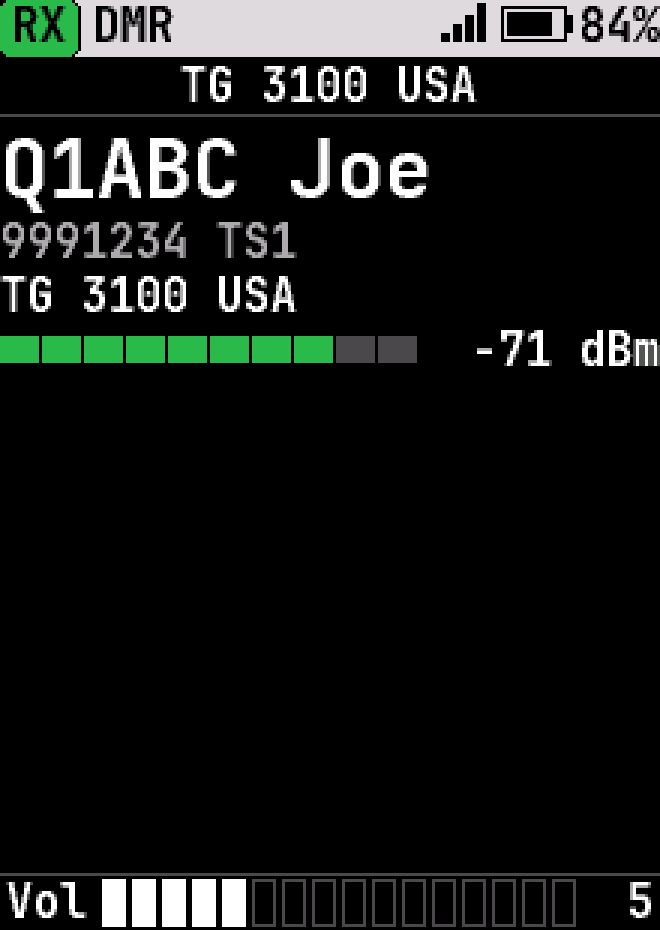
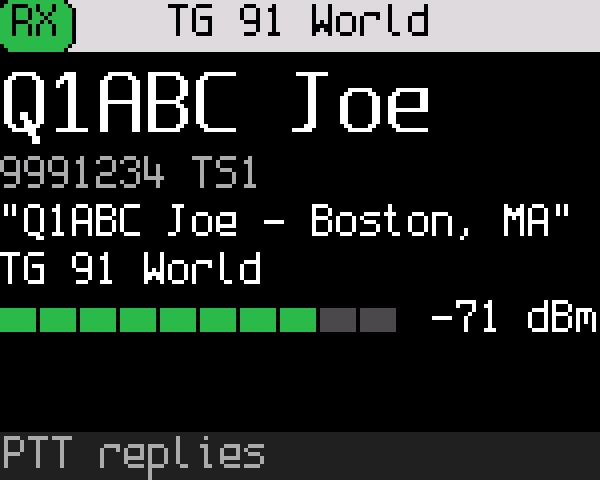
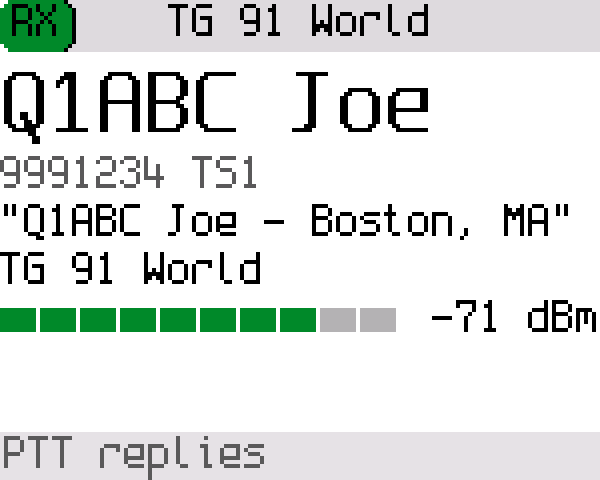
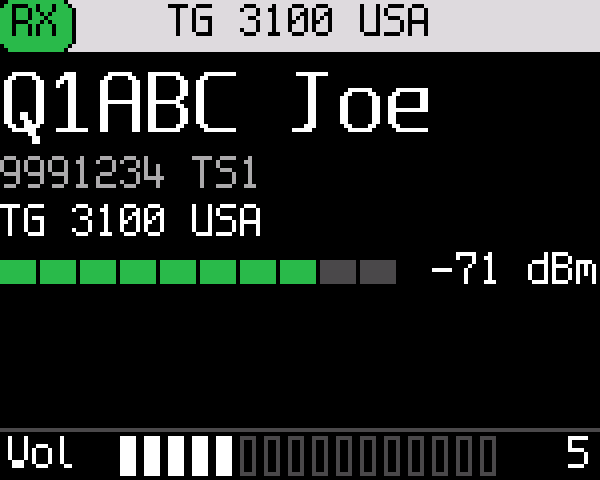
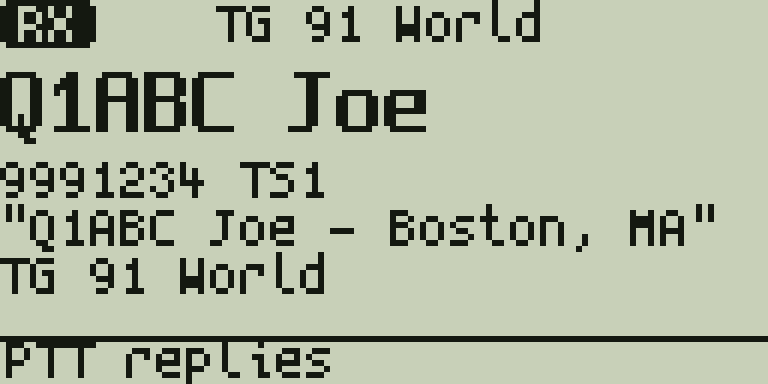
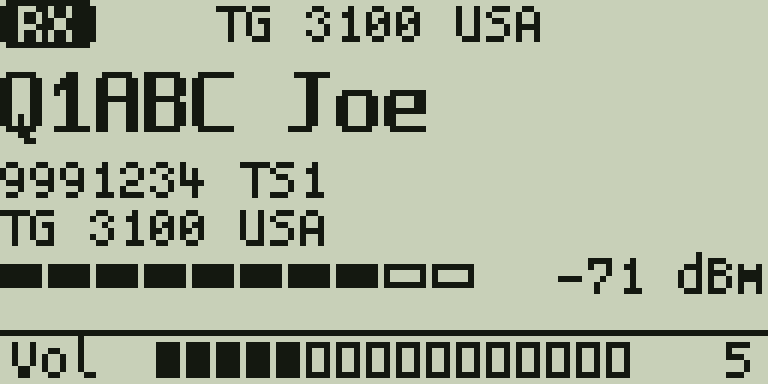
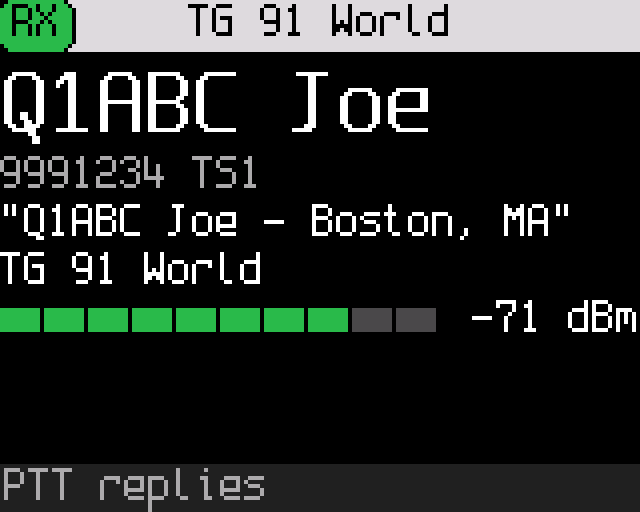
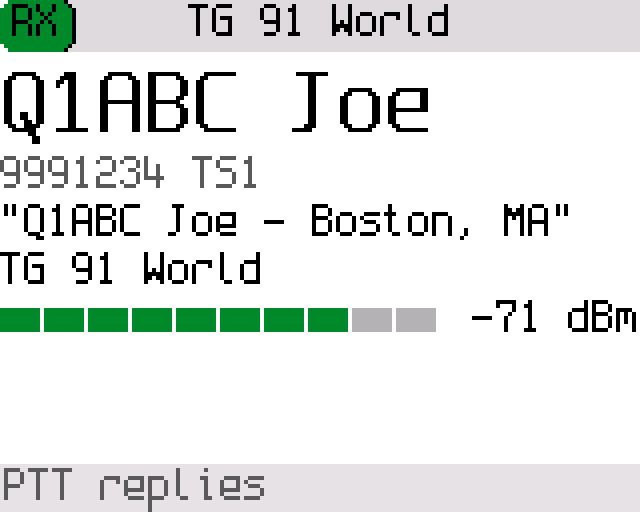
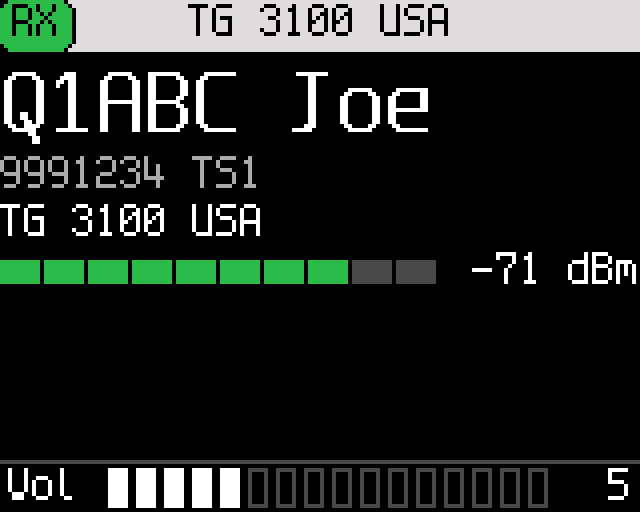
Receiving a group call
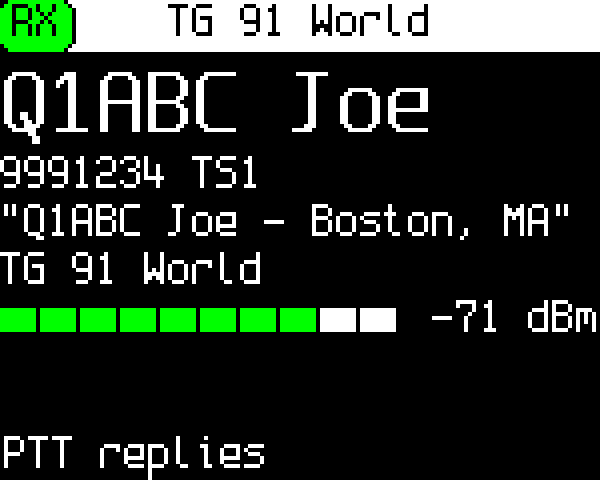
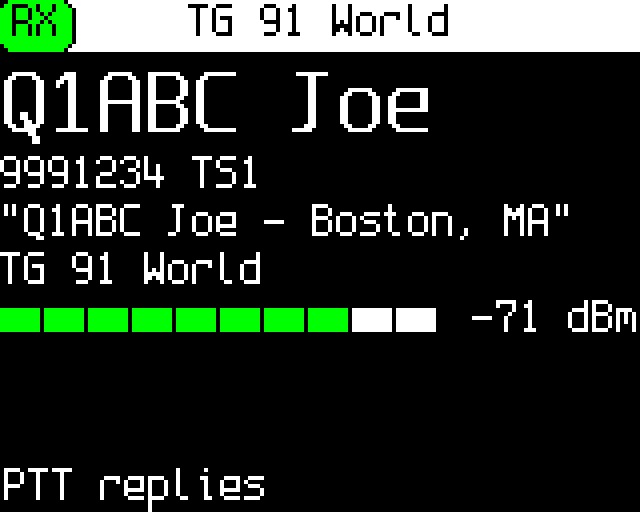
Receiving a group call, high-contrast theme
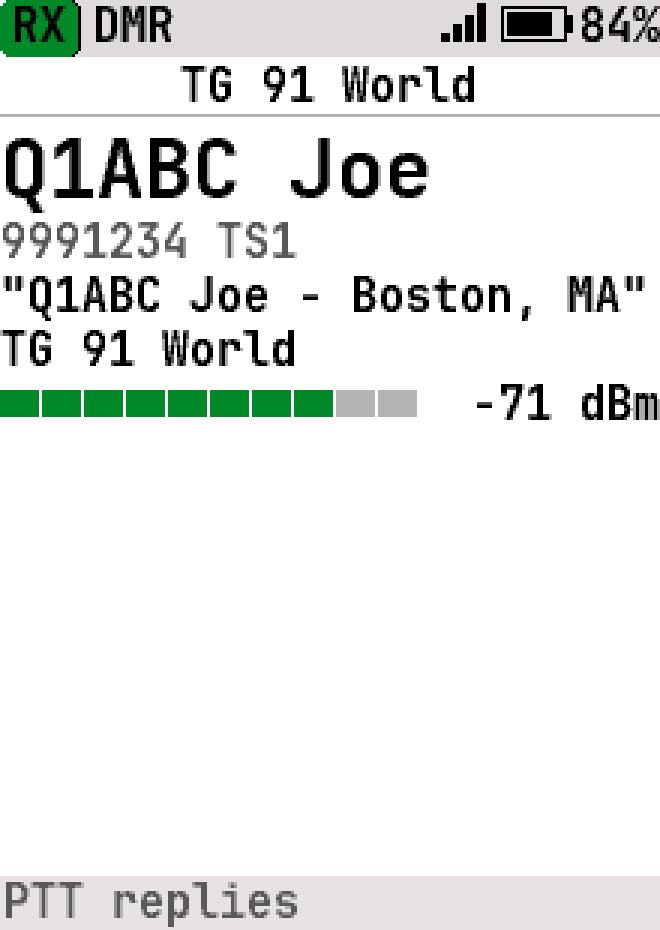
Receiving a group call, light theme
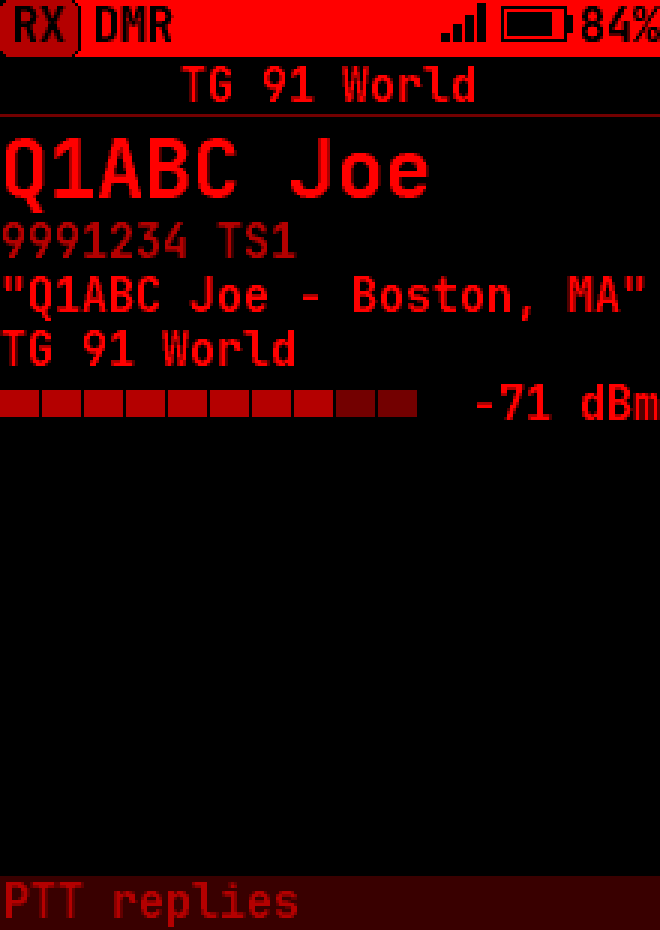
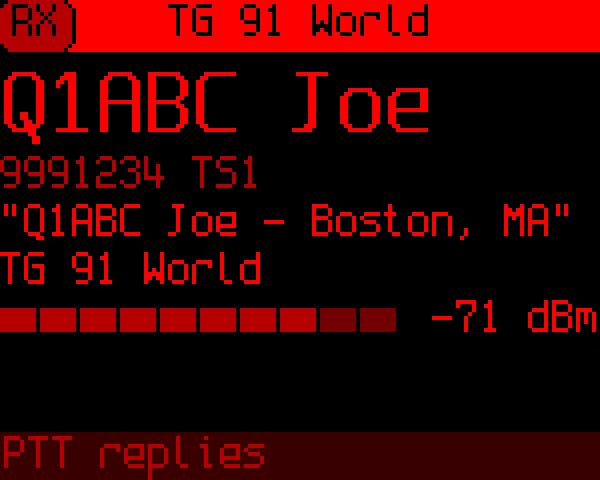
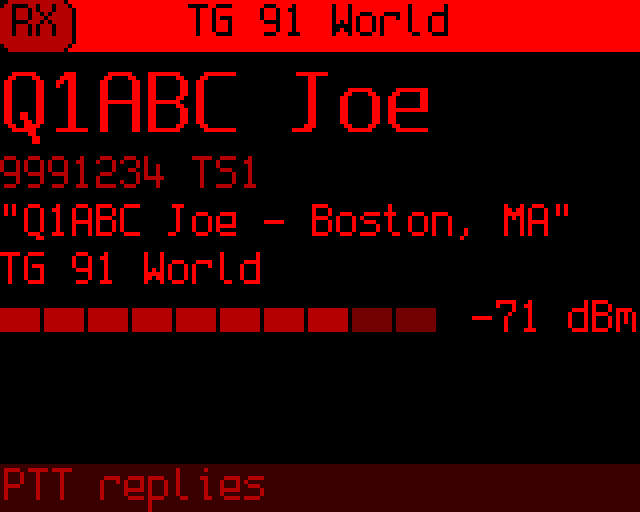
Receiving a group call, night (red) theme
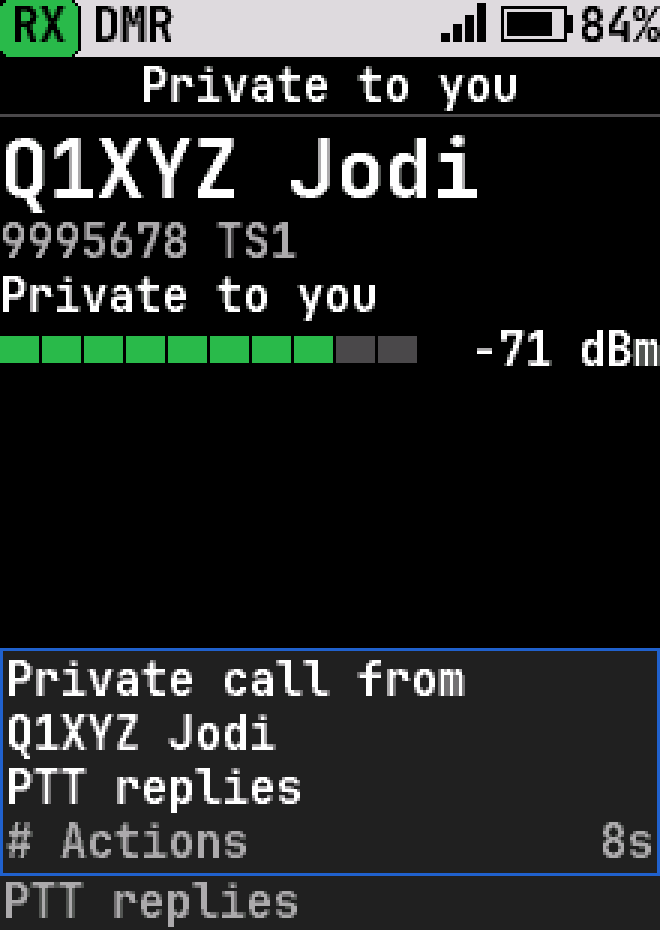
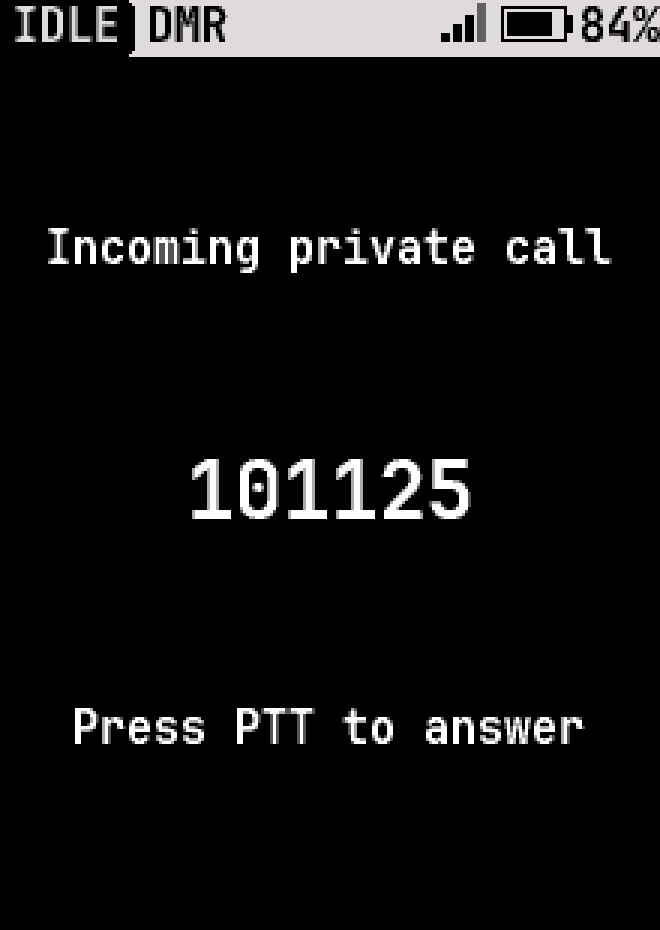
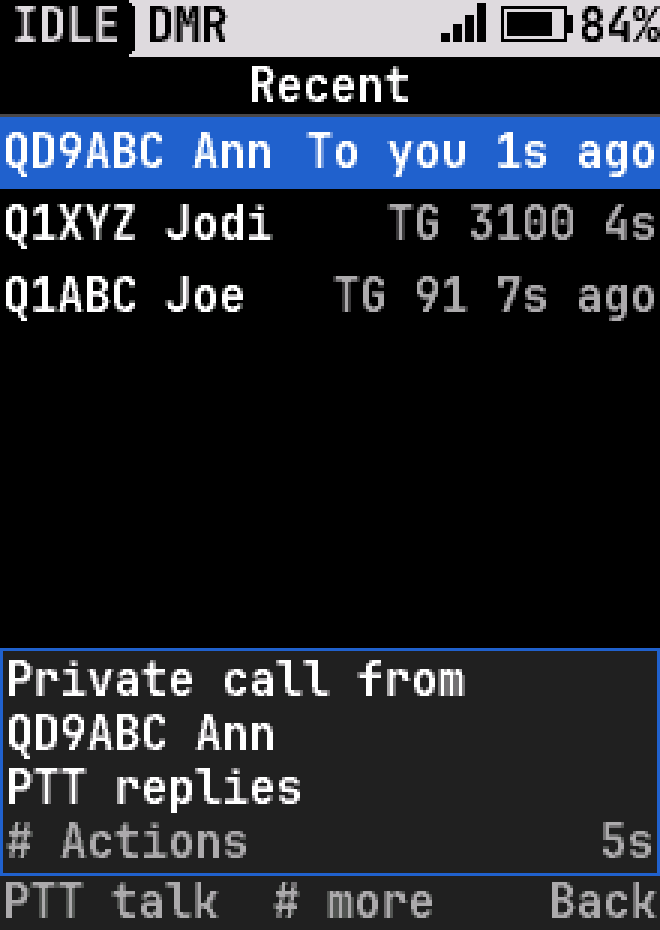
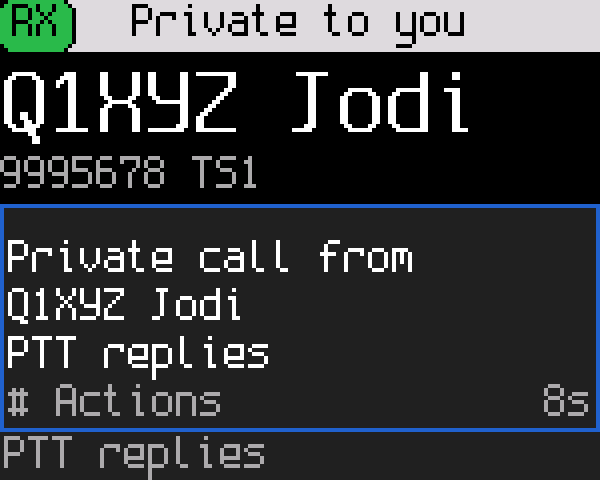
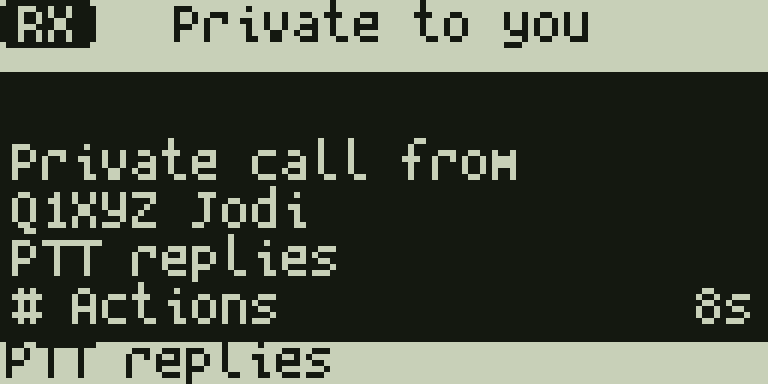
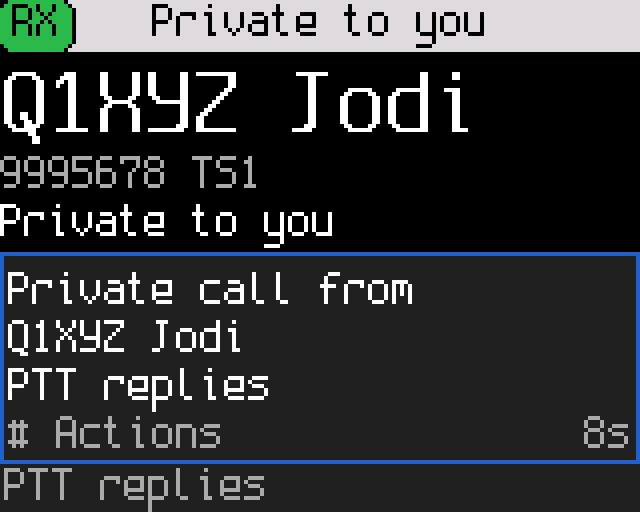
Receiving a private call
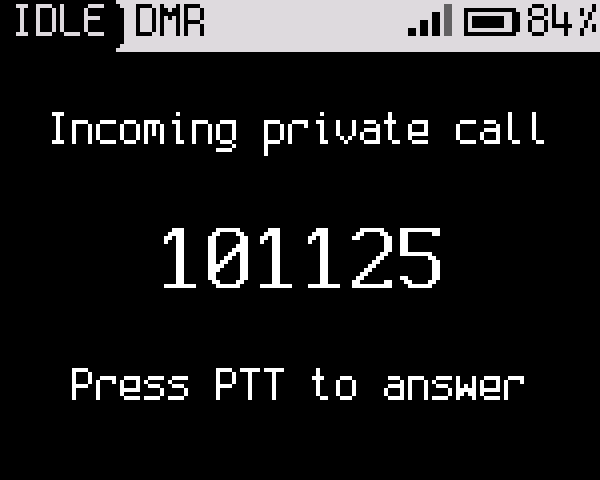
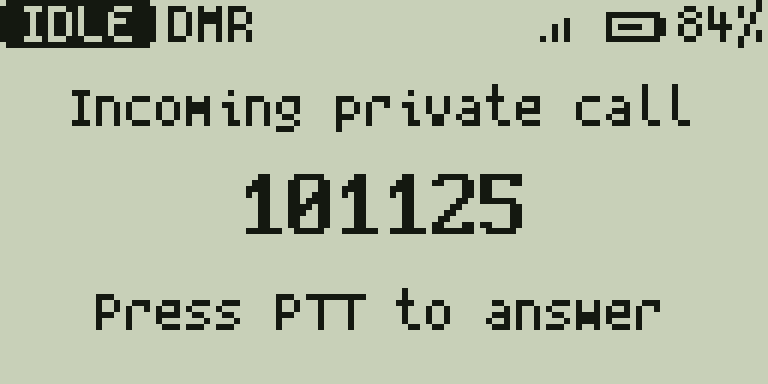
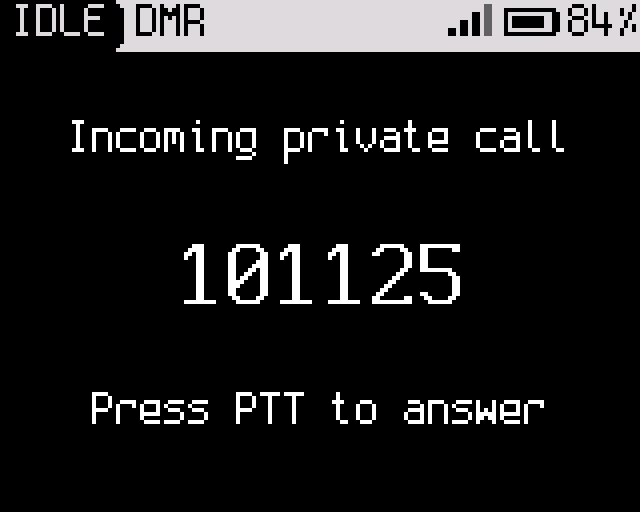
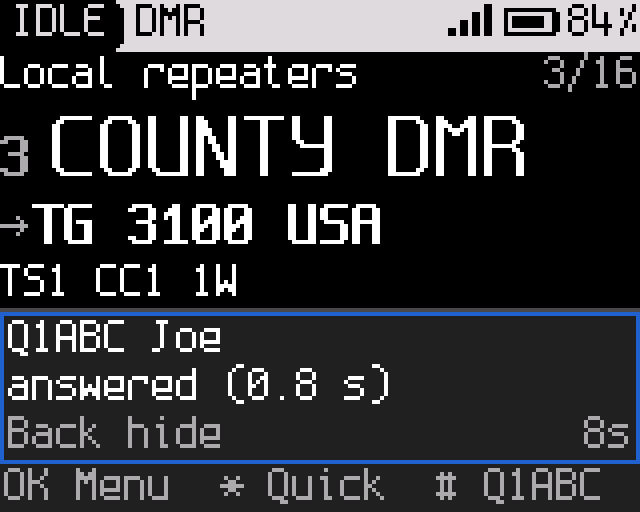
Incoming call
Incoming call
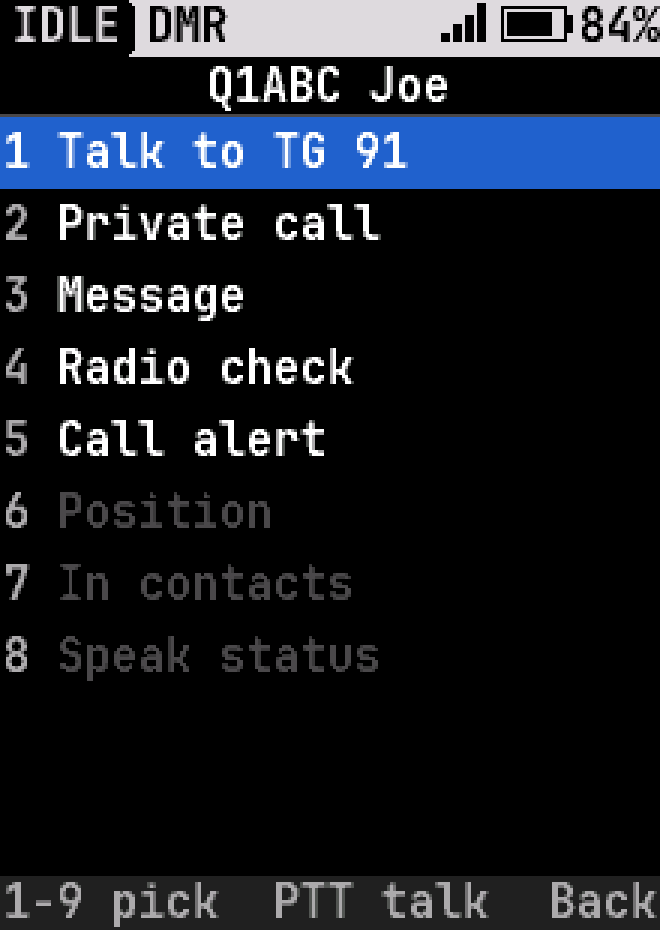
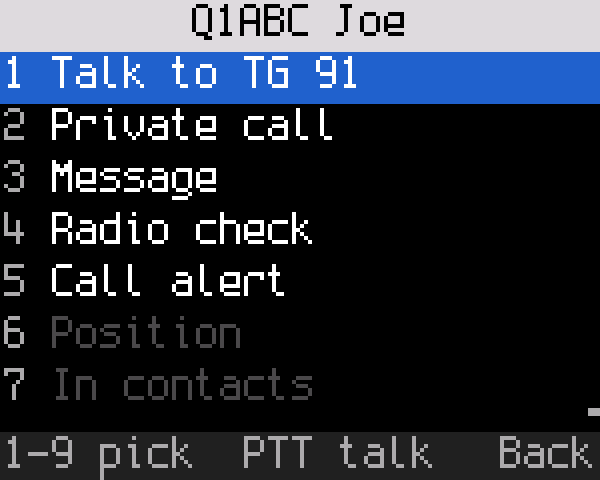
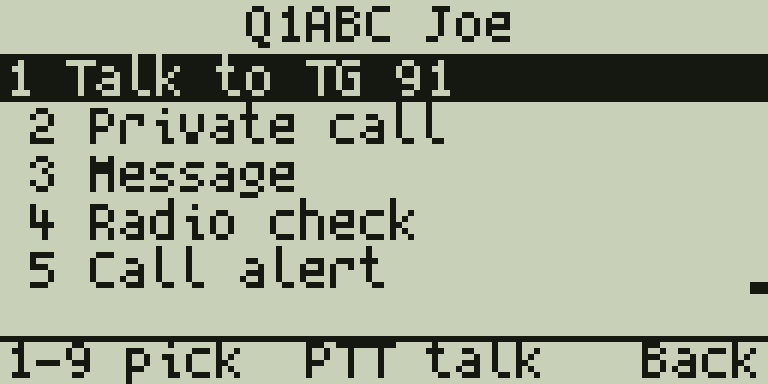
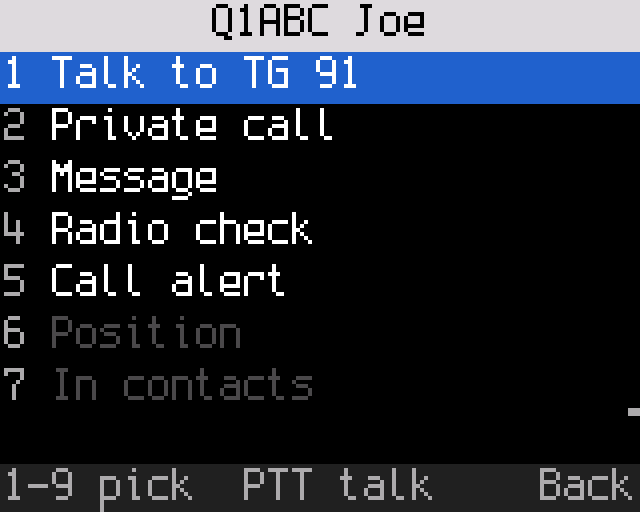
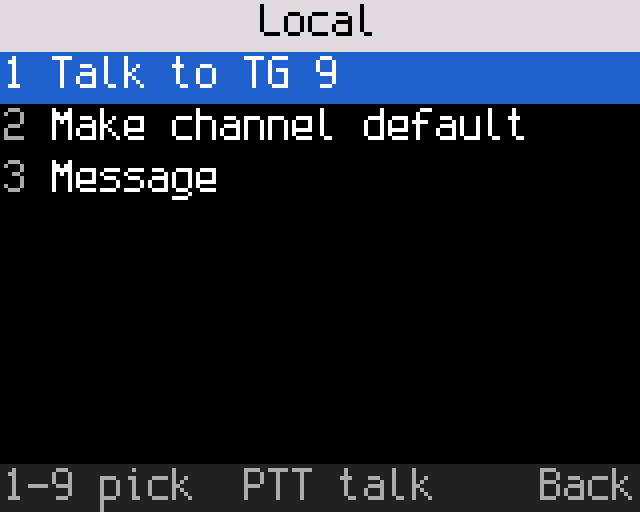
Caller actions
Caller actions
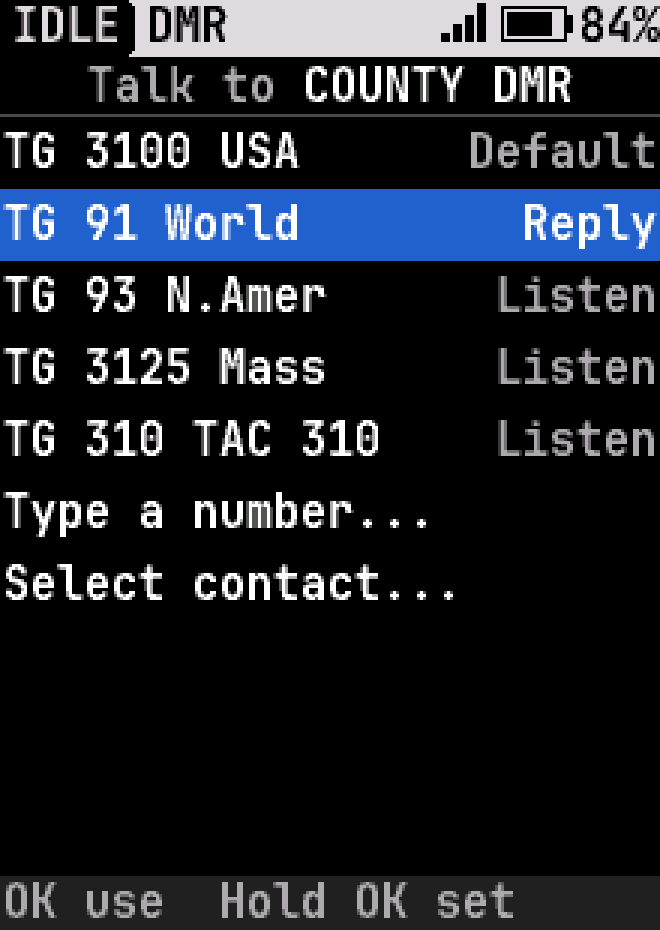
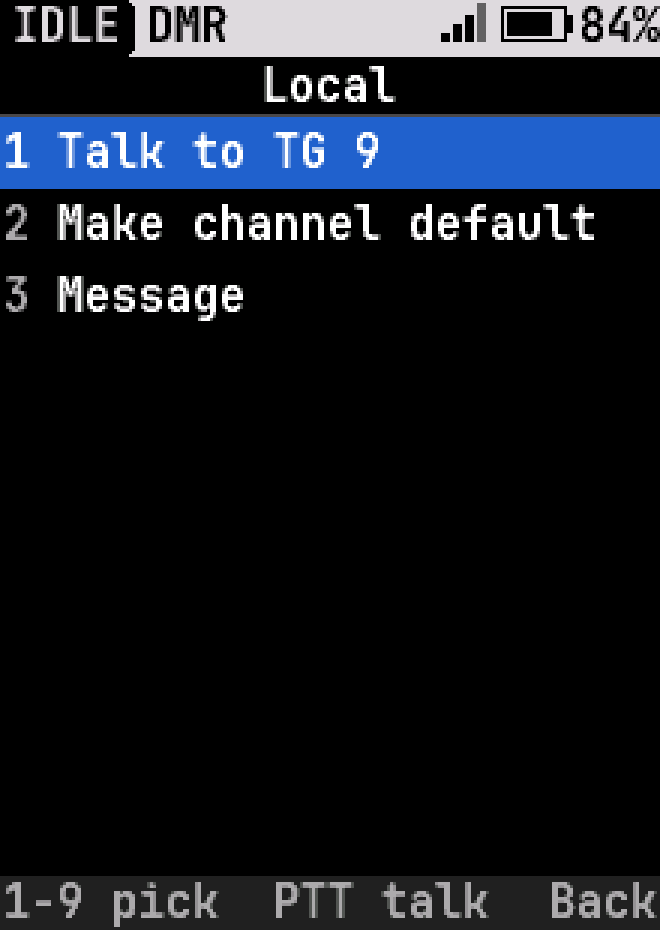
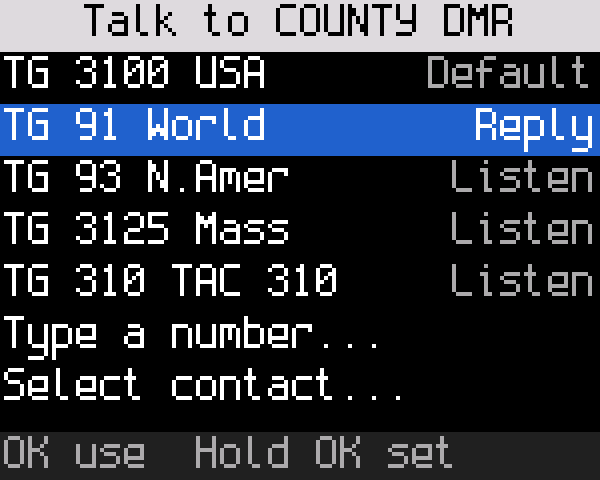
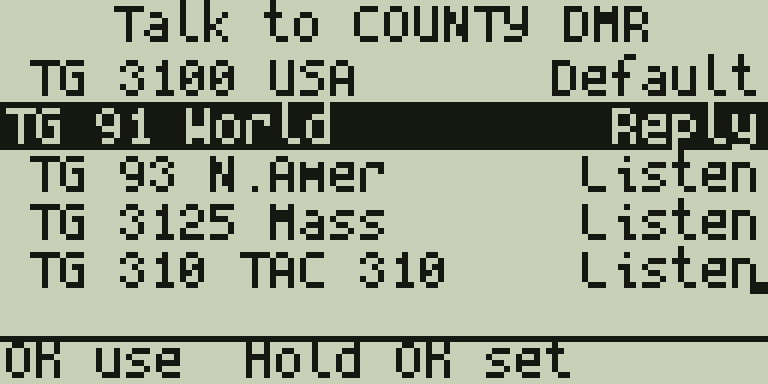
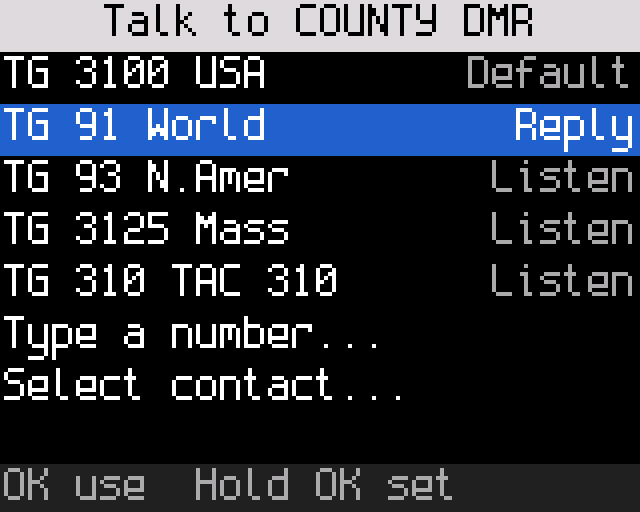
Talk target
Talk target
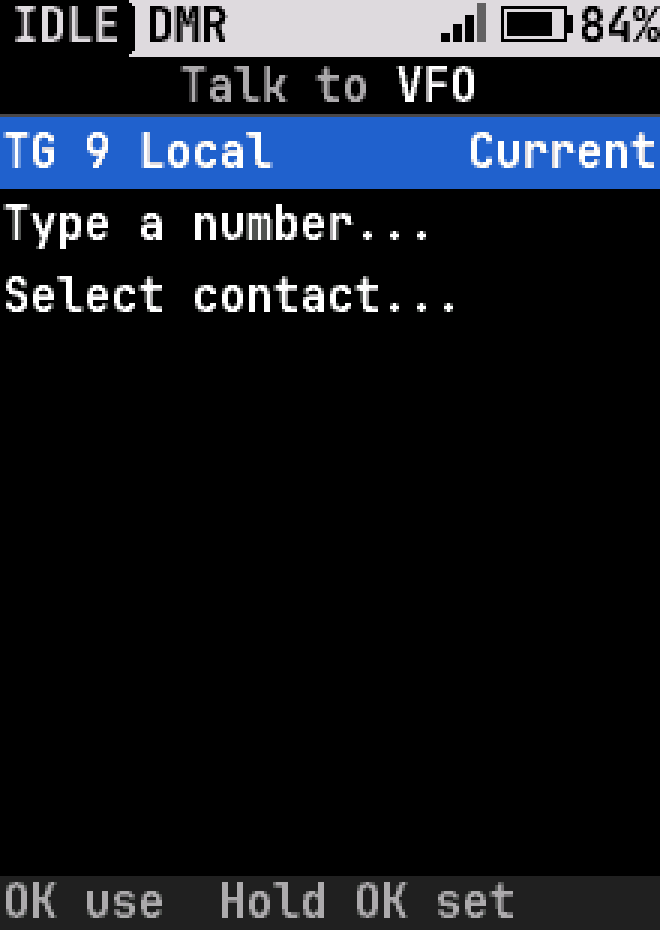
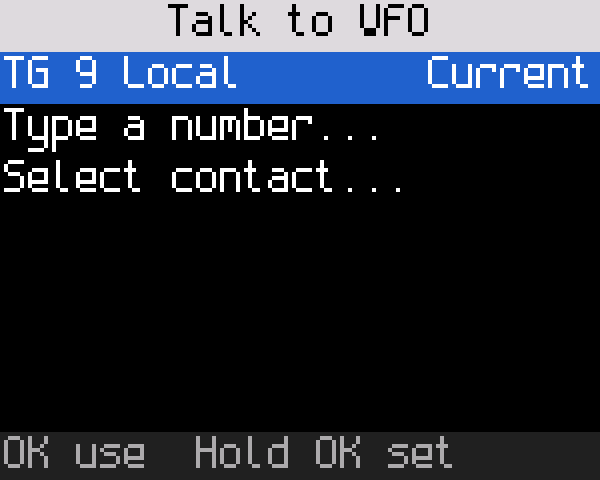
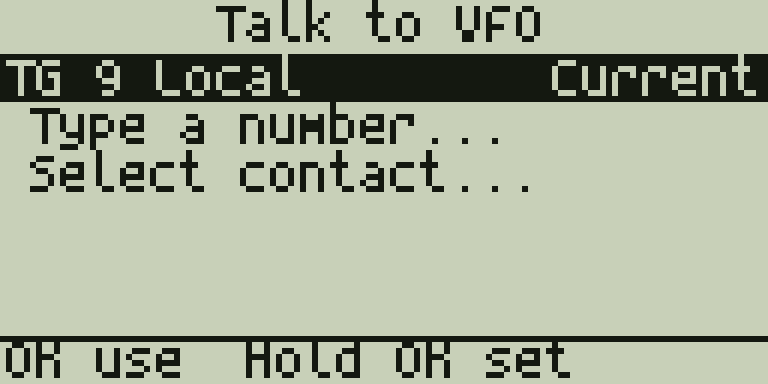
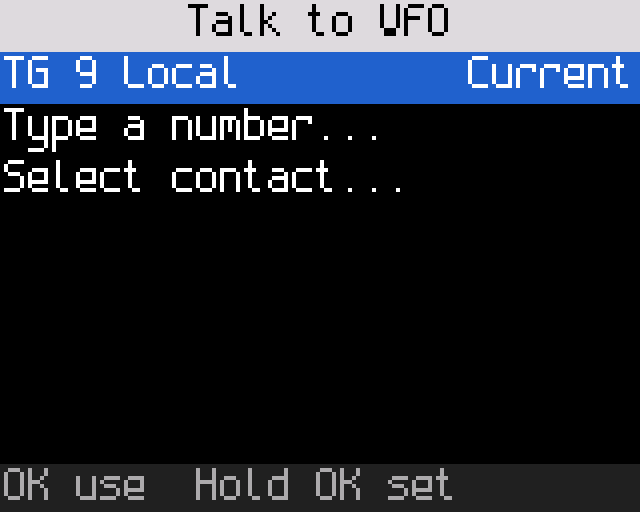
Talk target, DMR VFO
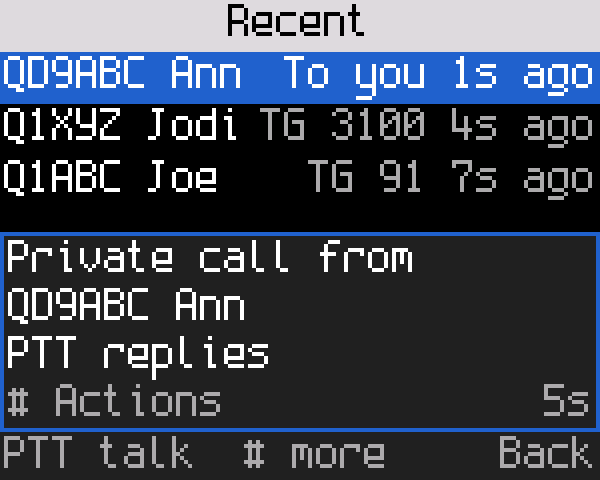
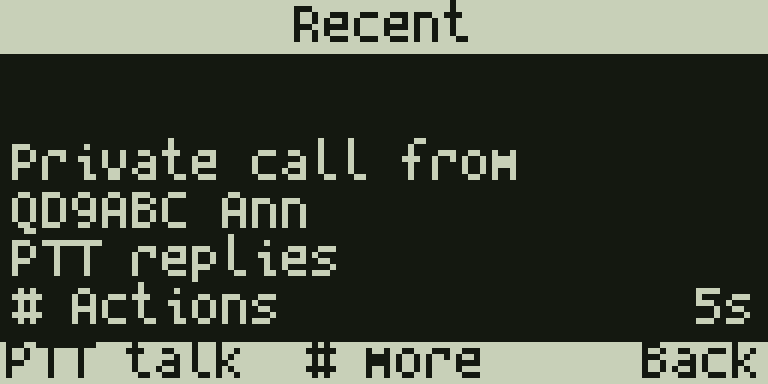
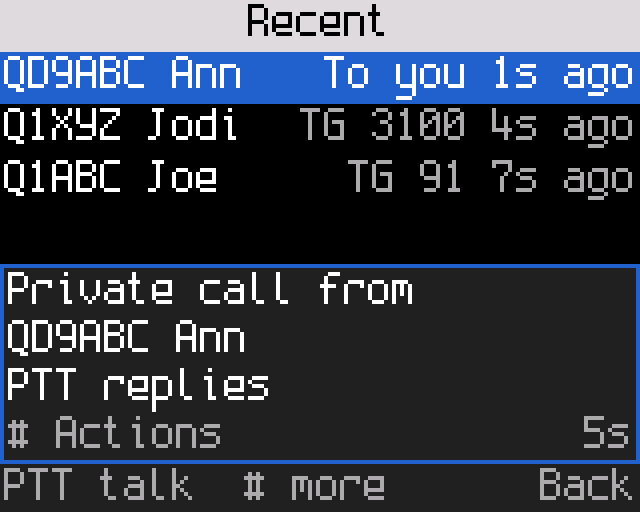
Recent calls
Recent calls
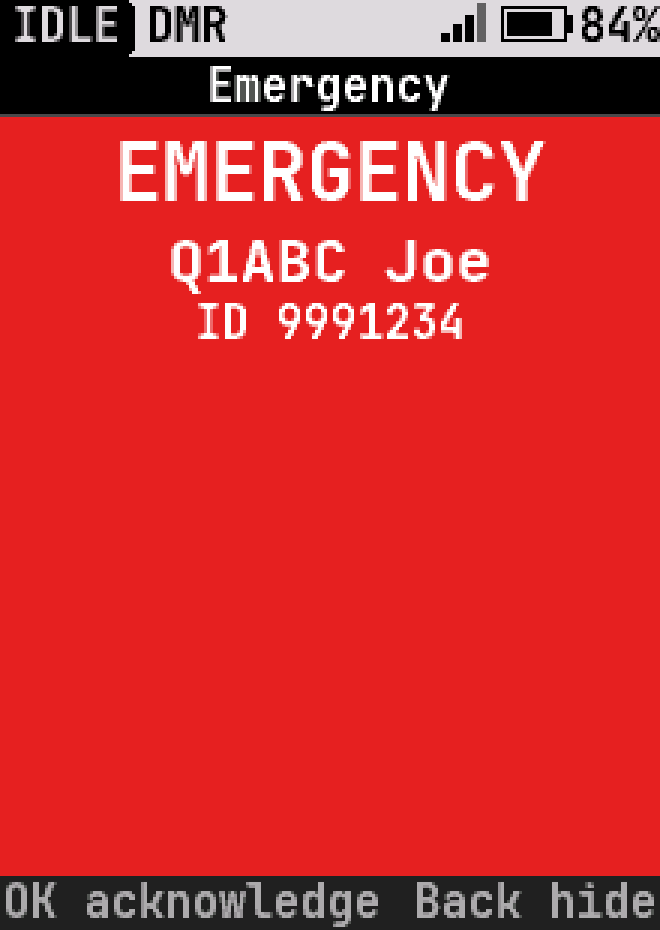
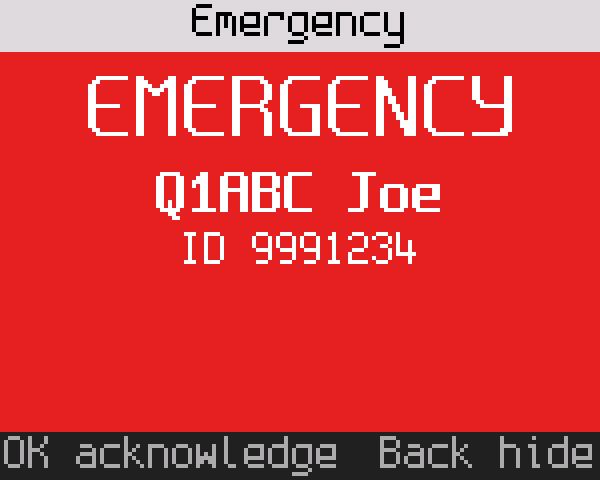
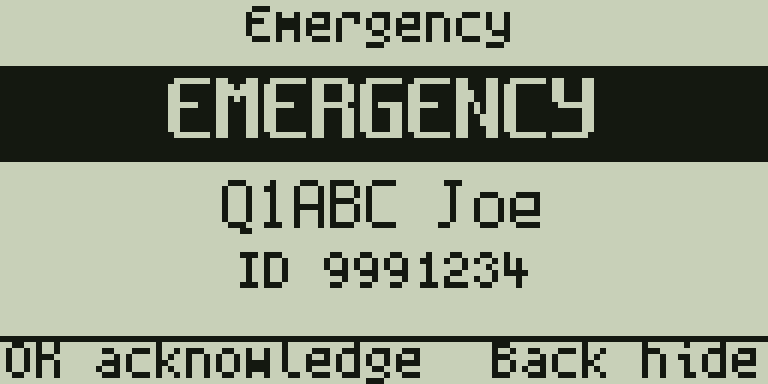
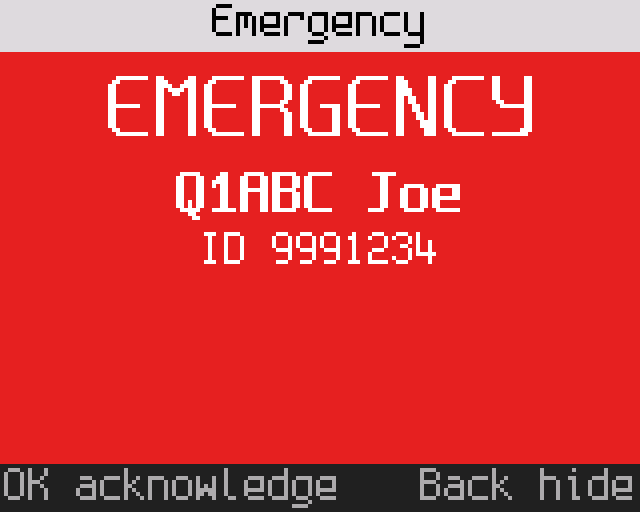
Emergency
Emergency
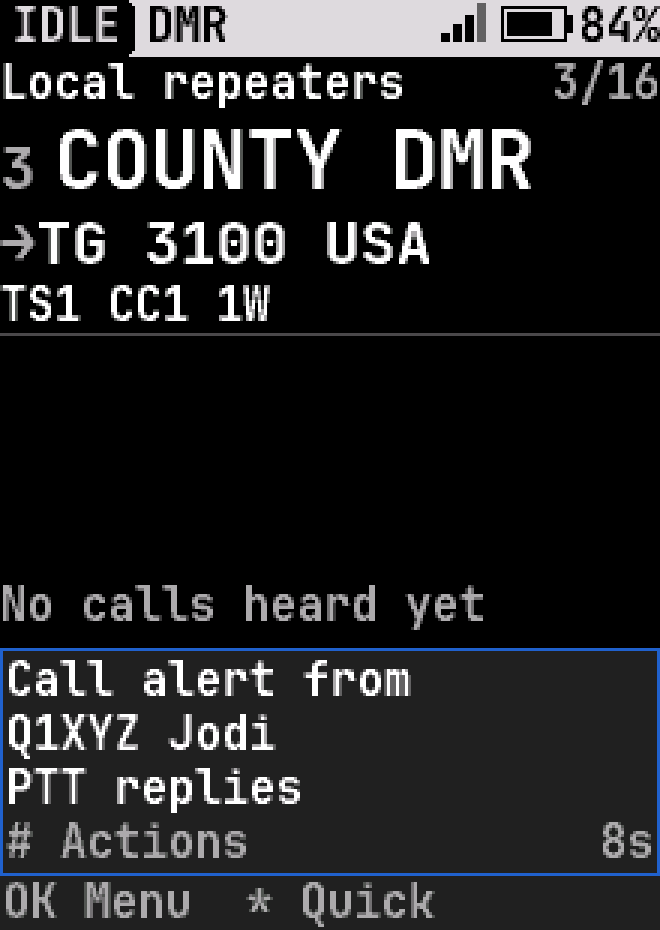
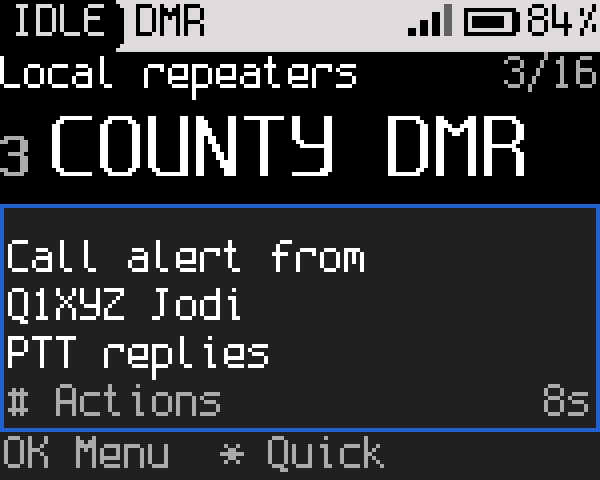
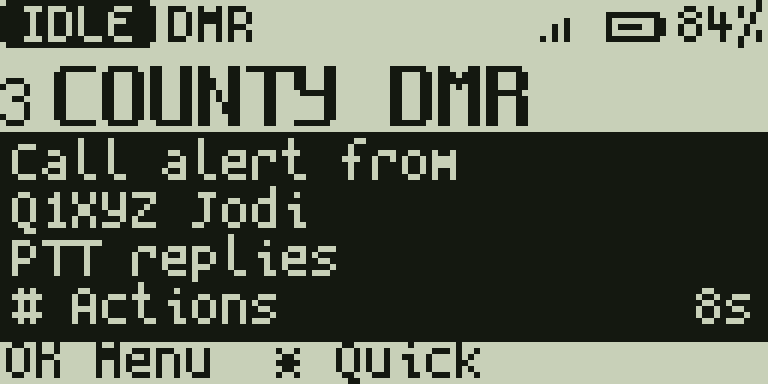
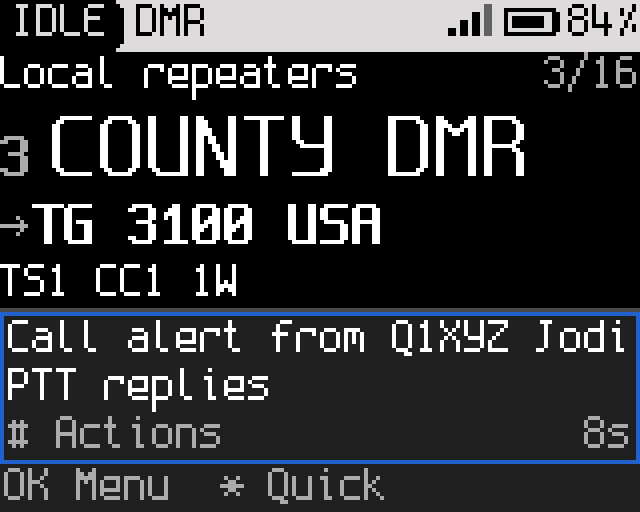
Call alert received
Call alert received
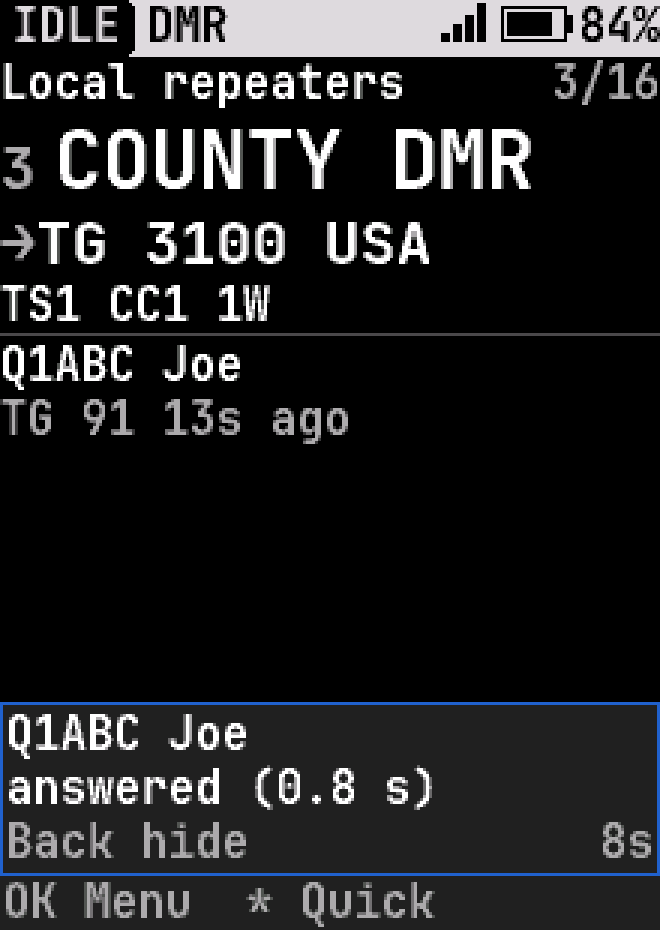
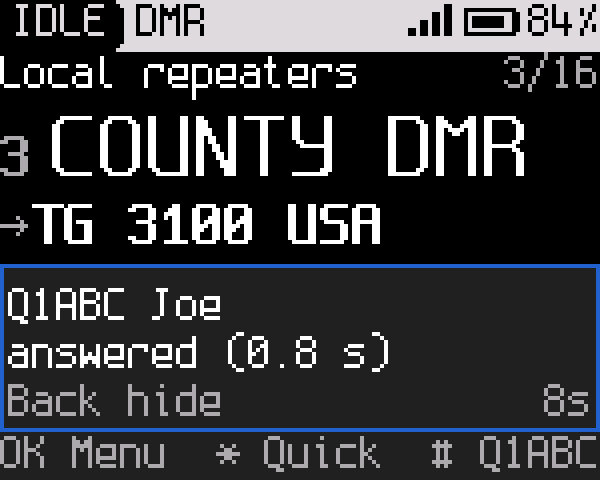
Radio check
Radio check
Volume bar during a call

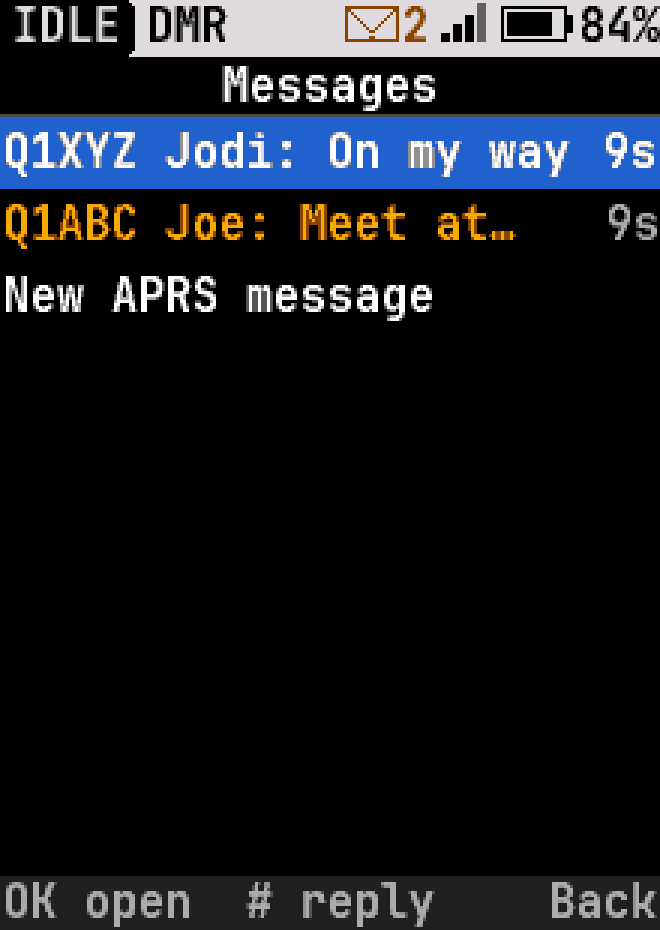
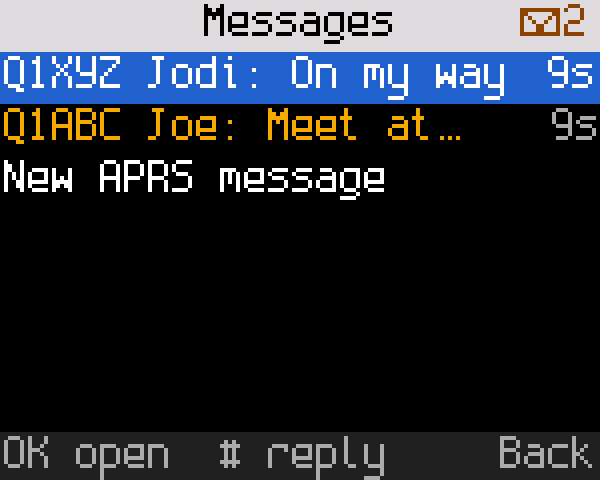
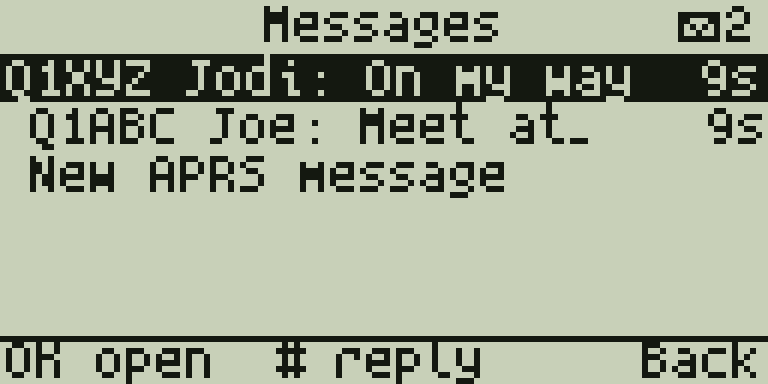
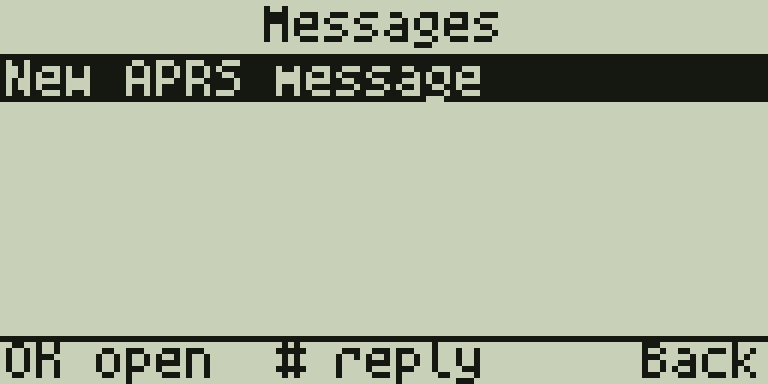
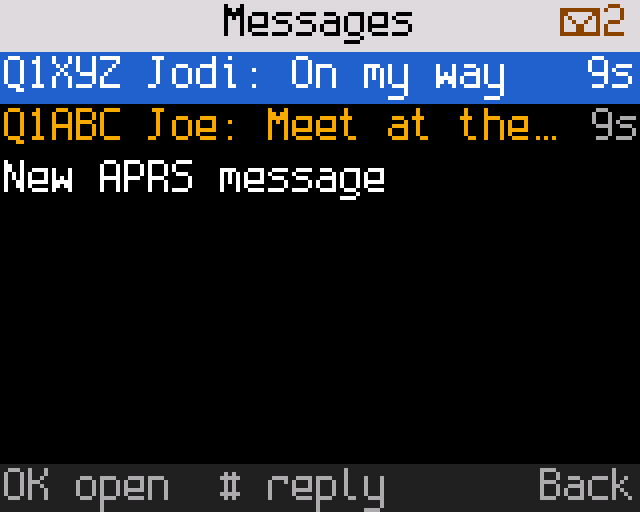
Messages

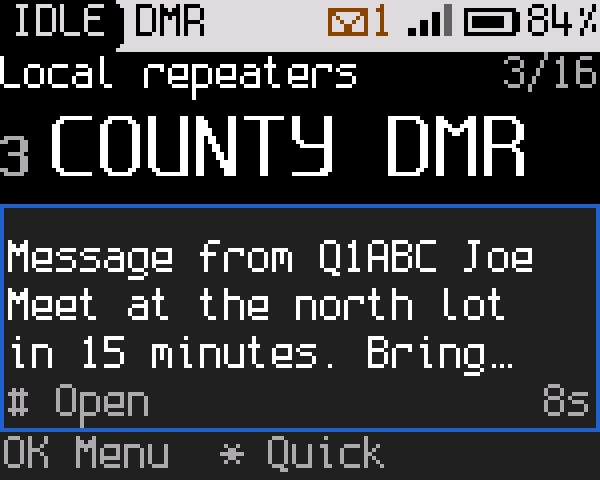
Messages
Messages
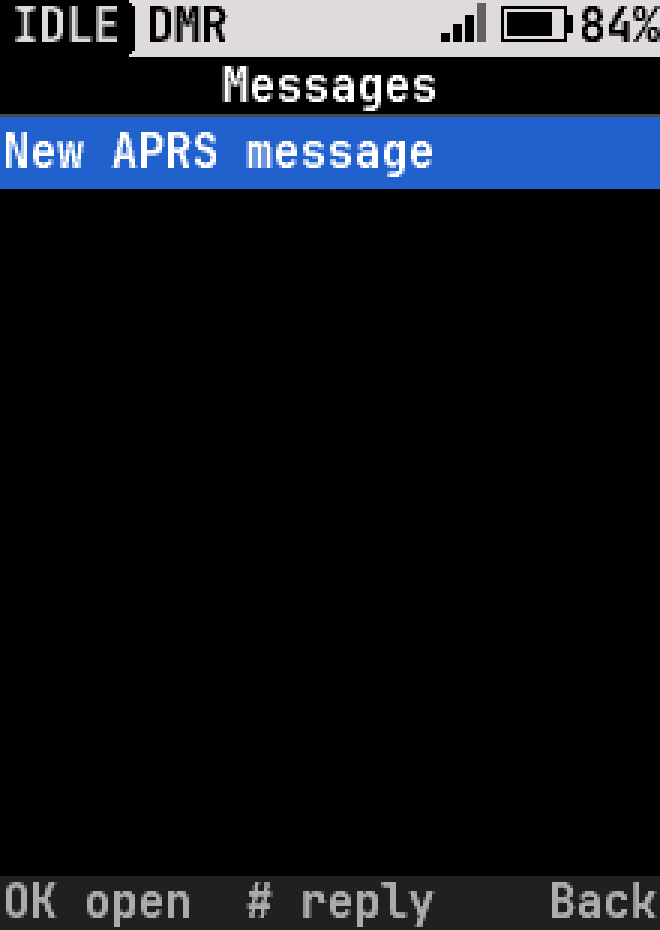
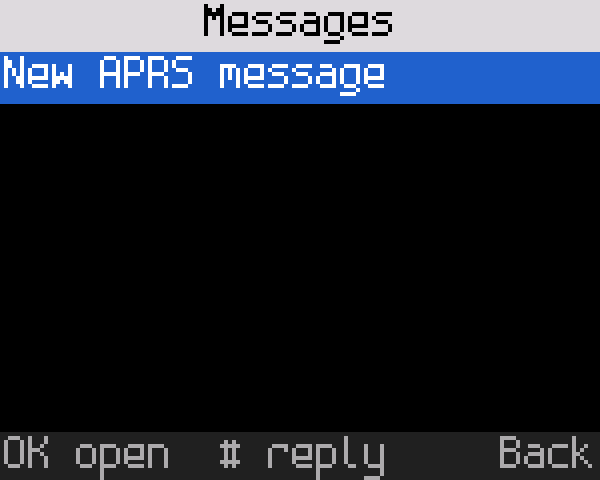
Messages, empty
Messages, empty
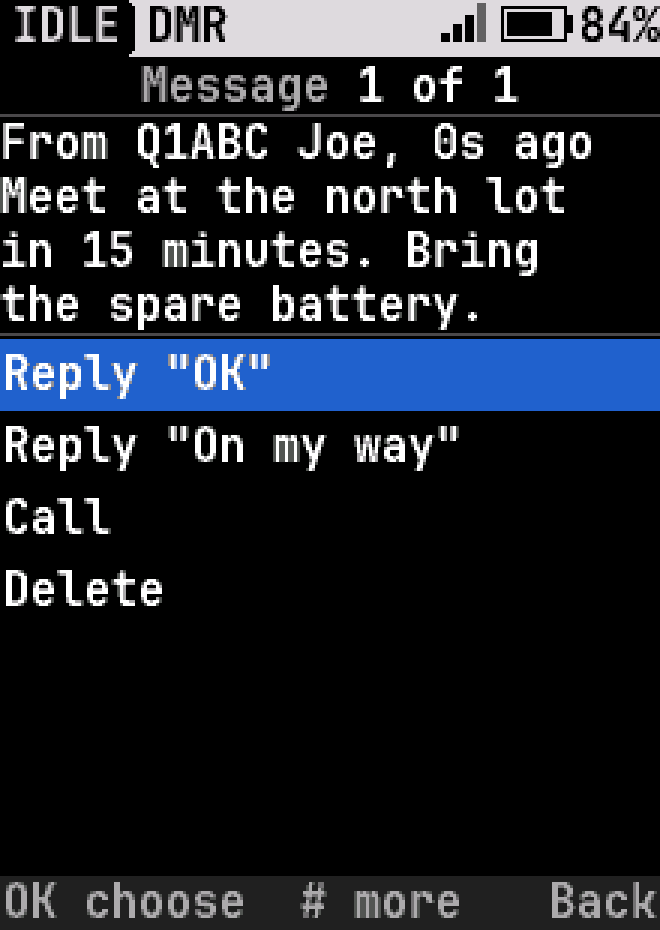
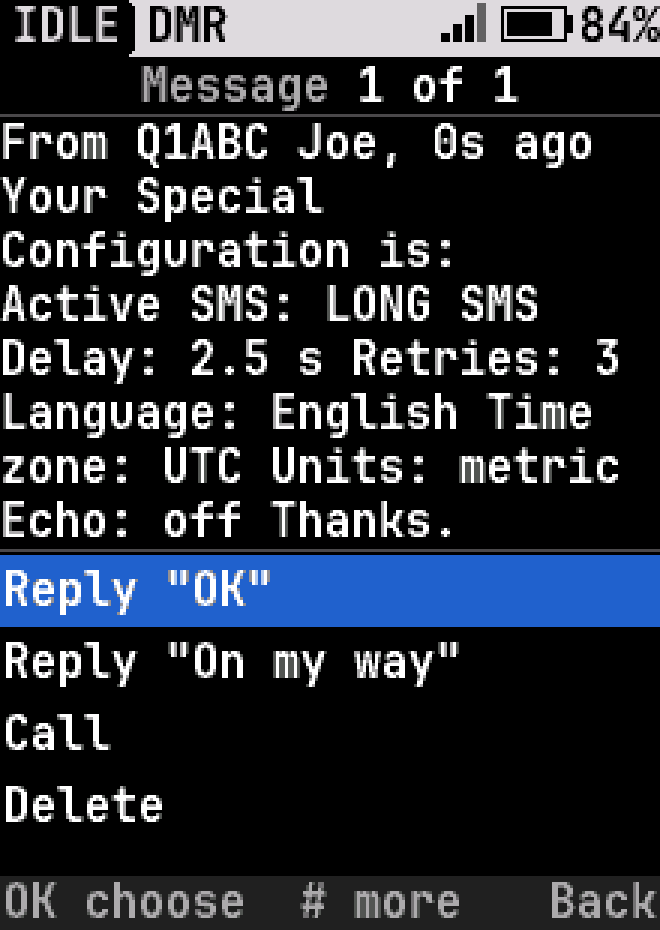
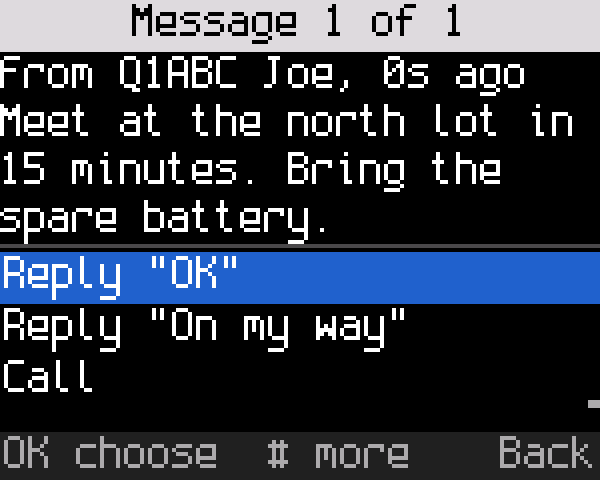
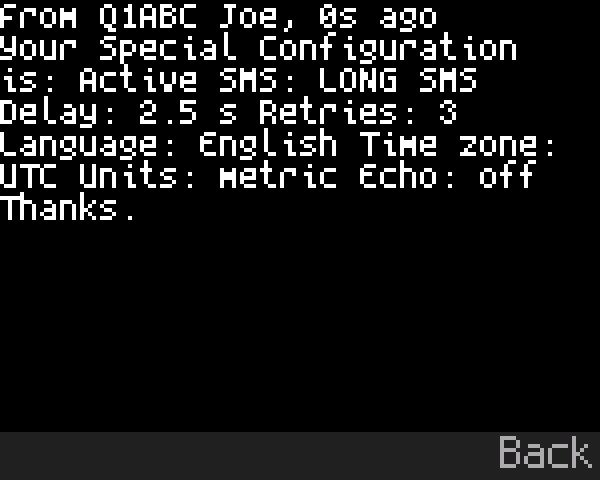
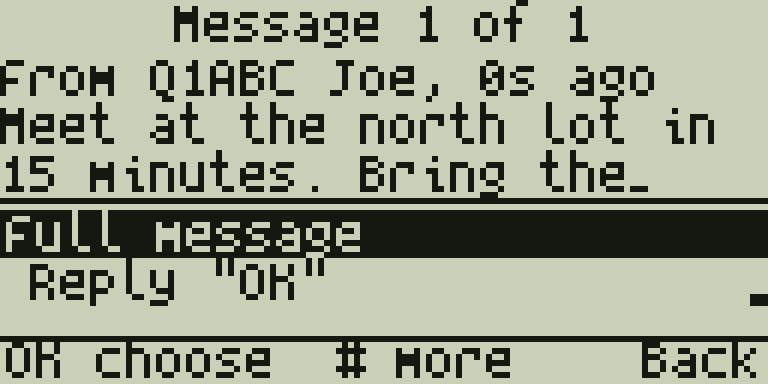
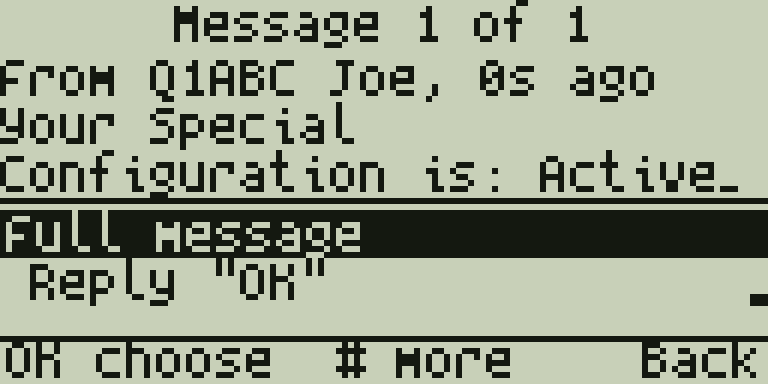
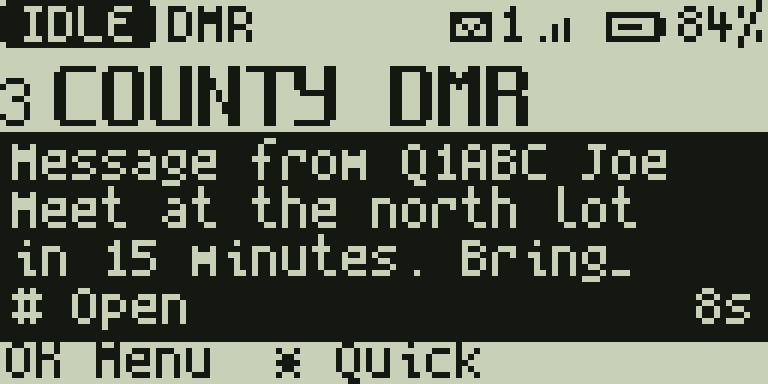
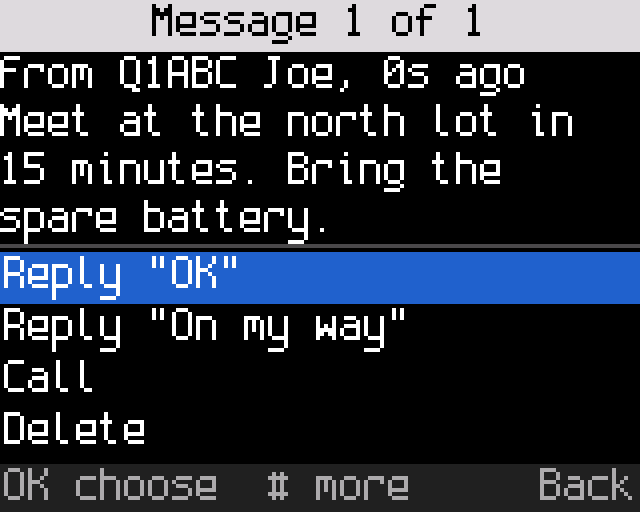
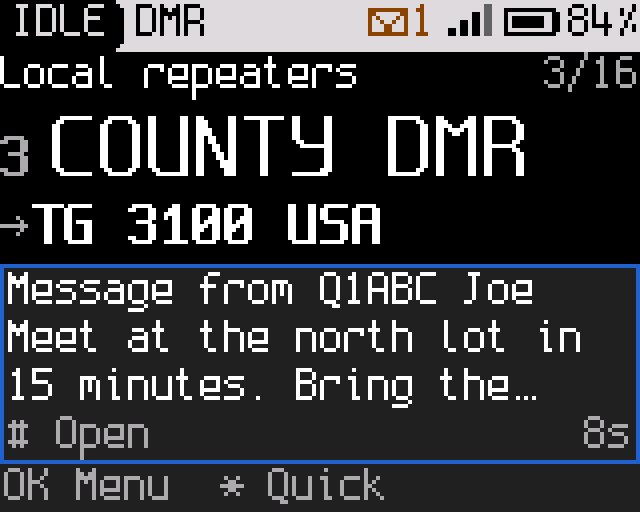
Reading a message
Reading a message
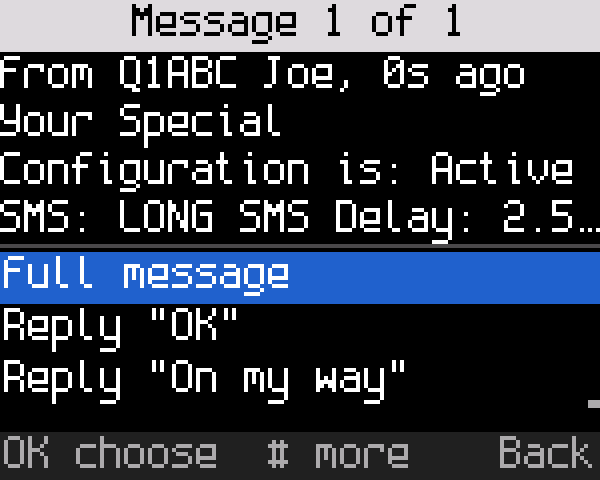
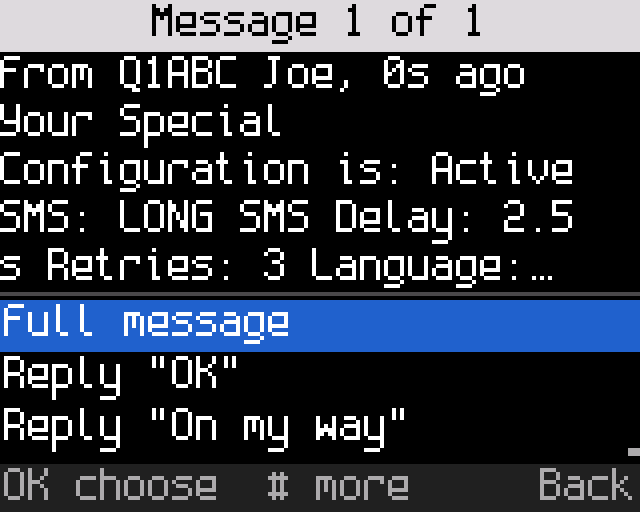
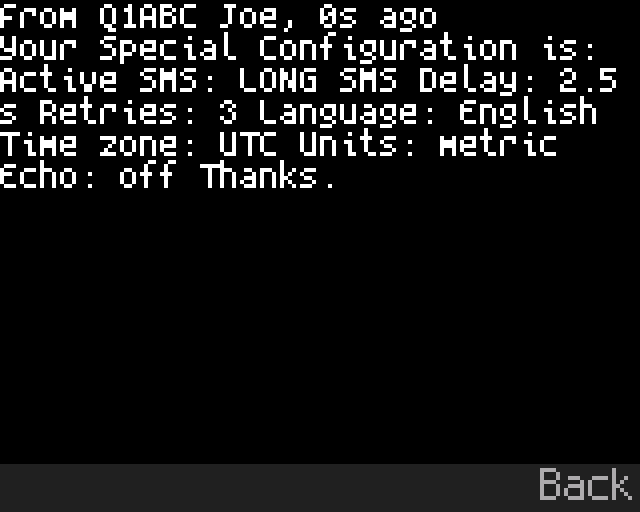
A long message: Full message
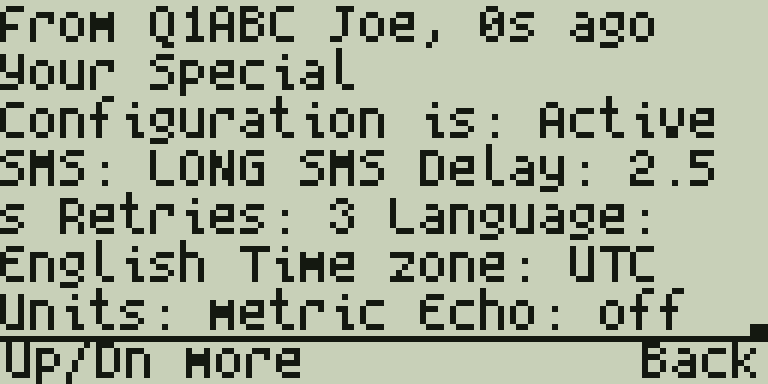
A long message, all of it
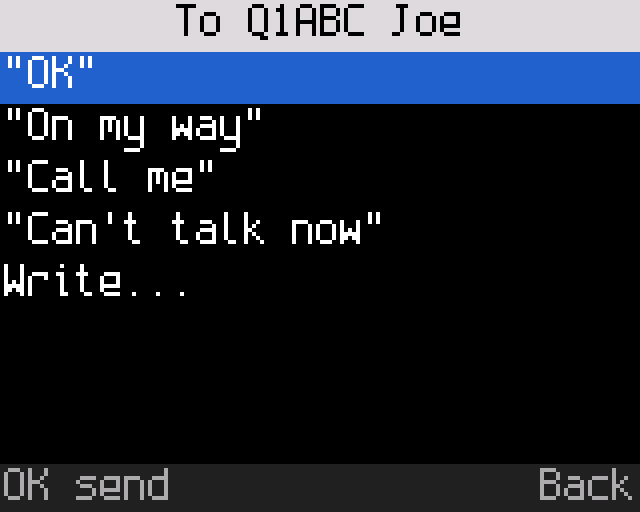
Write a message
Write a message
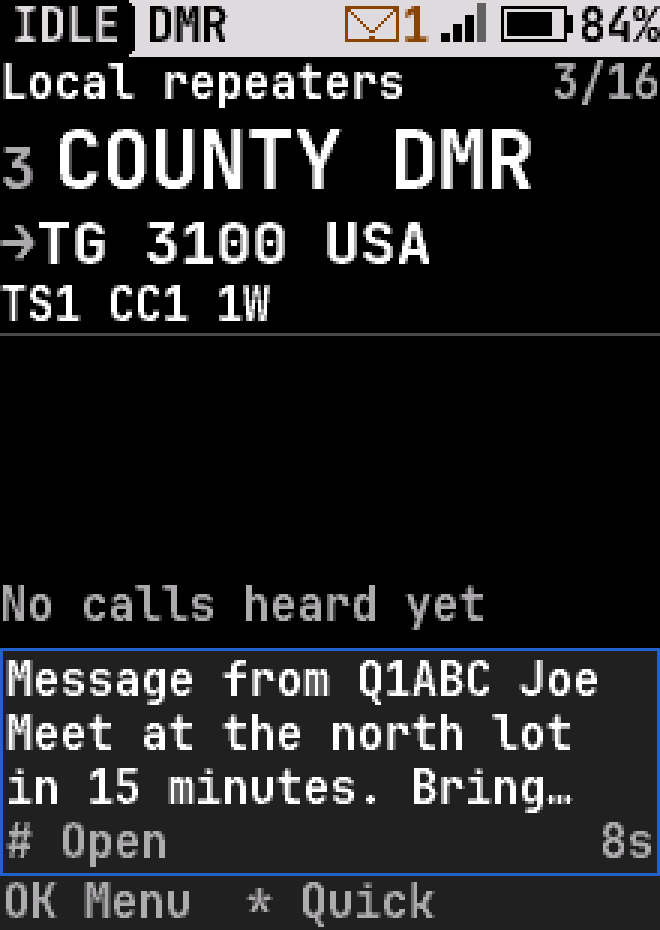
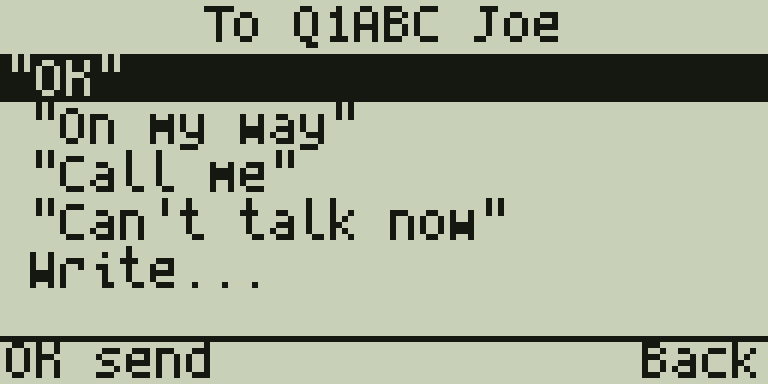
New message
New message
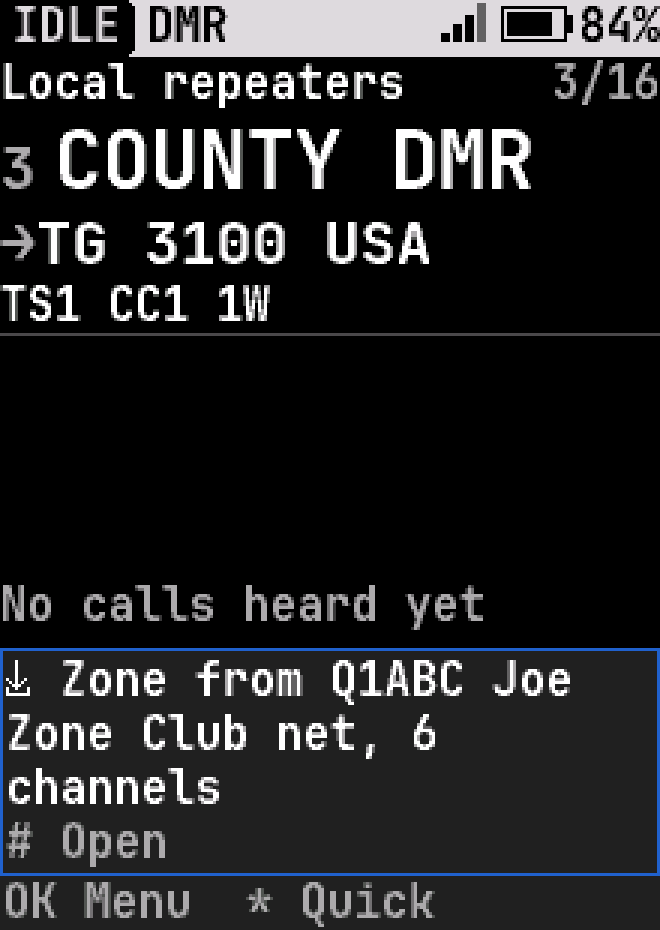
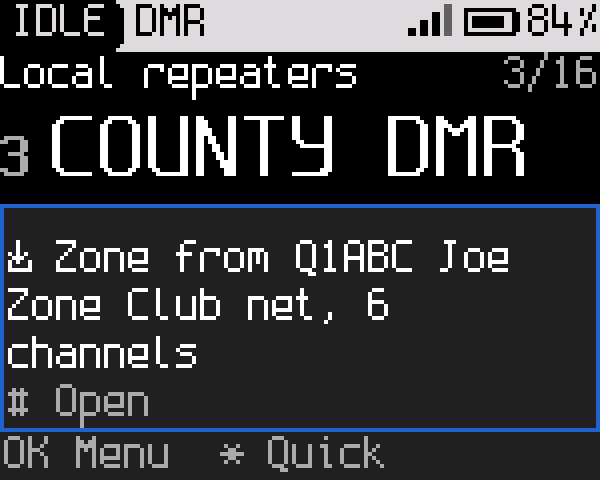
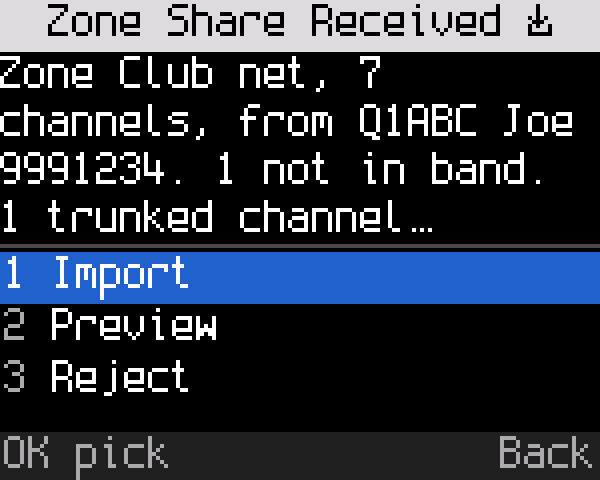
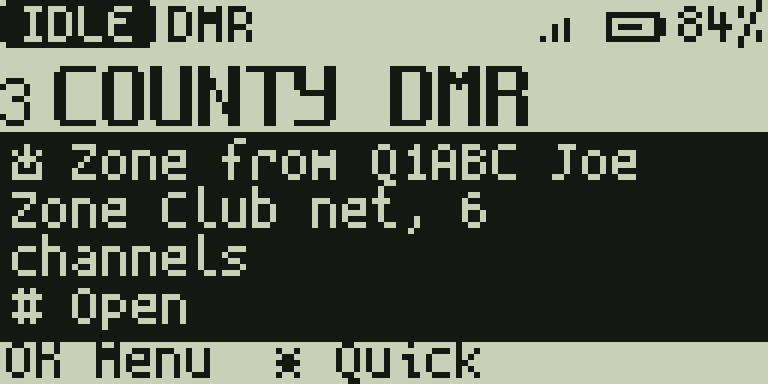
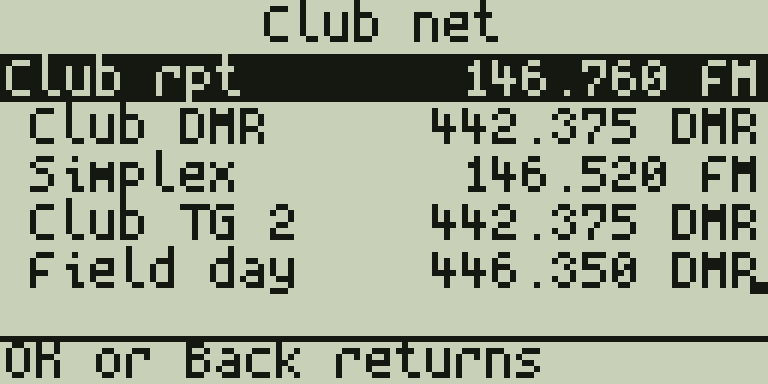
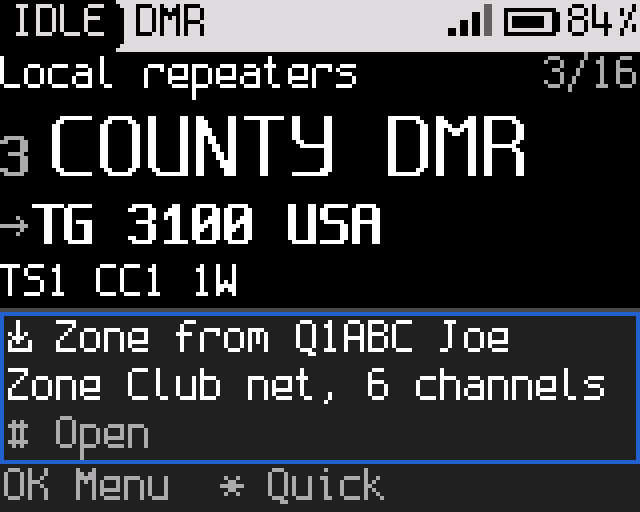
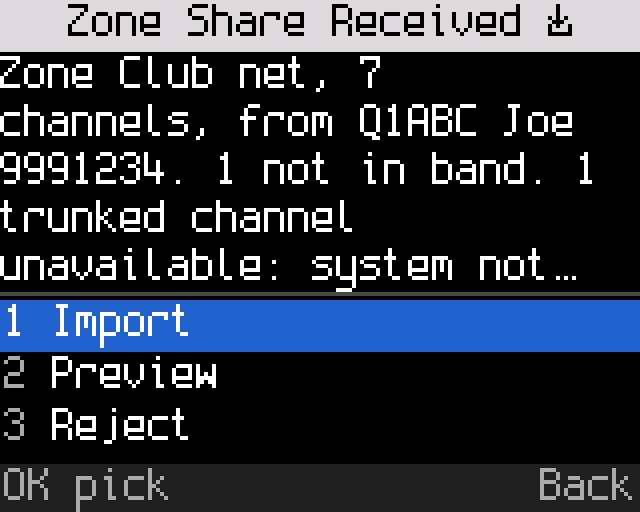
A zone offered by another radio
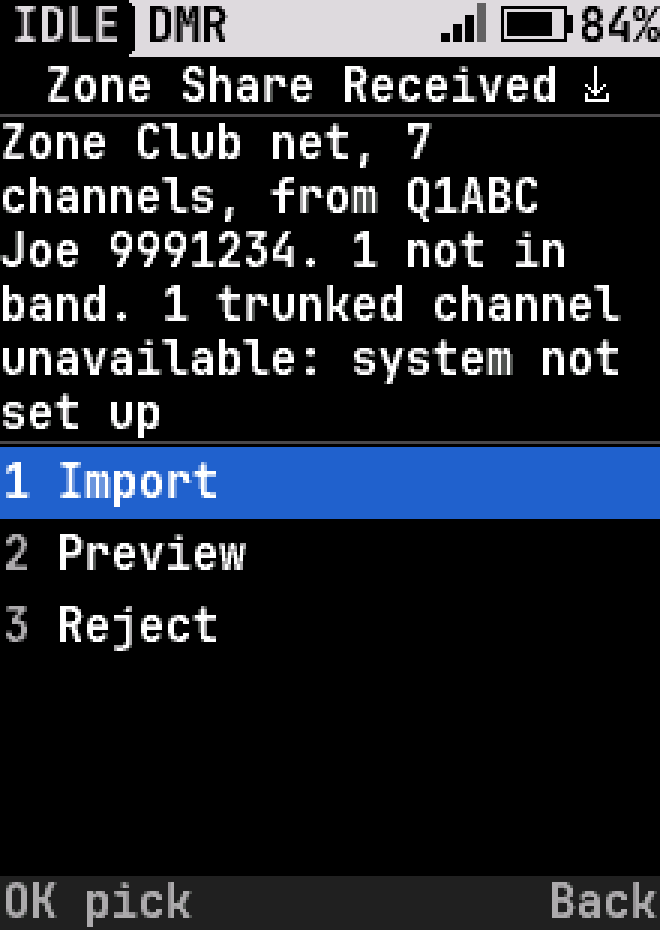
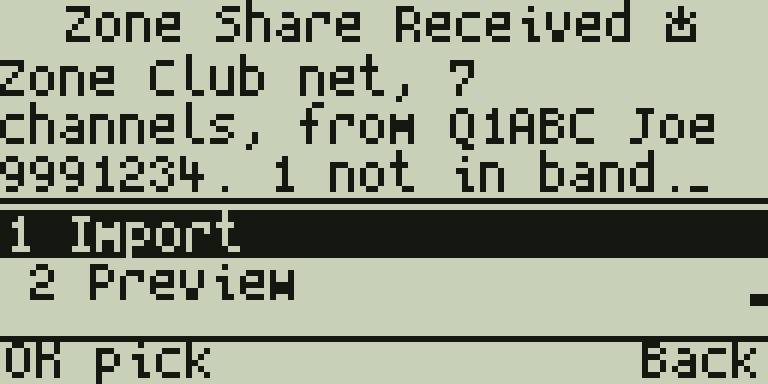
Wireless zone and channel sharing, radio to radio
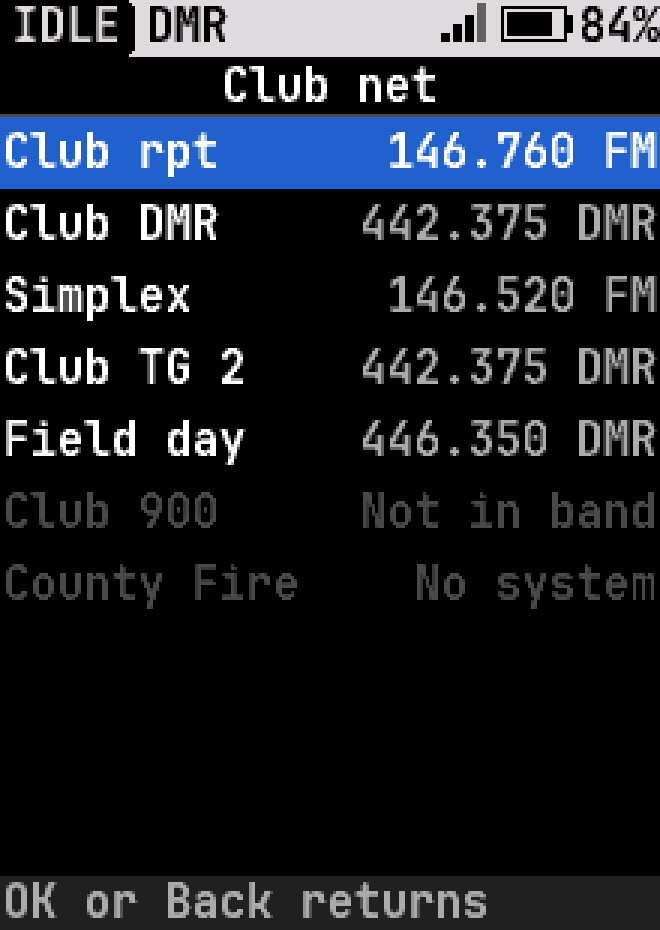
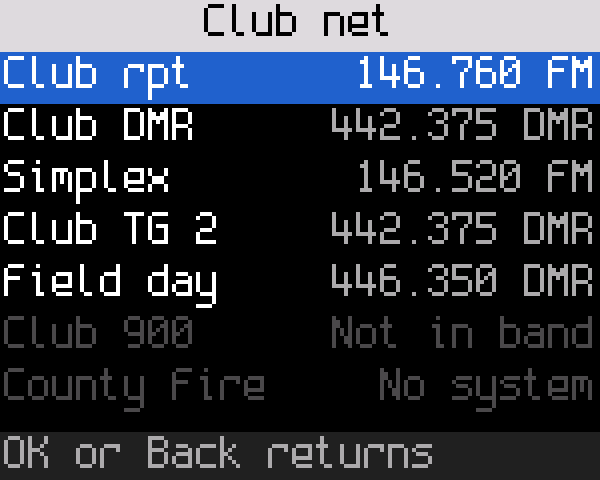
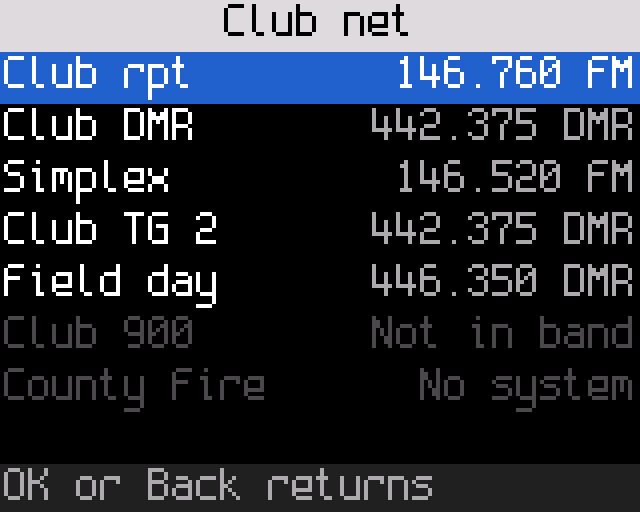
The channels of an offered zone
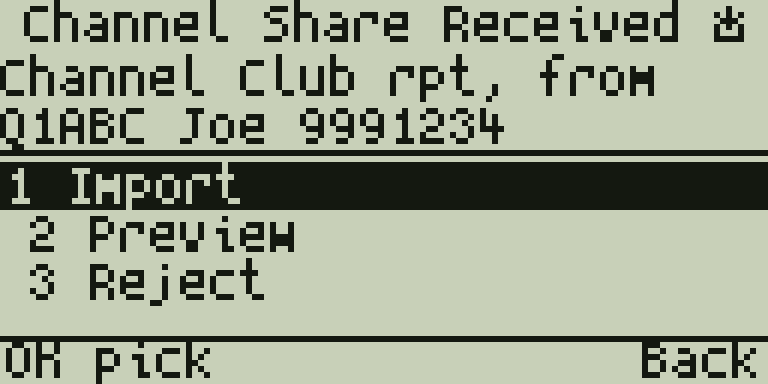
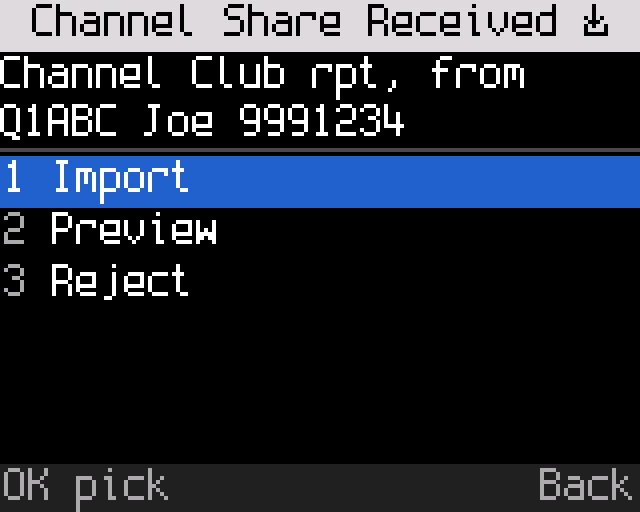
One channel shared by another radio
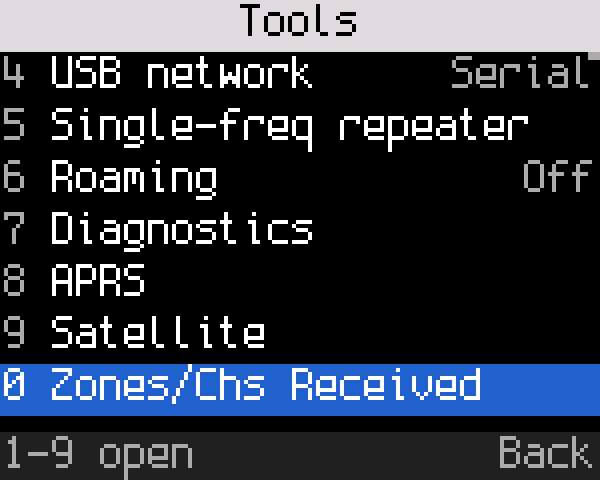
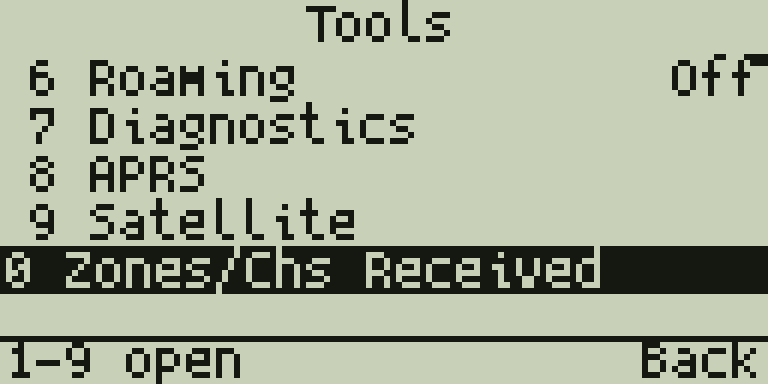
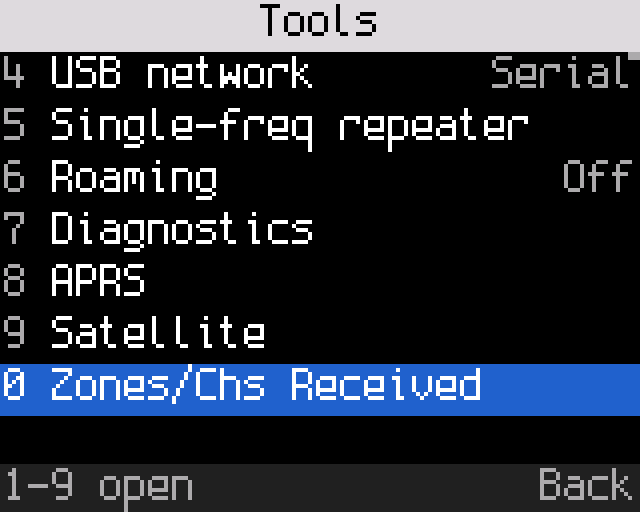
Tools with a shared zone waiting
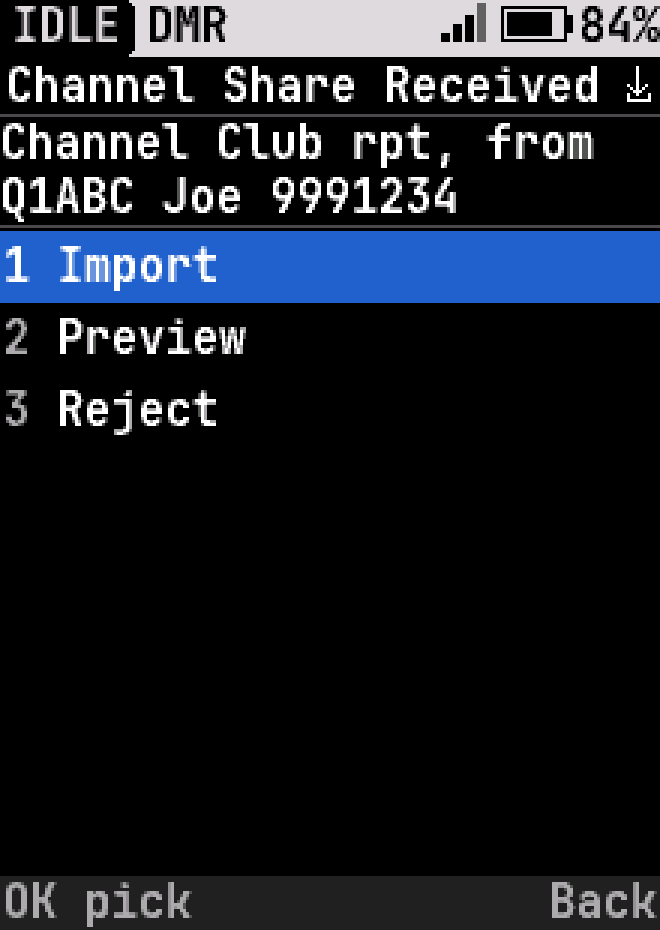
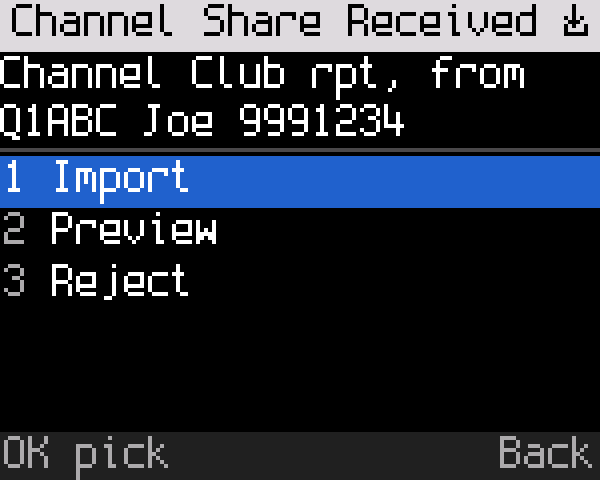
An offered channel
An offered channel

Channels and contacts

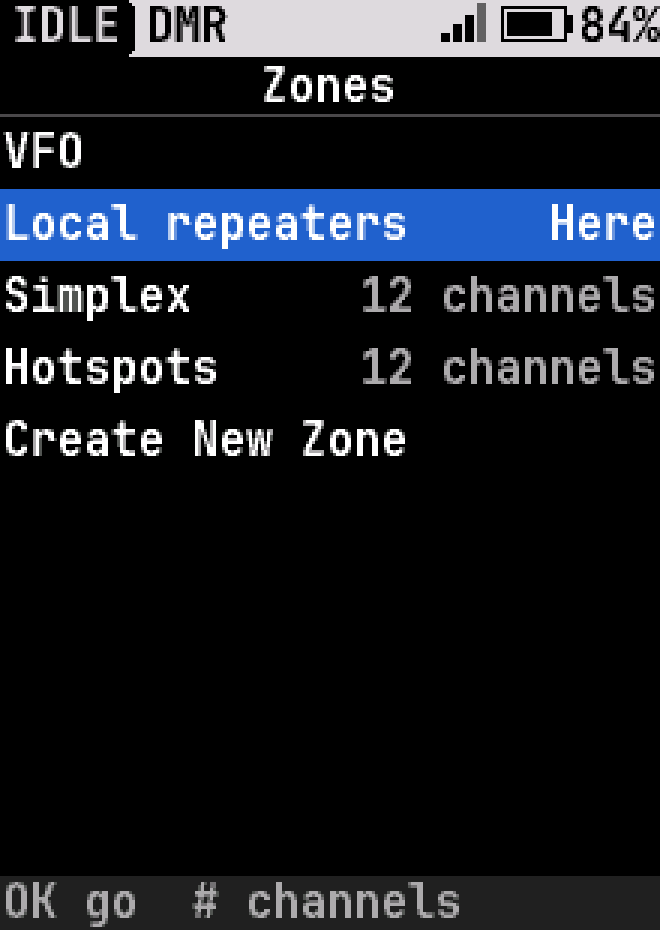
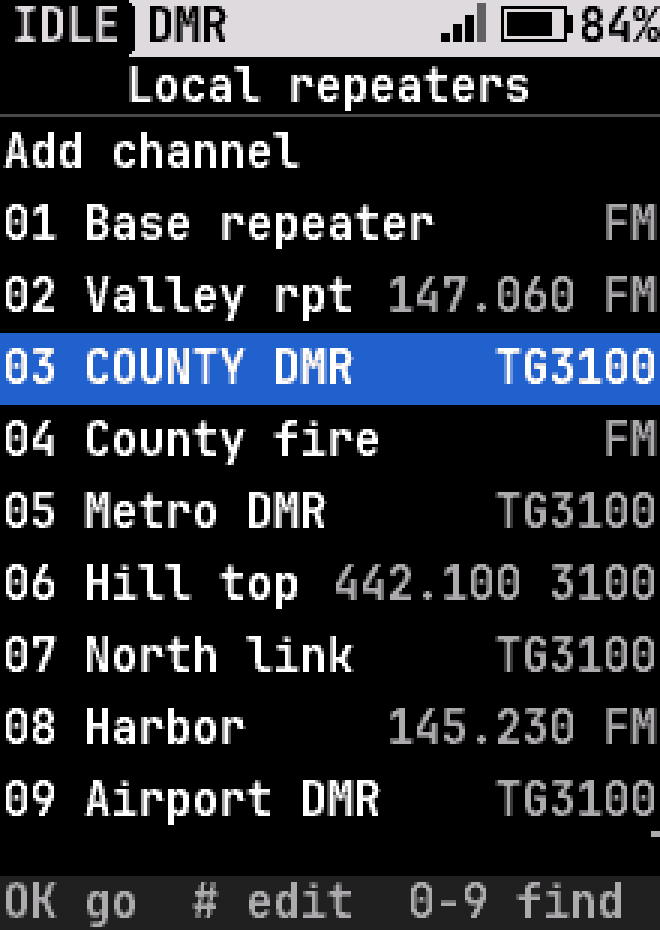
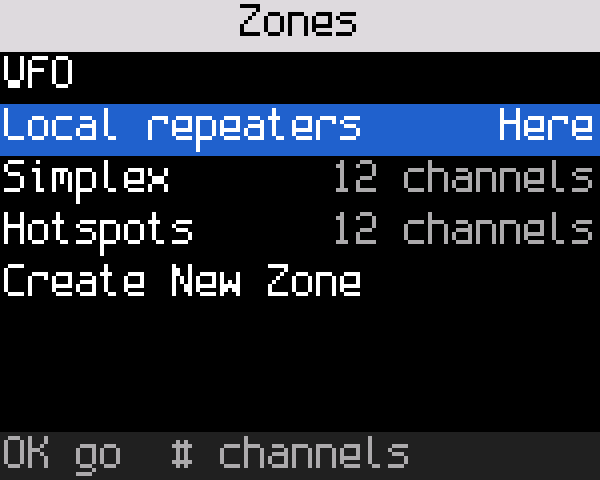
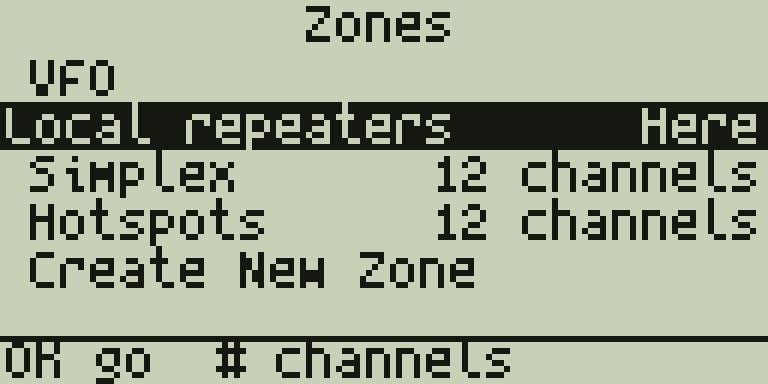
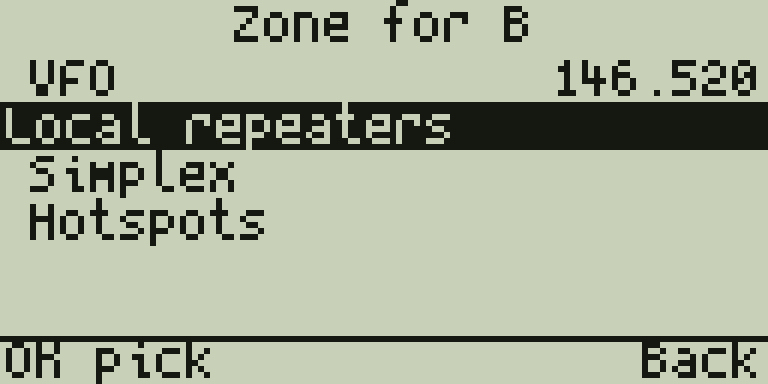
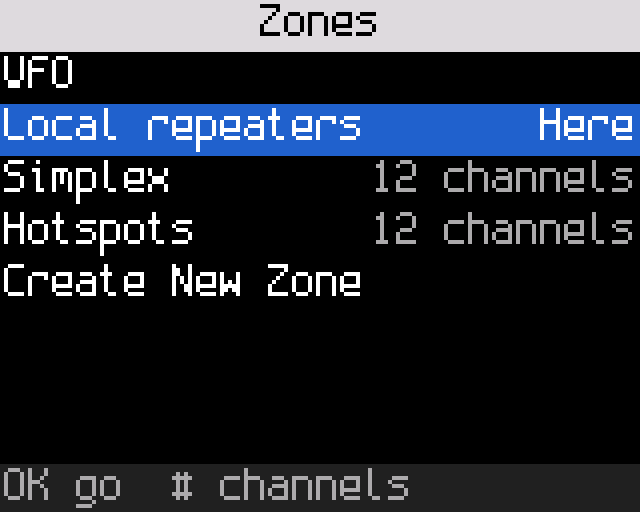
Zones, with the VFO
Zones, with the VFO
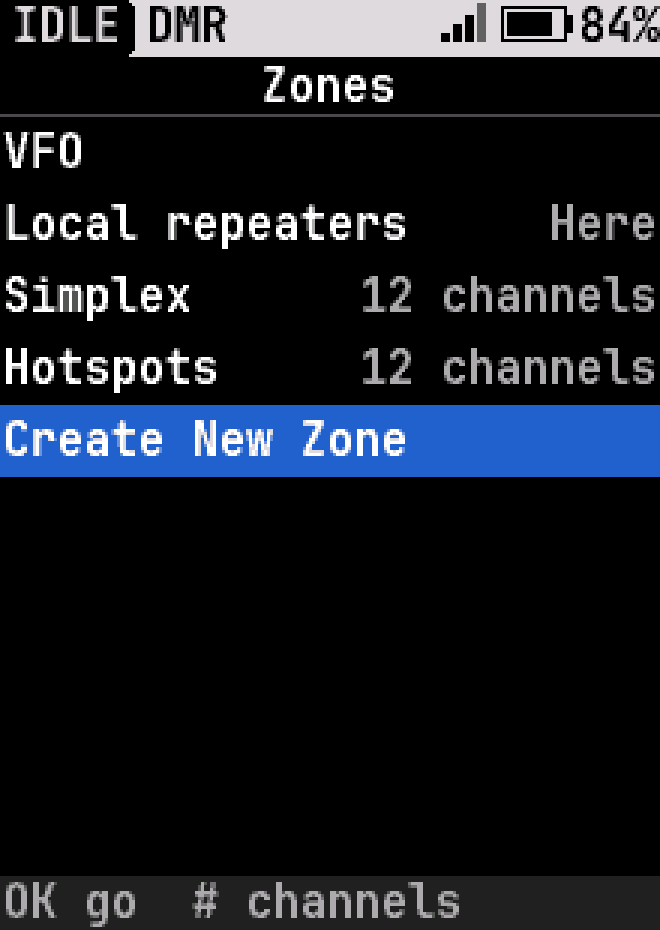
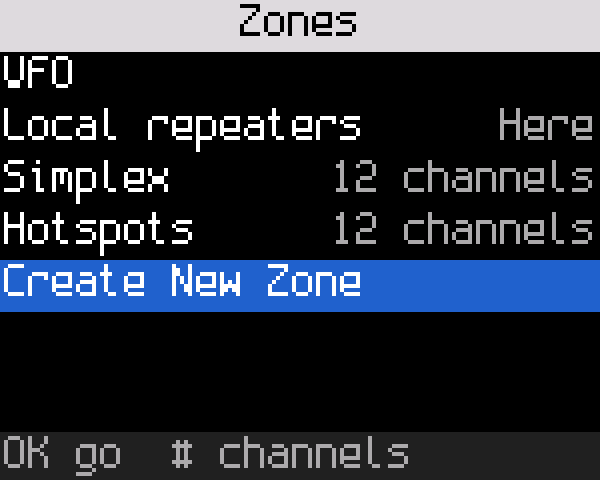
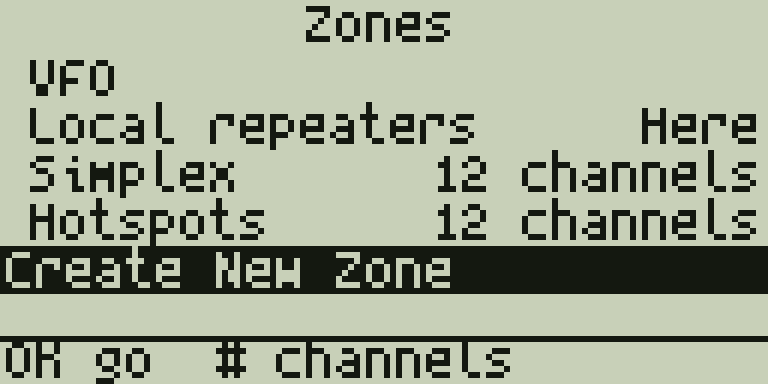
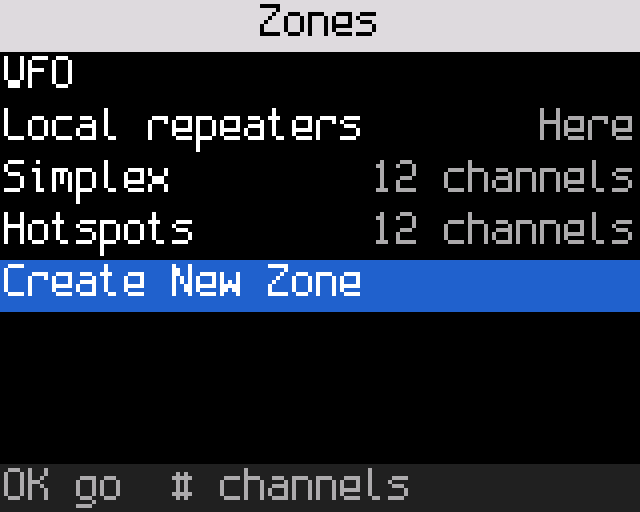
Zones: creating a new zone
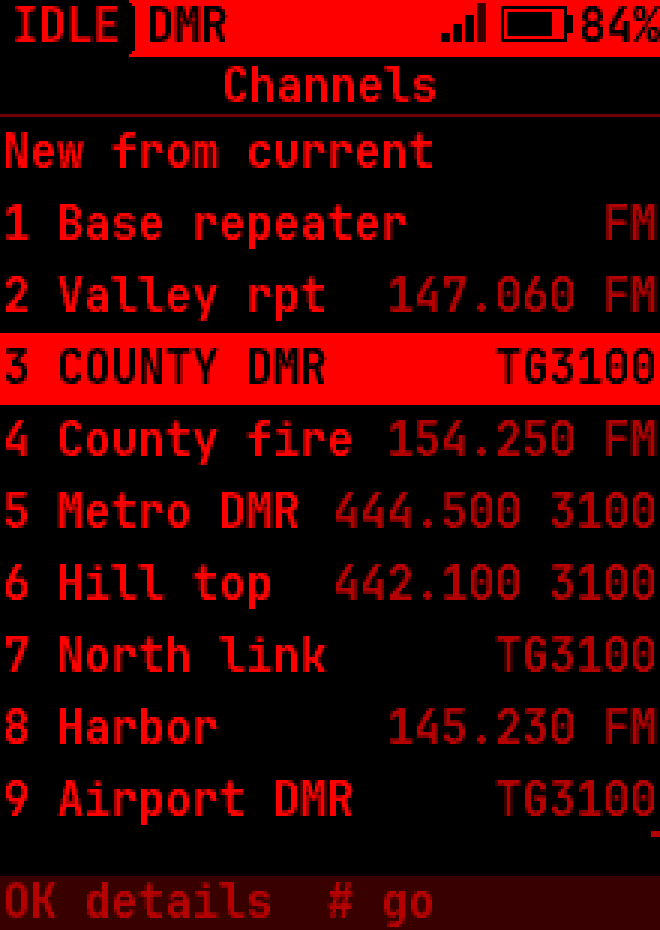
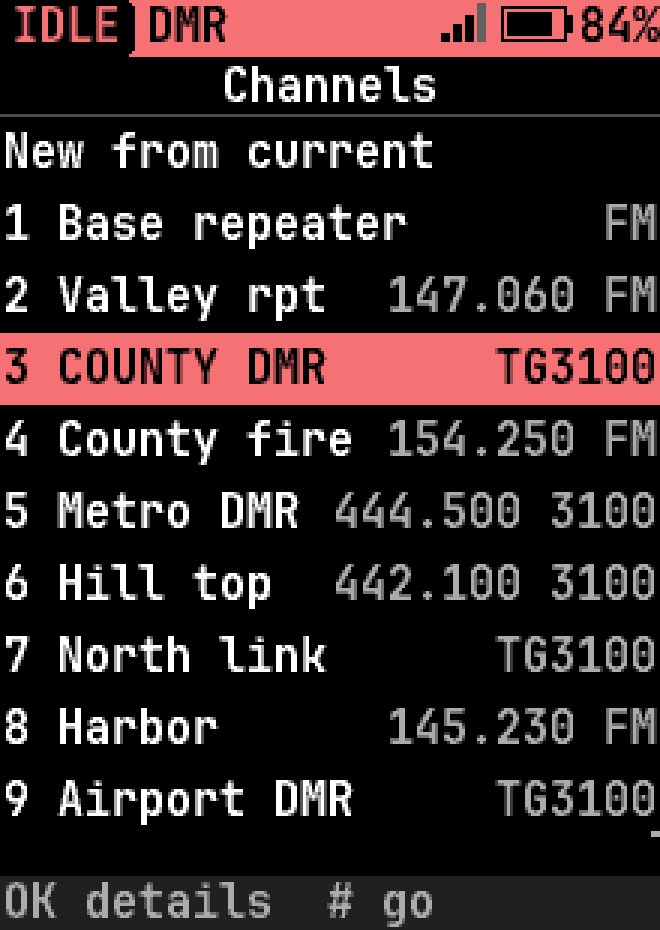
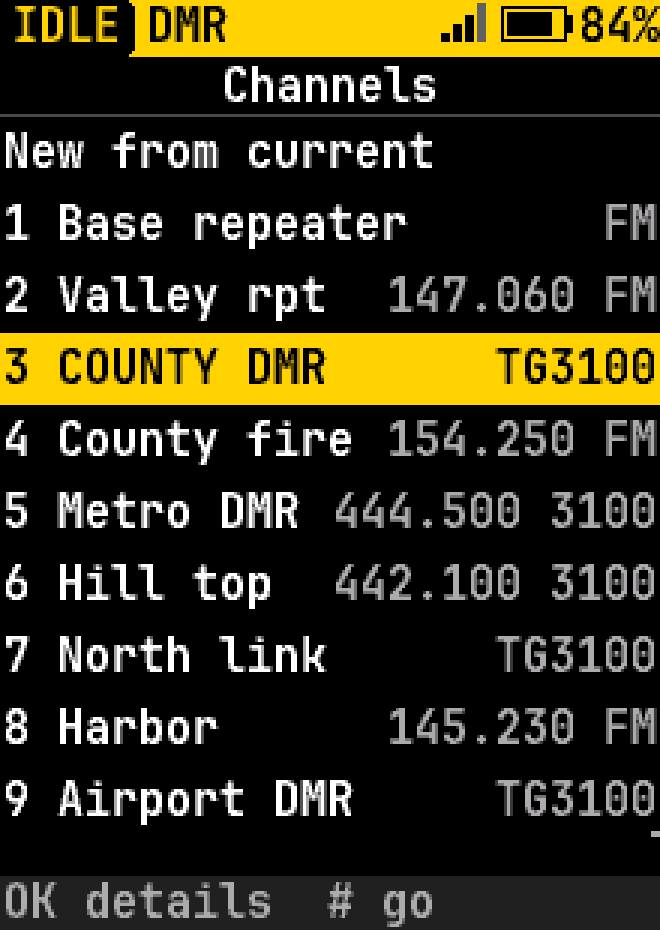
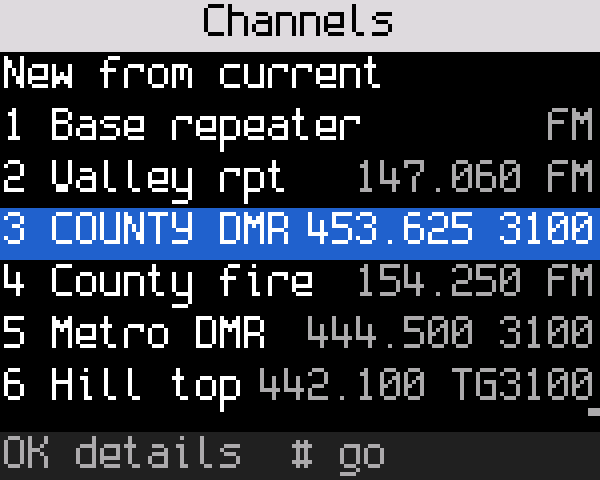
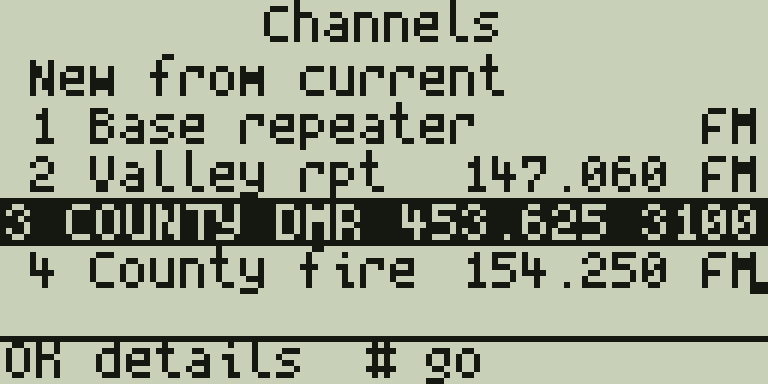
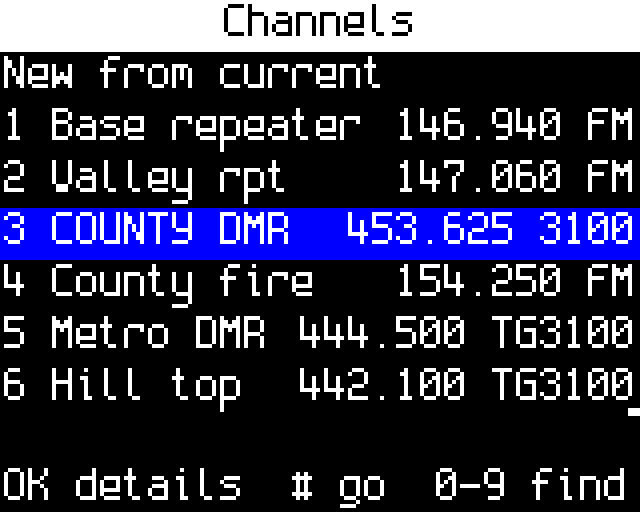
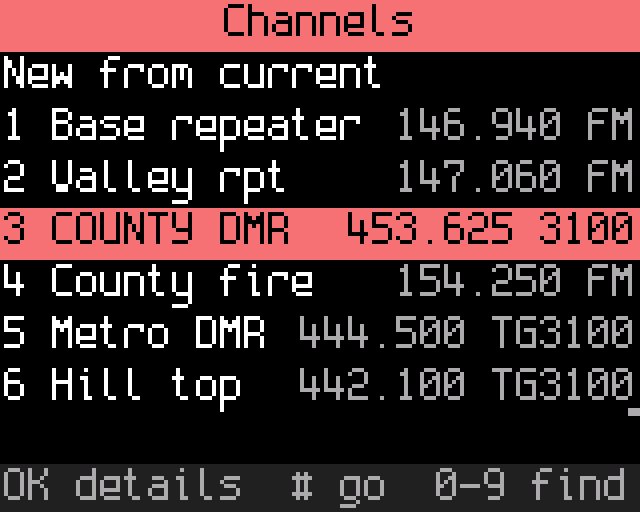
Every channel by number
Every channel by number, high-contrast theme
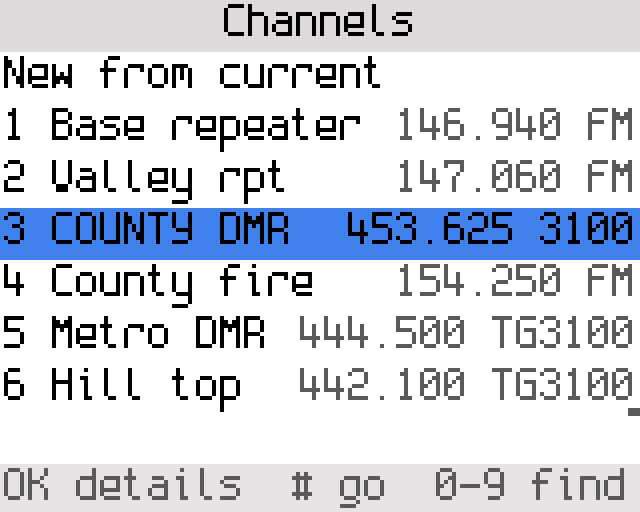
Every channel by number, light theme
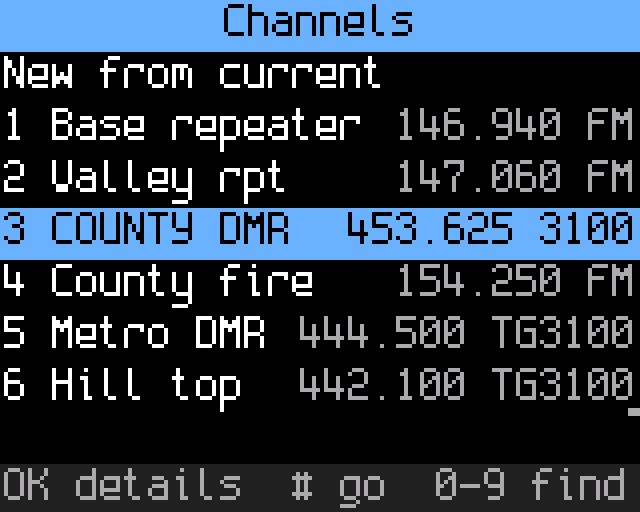
Every channel by number, light blue highlight
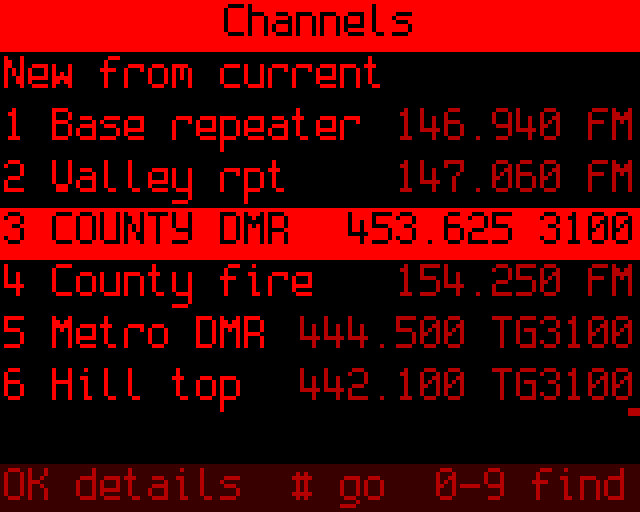
Every channel by number, night (red) theme
Every channel by number, red highlight
Every channel by number, yellow highlight
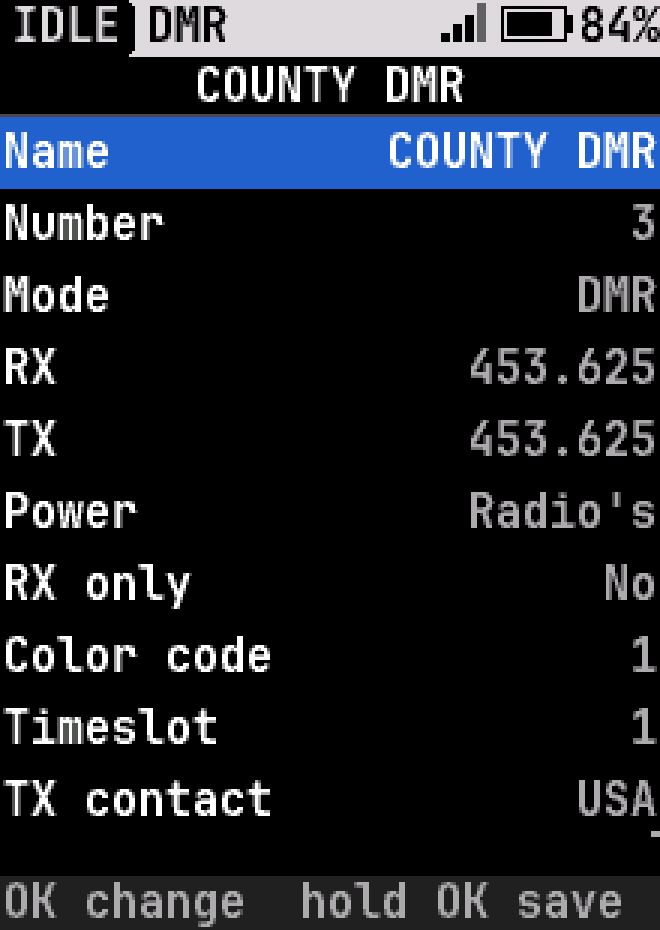
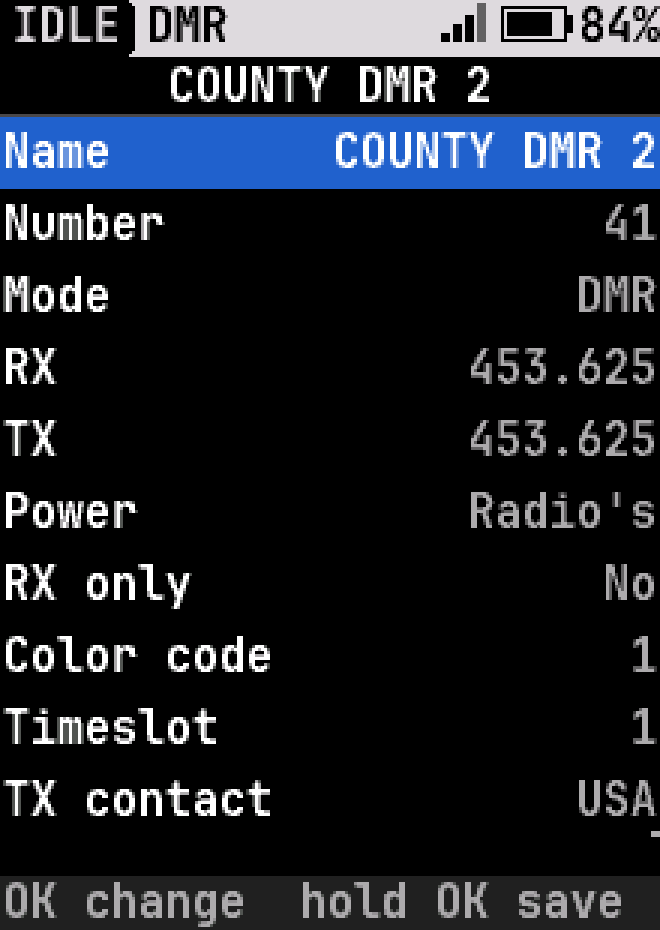
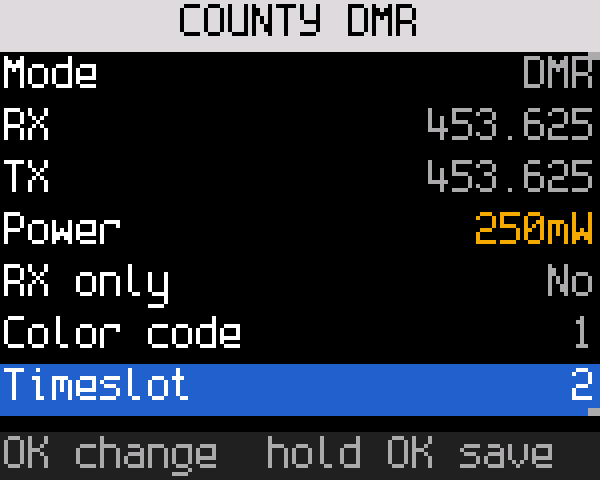
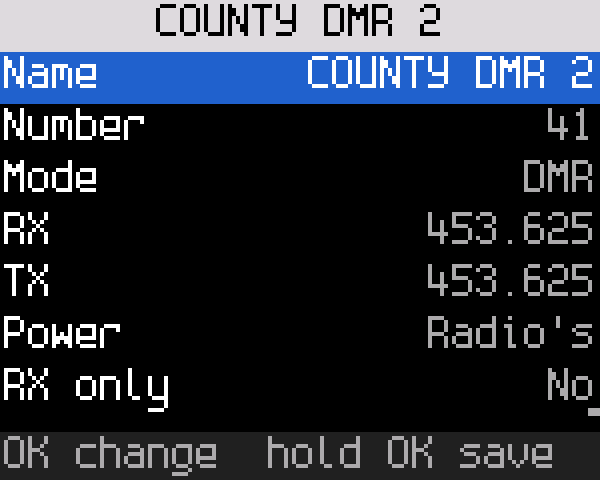
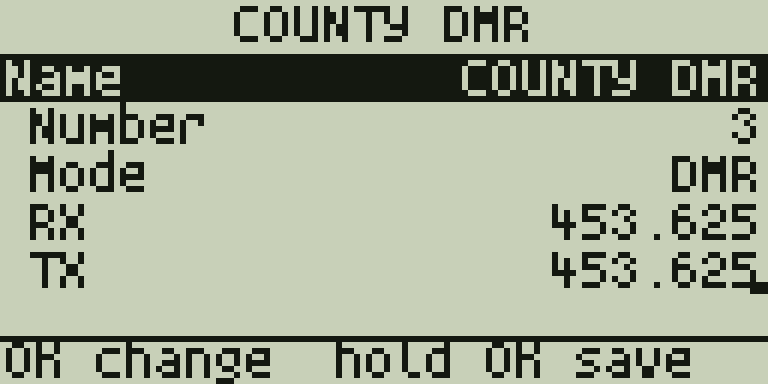
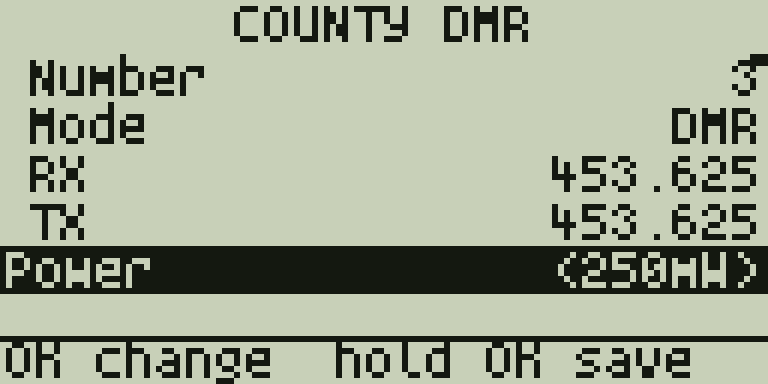
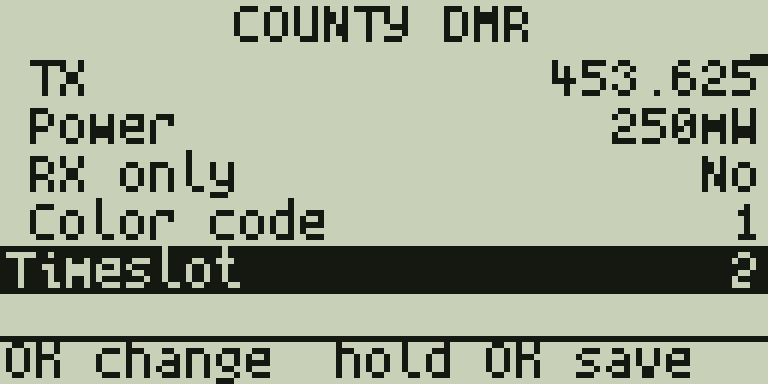
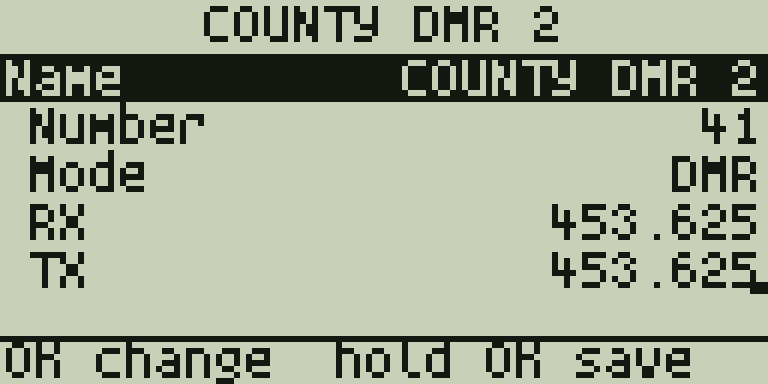
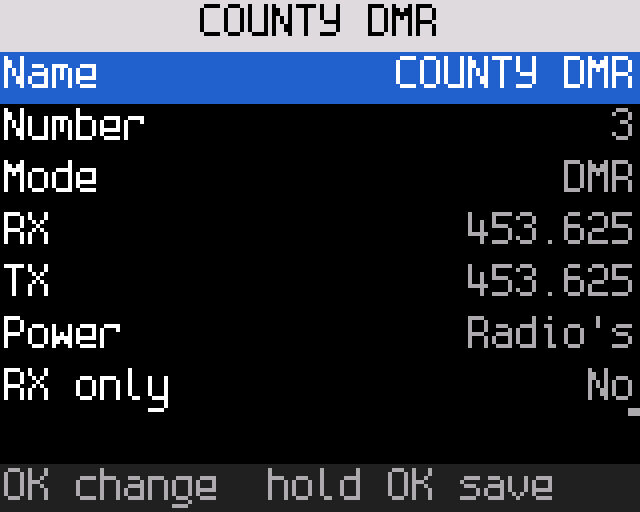
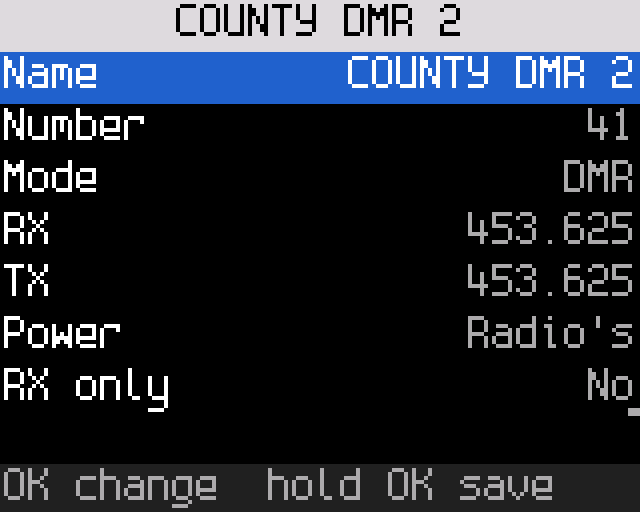
A channel's settings, ready to edit
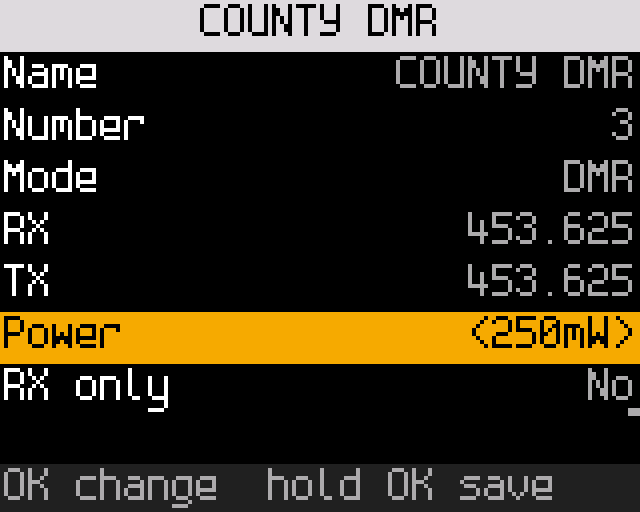
Channel editor: picking the power with the knob
Channel editor: changed rows marked until saved
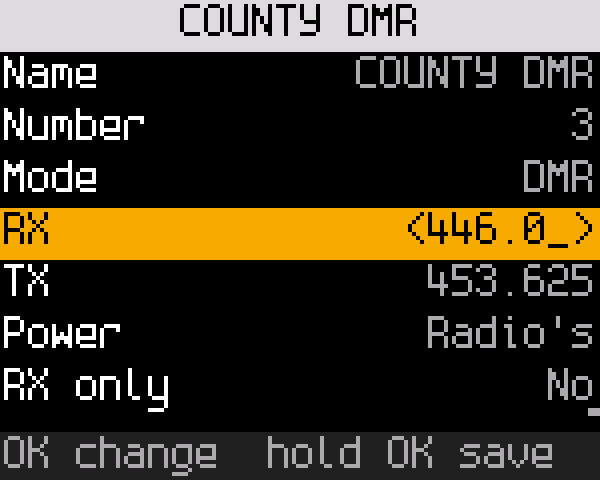
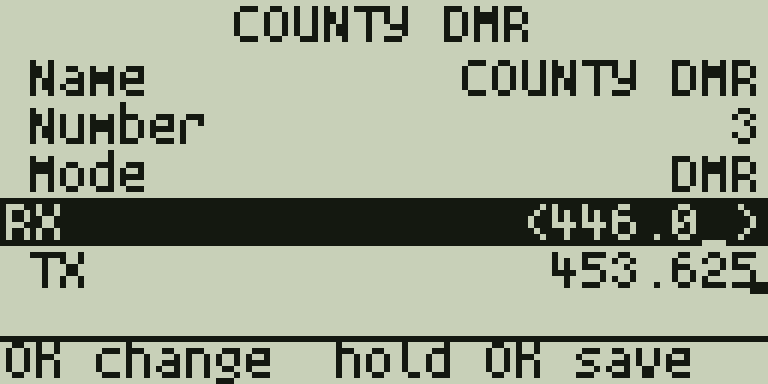
Channel editor: typing an RX frequency
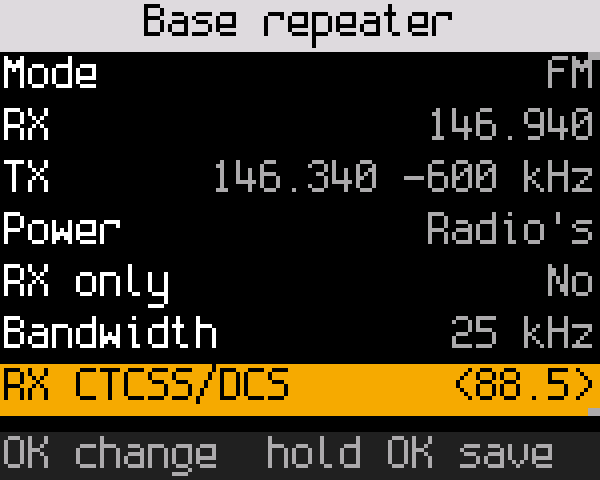
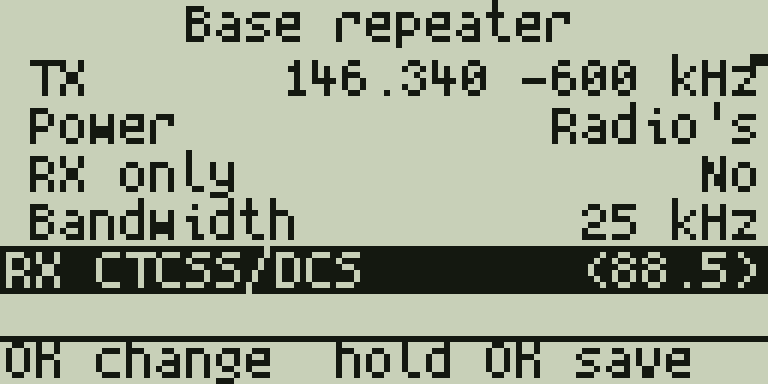
Channel editor: typing a tone
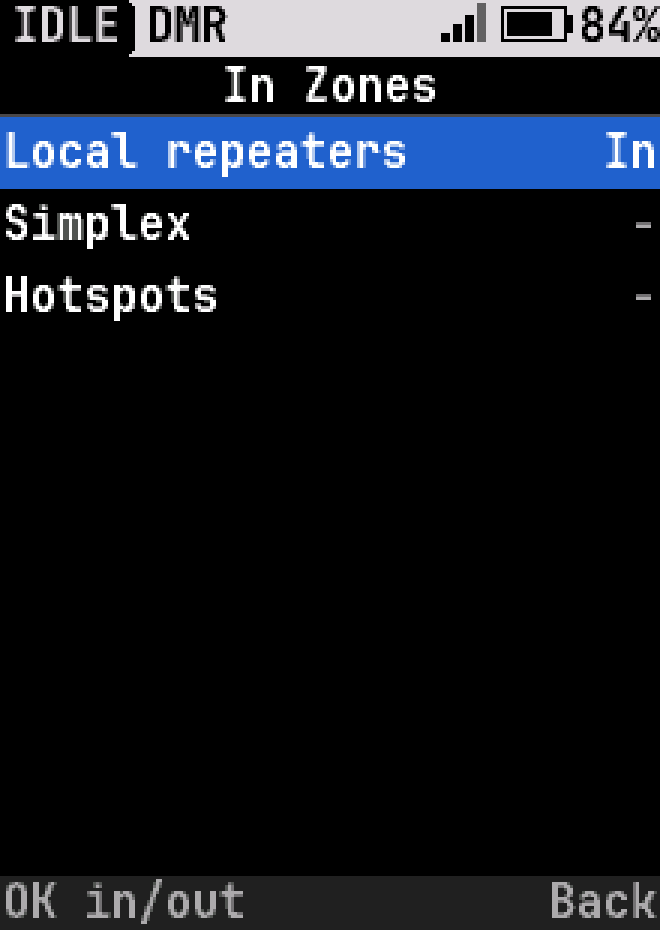
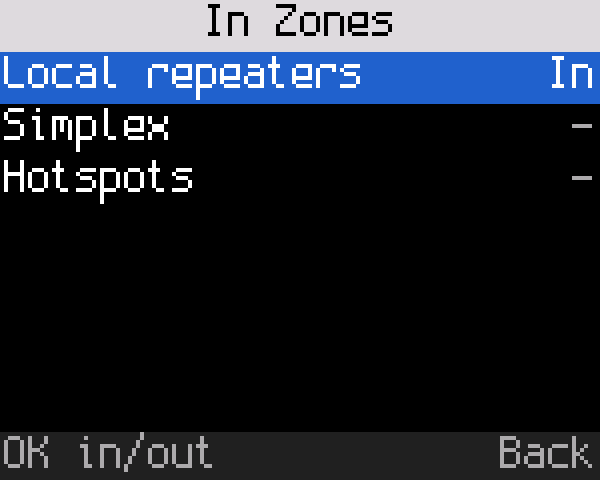
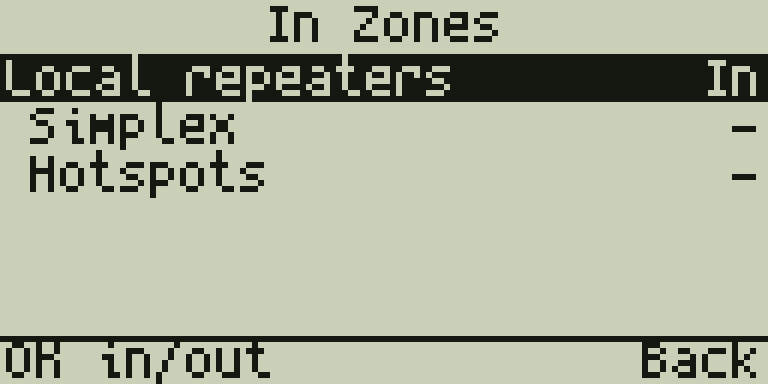
Channel editor: the zones a channel is in
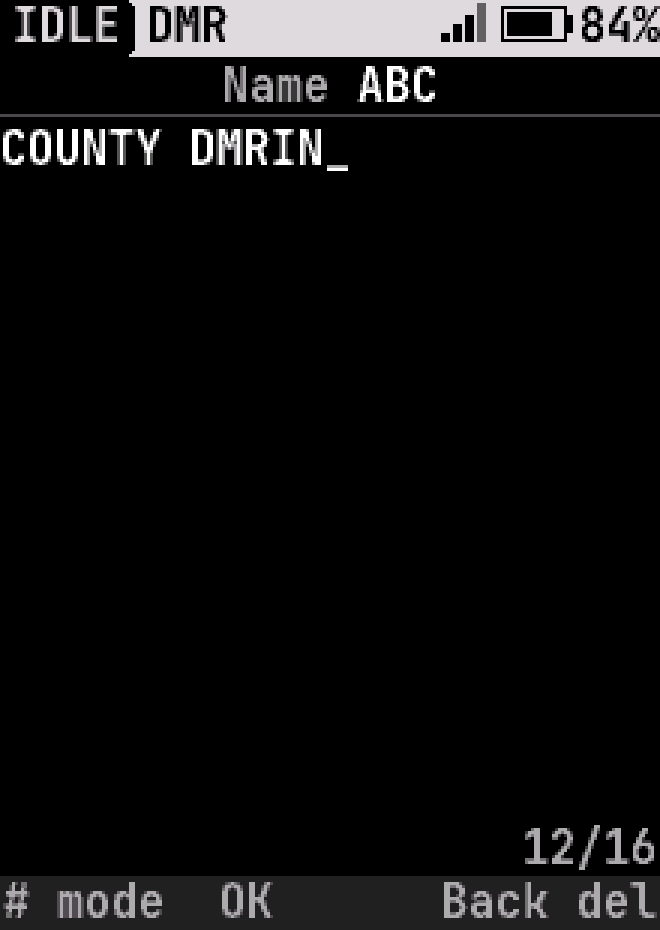
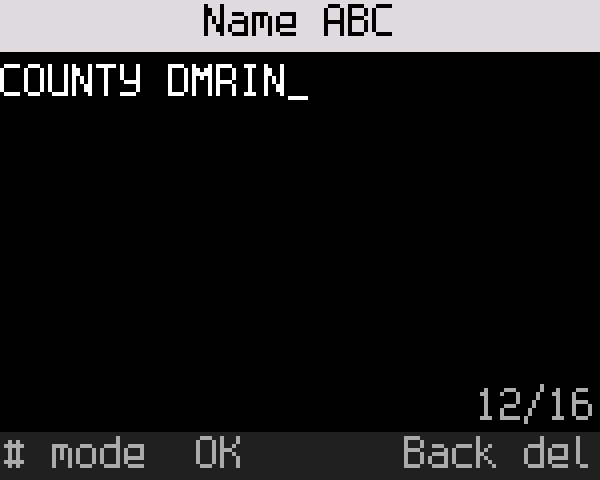
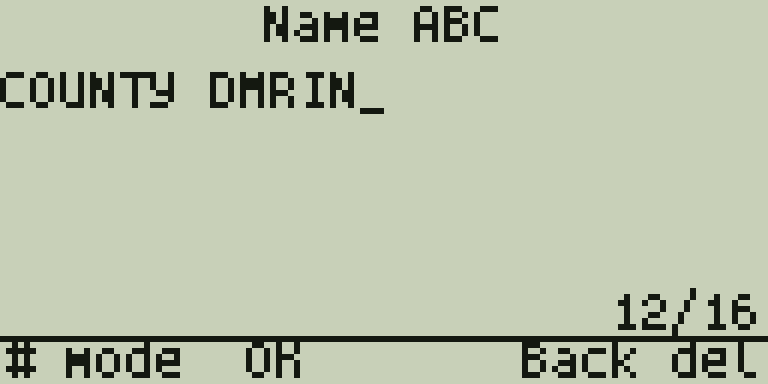
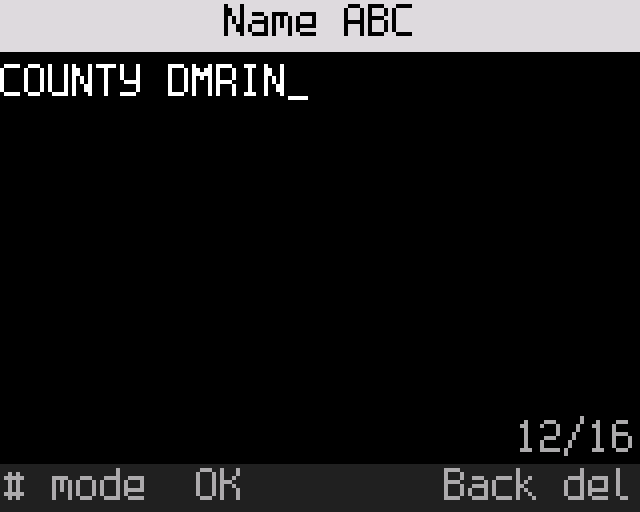
Text entry: a channel name on the keypad
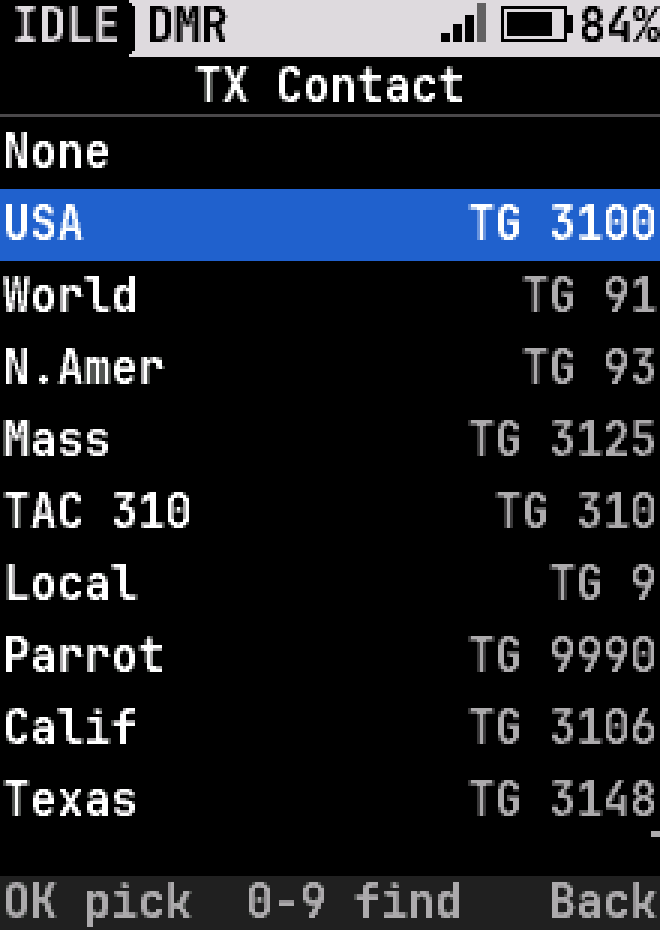
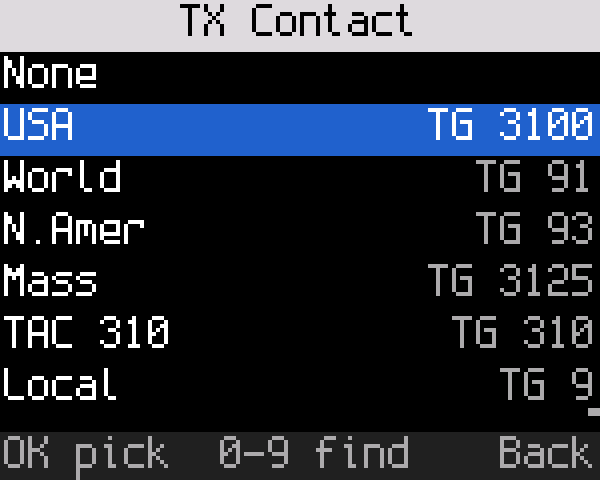
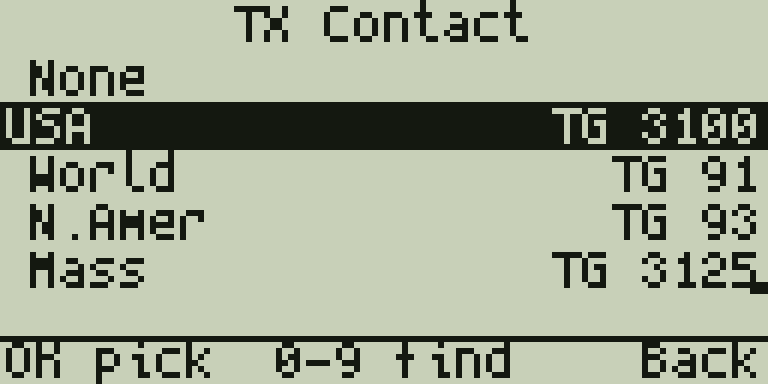
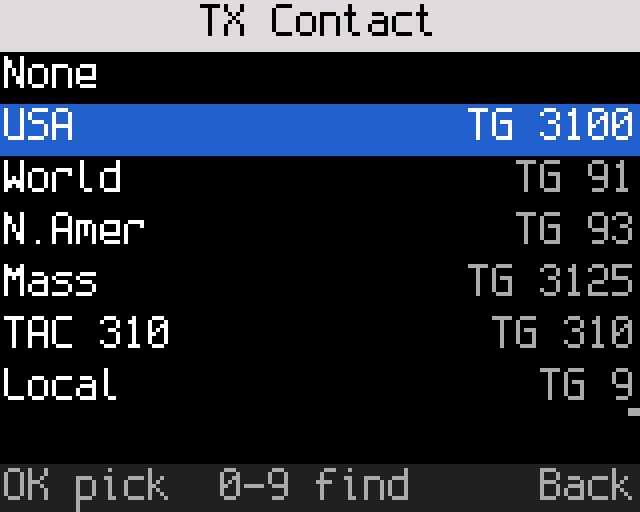
Channel editor: picking the TX contact
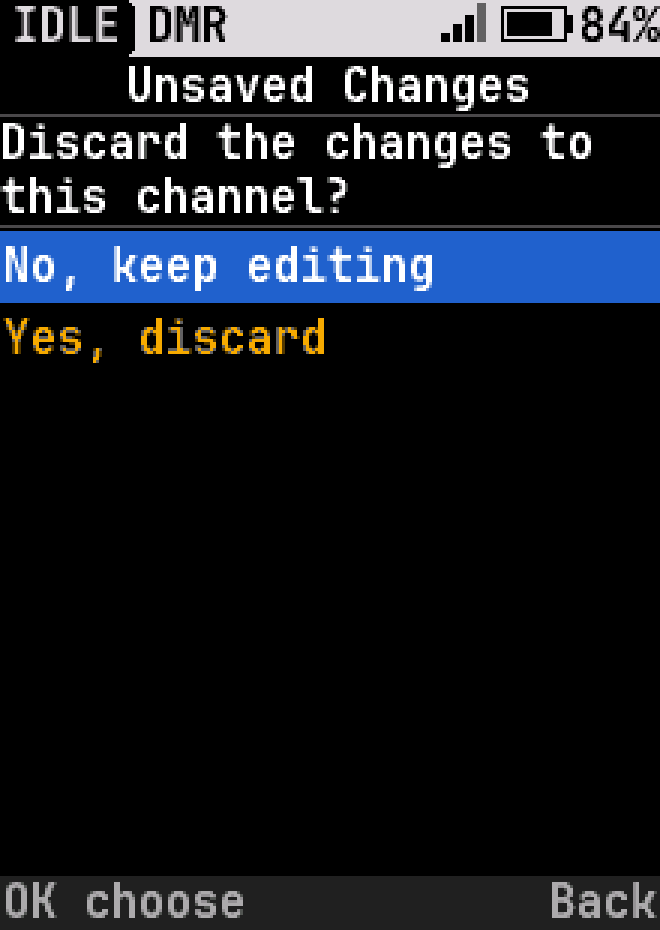
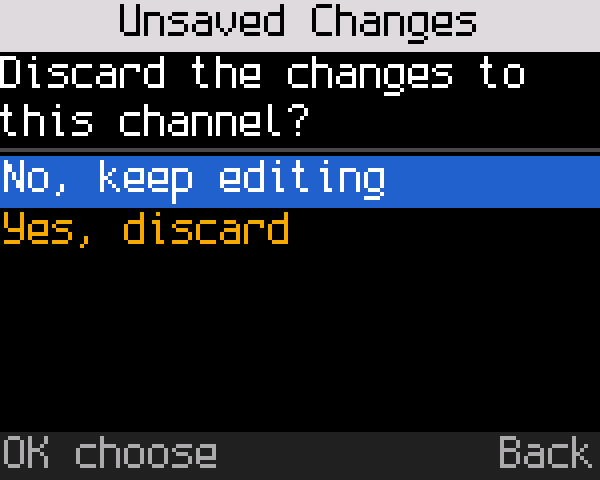
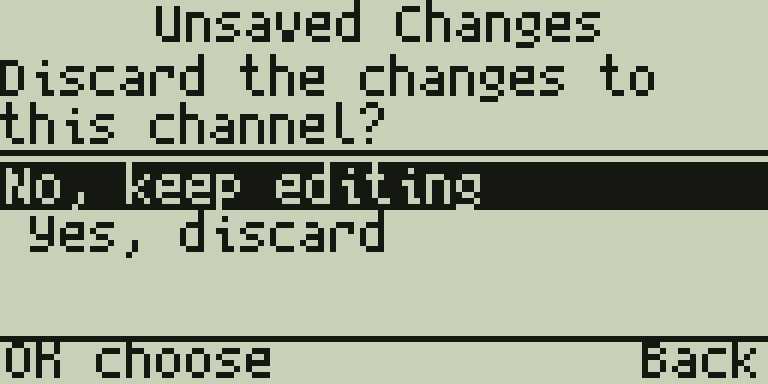
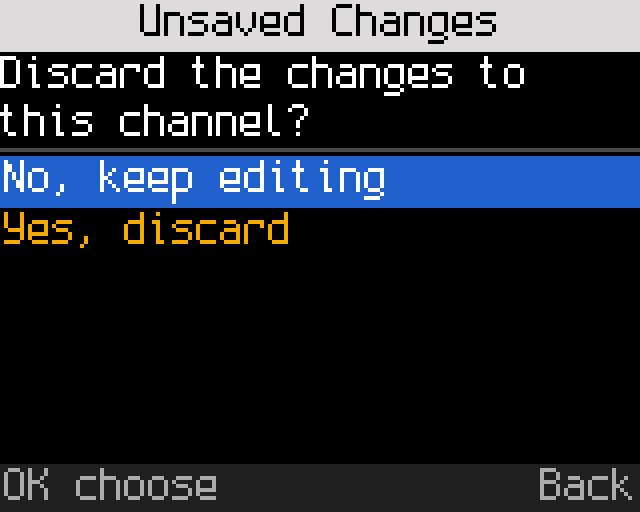
Leaving the channel editor with unsaved changes
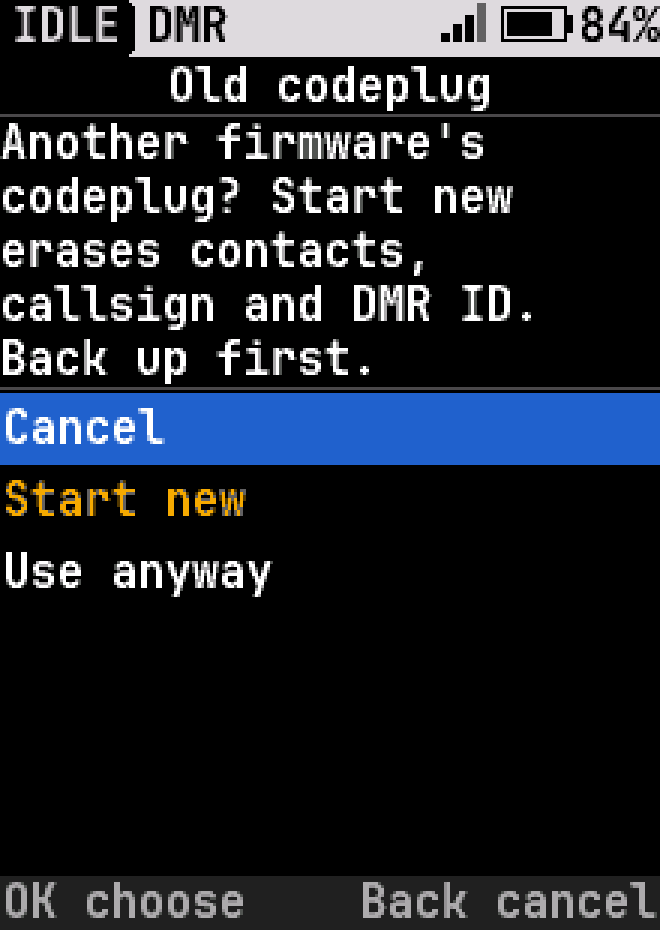
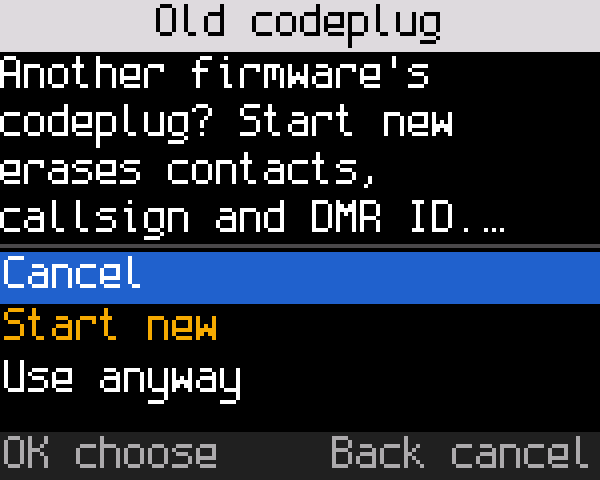
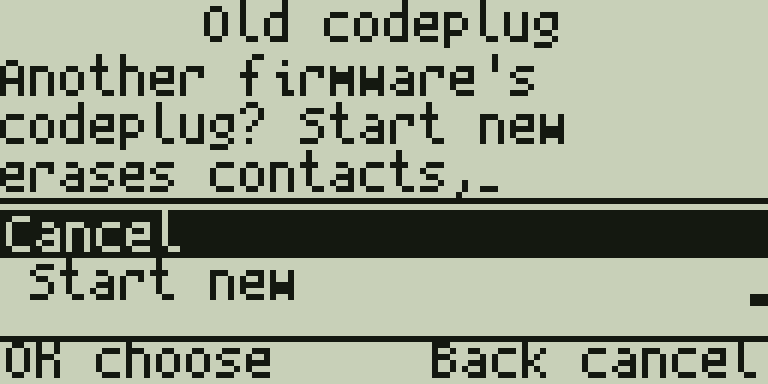
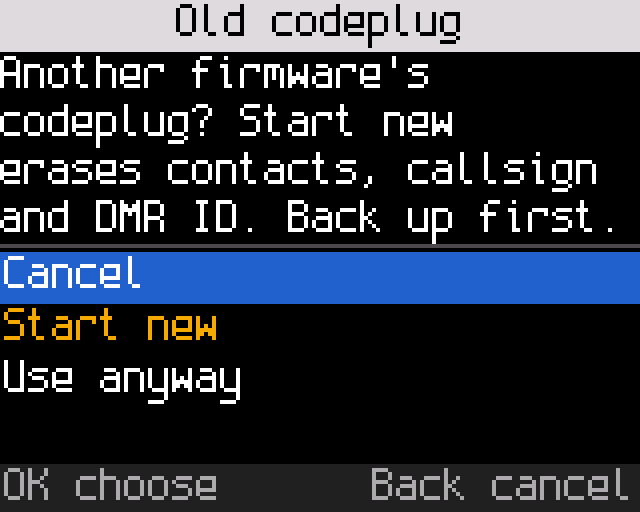
Saving over another firmware's codeplug: start a new one or keep it
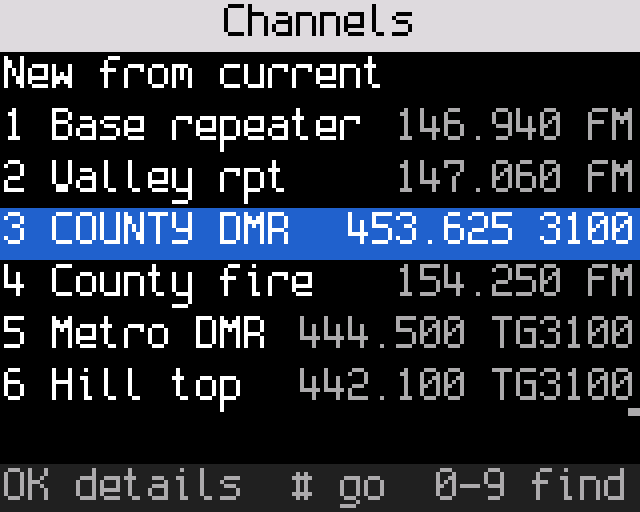
New channel from current settings
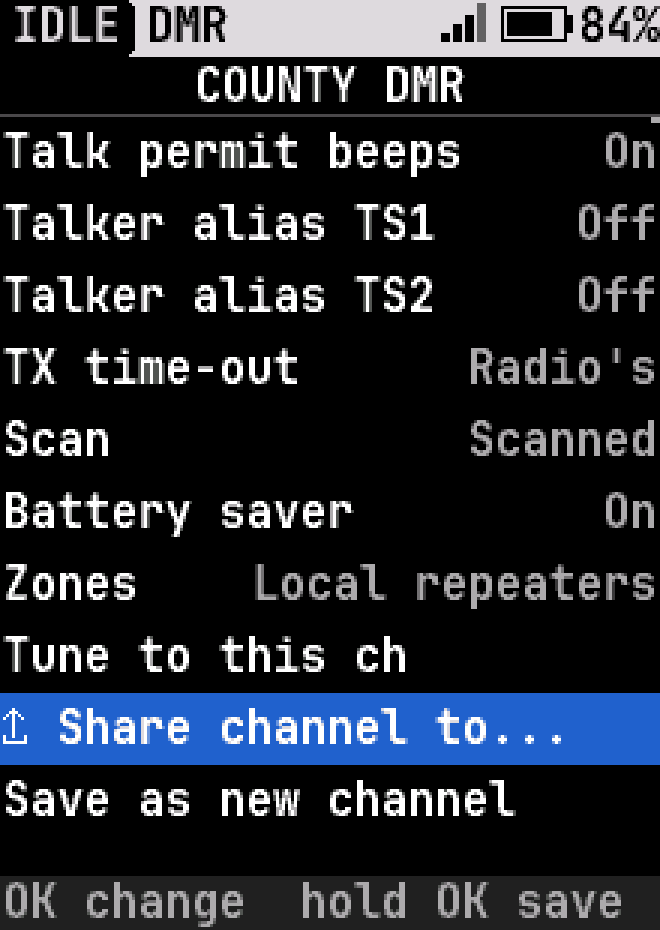
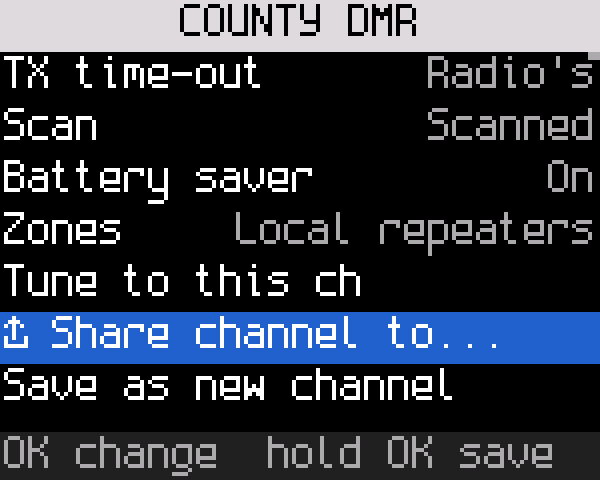
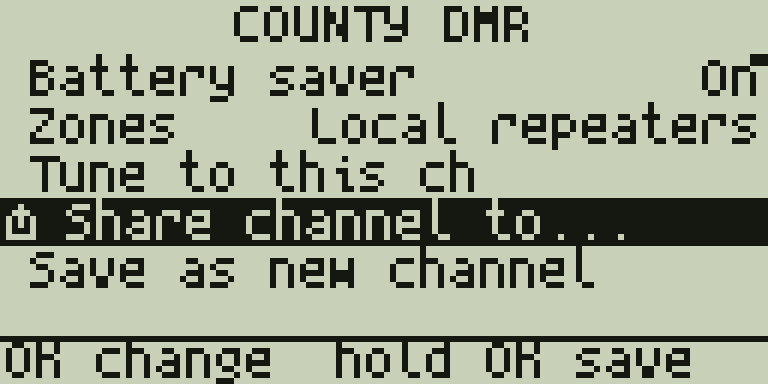
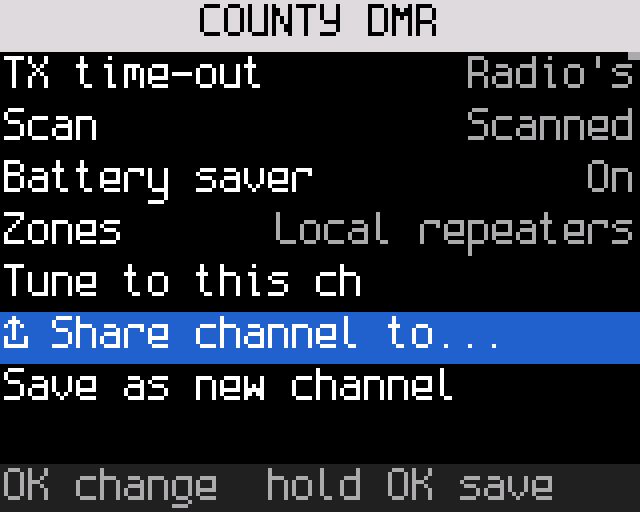
Sharing a channel from its settings
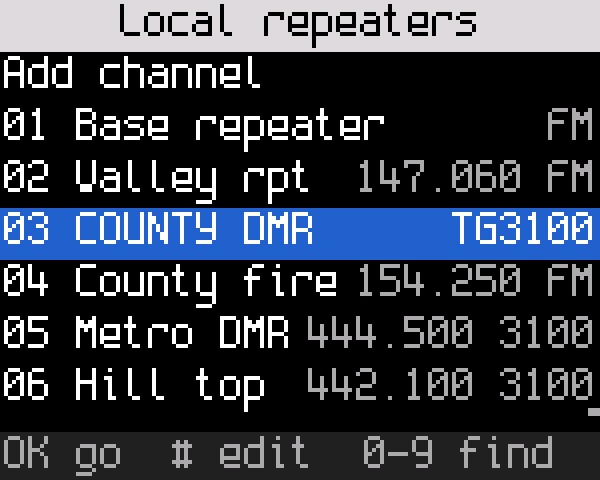
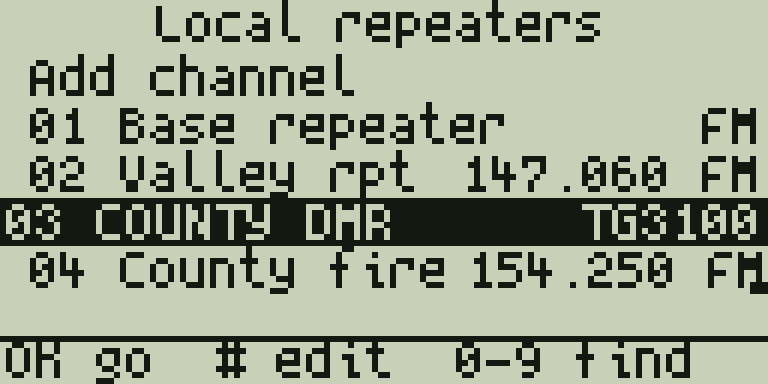
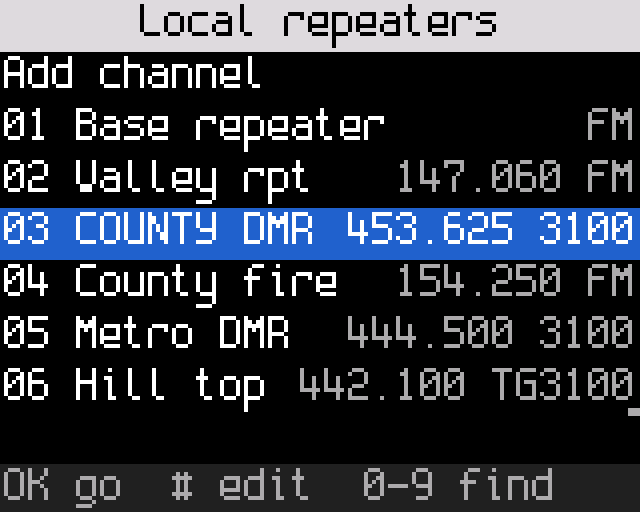
Channels in a zone
Channels in a zone
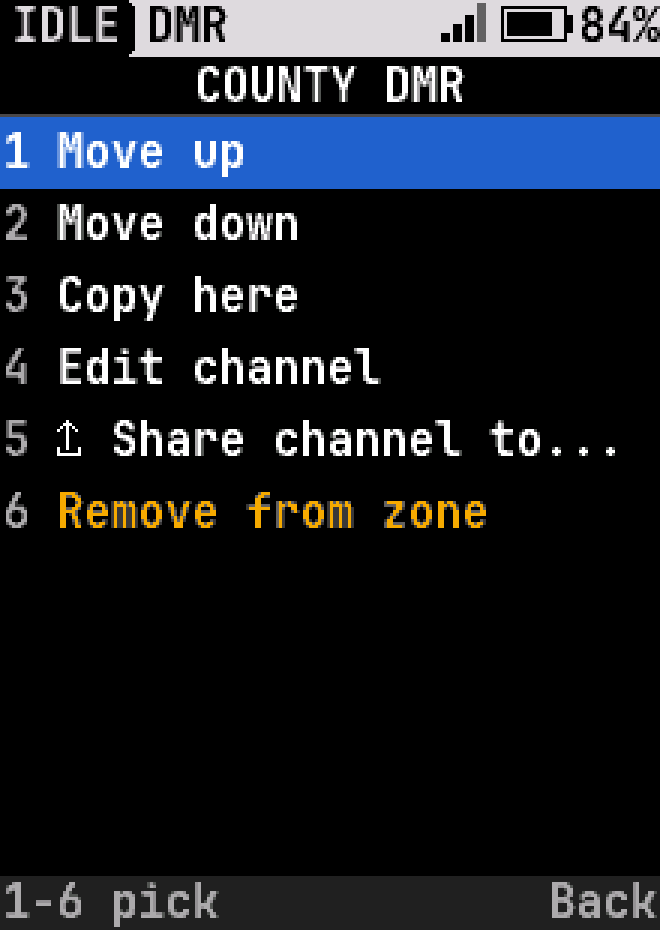
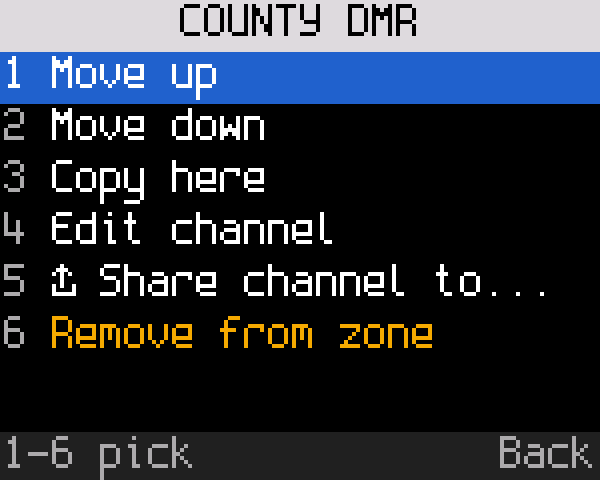
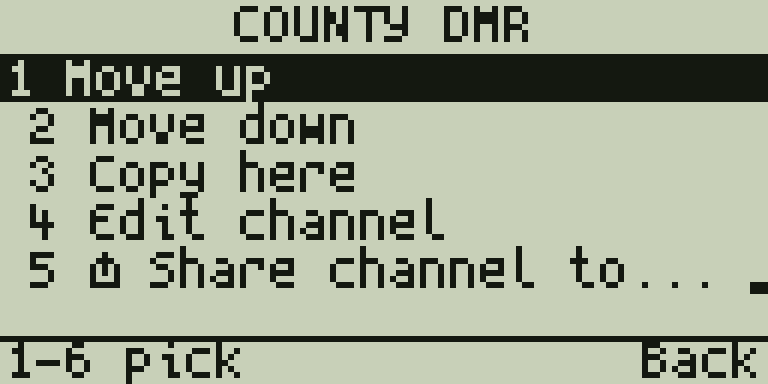
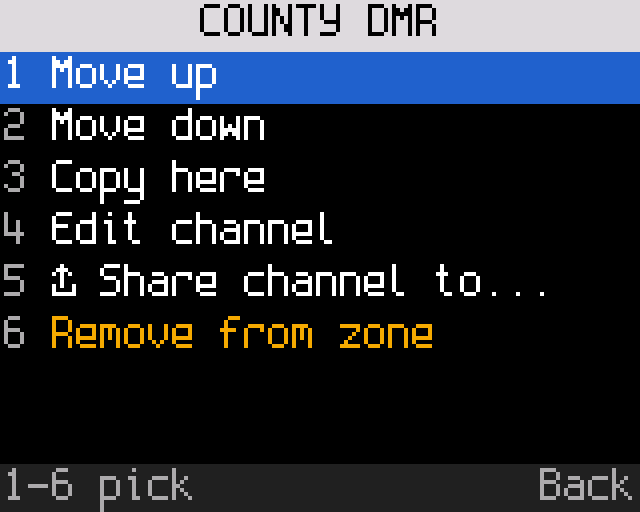
A channel's actions in a zone
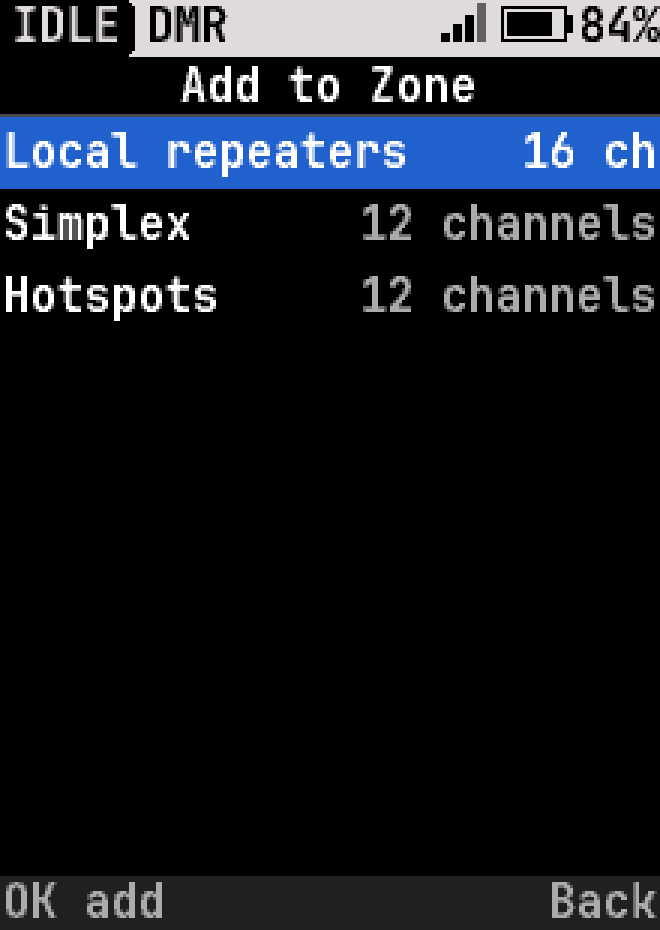
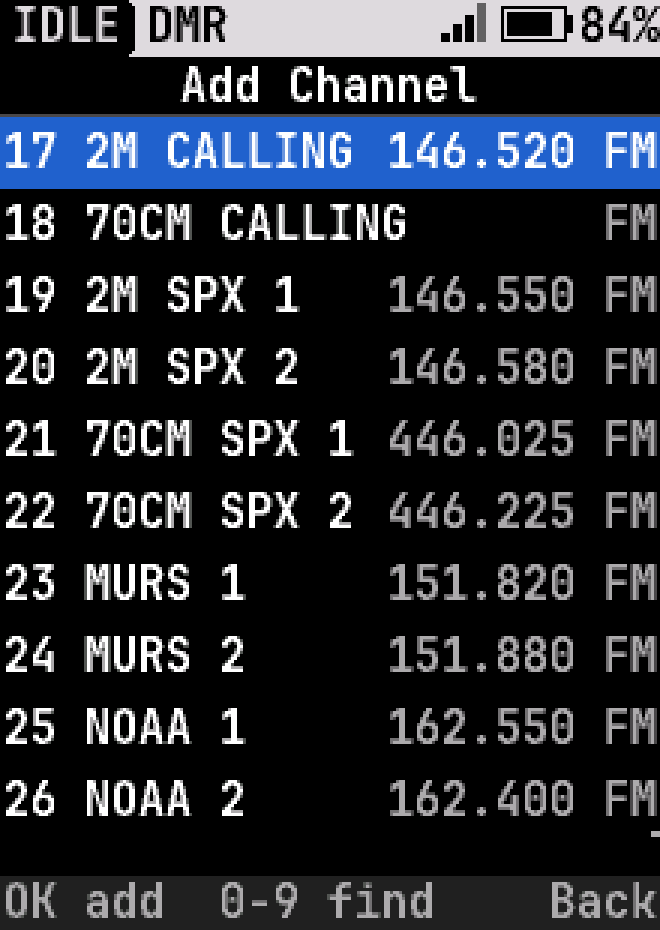
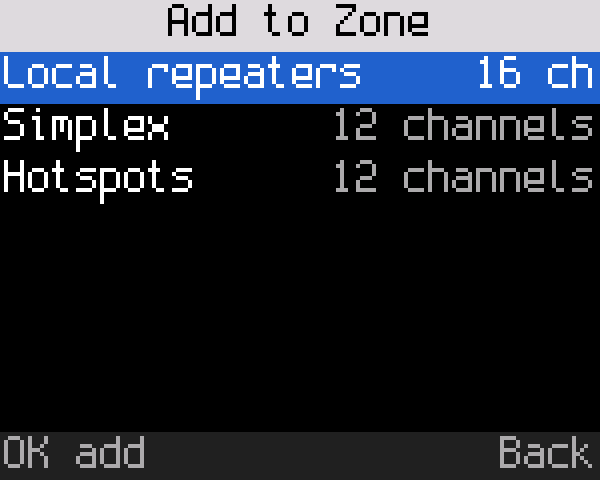
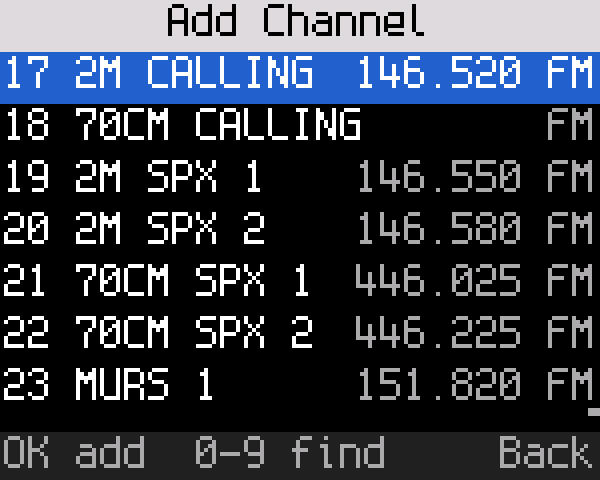
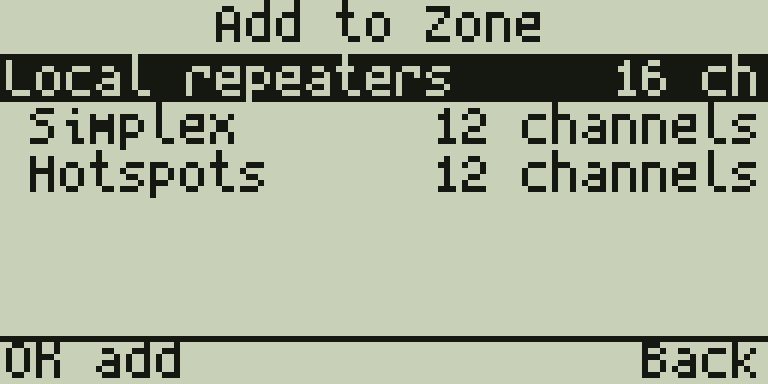
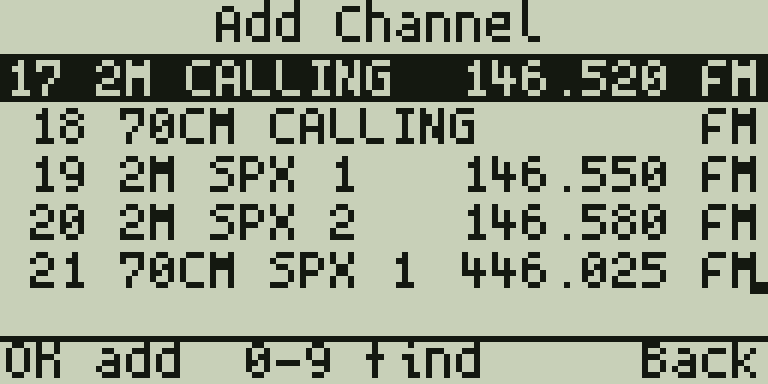
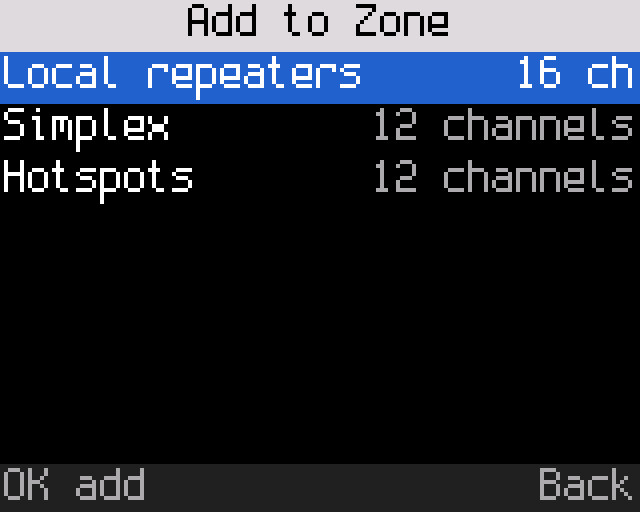
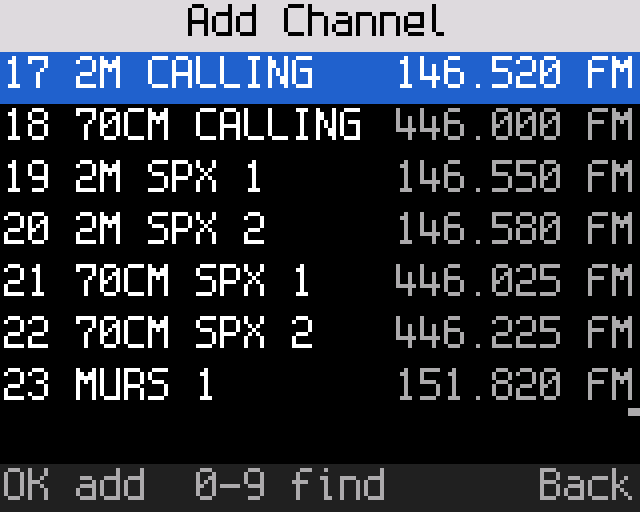
Adding a channel to a zone
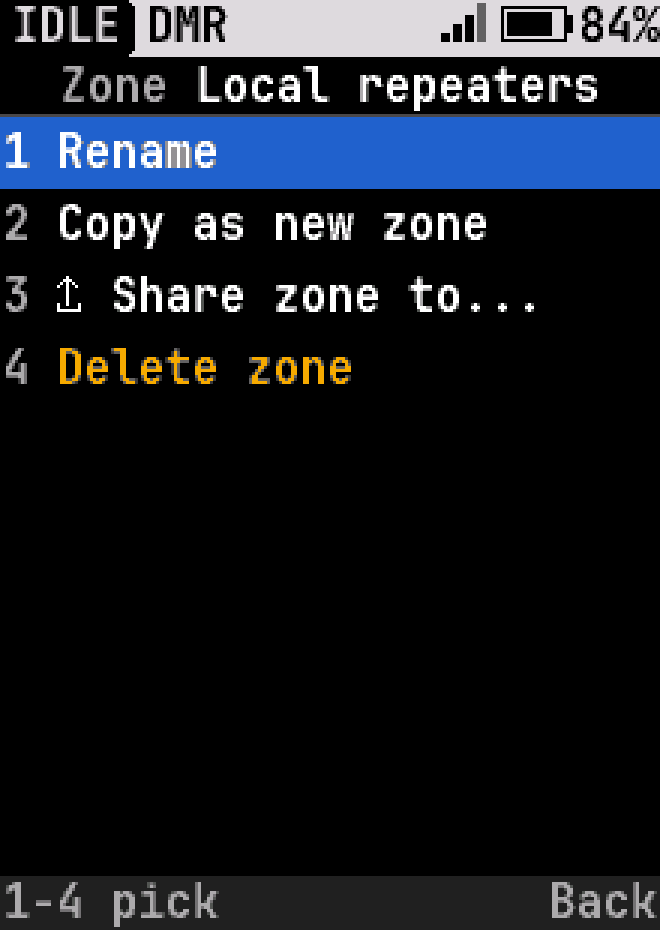
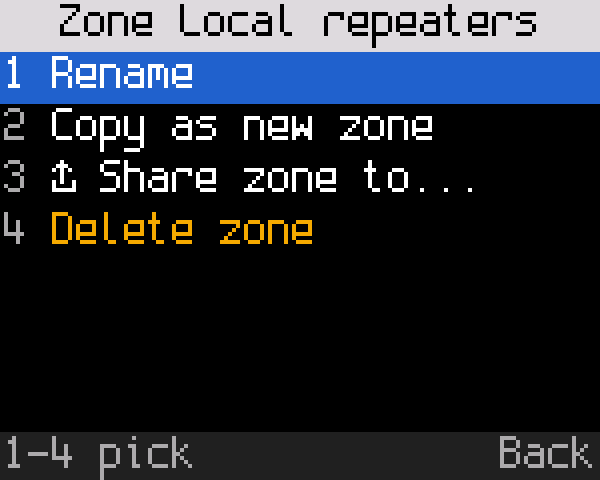
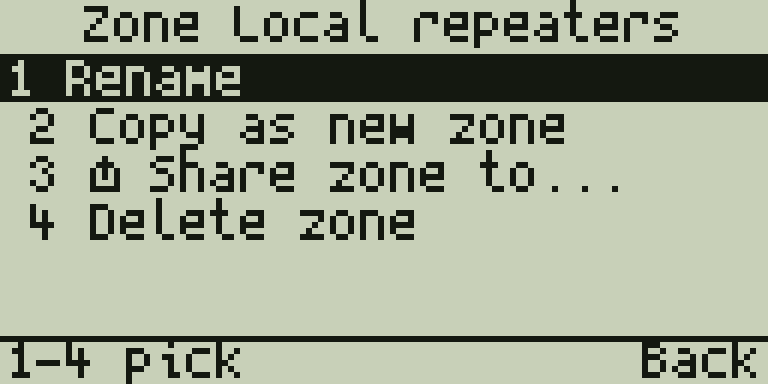
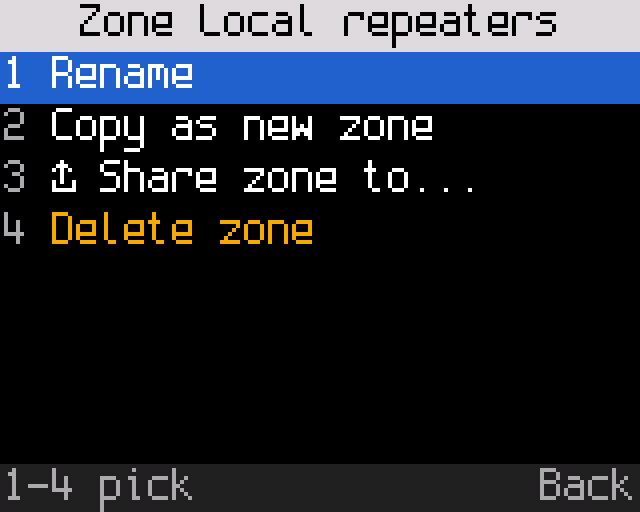
Zone options
Zone options
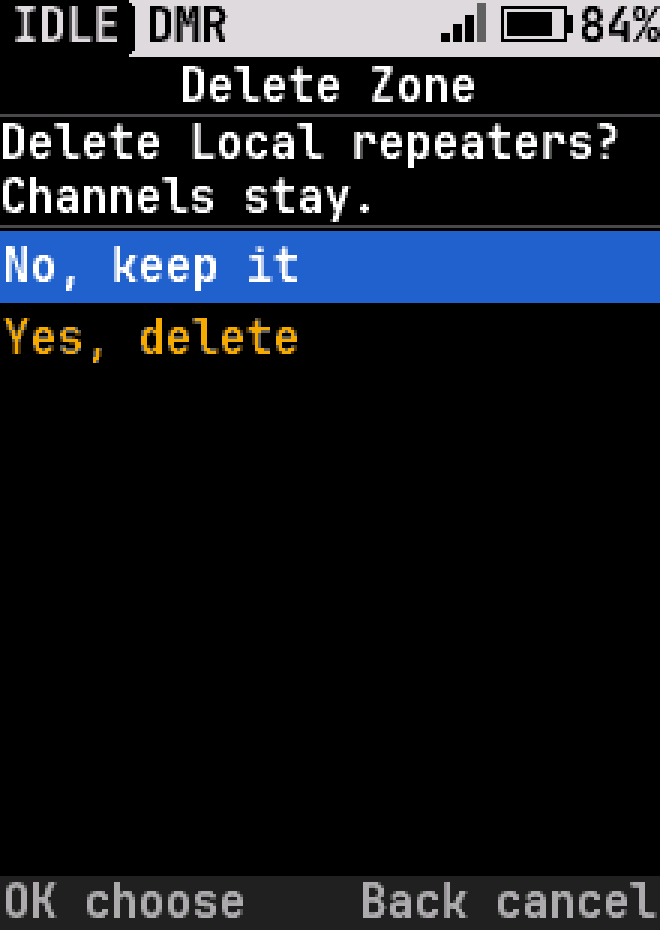
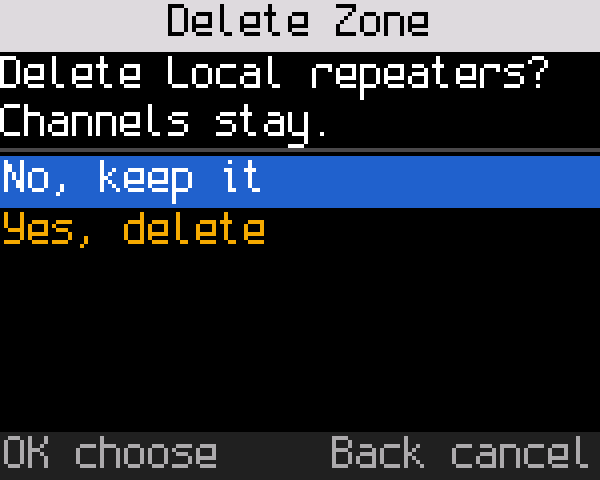
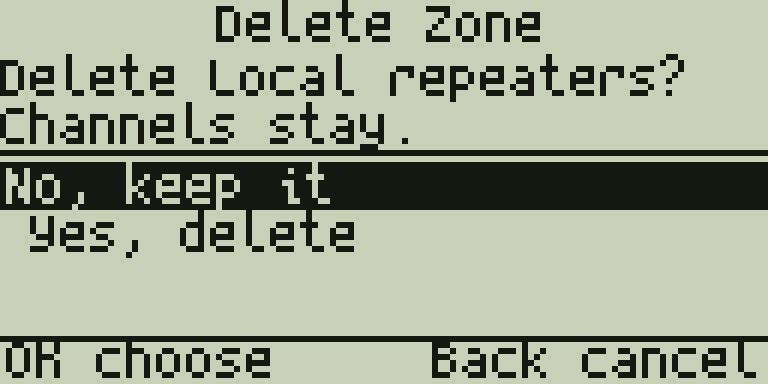
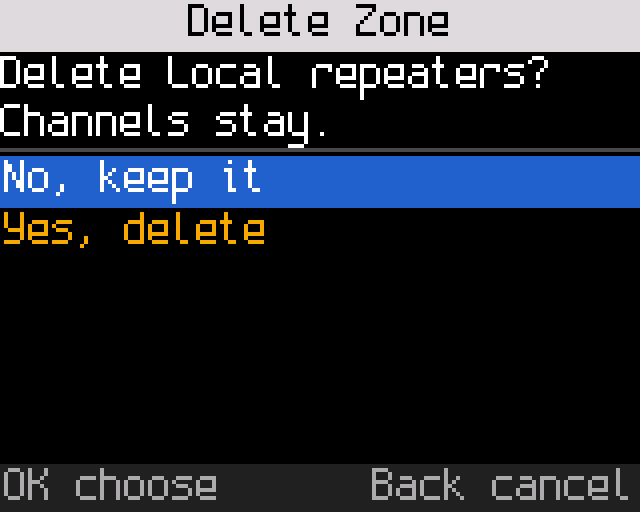
Deleting a zone asks first
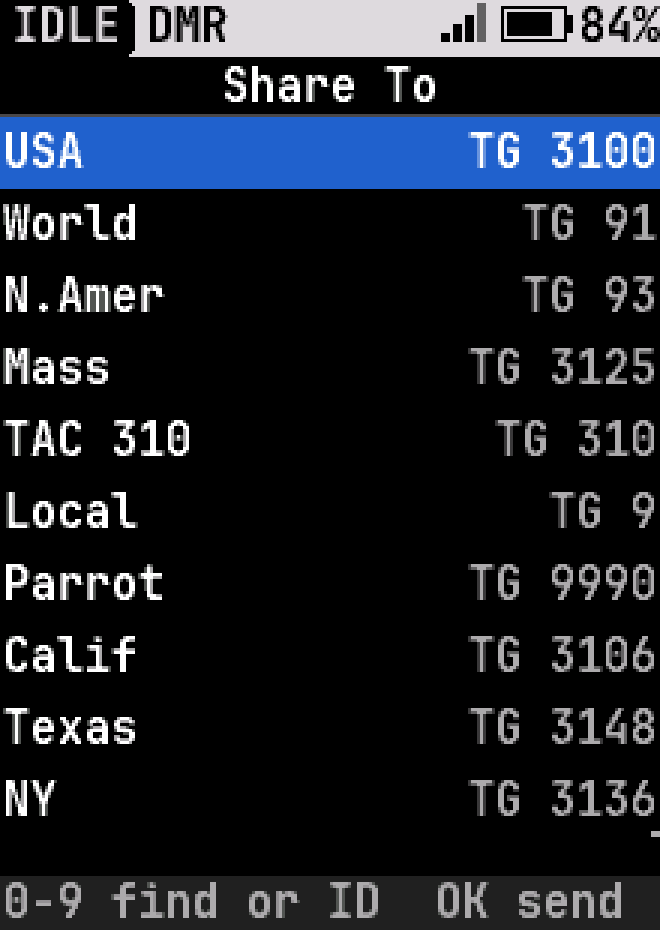
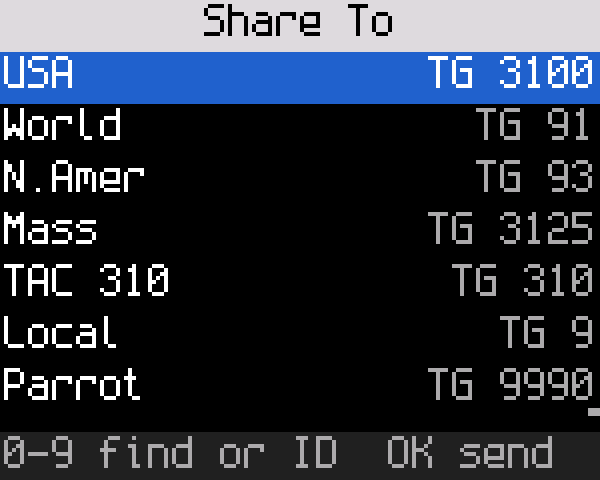
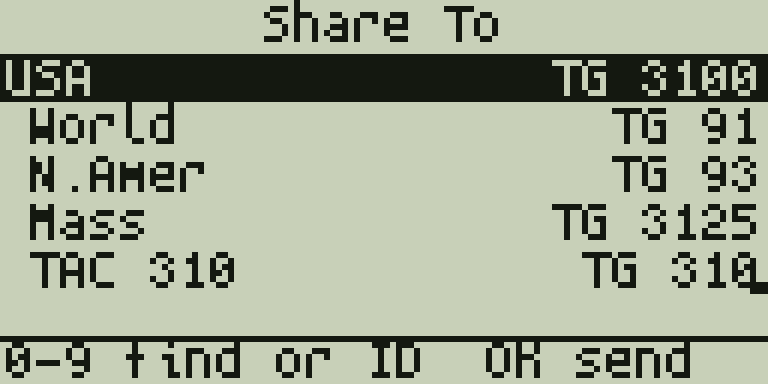
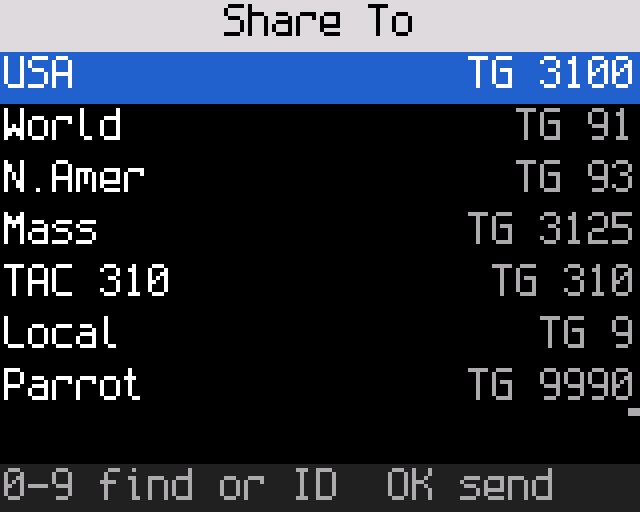
Sharing a zone or channel with another radio
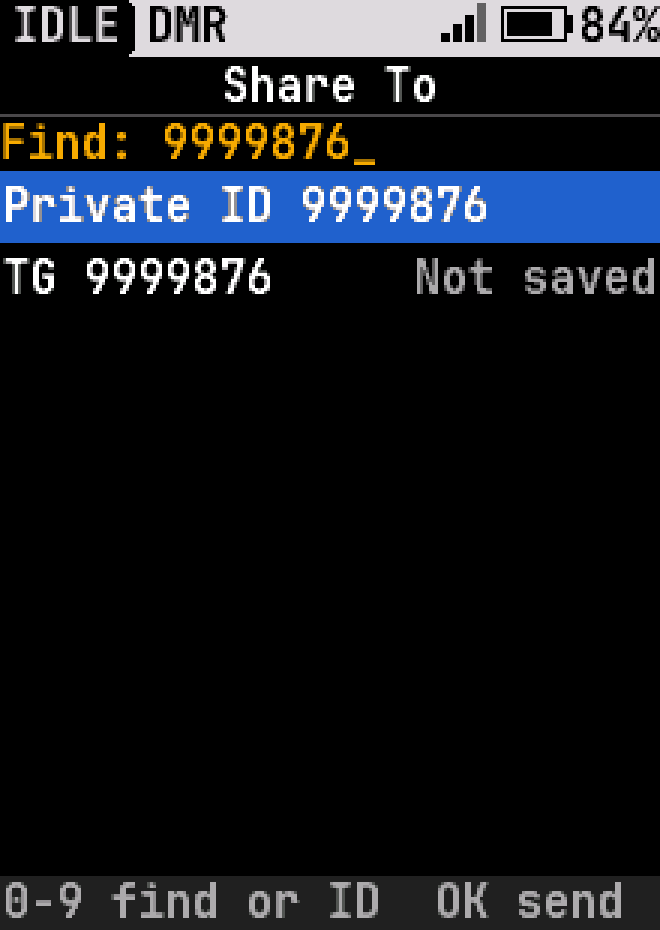
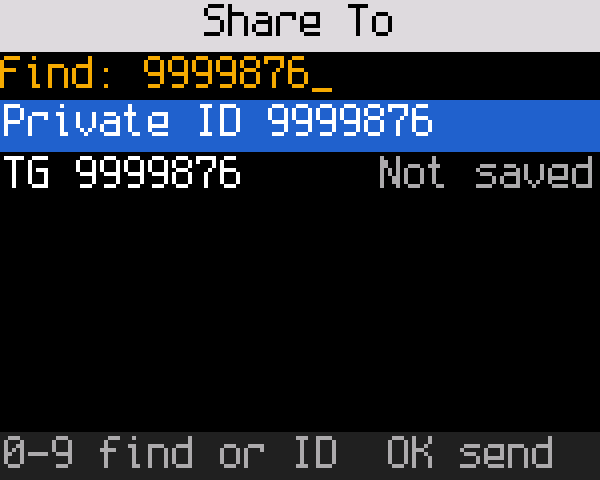
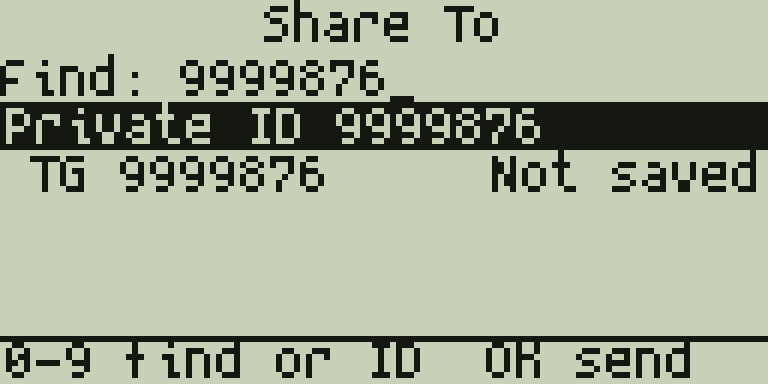
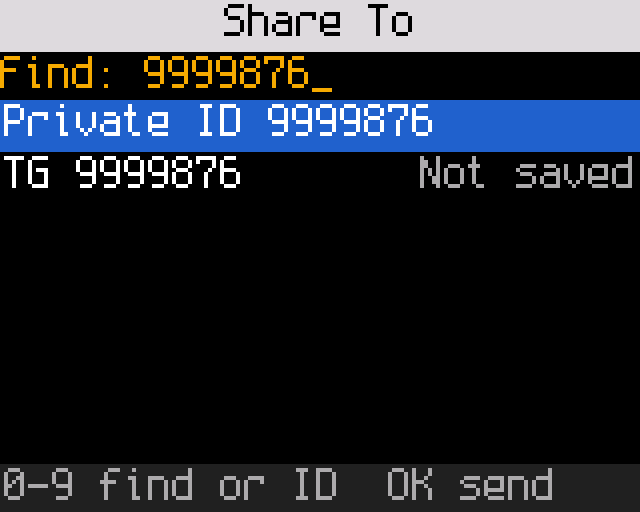
Sharing to an ID that isn't a contact
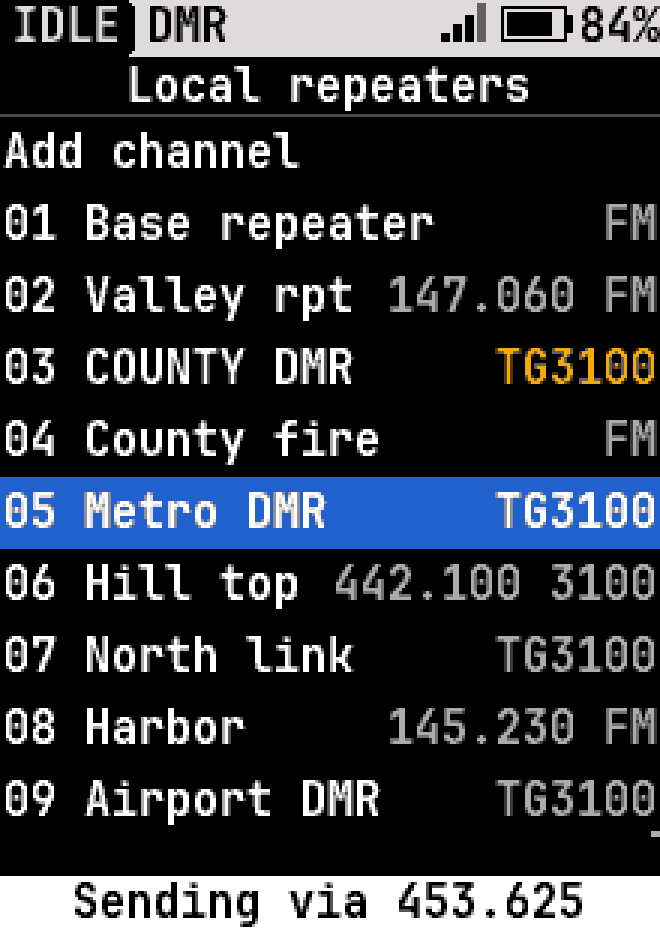
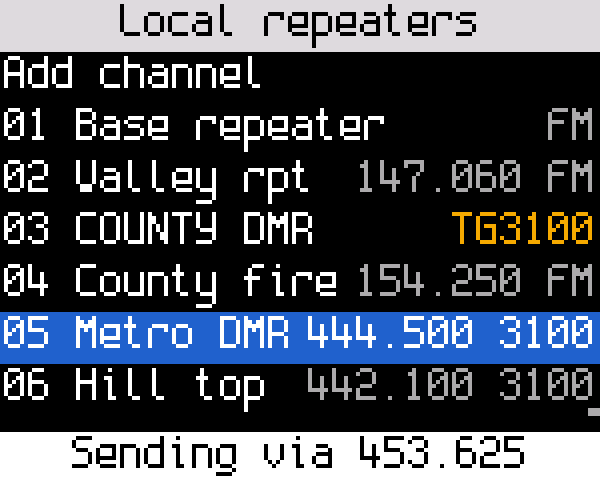
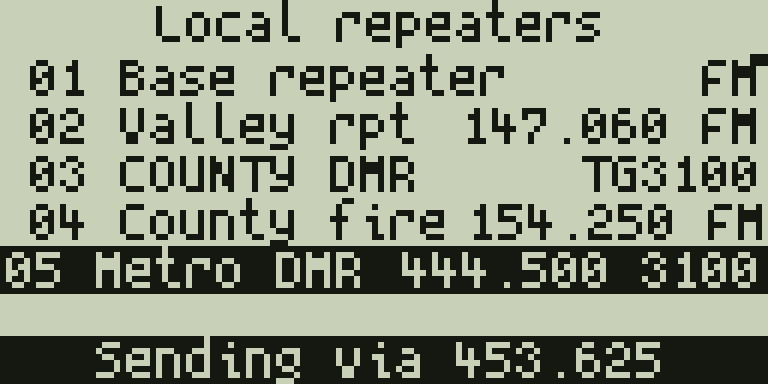
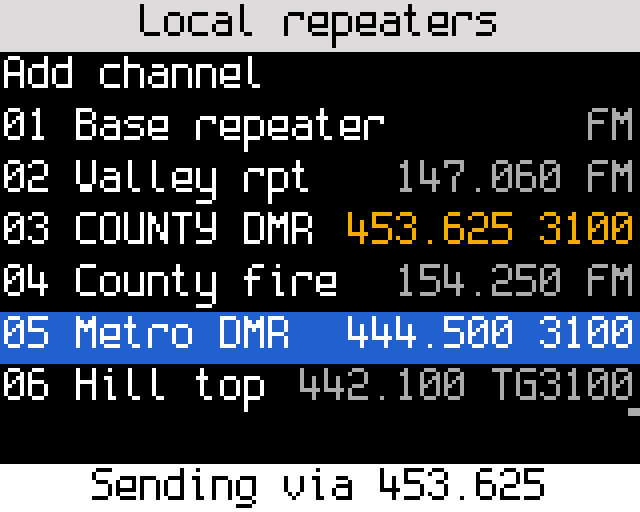
Sending a zone, and the frequency it goes on
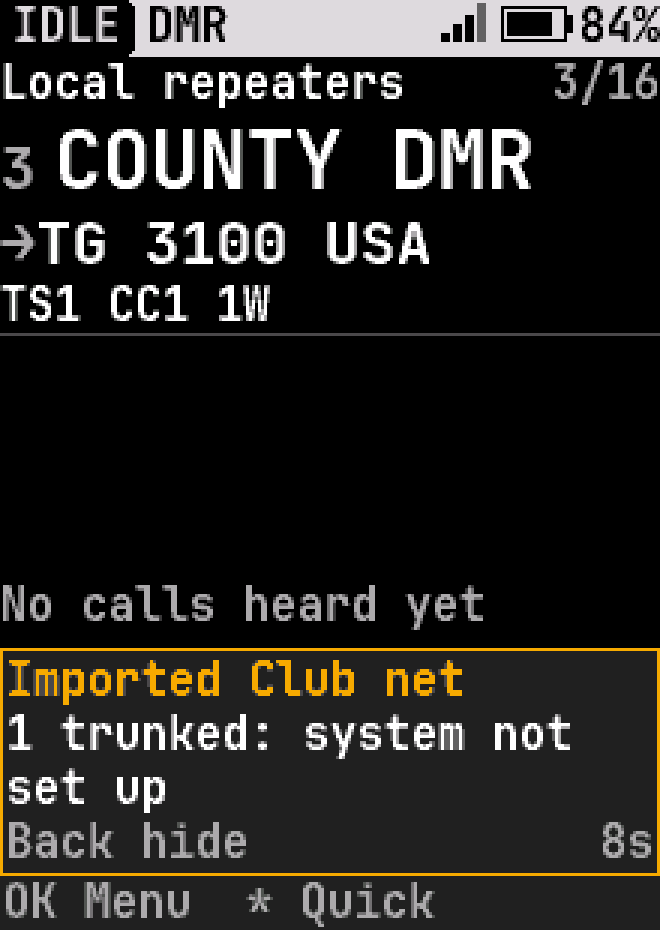
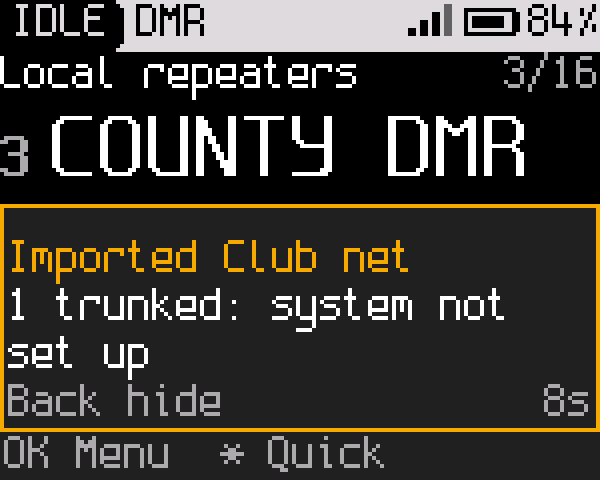
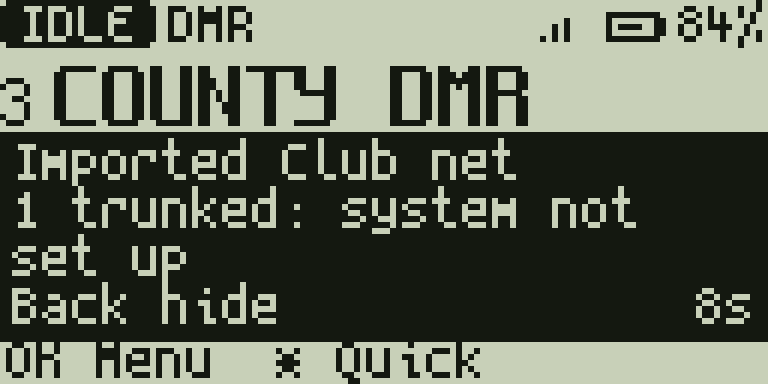
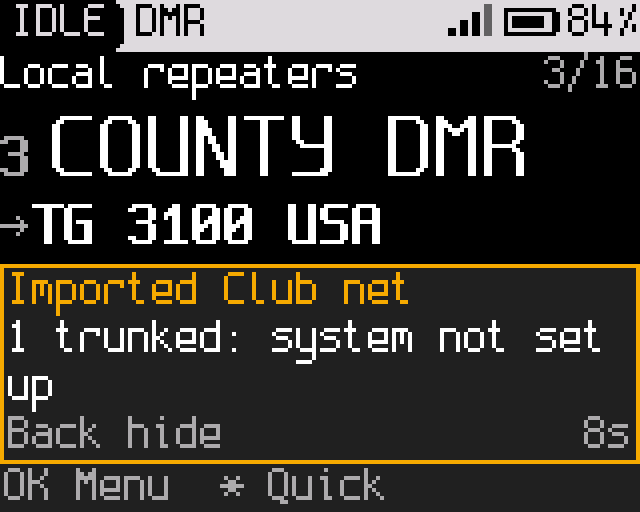
A shared zone imported
Find a channel
Find a channel
Find by name
Find by name
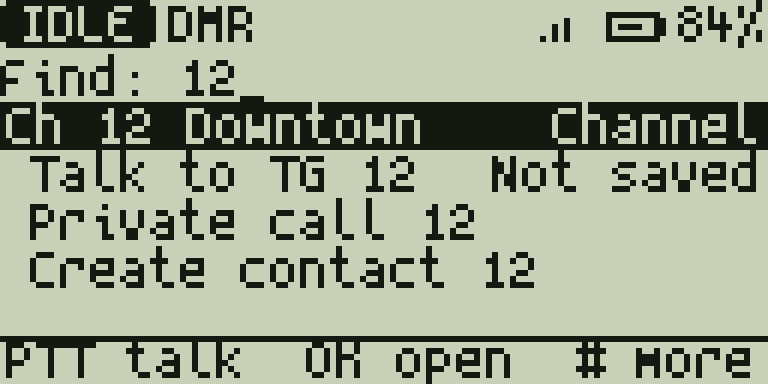
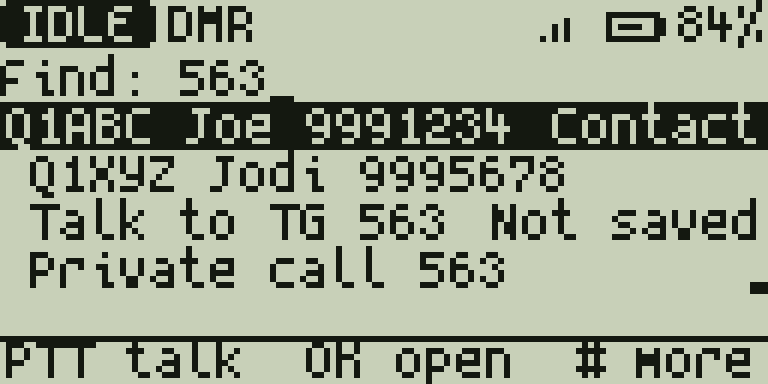
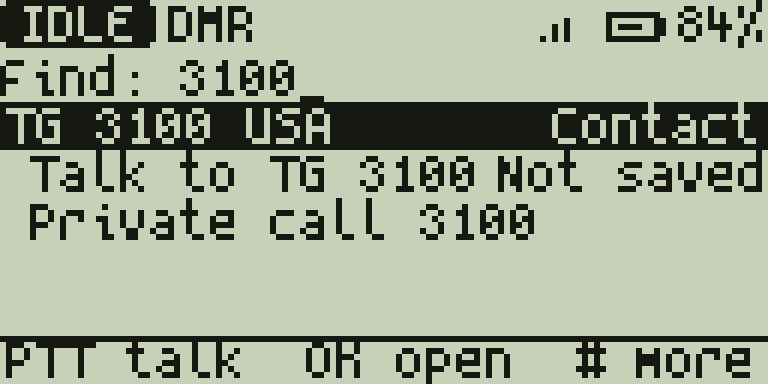
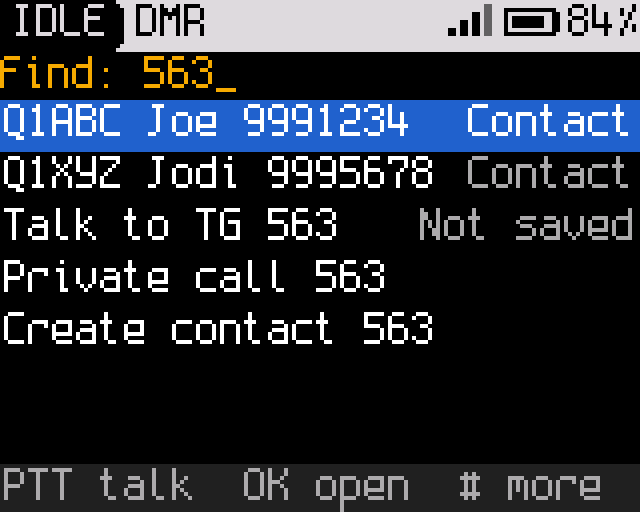
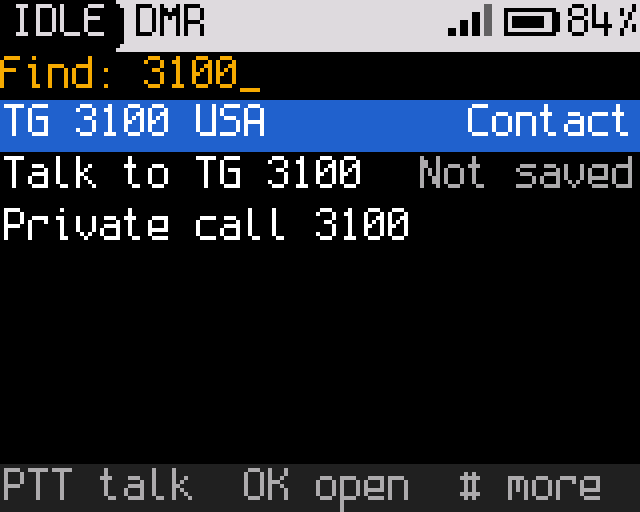
Find by number
Find by number
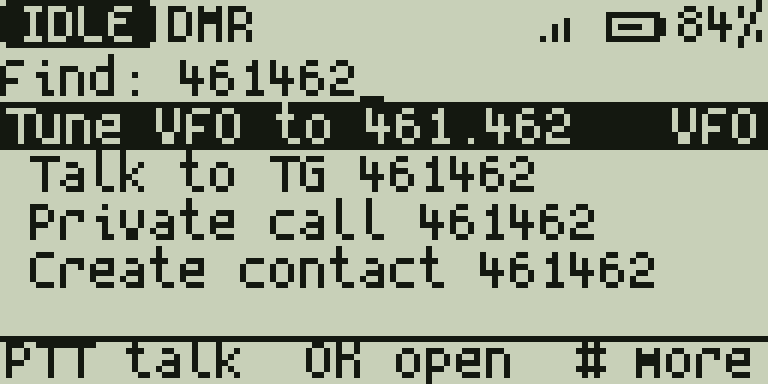
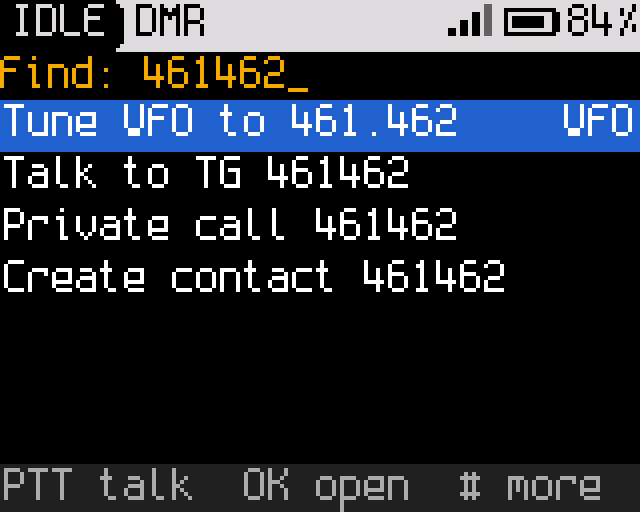
Find: tune the VFO to a typed frequency
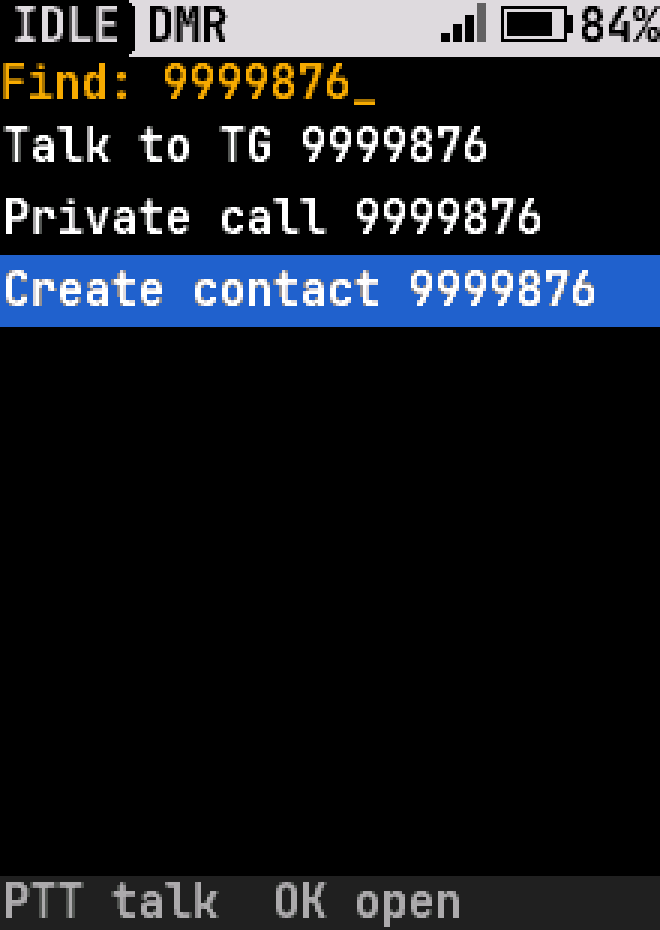
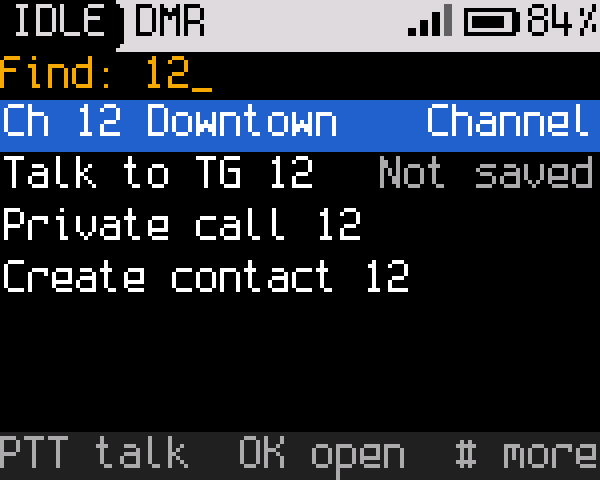
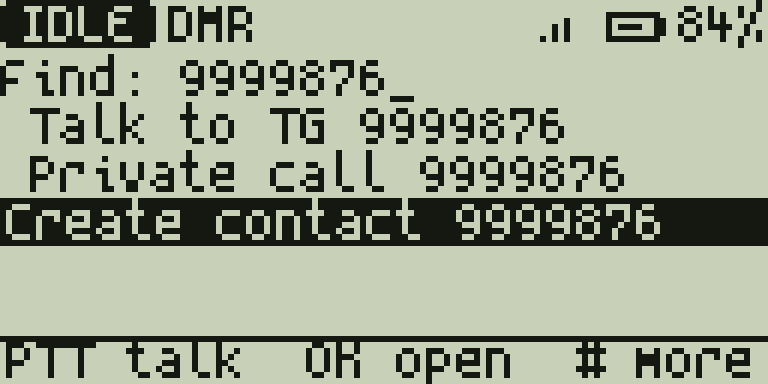
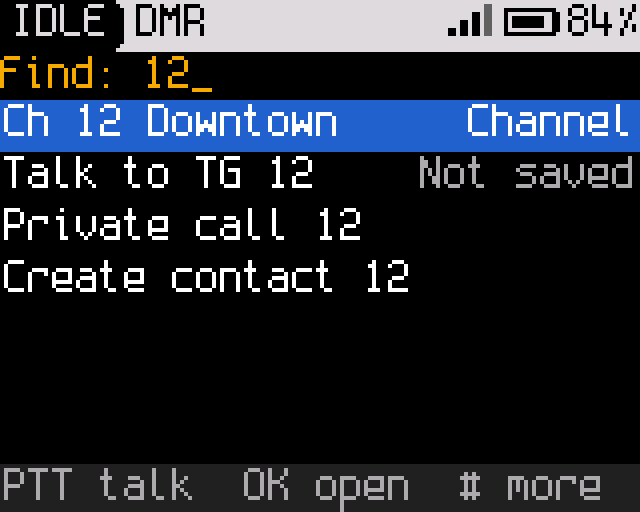
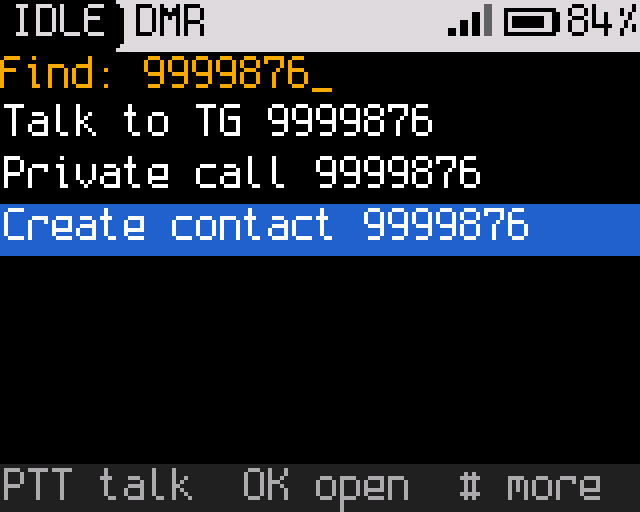
Find: create a contact from a typed number
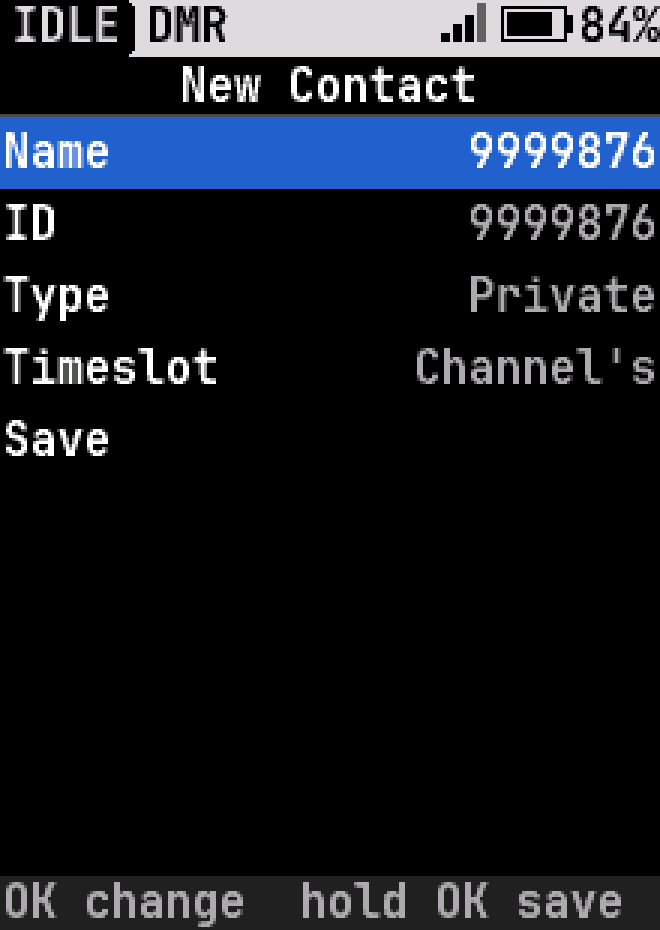
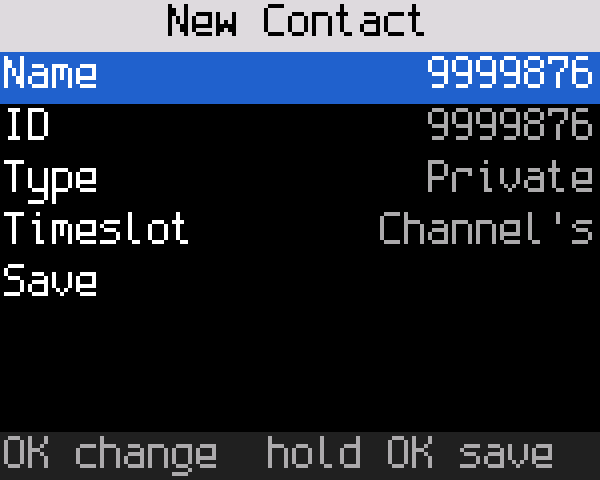
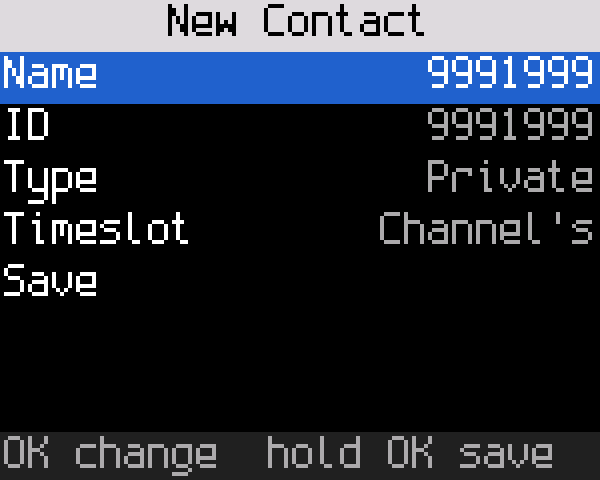
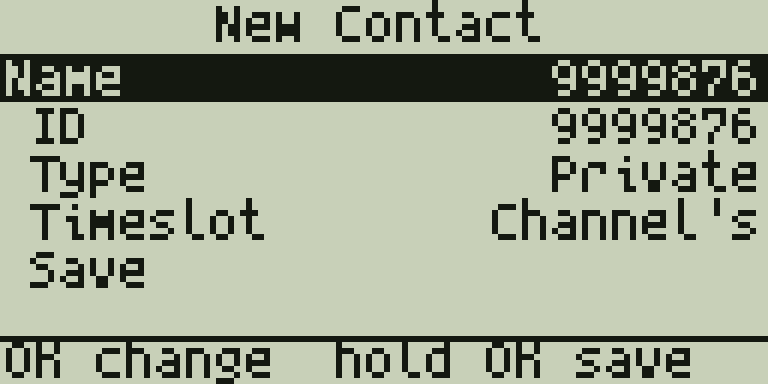
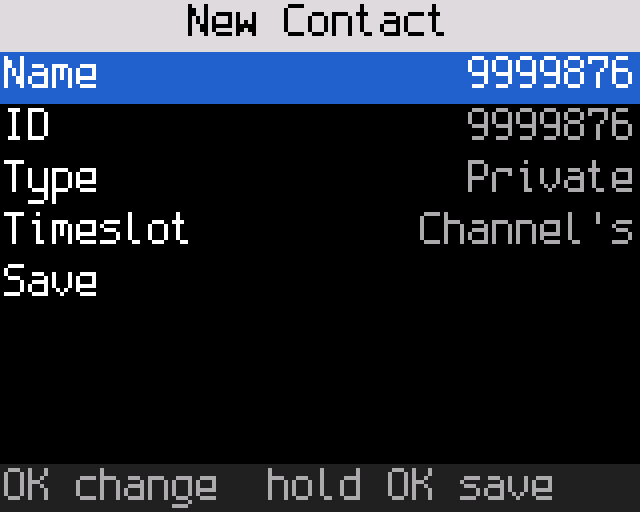
A new contact
A new contact
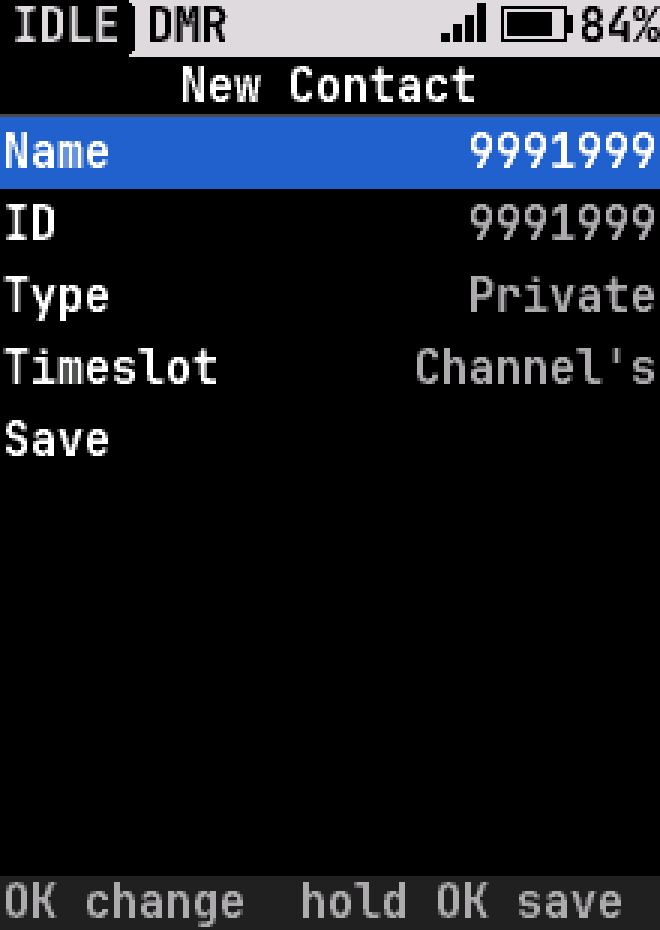
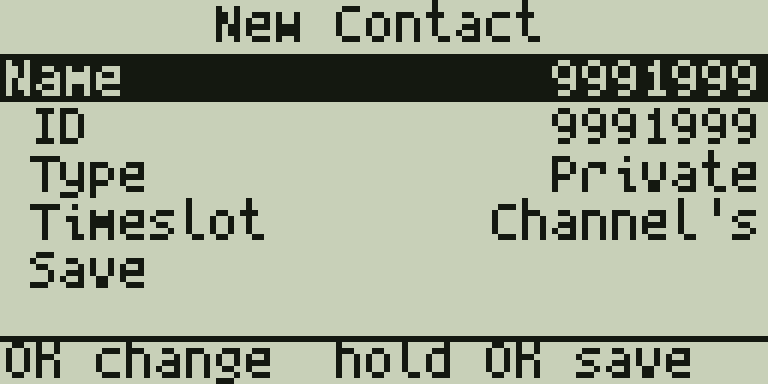
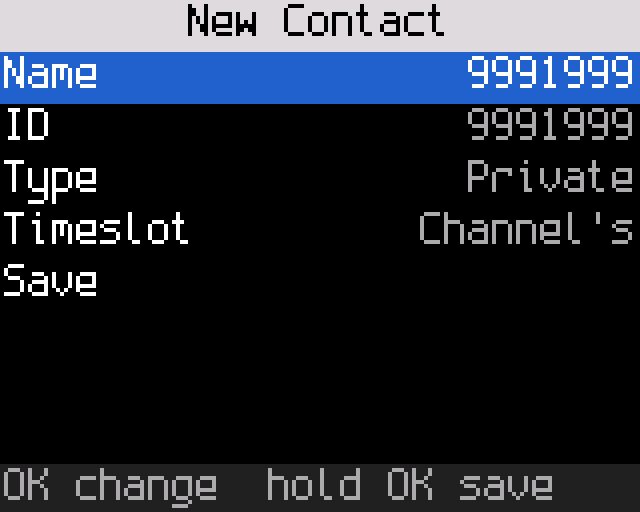
Saving a new contact
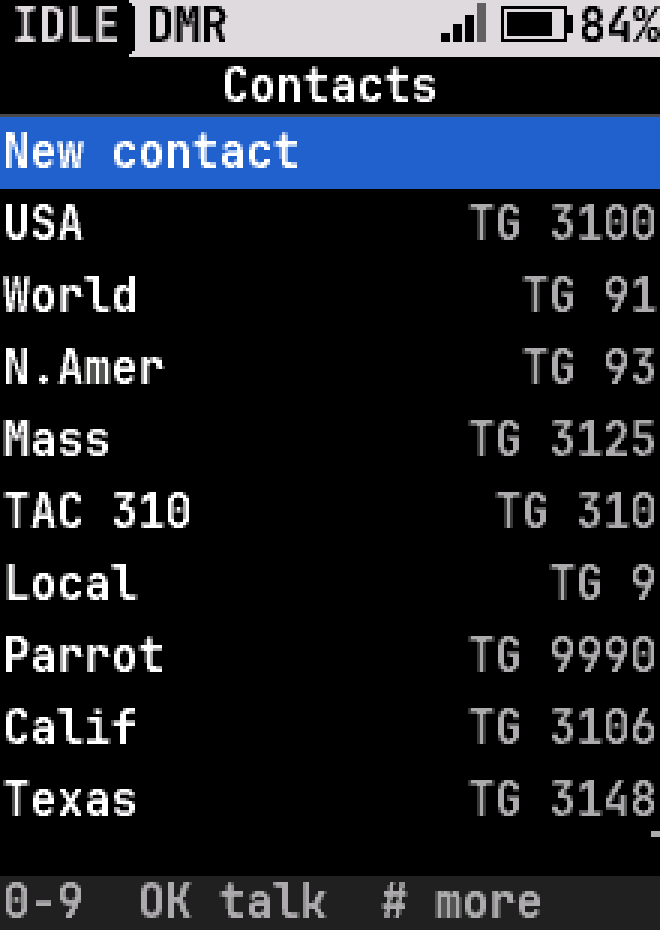
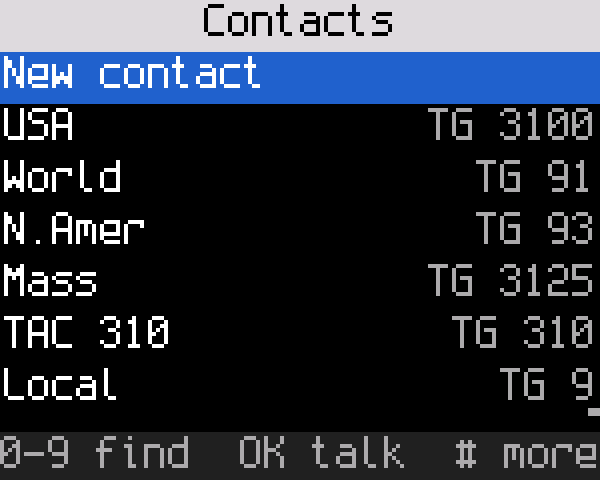
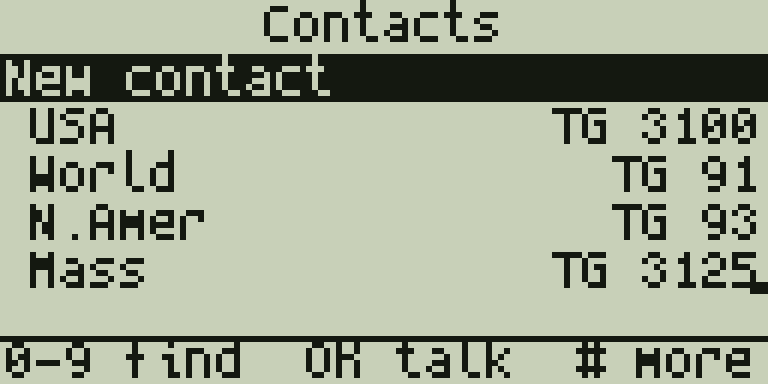
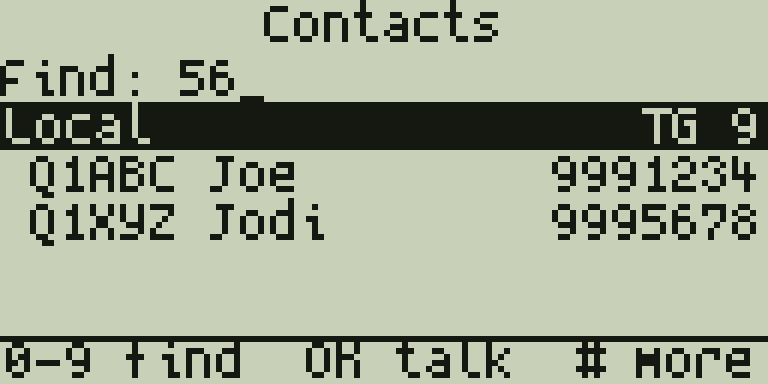
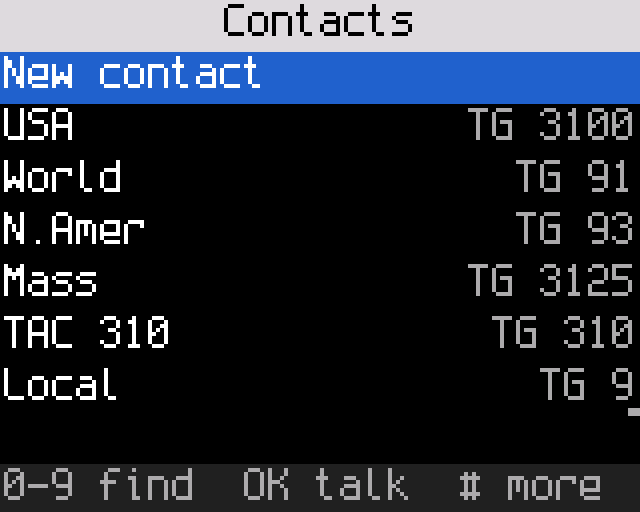
Contacts
Contacts
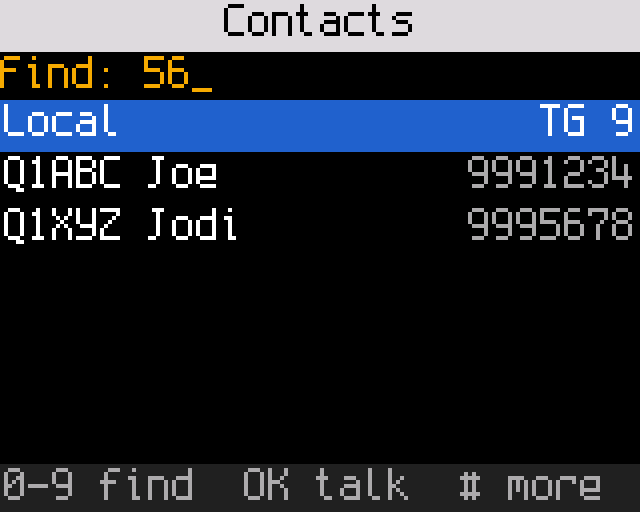
Find a contact
Find a contact
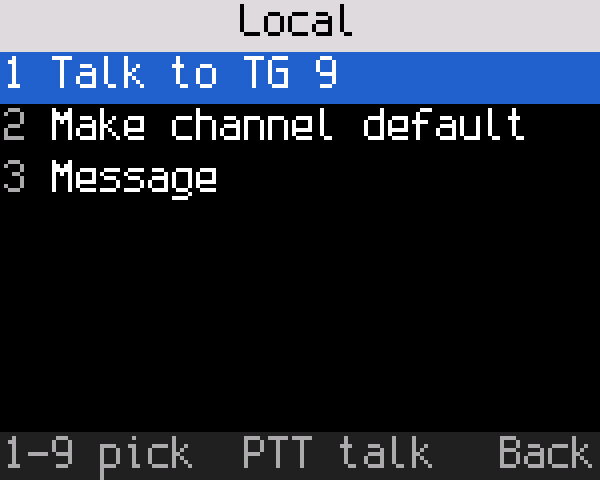
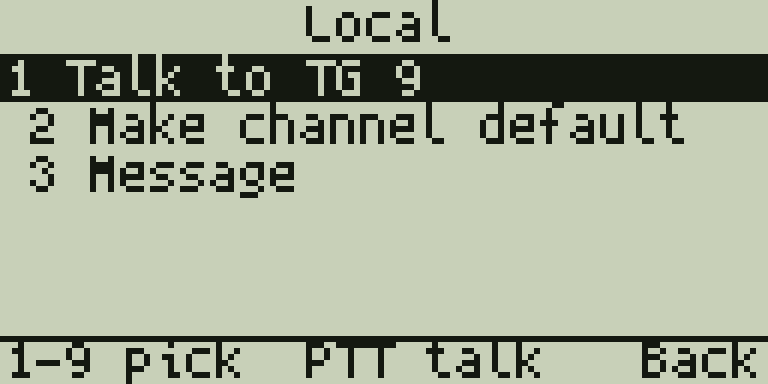
Contact actions
Contact actions
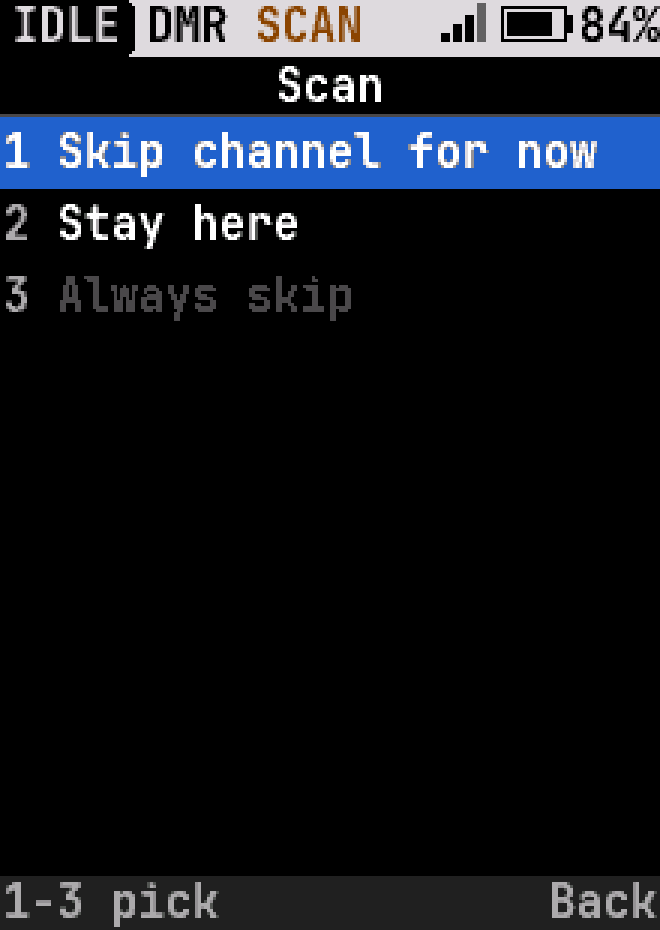
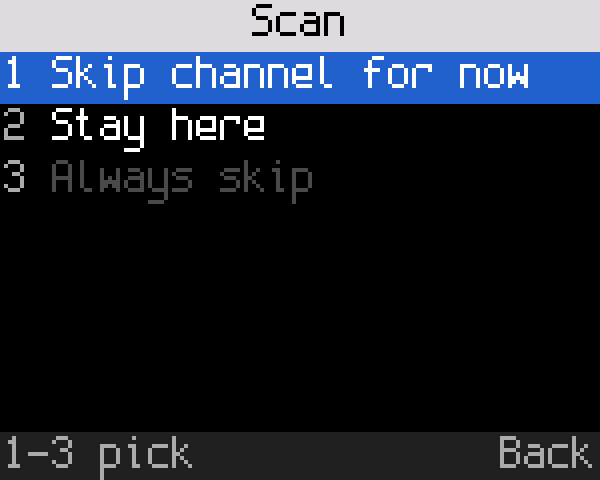
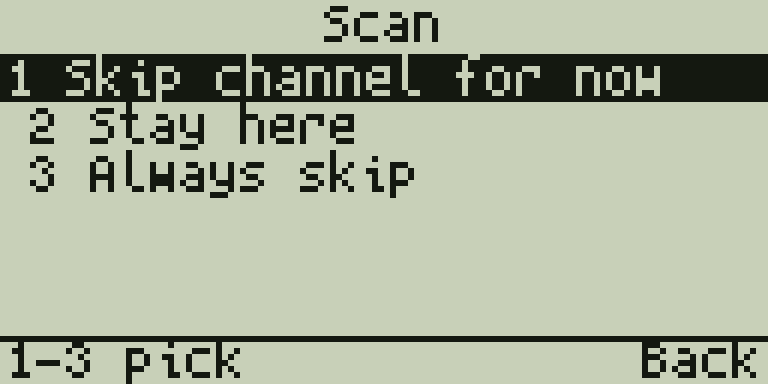
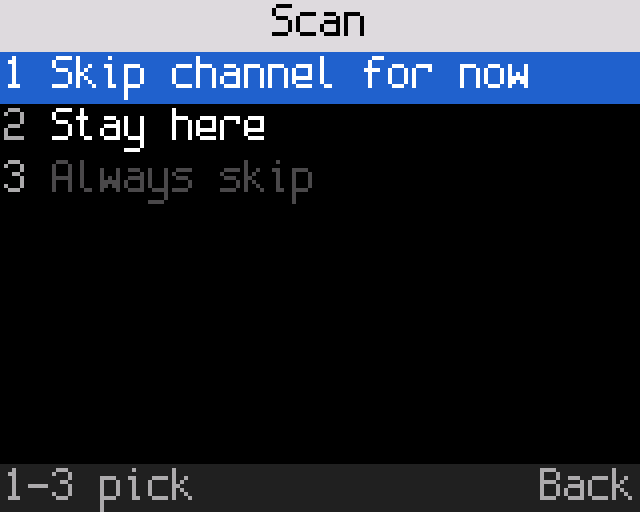
Scan
Scan
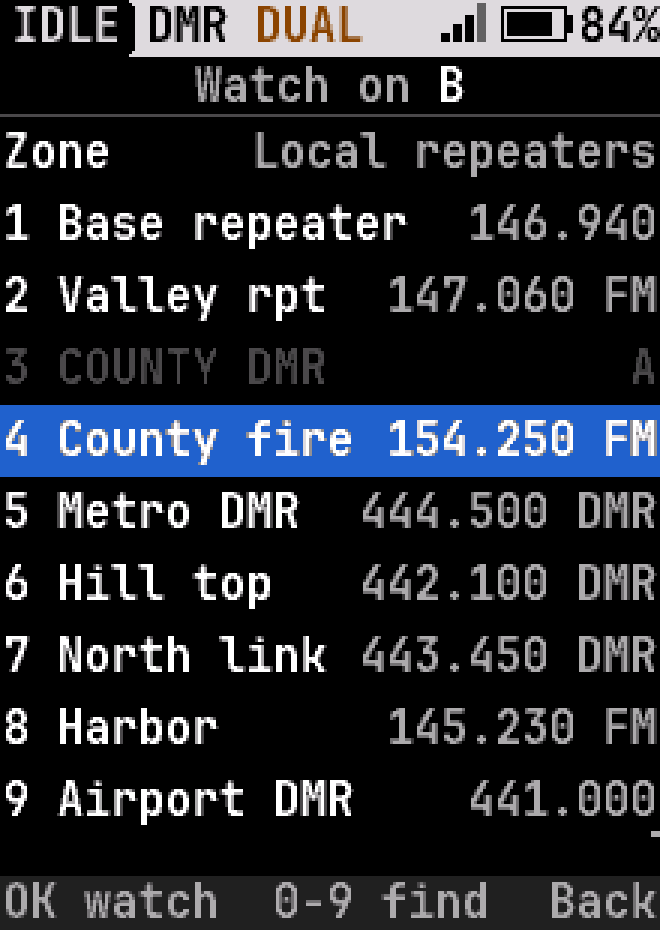
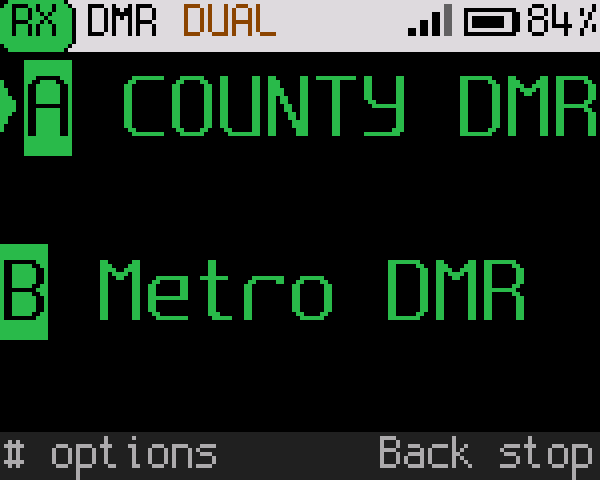
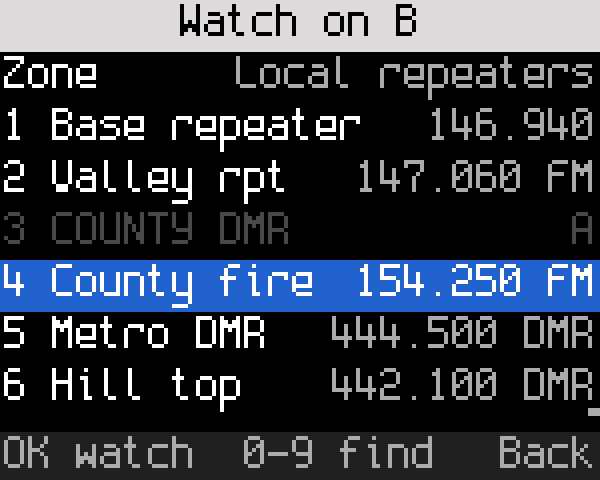
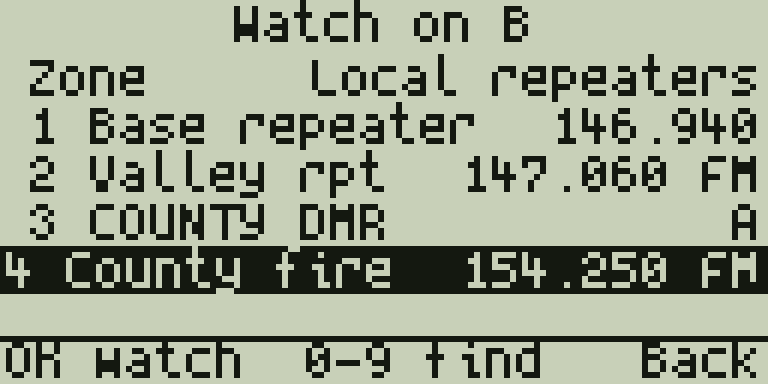
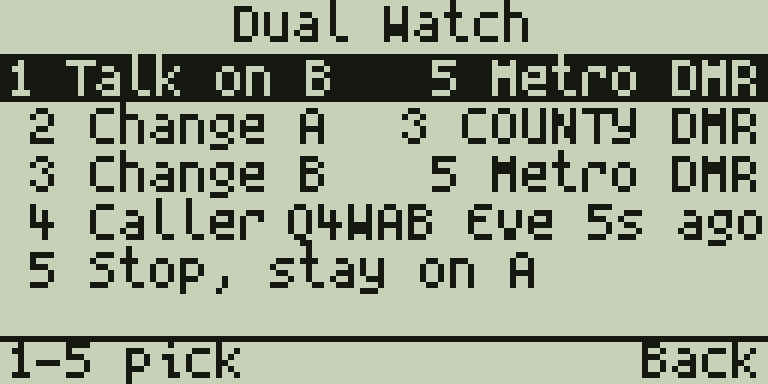
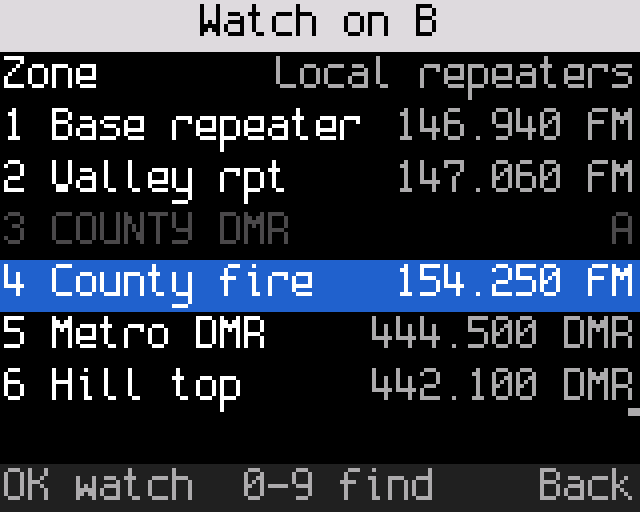
Dual watch: pick B
Dual watch: pick B
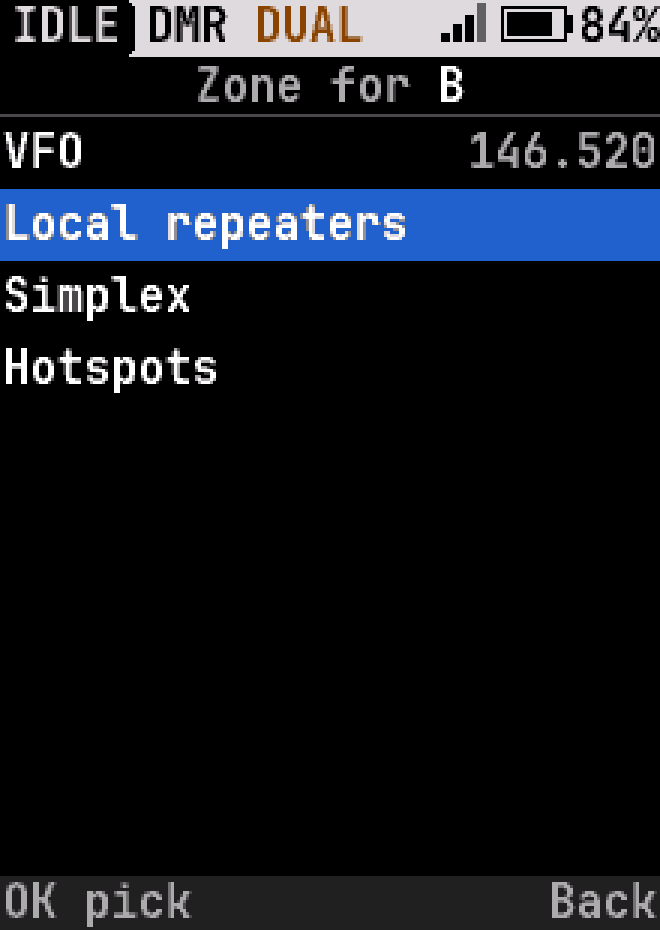
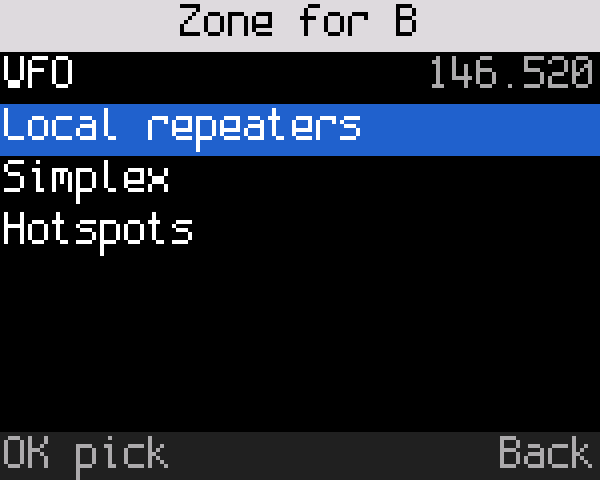
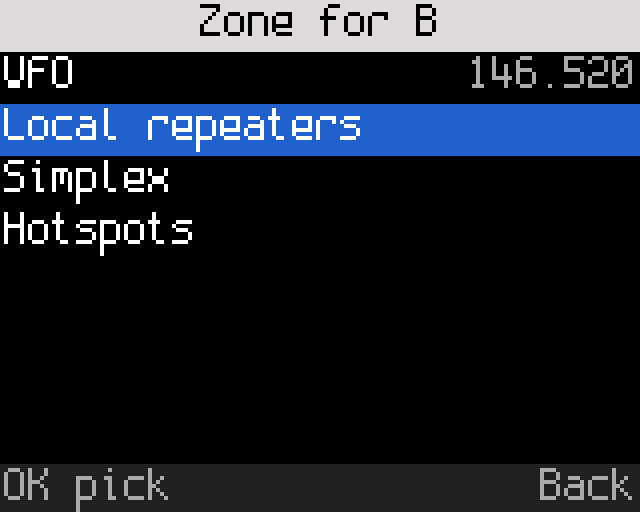
Dual watch: B from another zone or the VFO
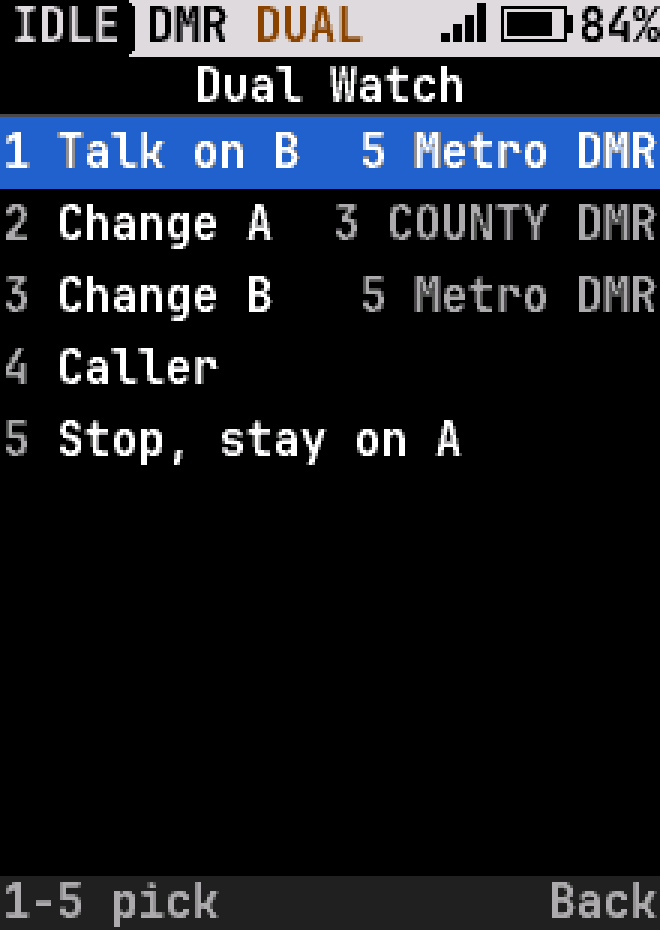
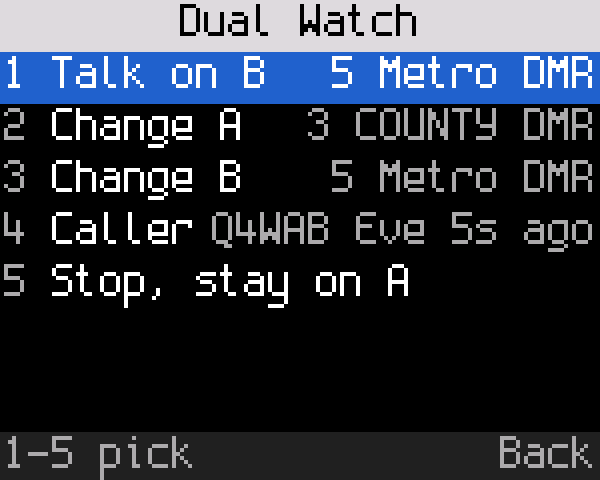
Dual watch actions
Dual watch actions

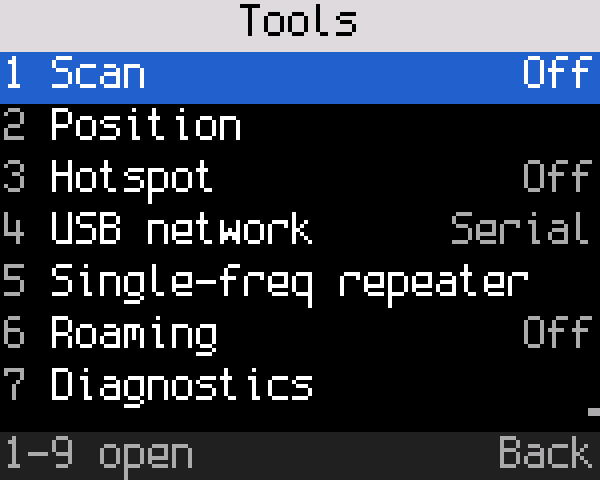
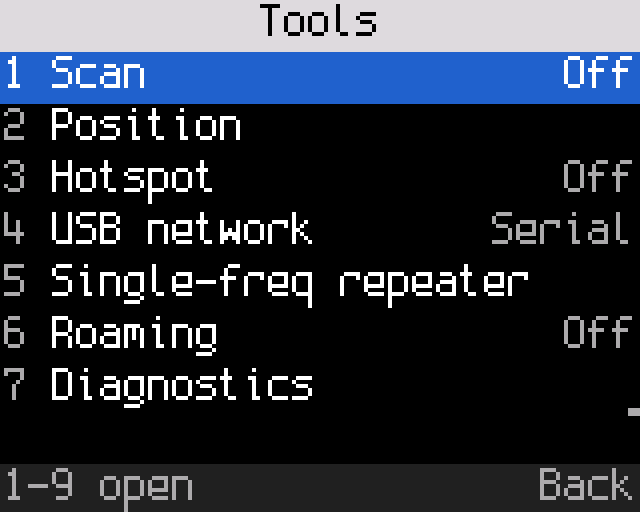
Tools

Connected to the radio programming utility
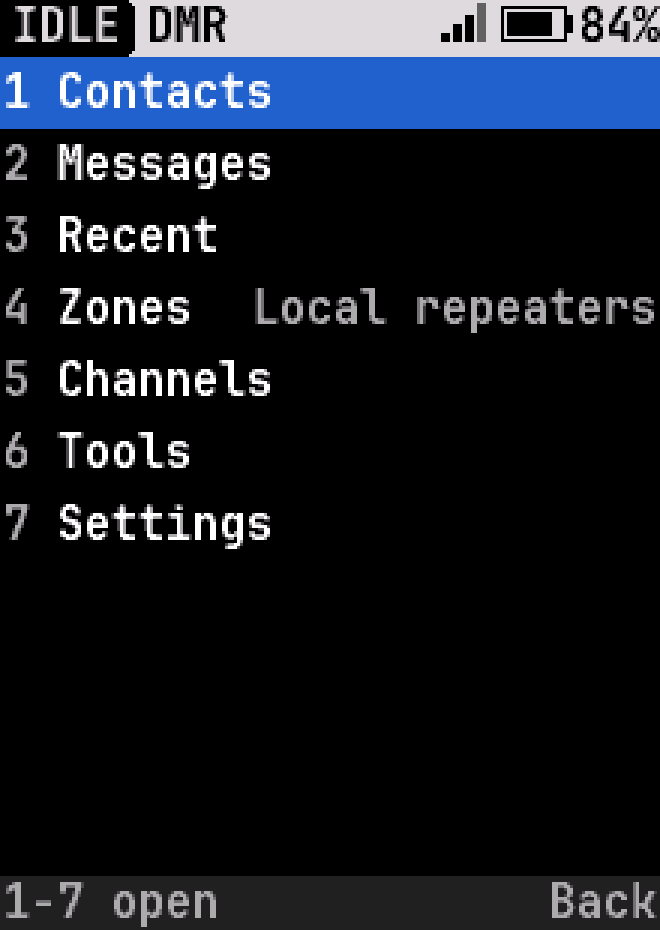
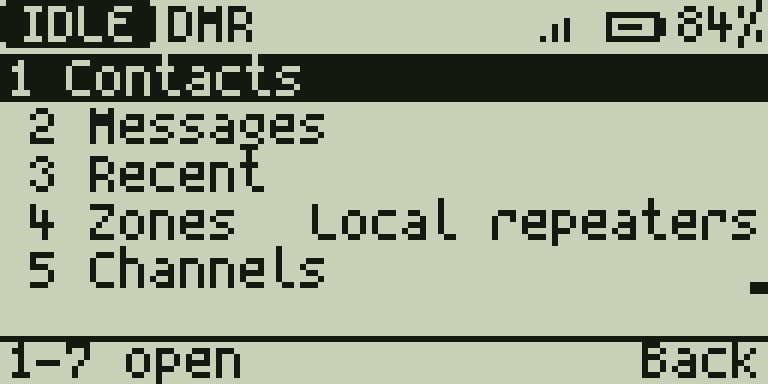
Menu
Menu
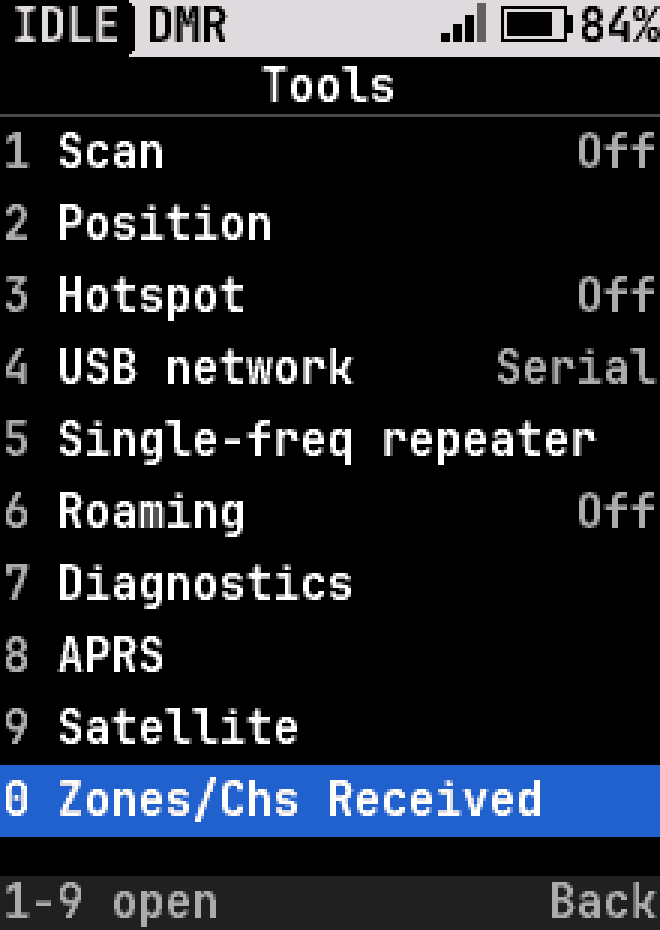
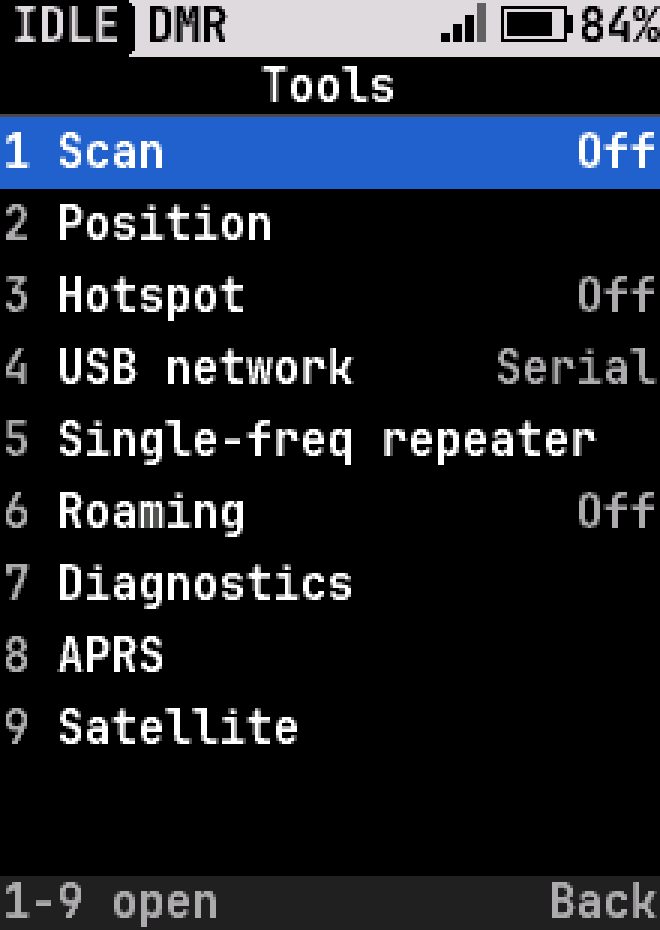
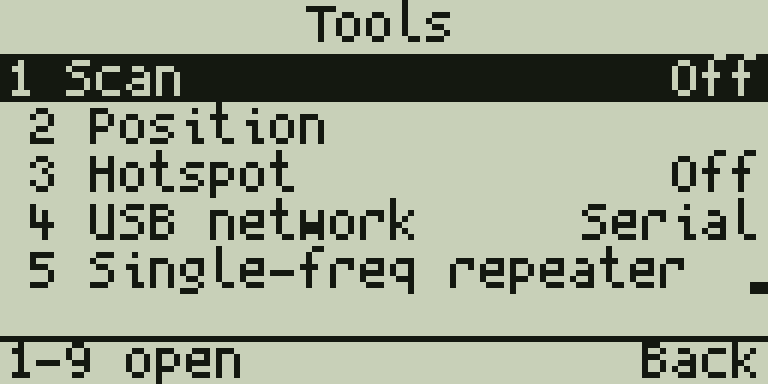
Tools
Tools
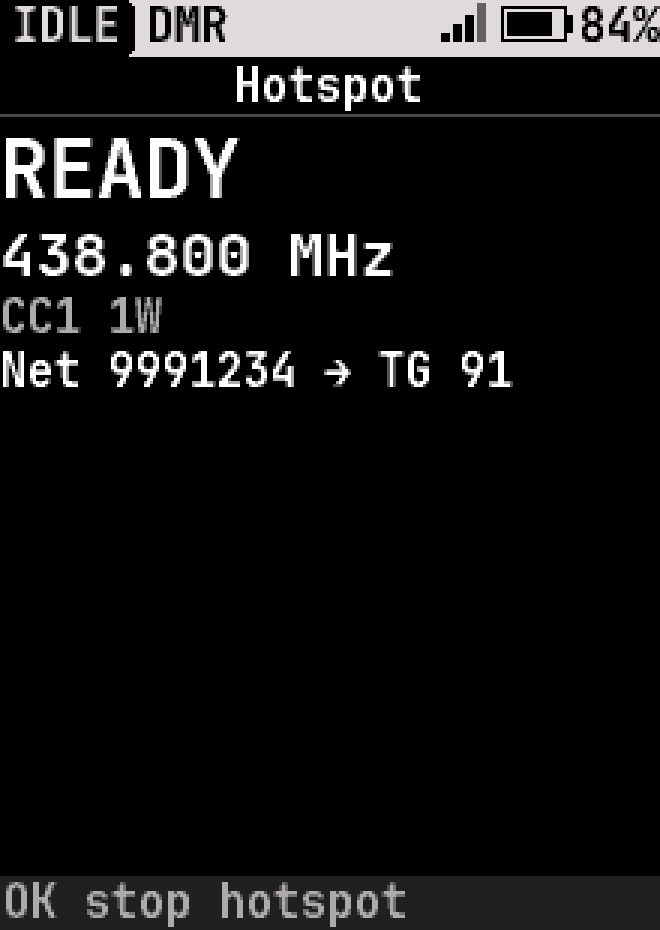
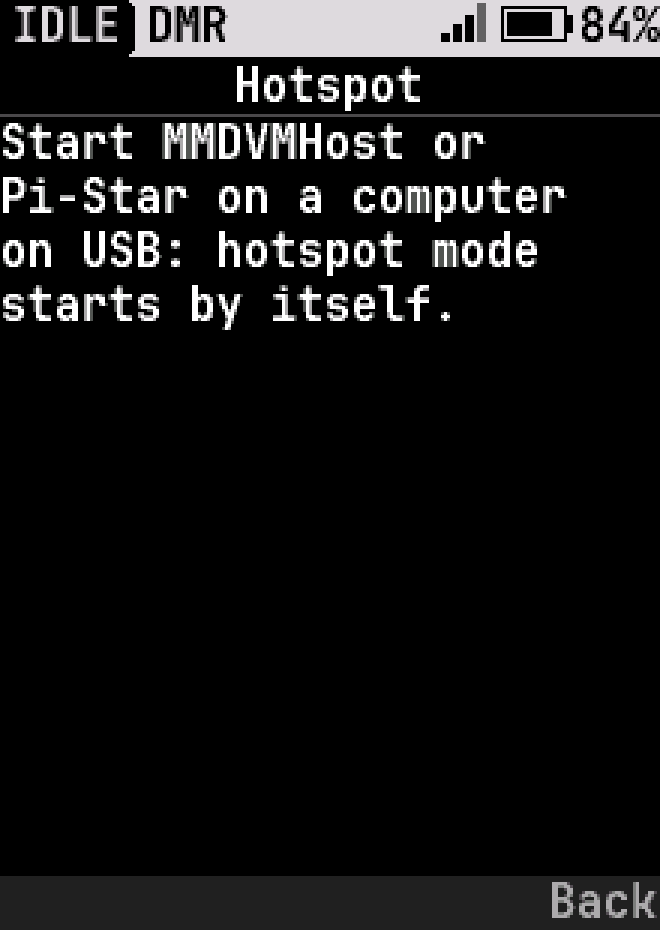
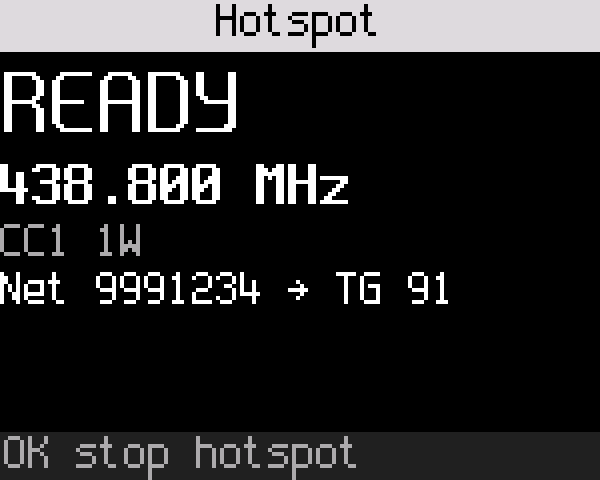
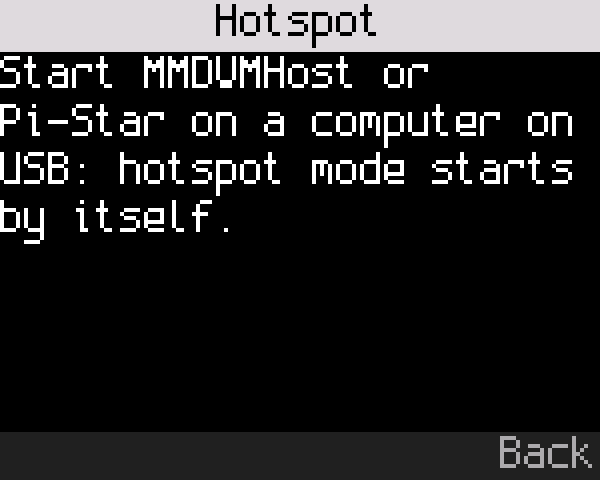
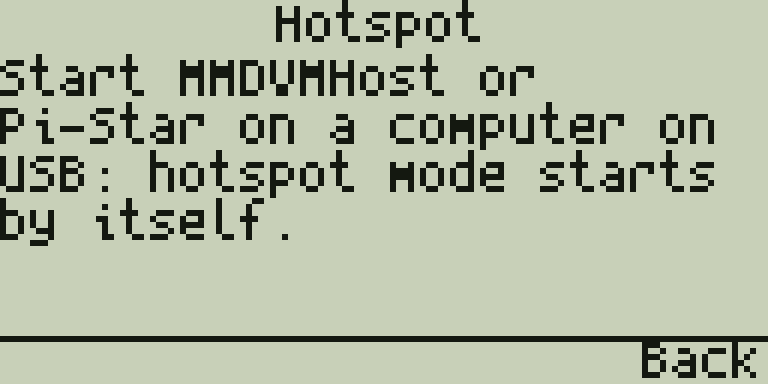
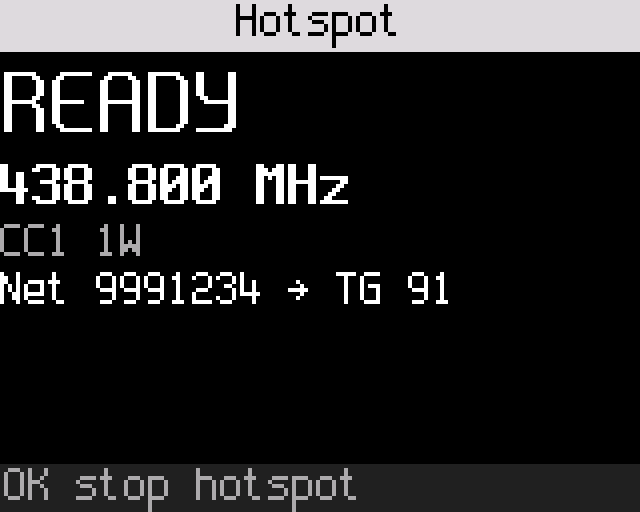
Hotspot mode
Hotspot mode
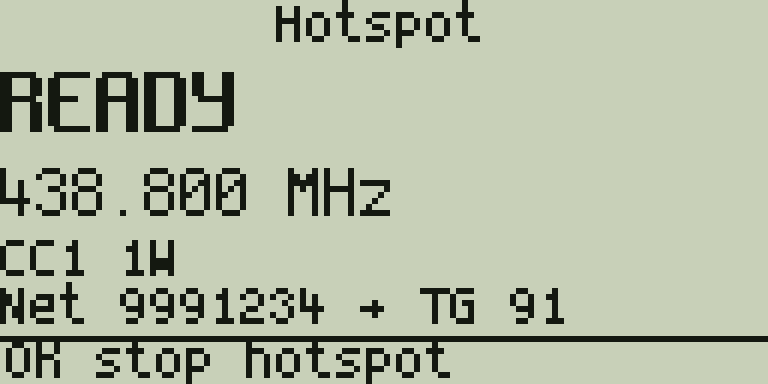
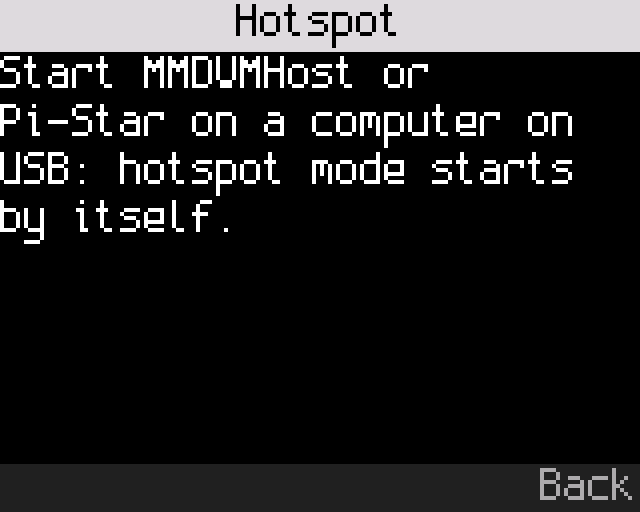
Hotspot details
Hotspot details
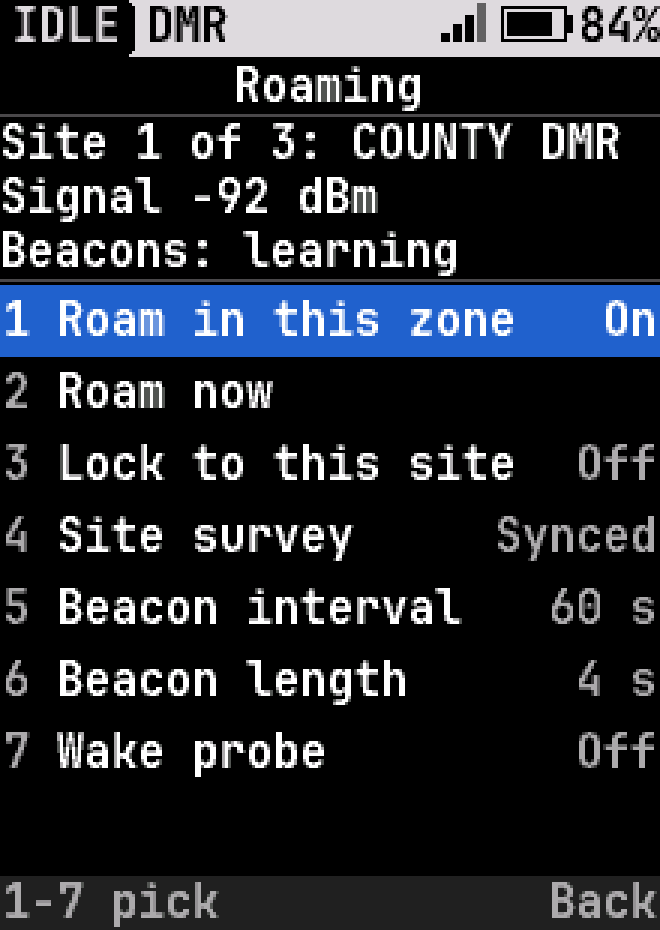
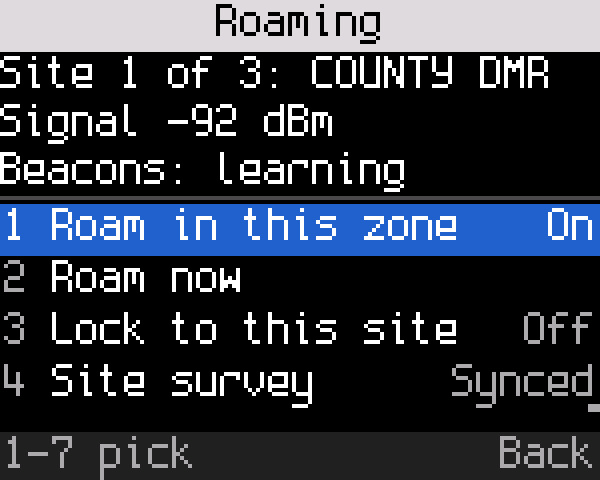
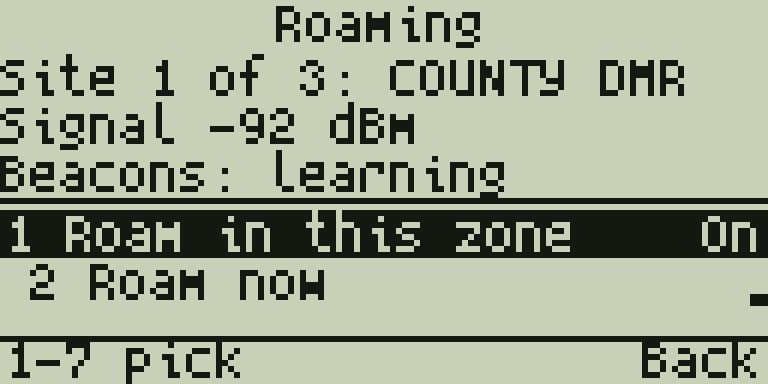
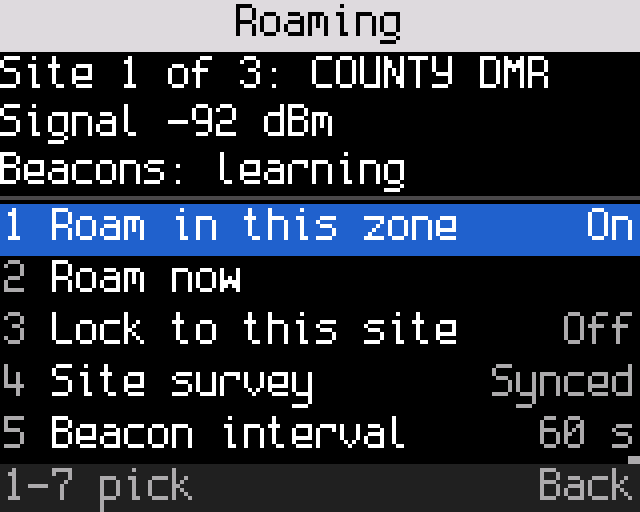
Repeater roaming
Repeater roaming
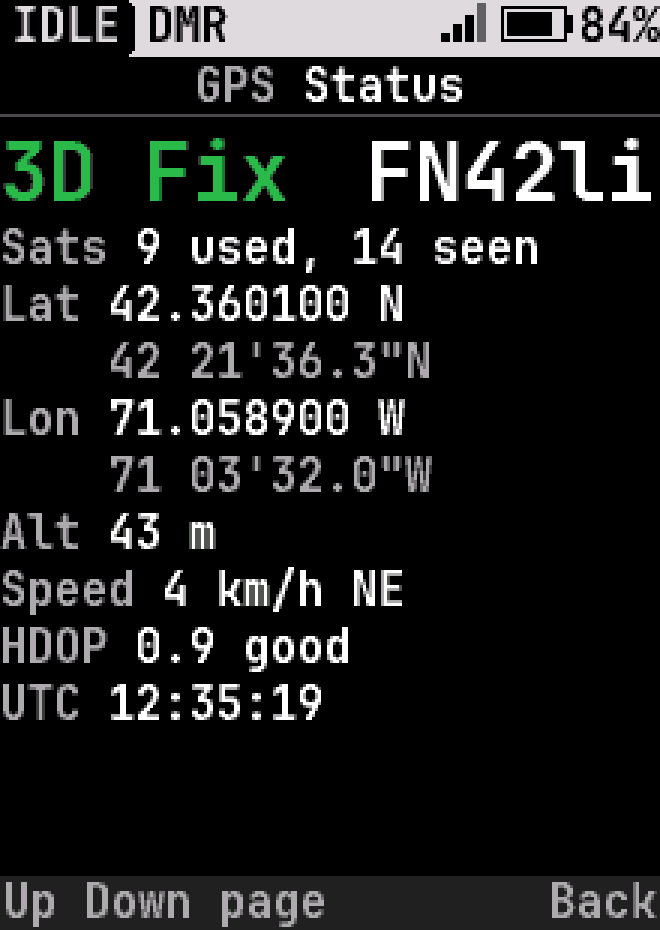
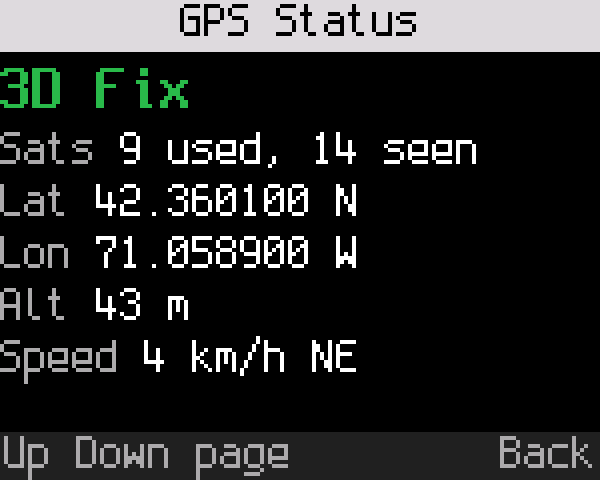
Position (APRS)
Position (APRS)
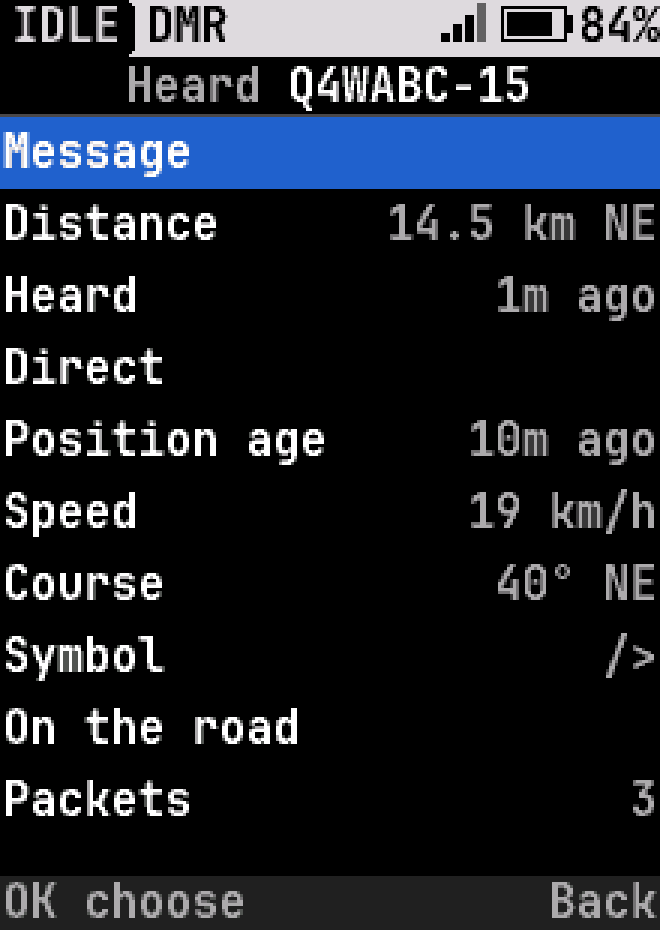
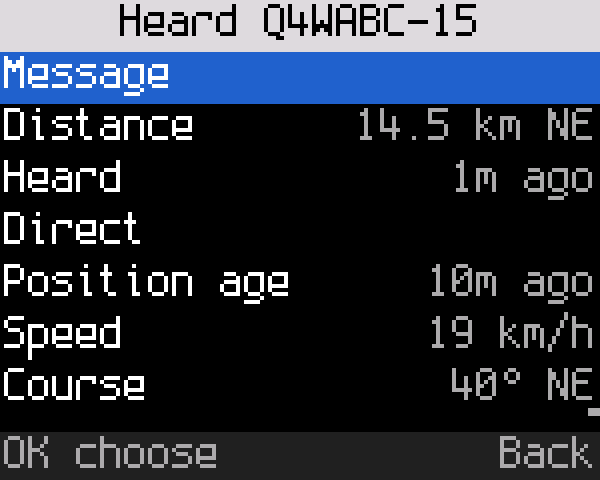
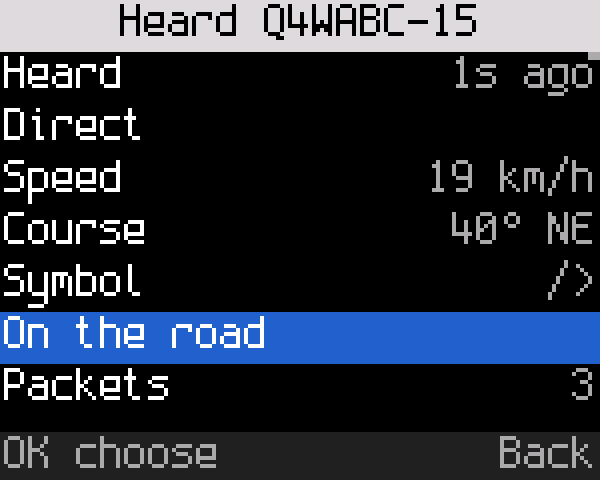
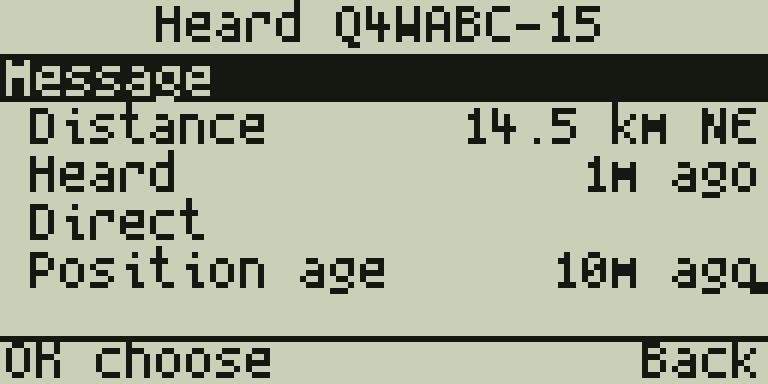
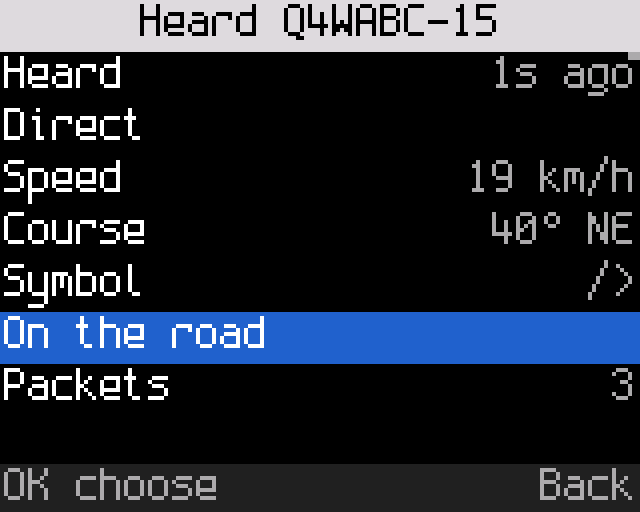
Heard station details
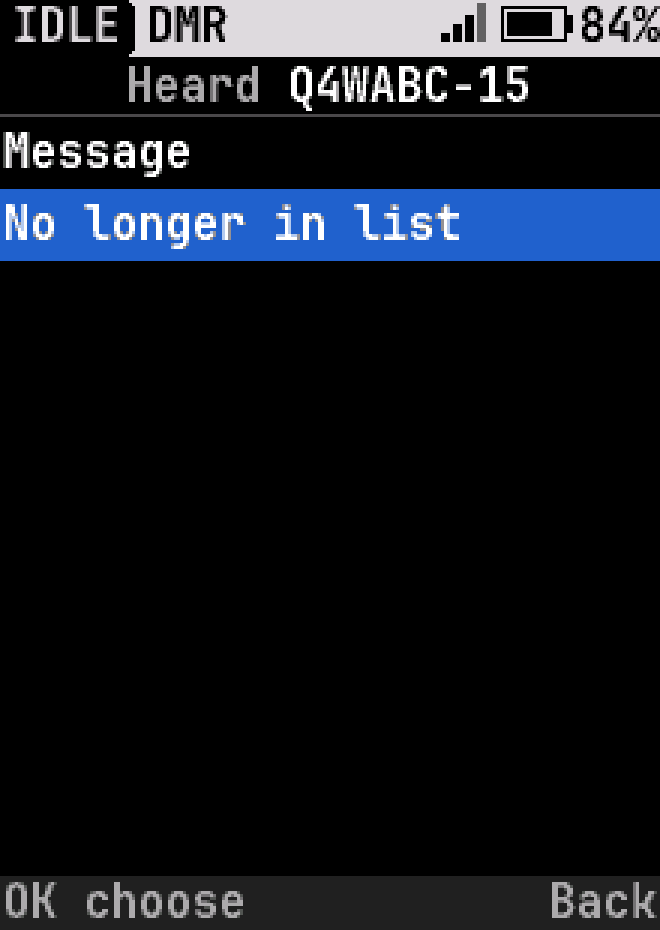
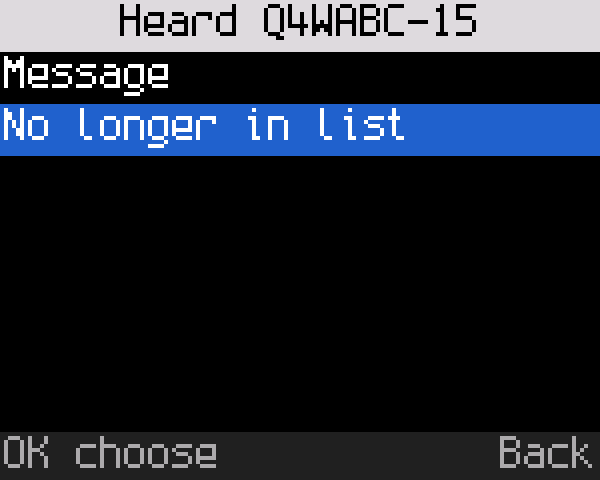
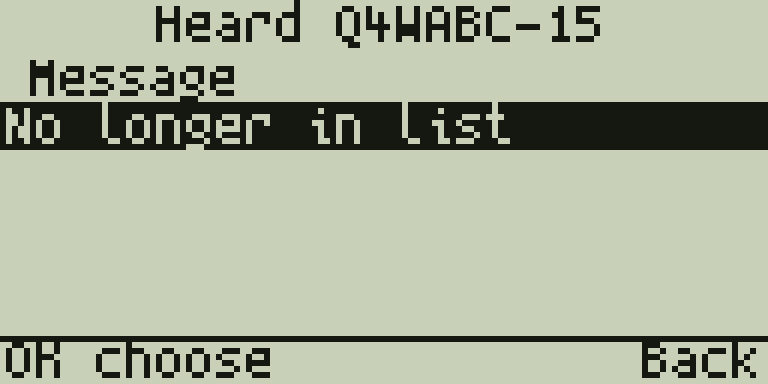
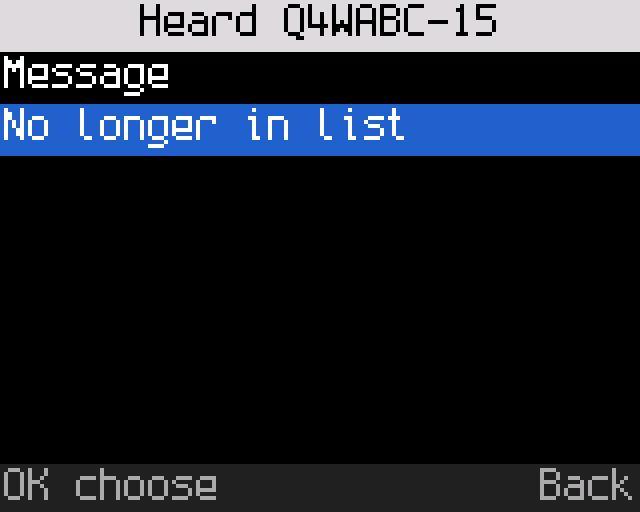
Heard station no longer in the list
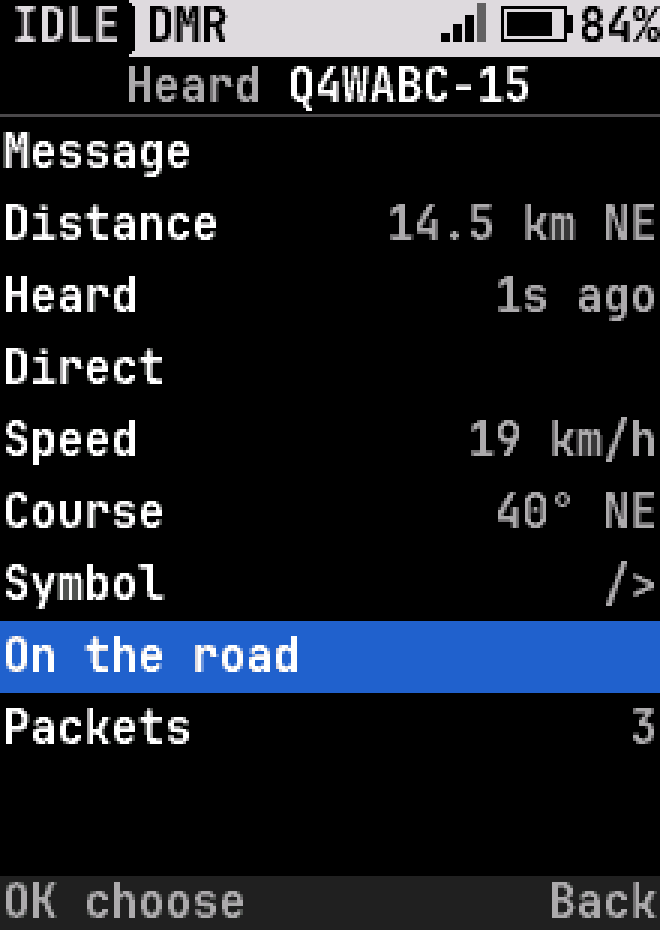
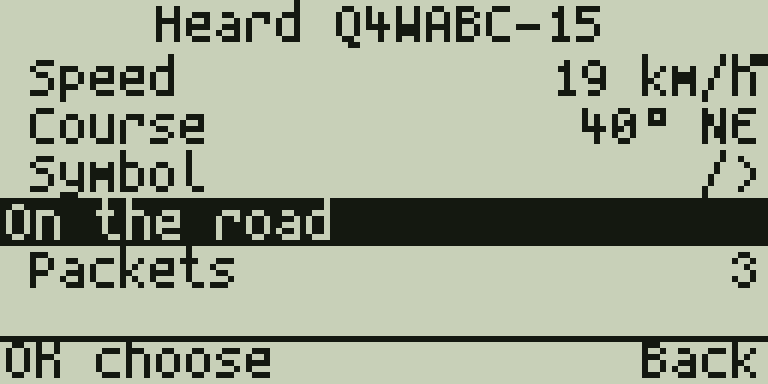
Heard station with its status text
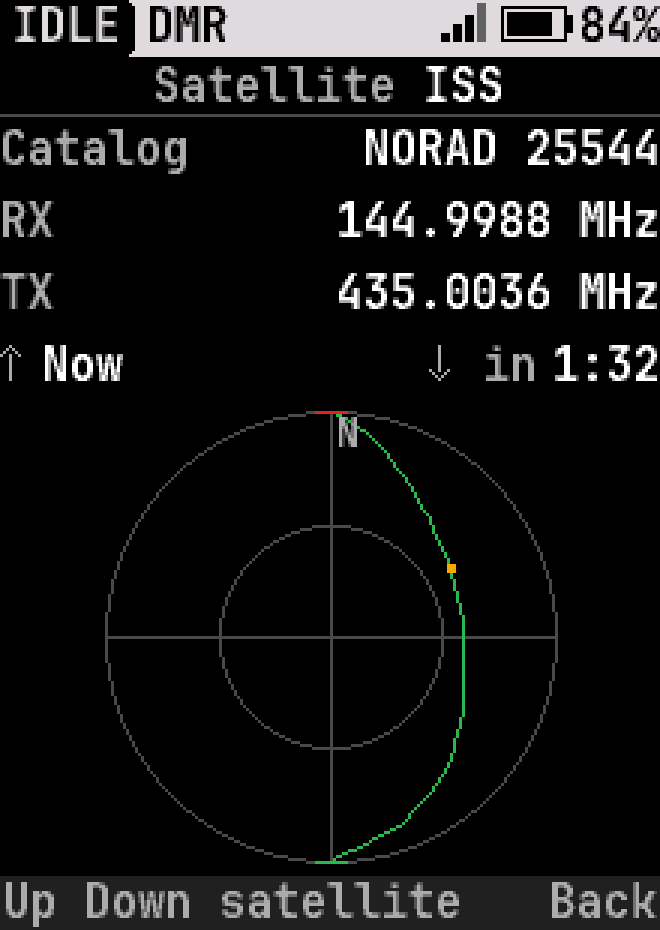
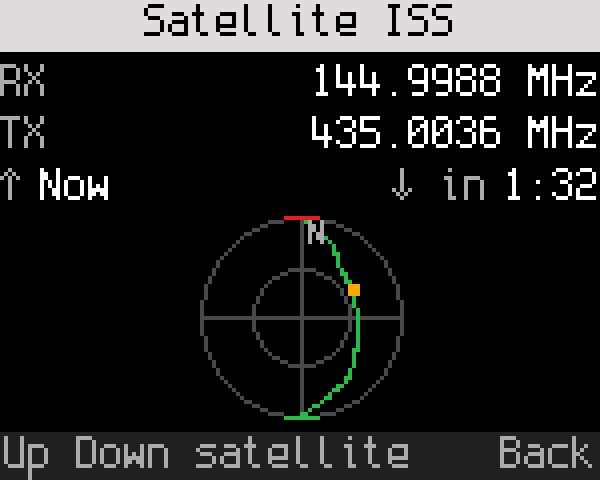
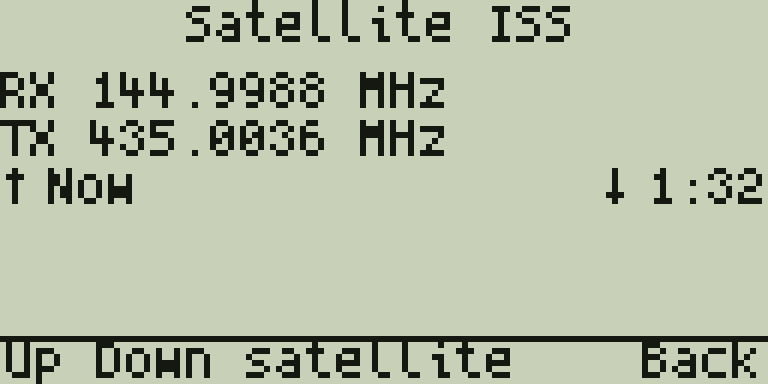
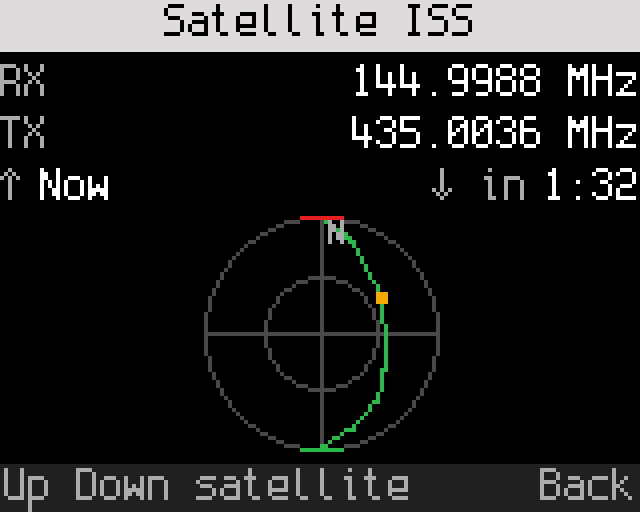
Satellite tracking
Satellite tracking
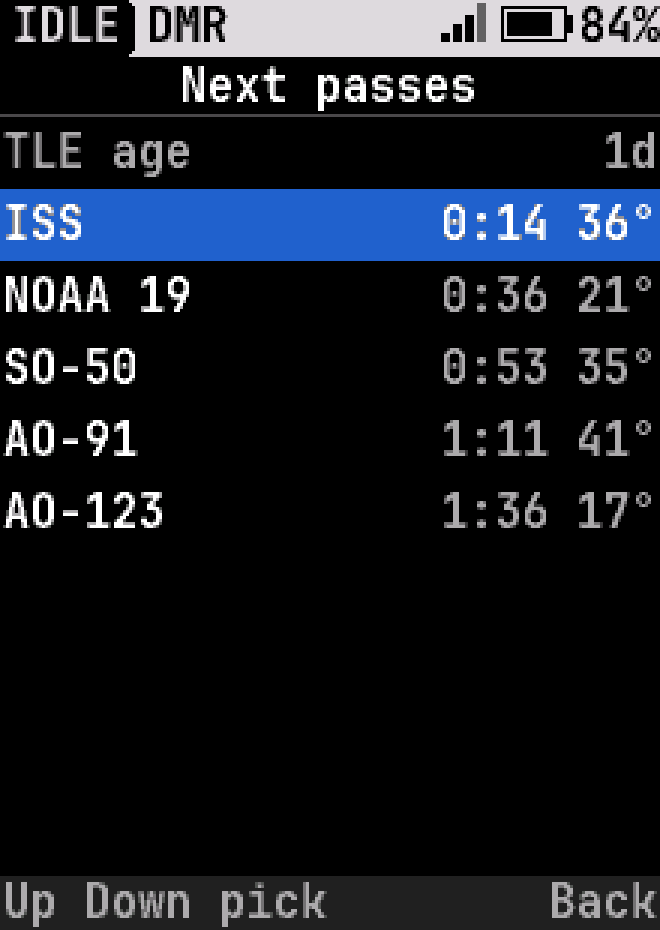
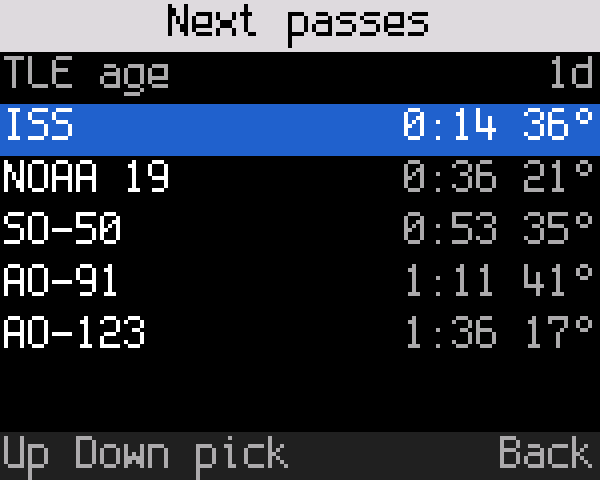
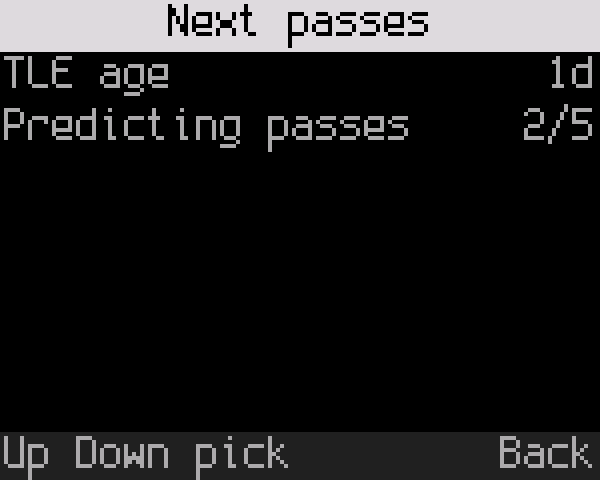
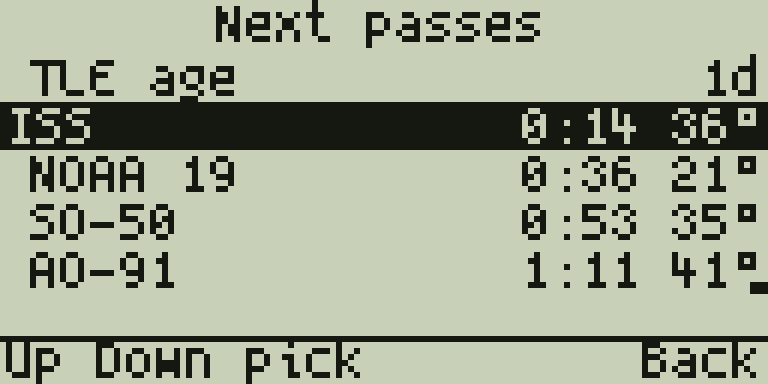
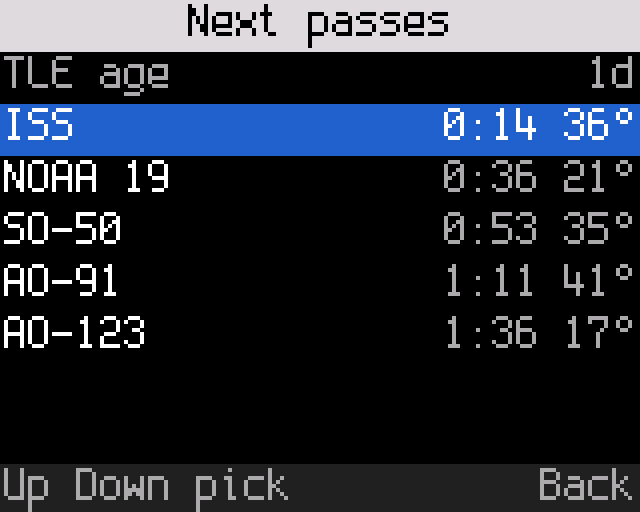
Upcoming satellite passes
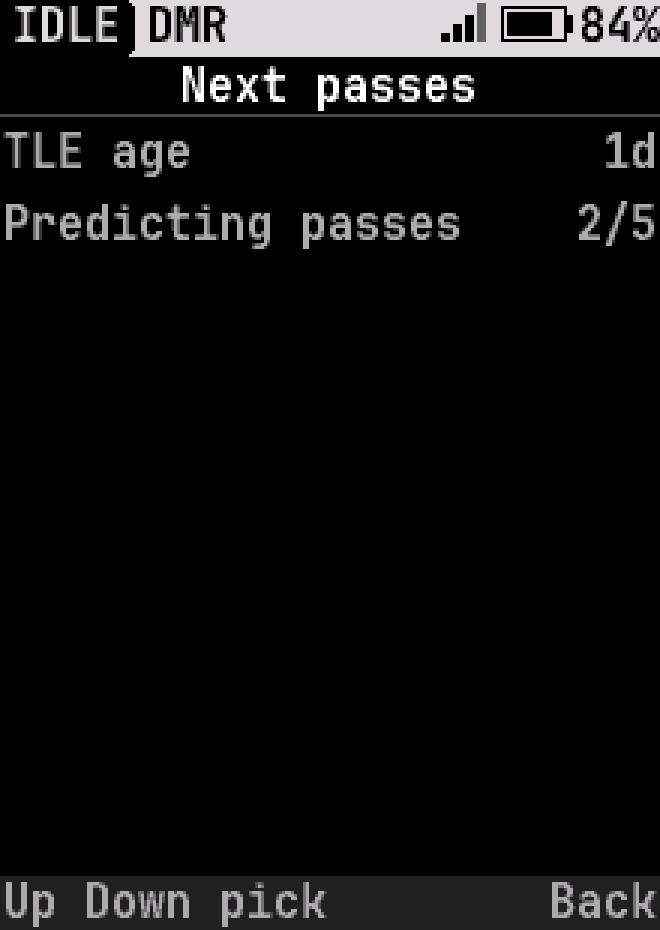
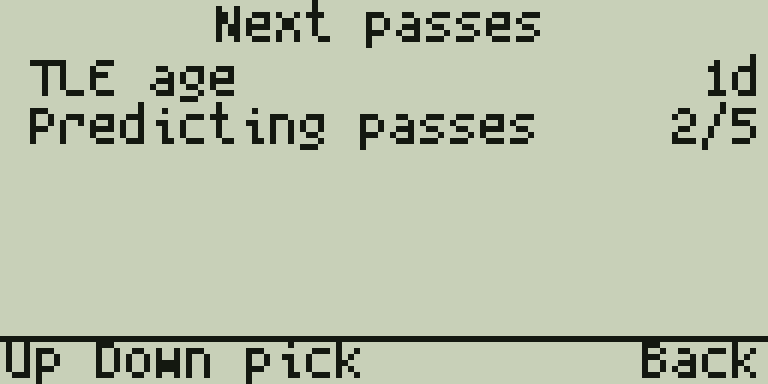
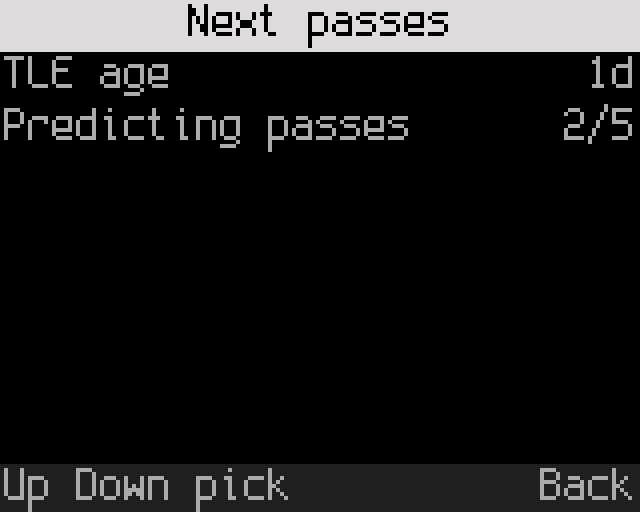
Calculating satellite passes
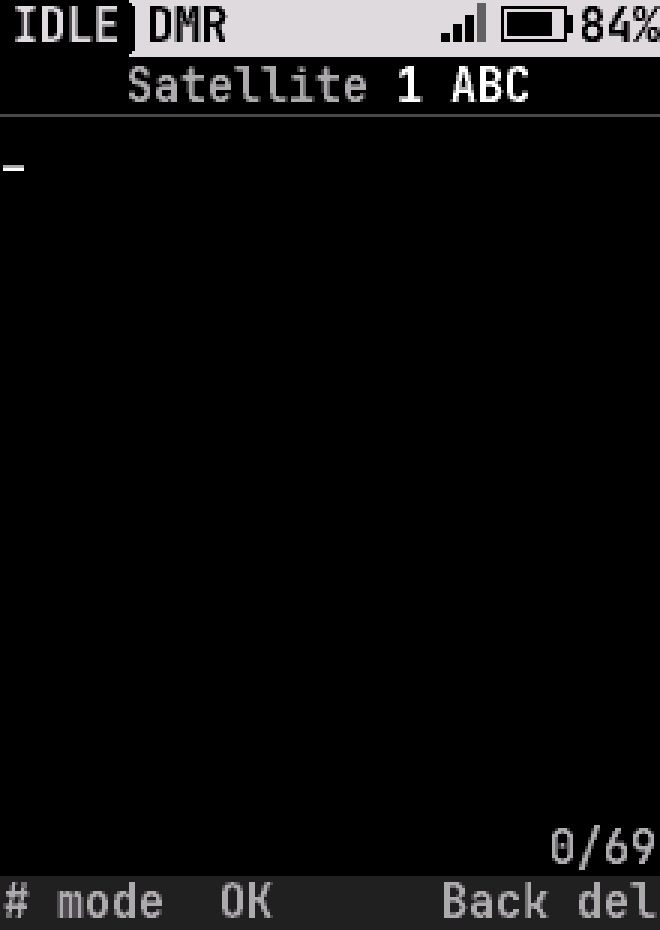
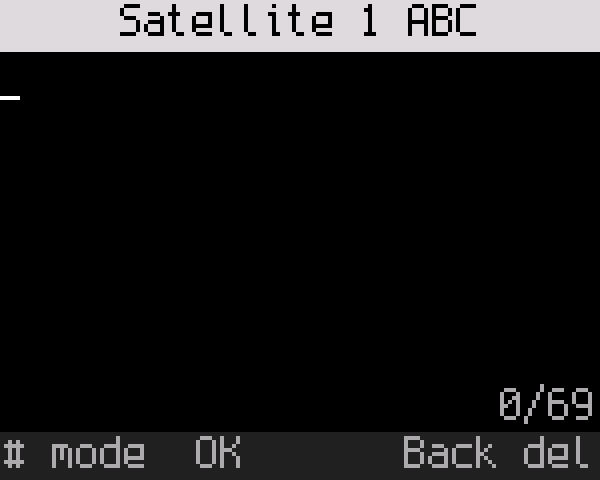
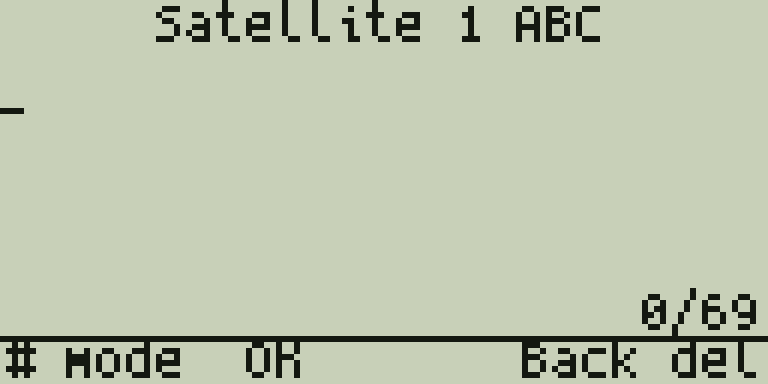
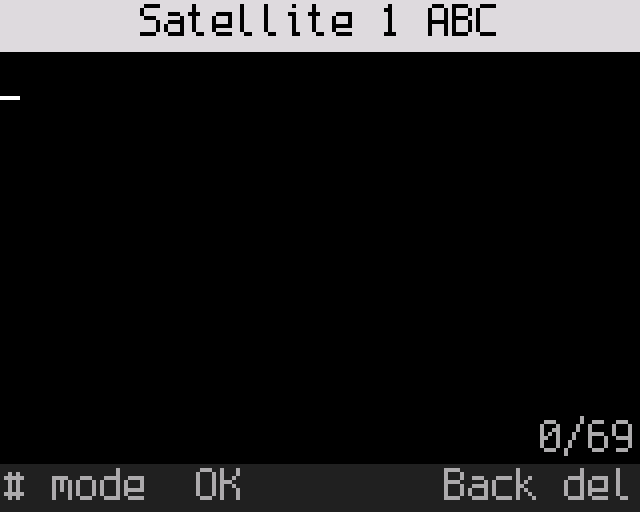
Editing a satellite TLE
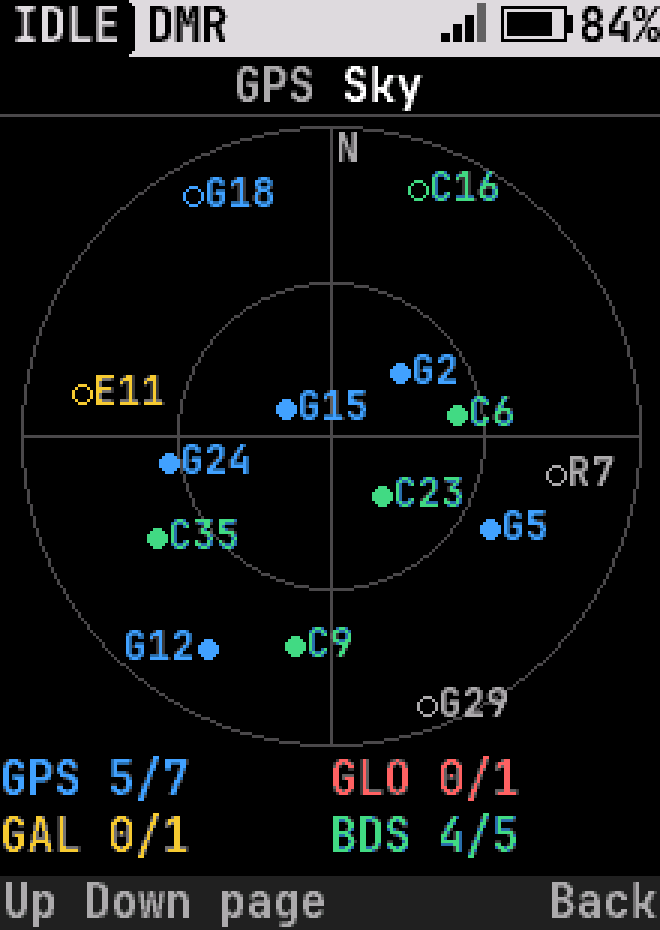
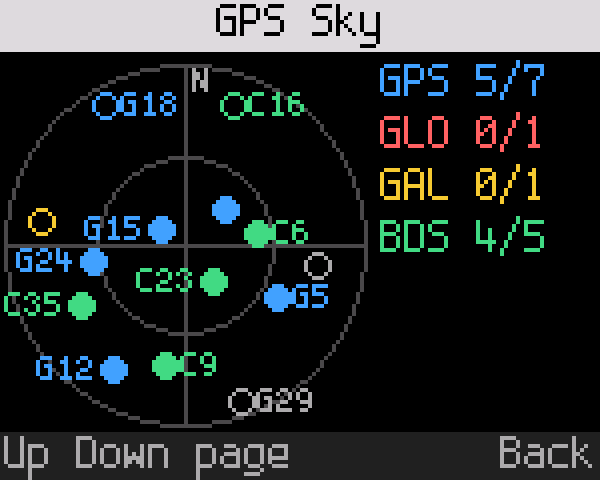
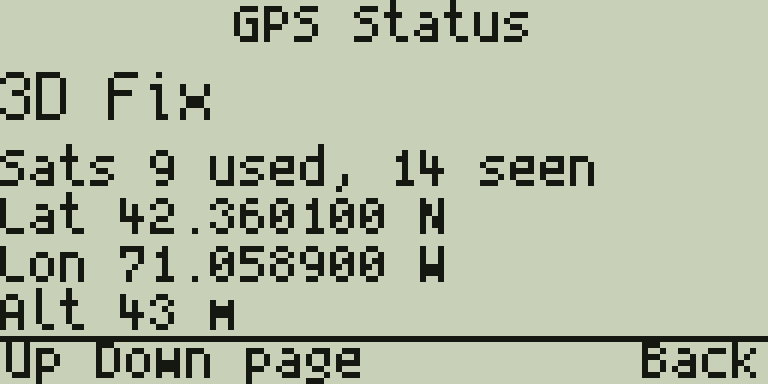
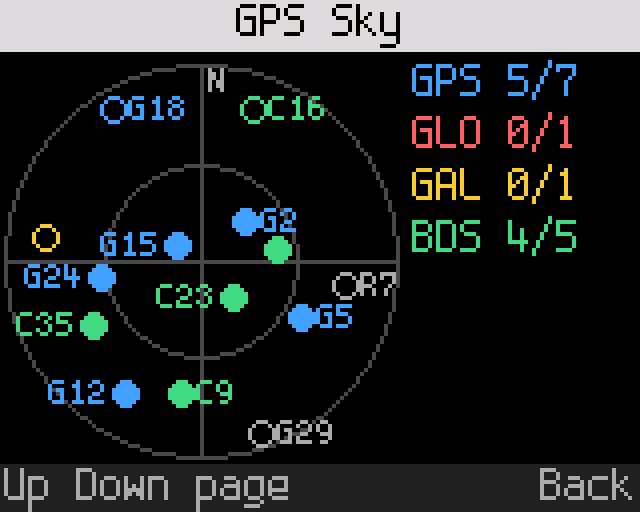
GPS sky plot
GPS sky plot
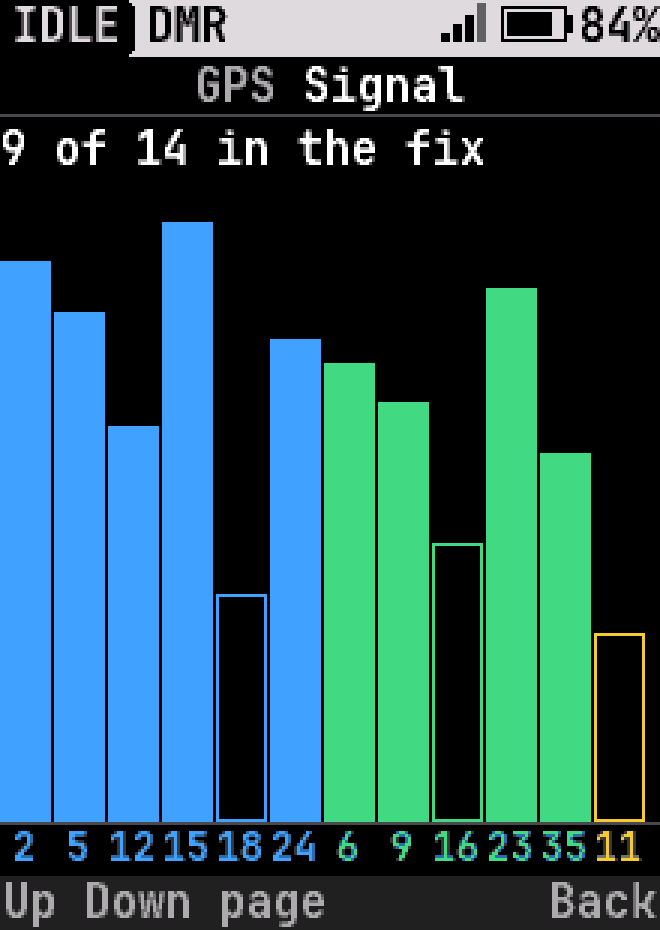
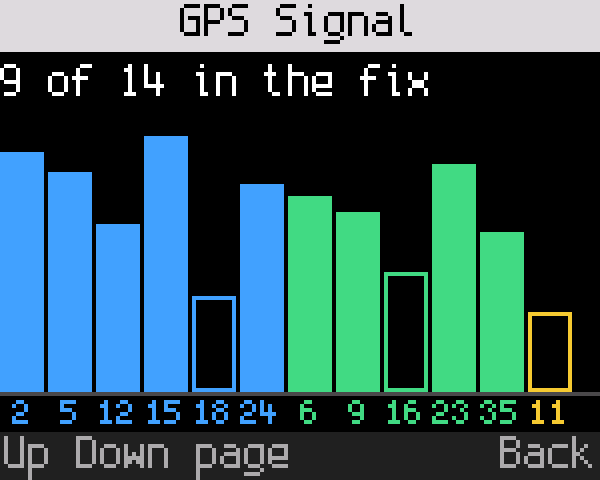
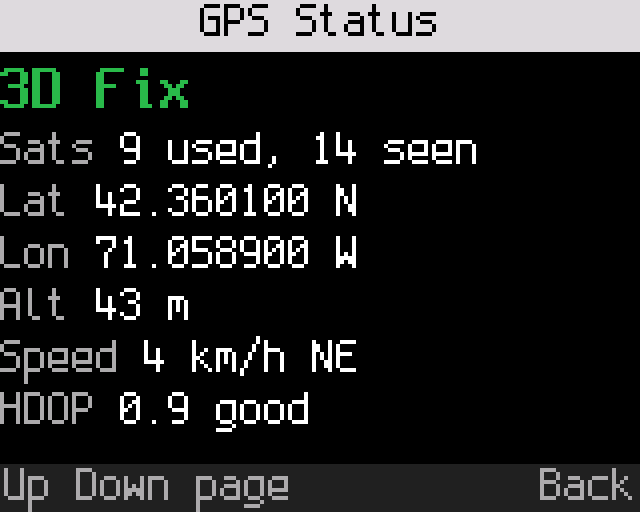
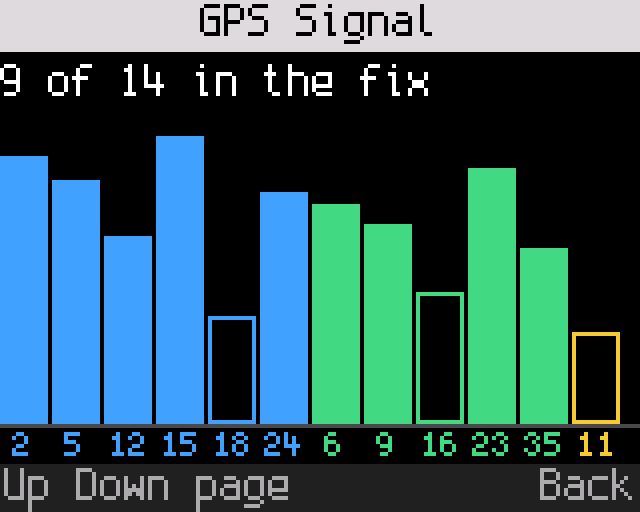
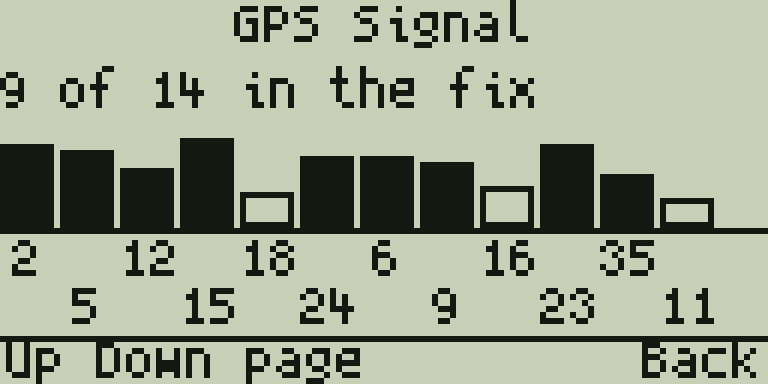
GPS signal bars
GPS signal bars
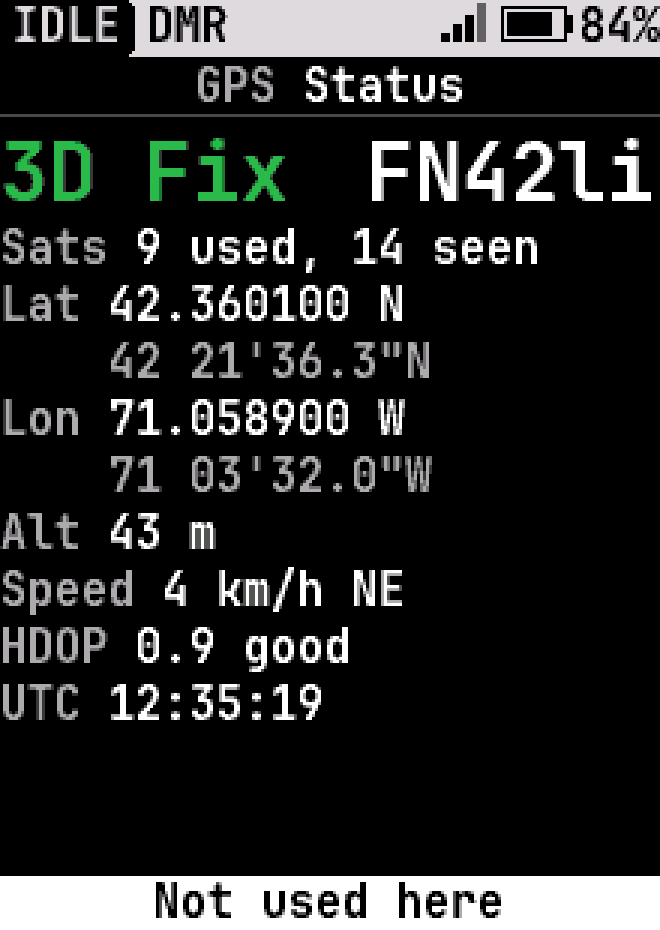
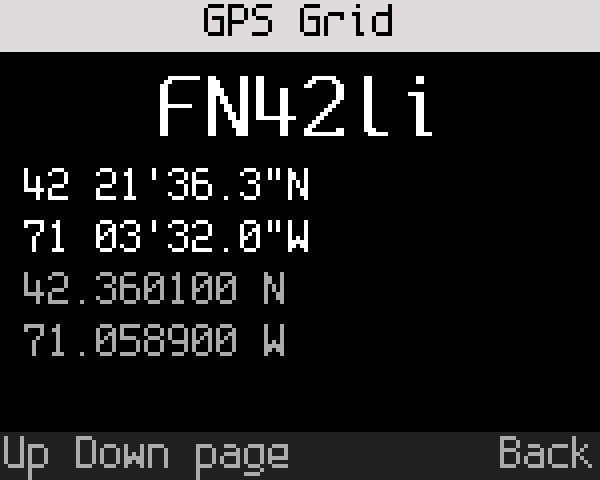
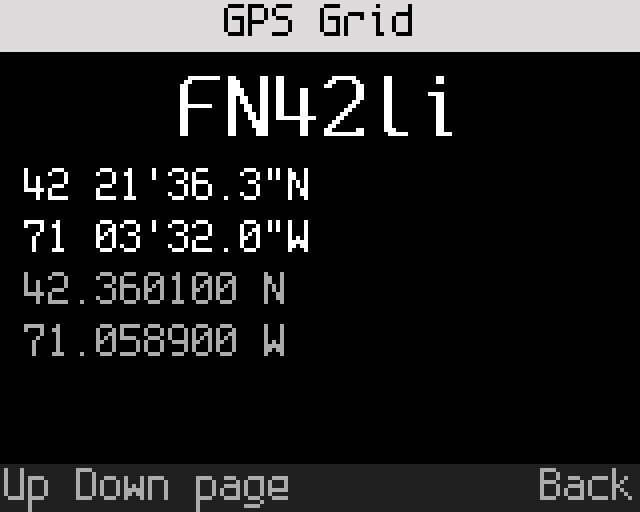
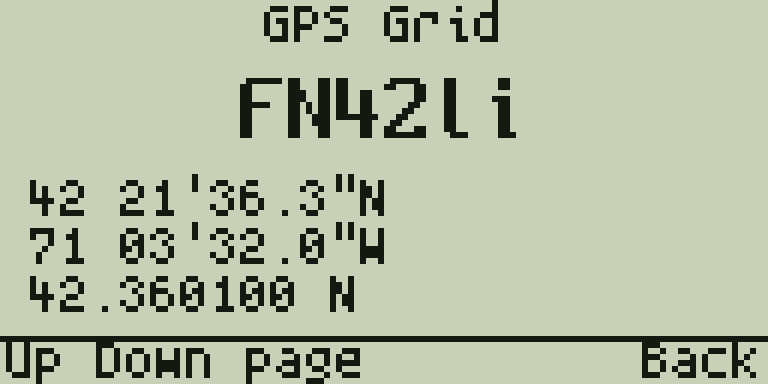
Grid locator
Grid locator
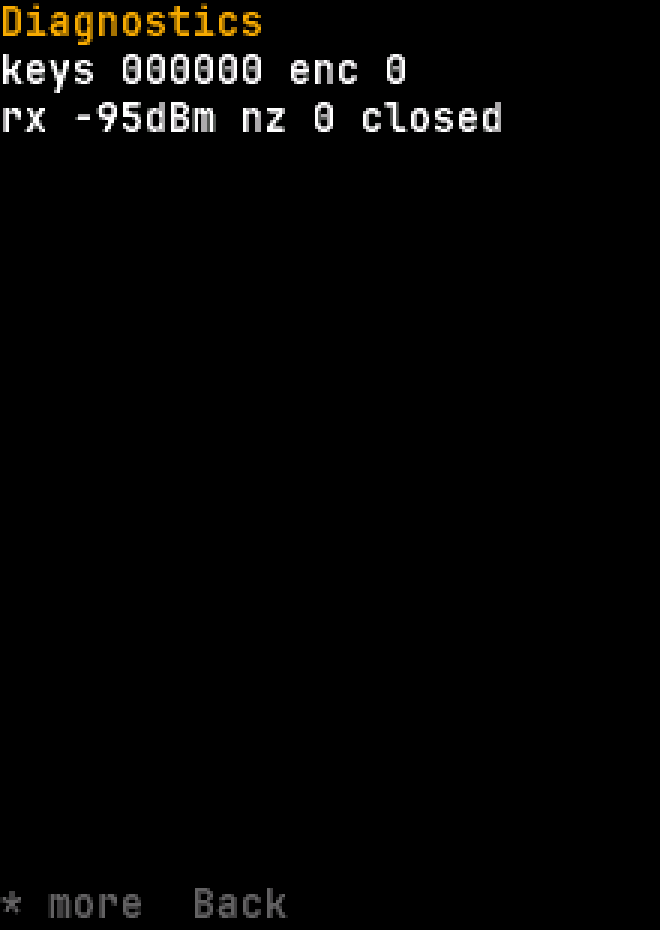
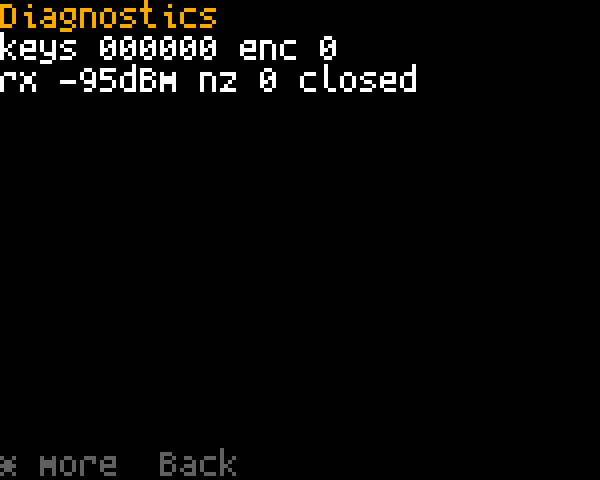
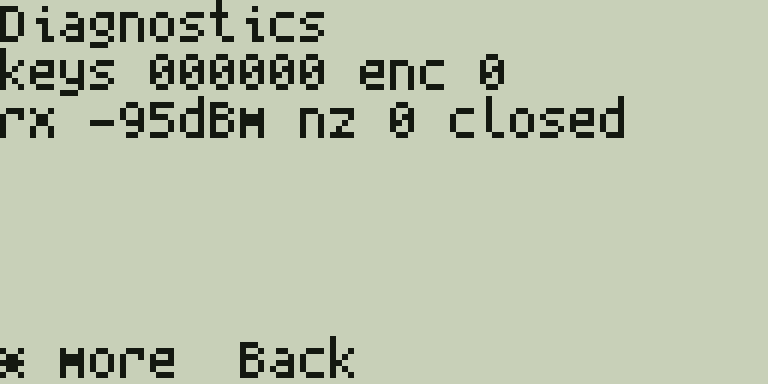
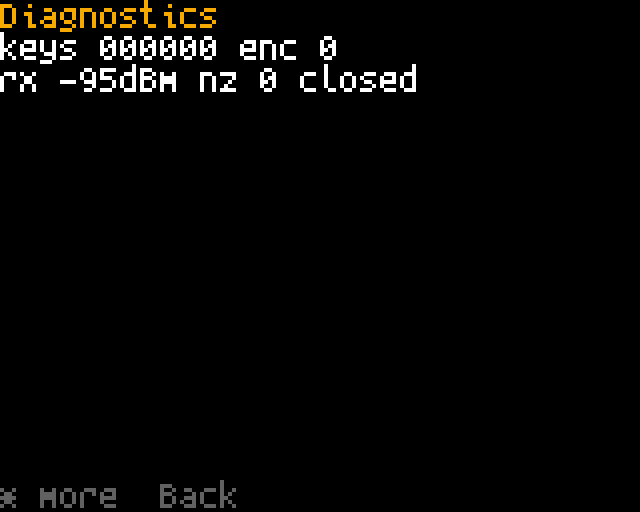
Diagnostics
Diagnostics

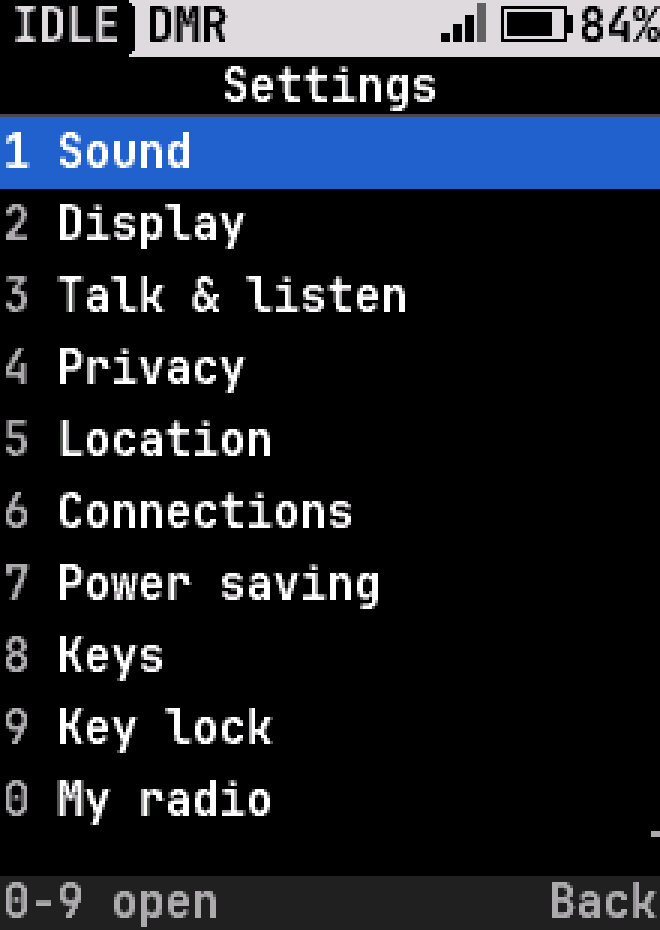
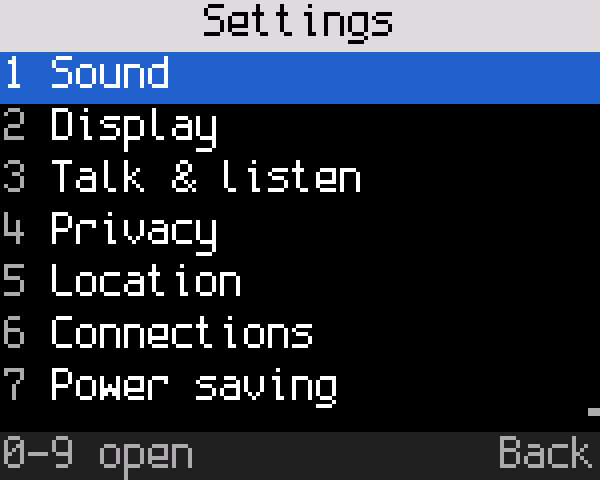
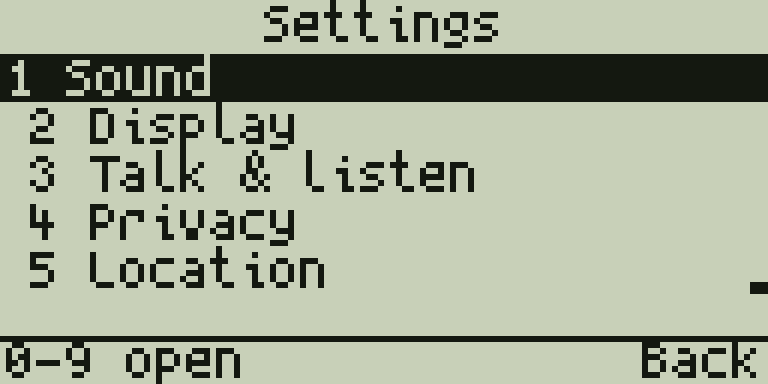
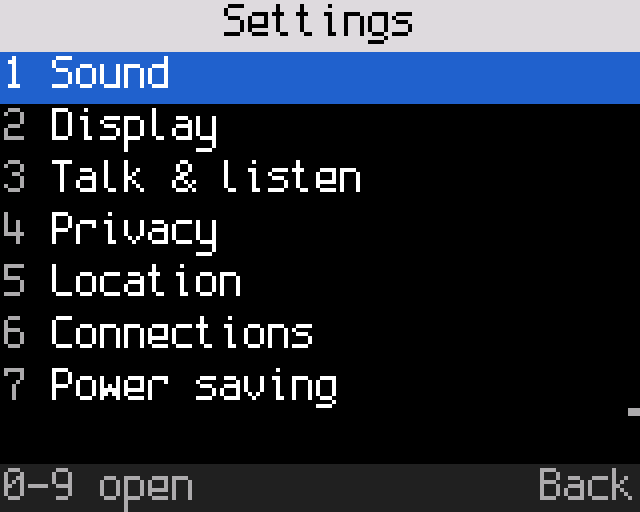
Settings

Settings
Settings
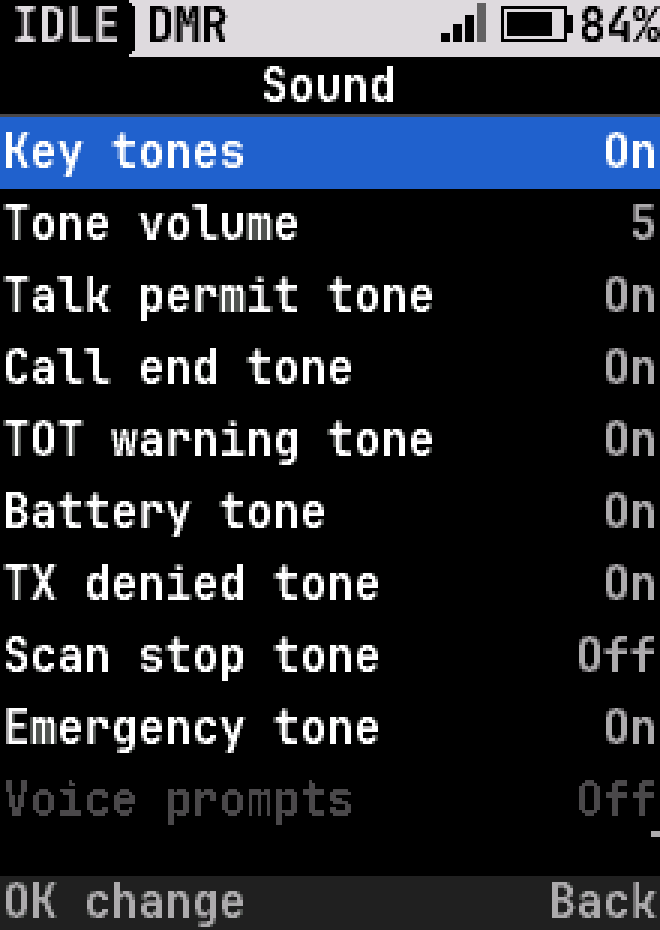
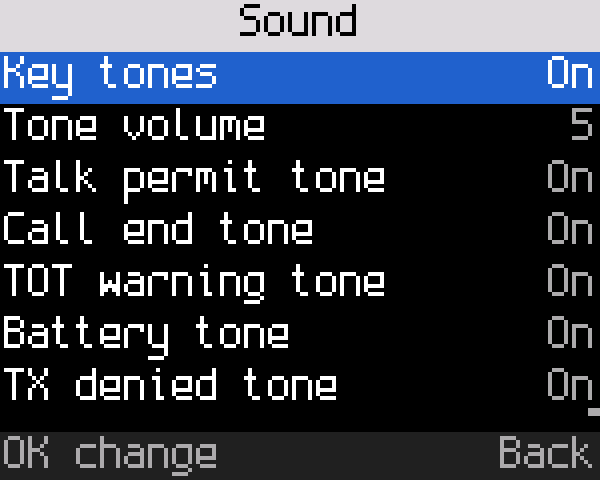
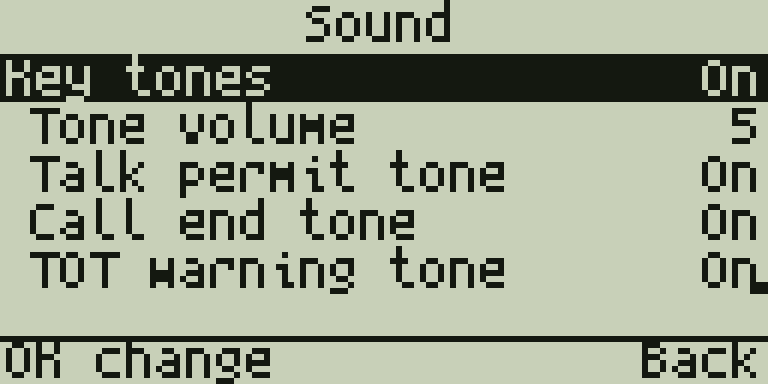
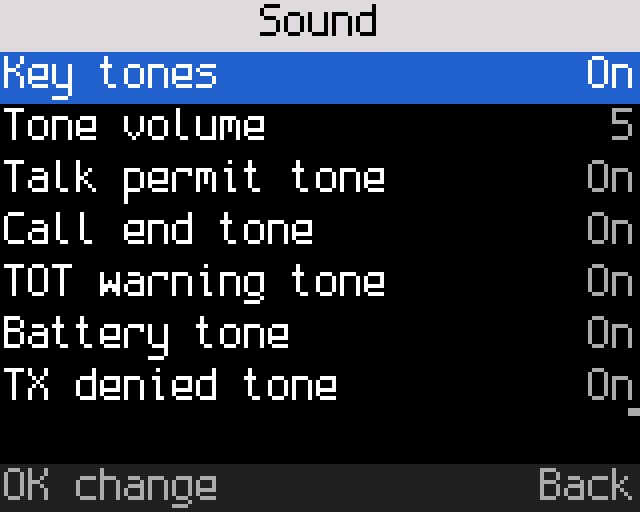
Sound settings
Sound settings
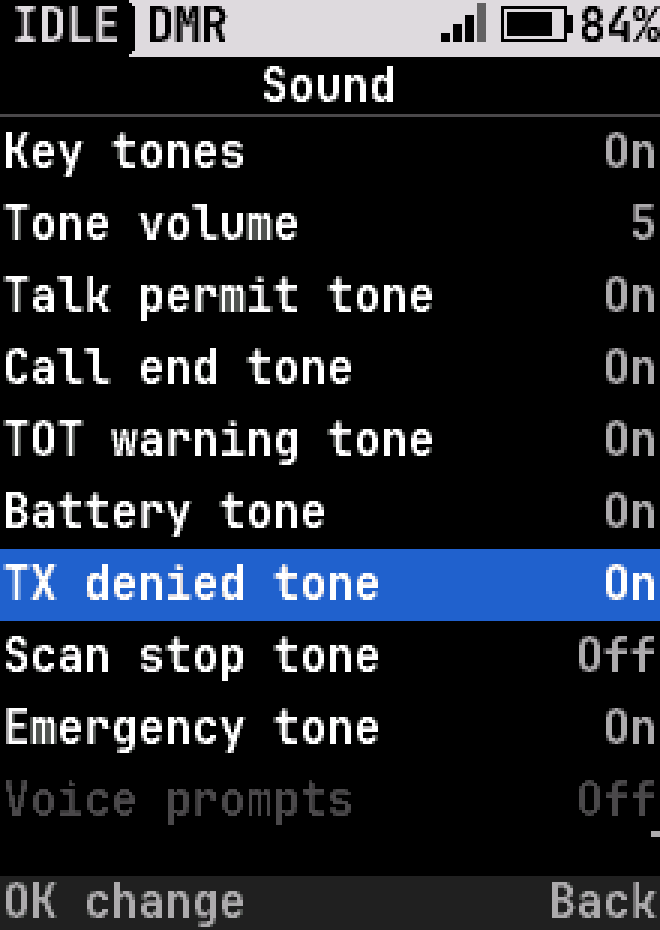
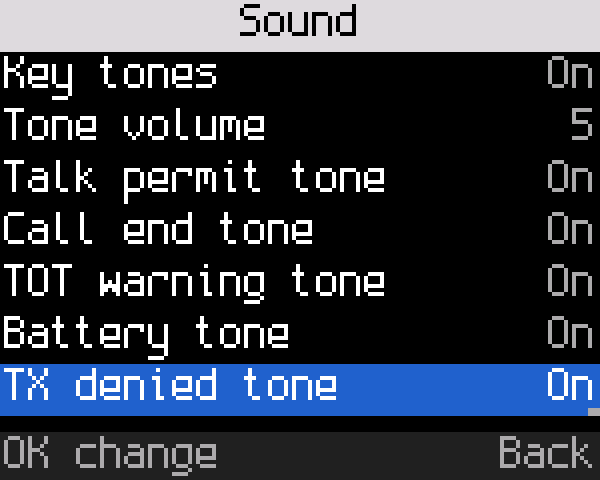
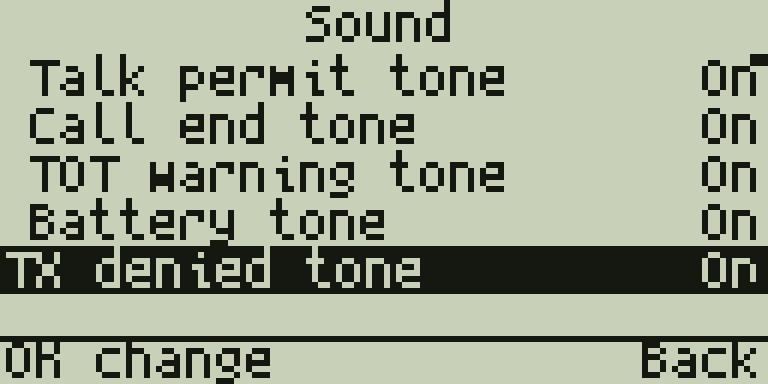
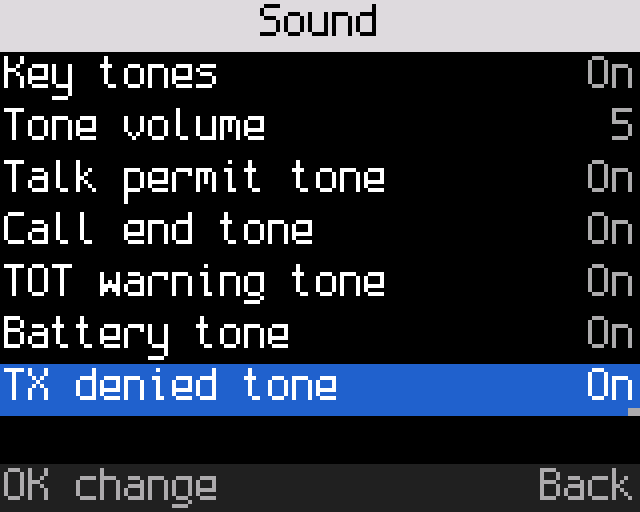
Sound settings: tones
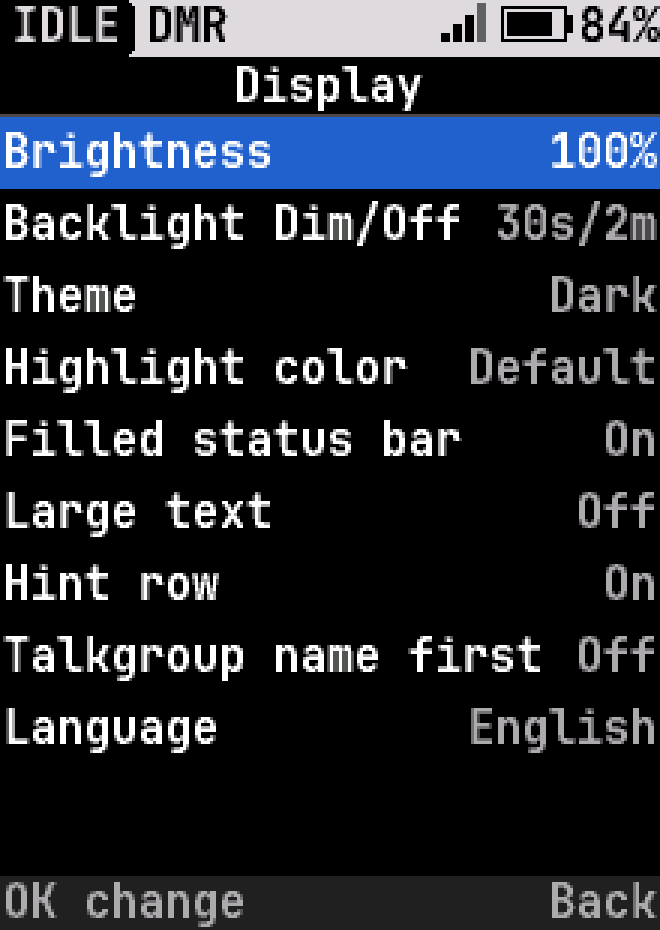
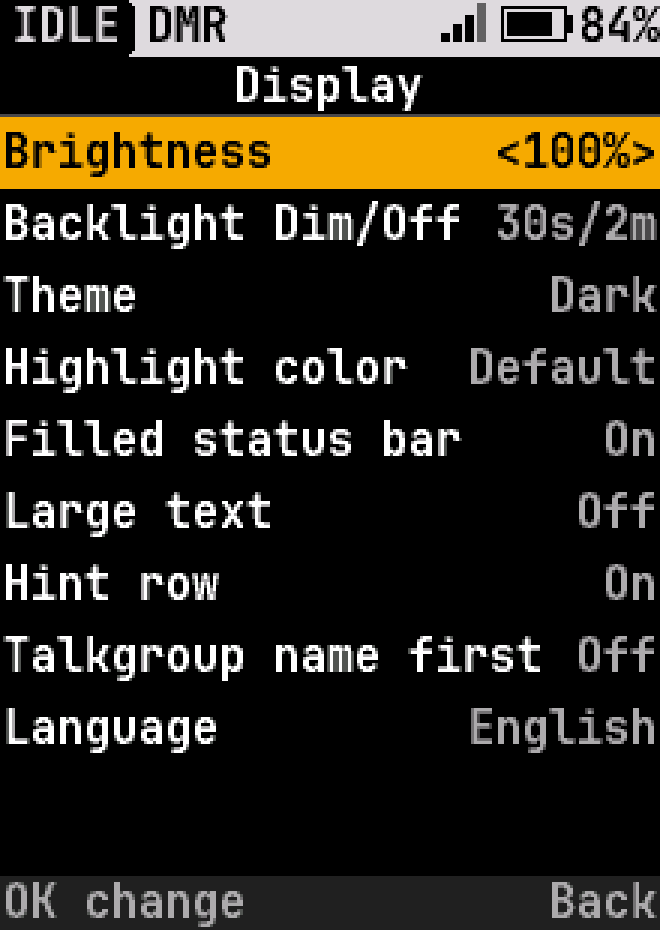
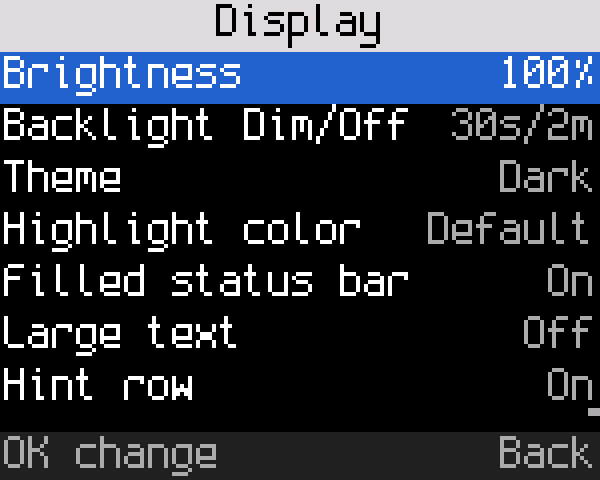
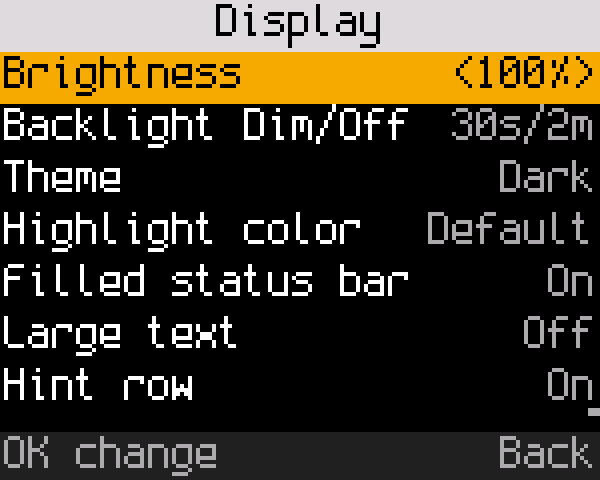
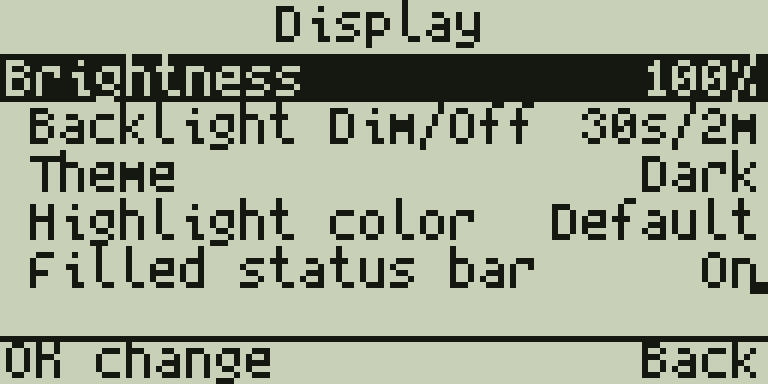
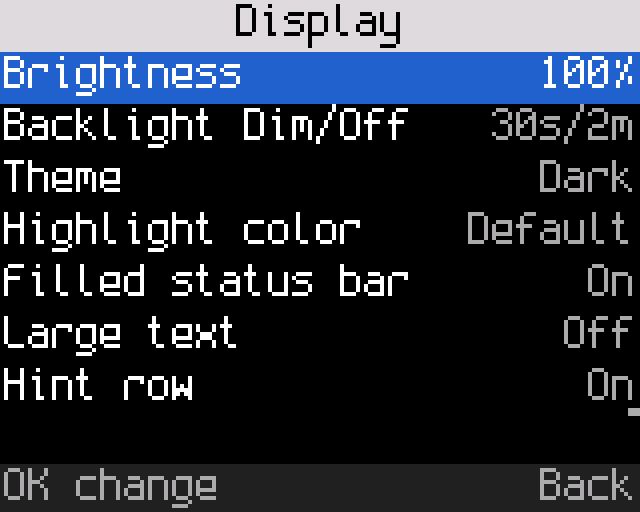
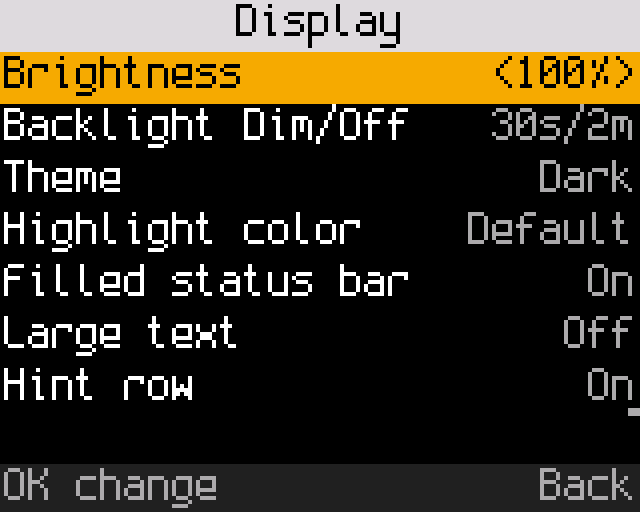
Display settings
Display settings
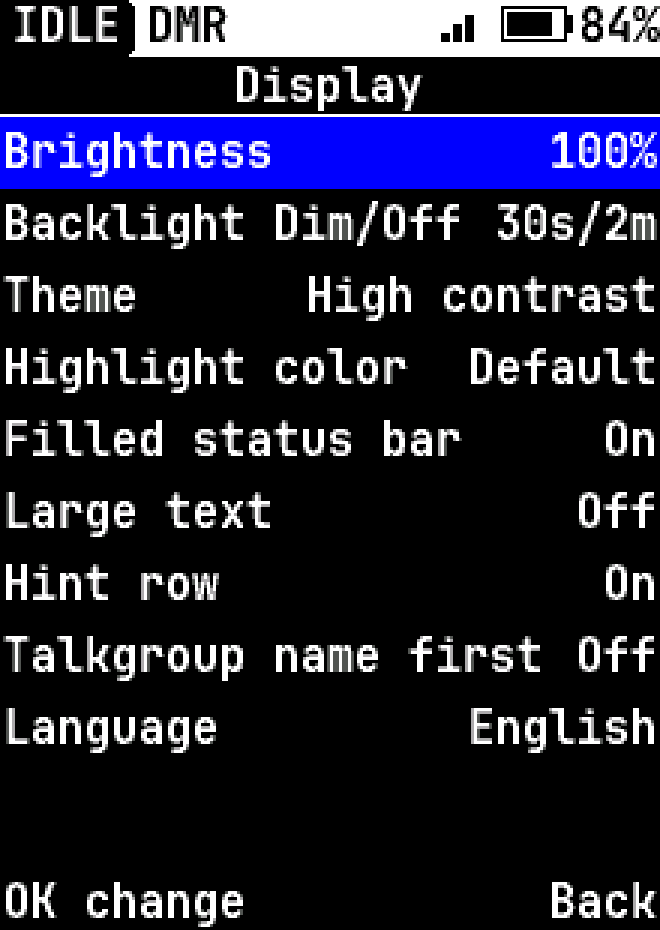
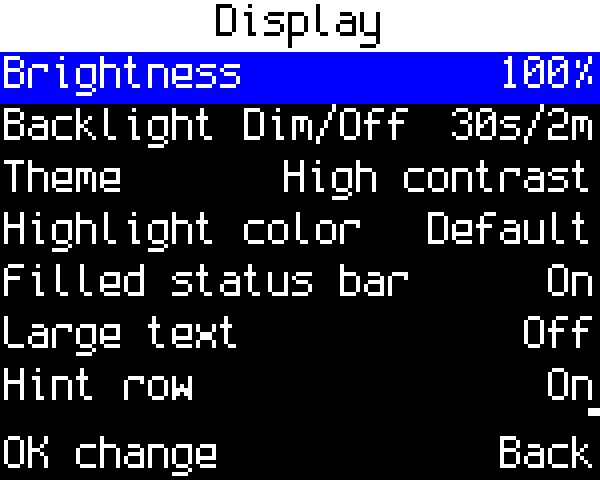
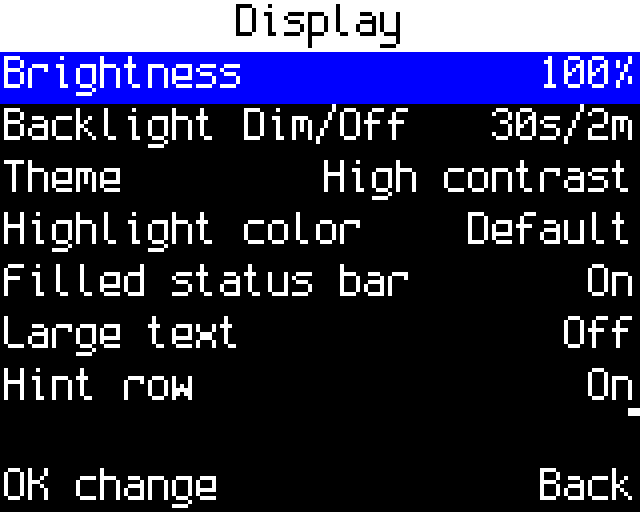
Display settings, high-contrast theme
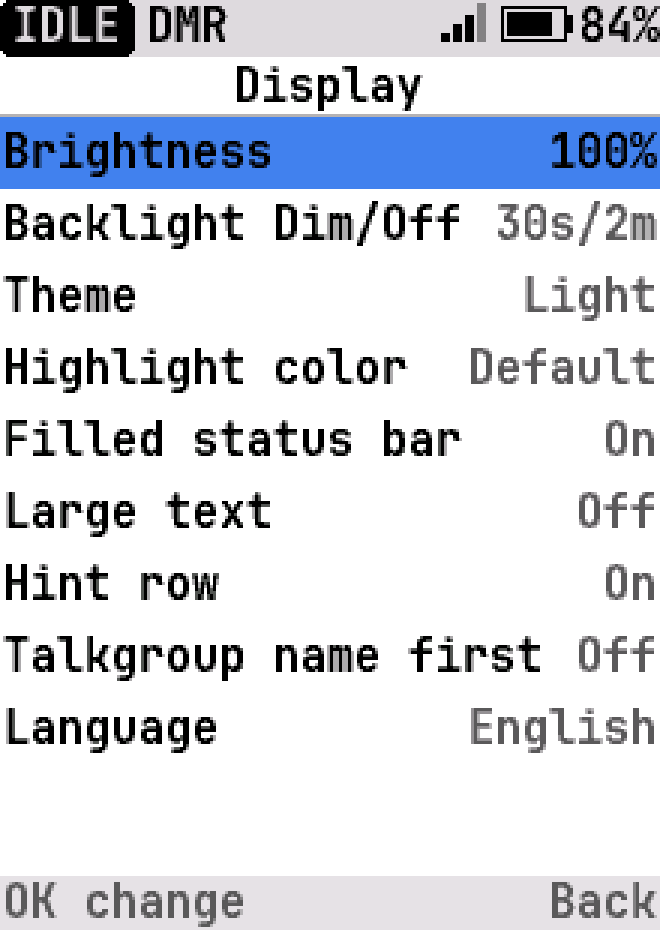
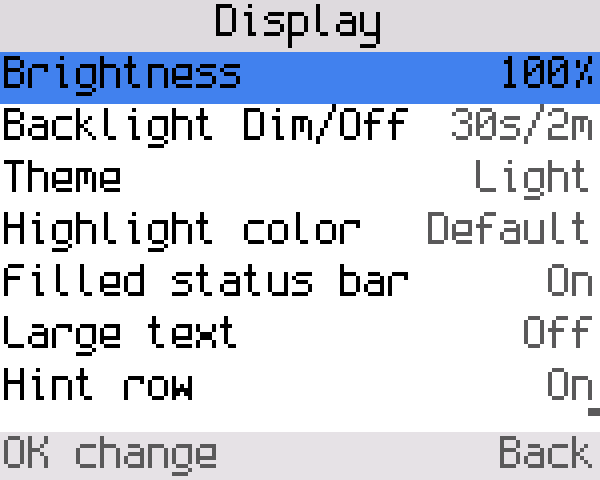
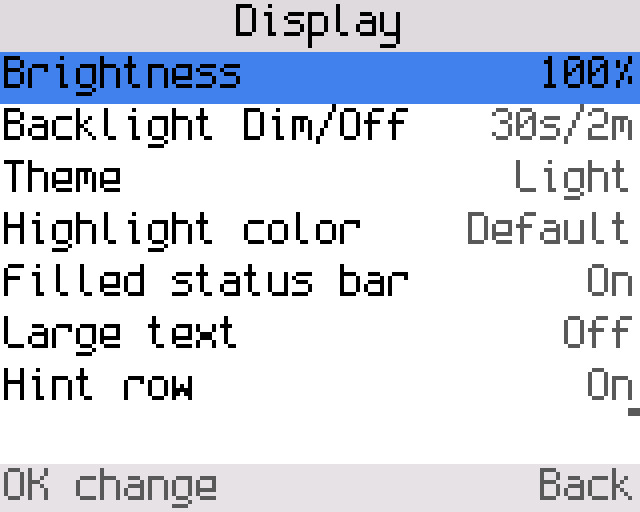
Display settings, light theme
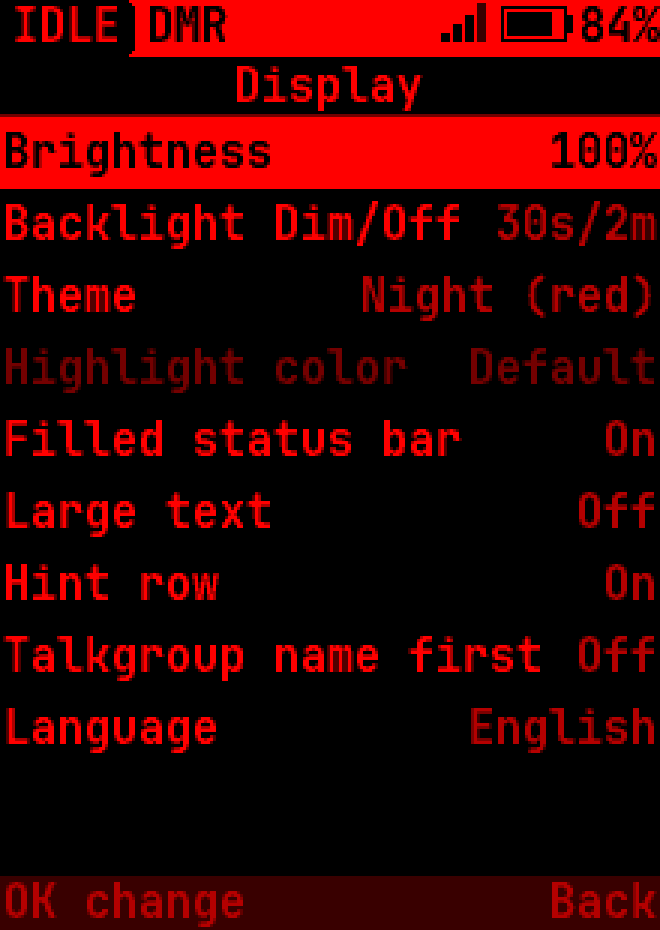
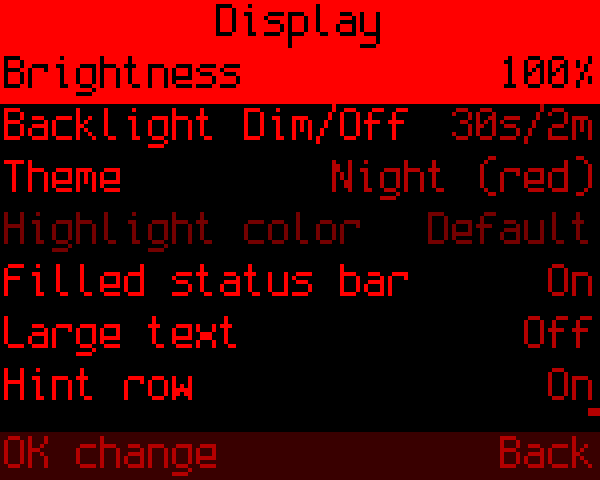
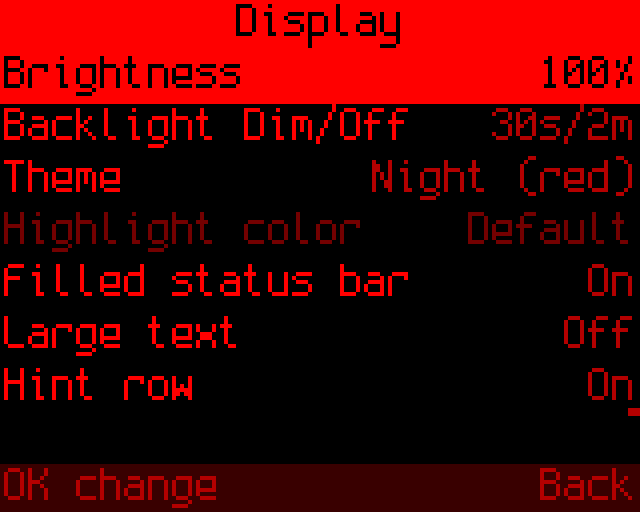
Display settings, night (red) theme
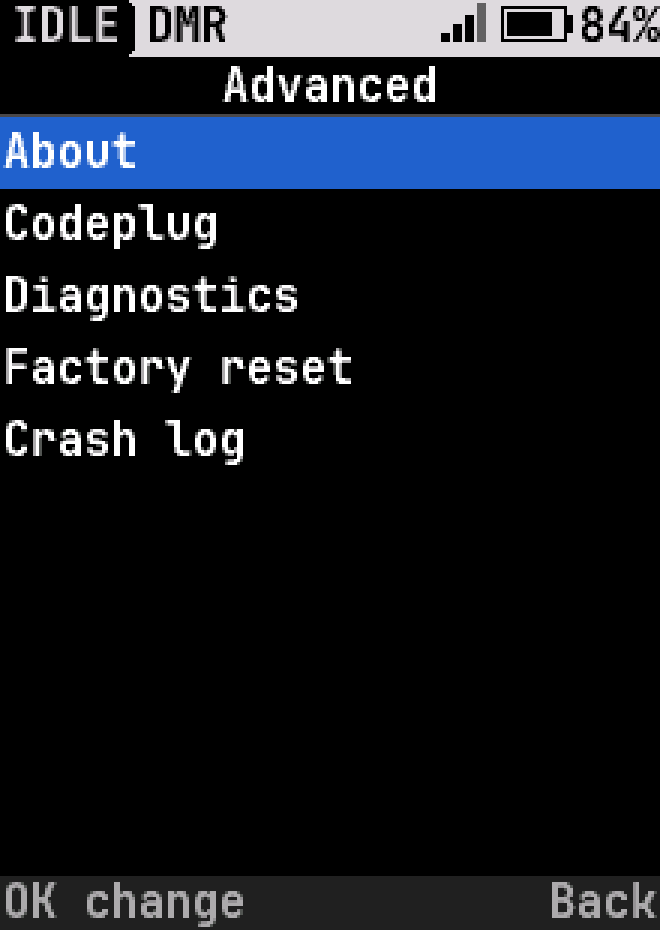
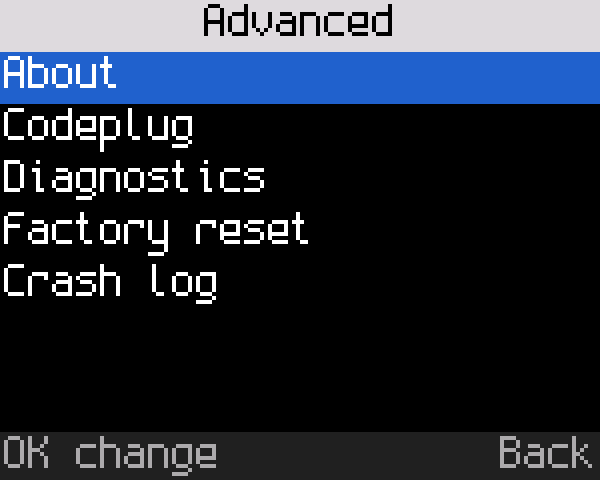
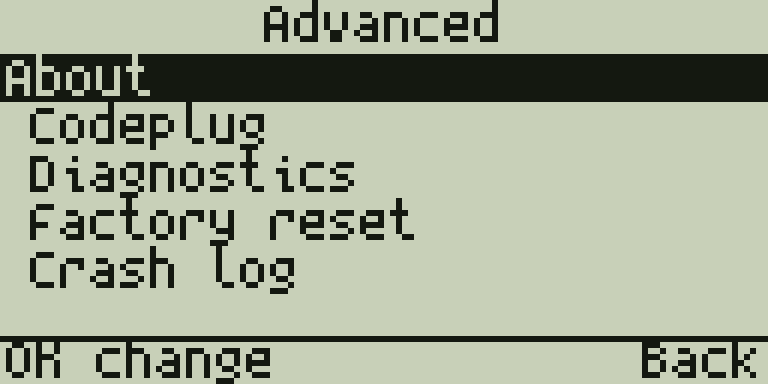
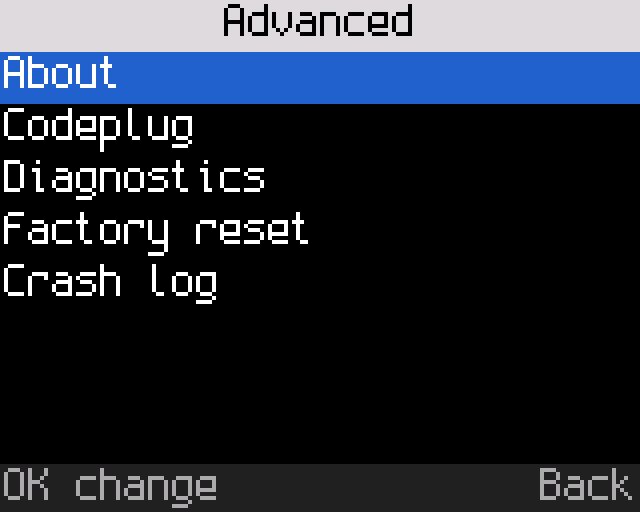
Advanced settings
Advanced settings
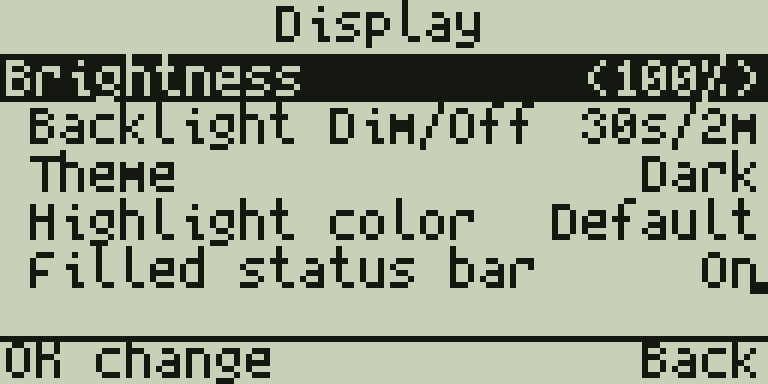
Changing a setting
Changing a setting
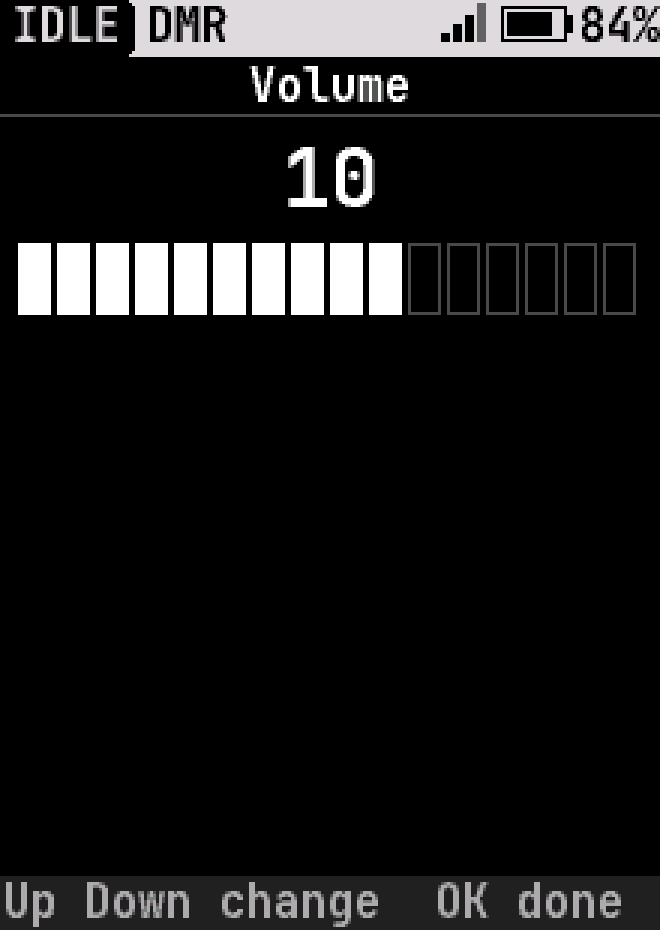
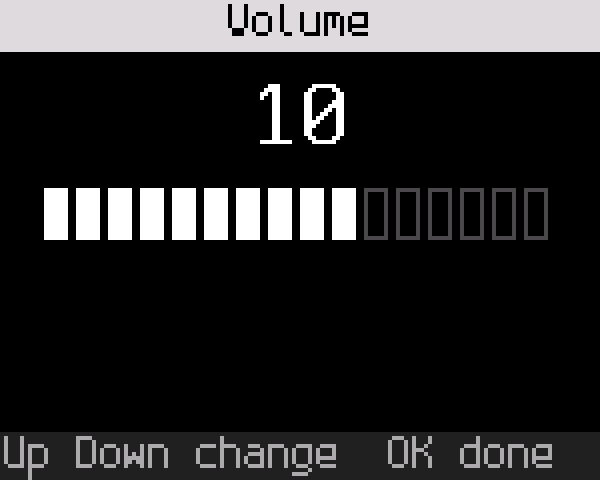
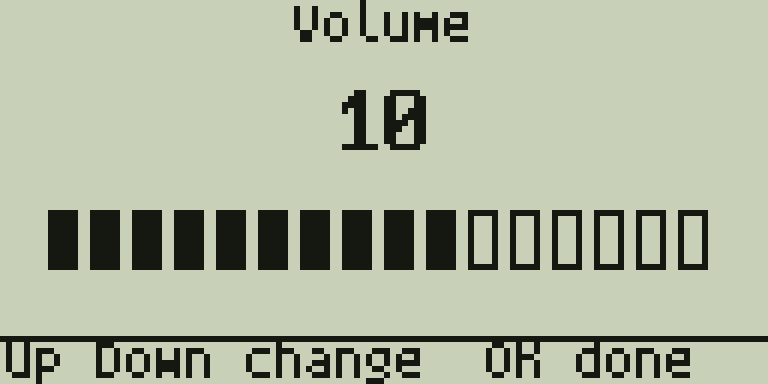
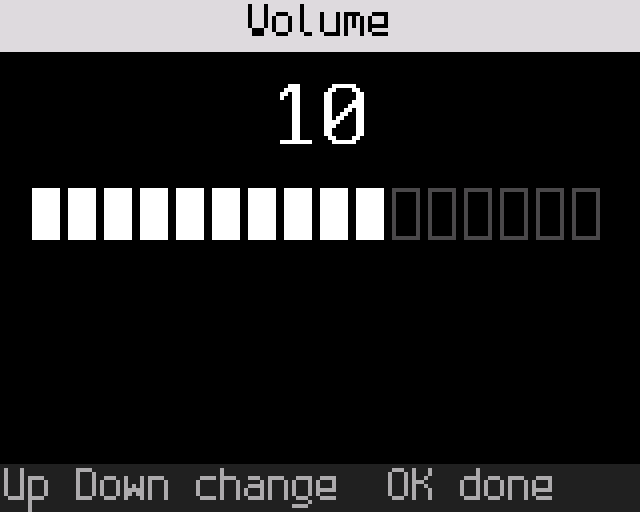
Volume
Volume
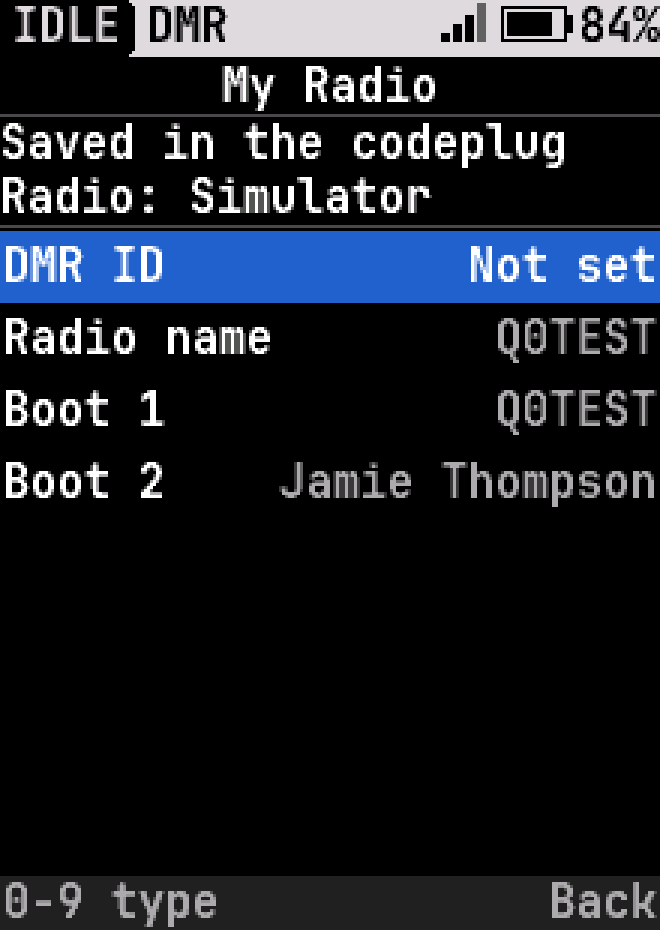
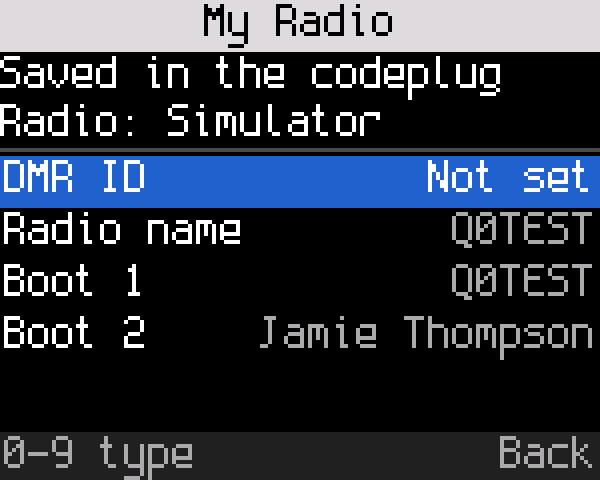
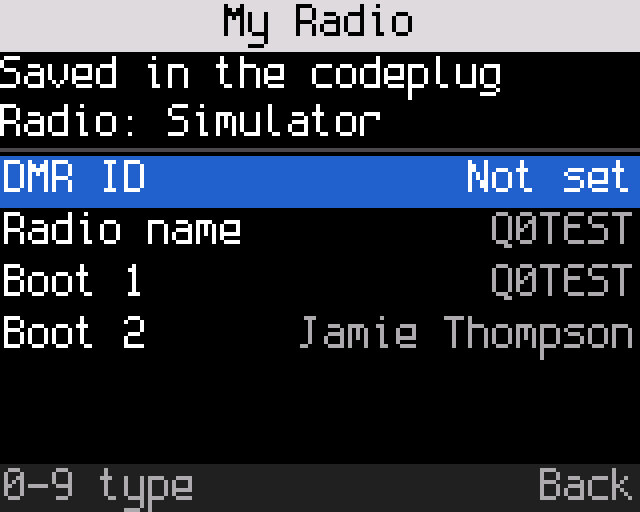
Your DMR ID, set on the radio and saved in the codeplug
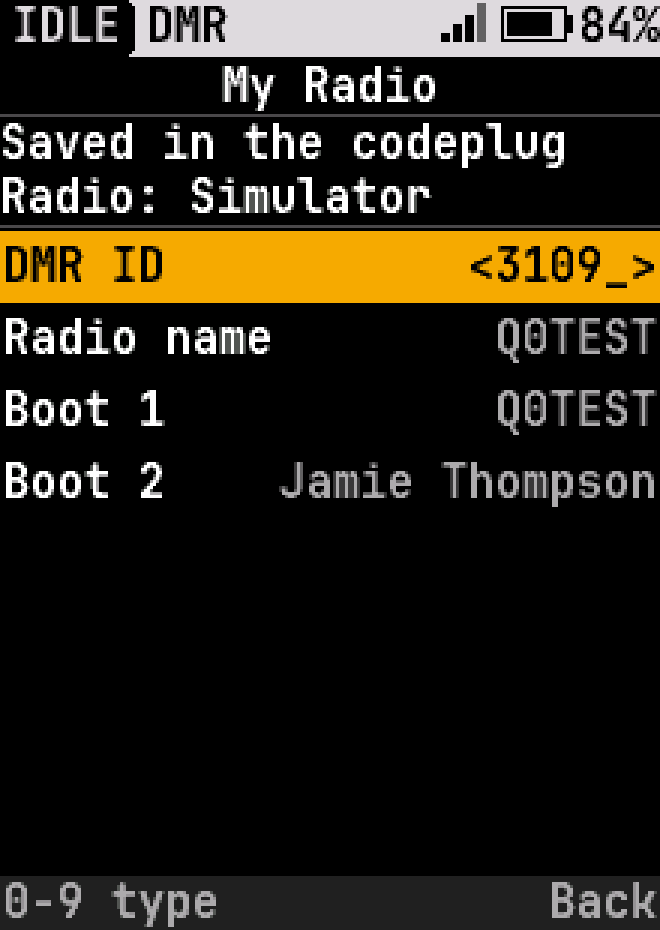
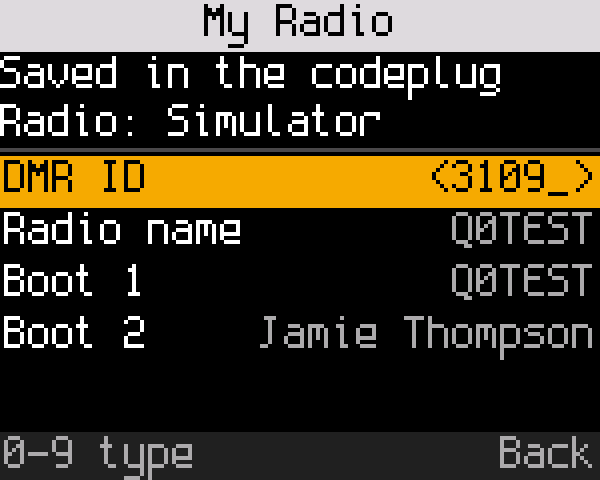
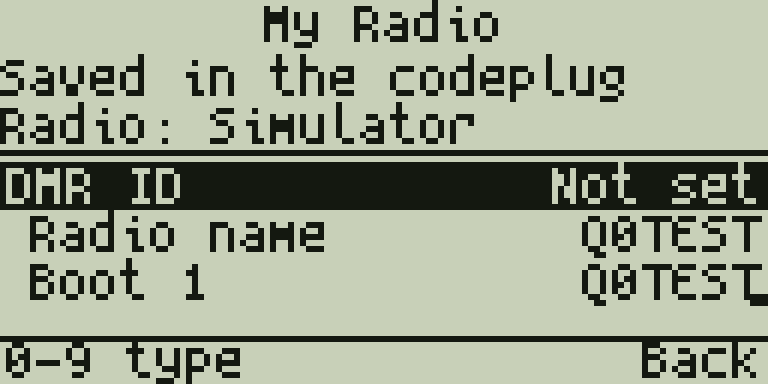
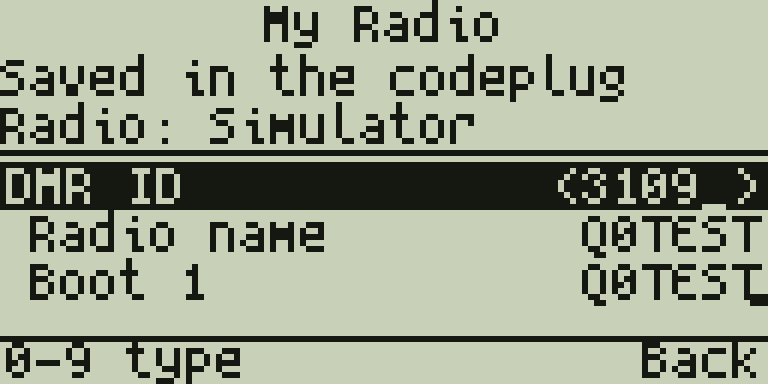
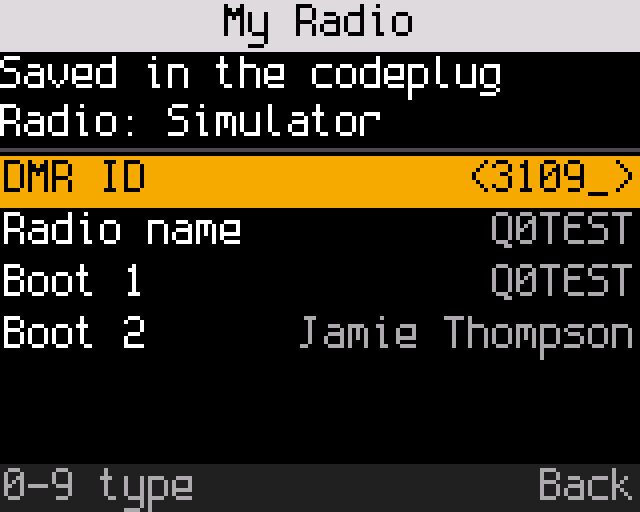
Typing a new DMR ID
Typing a new DMR ID
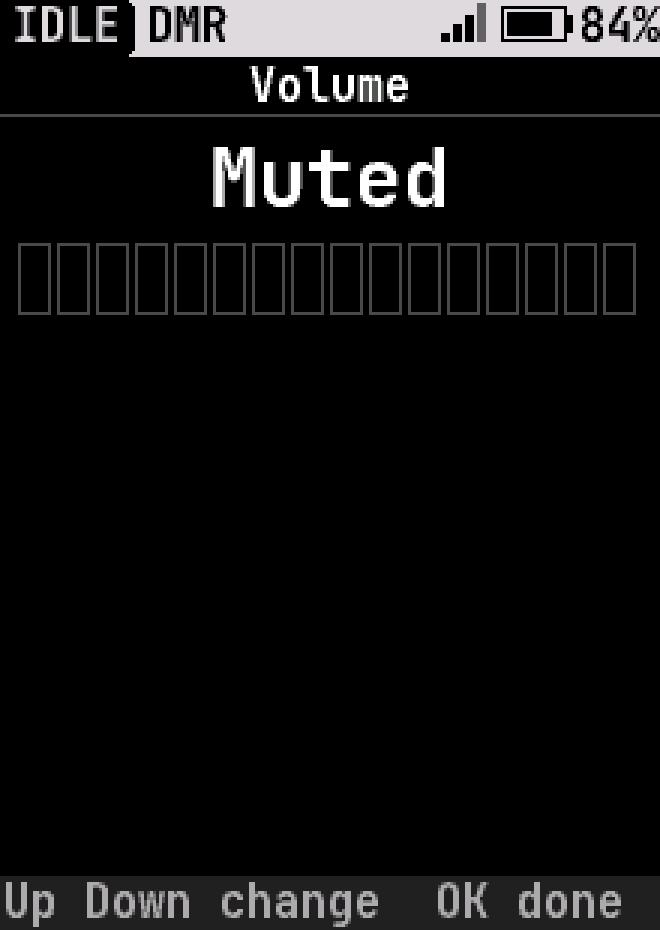
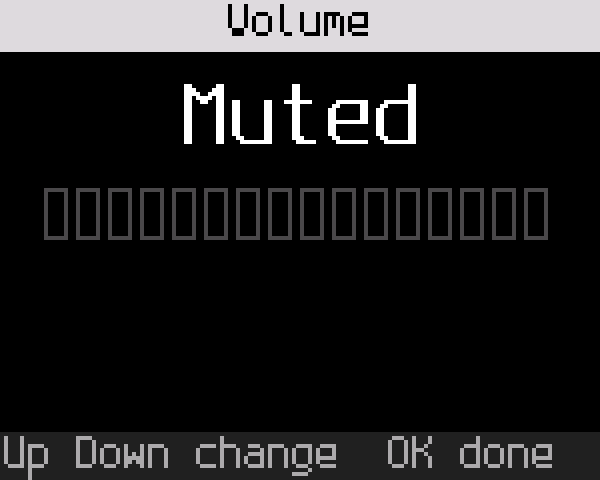
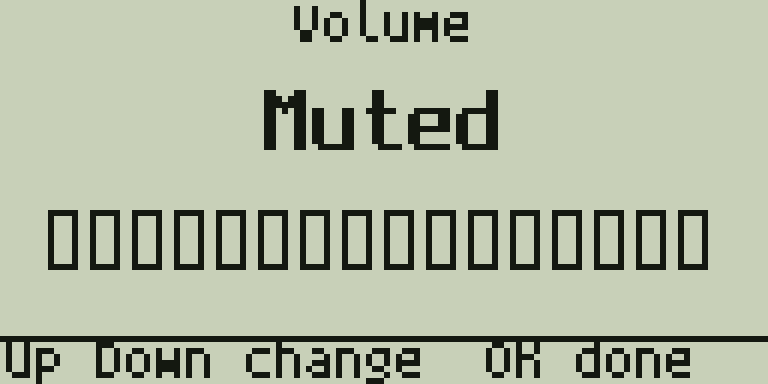
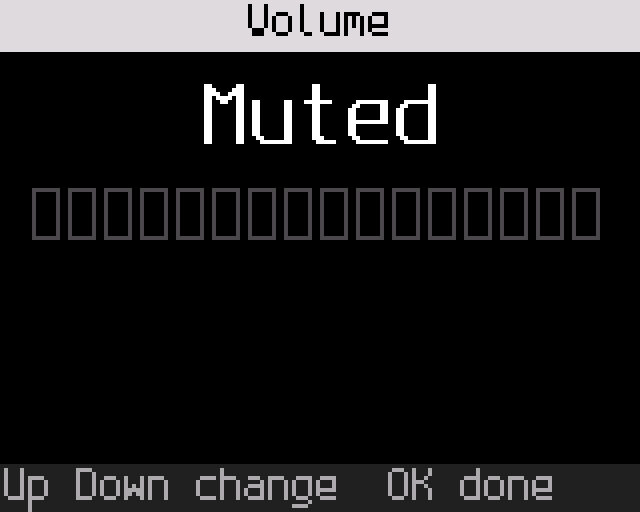
Volume muted
Volume muted
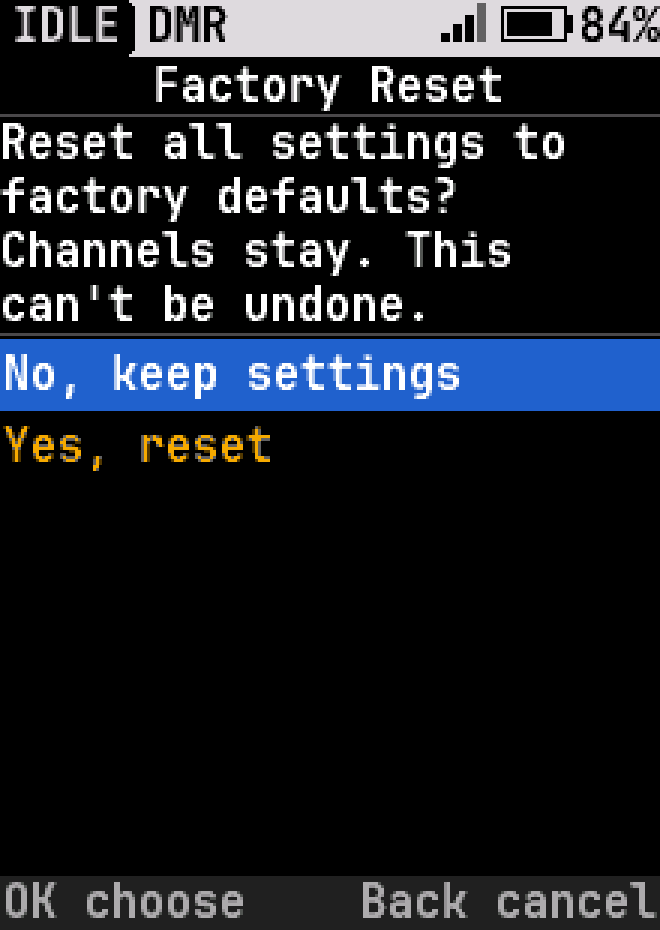
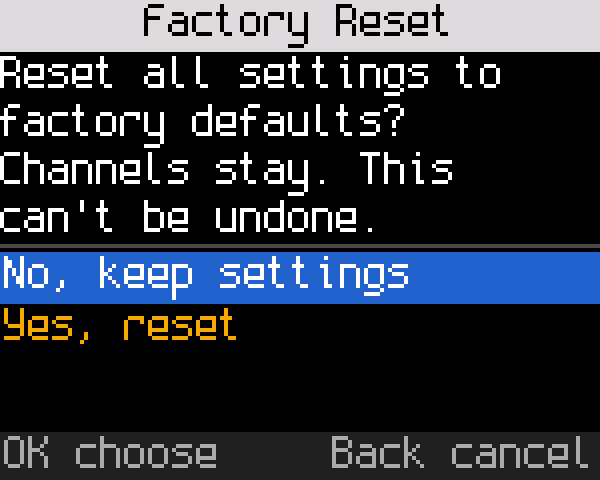
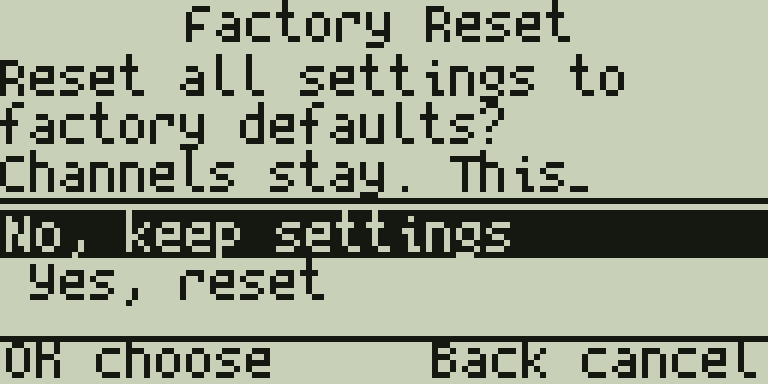
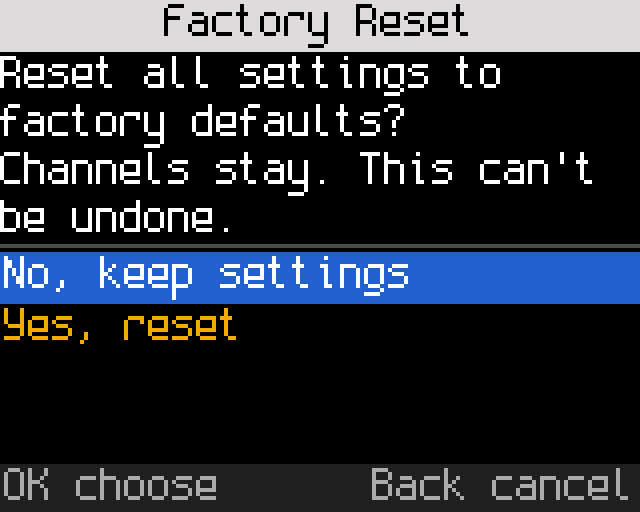
Factory reset
Factory reset
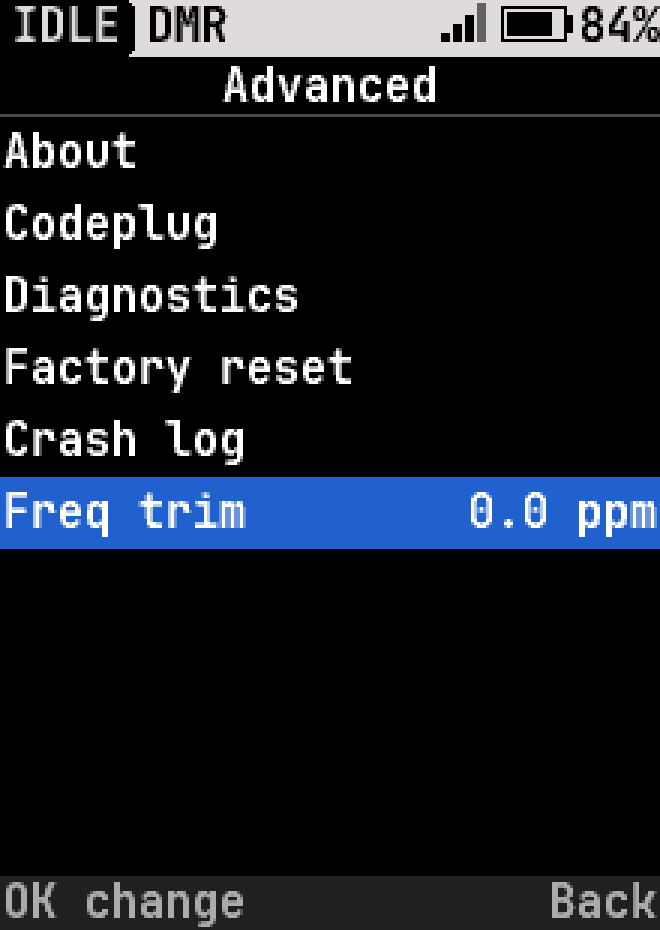
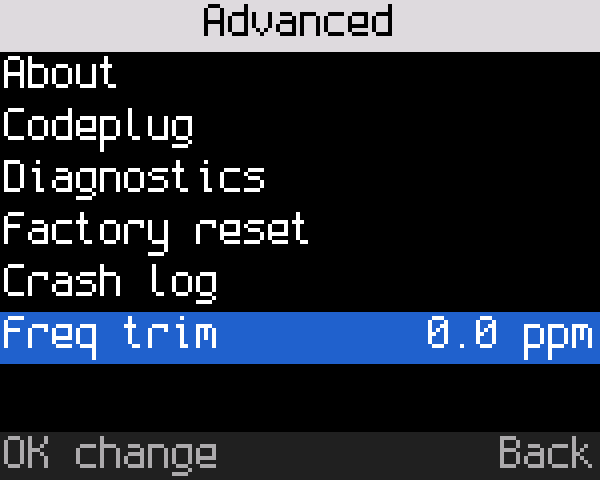
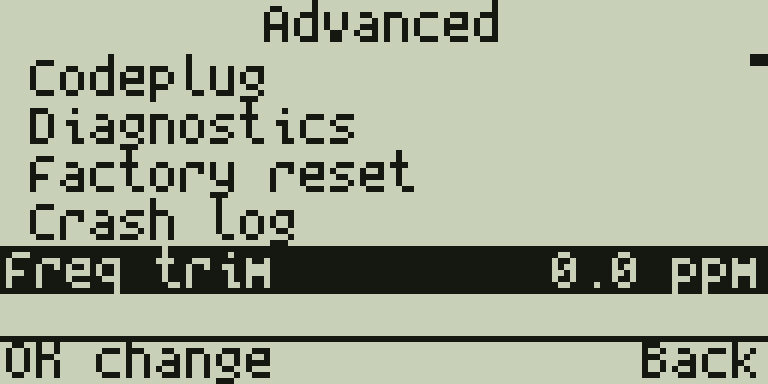
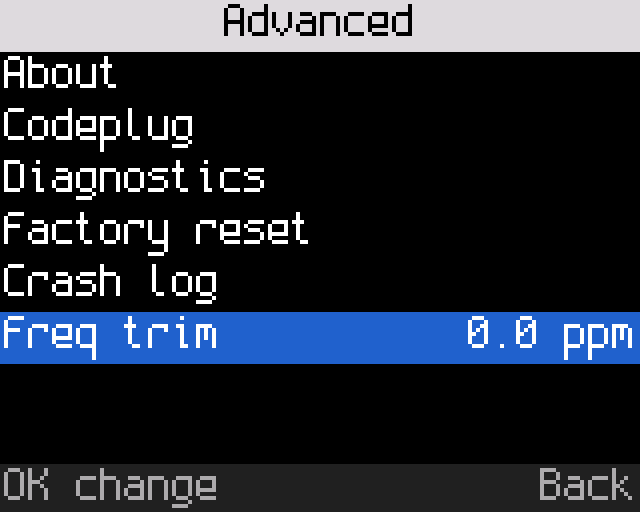
Freq trim in Advanced settings
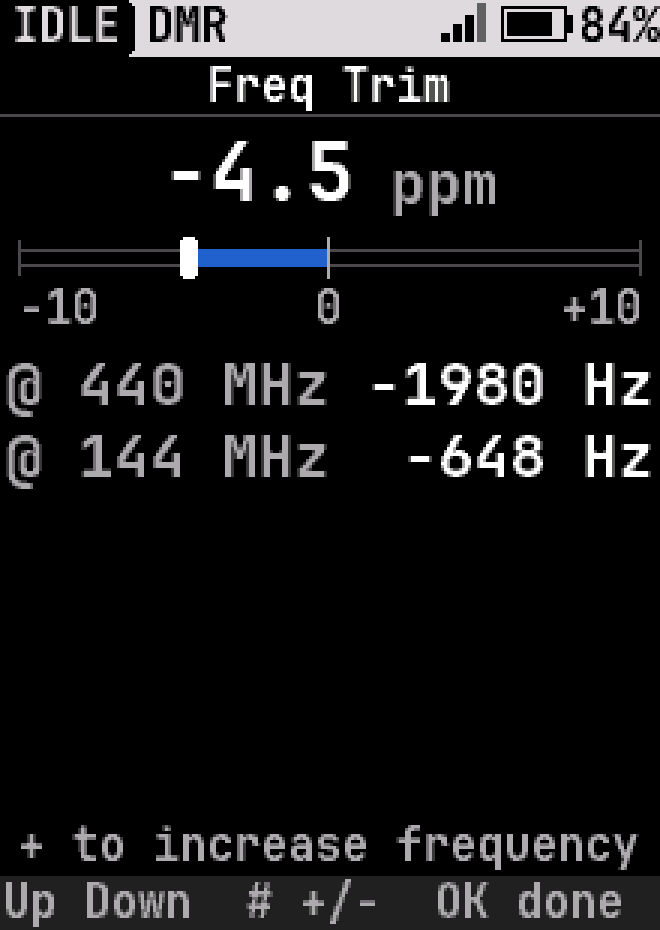
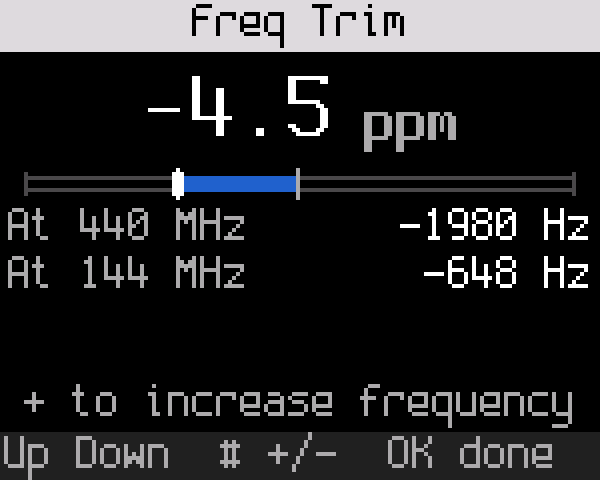
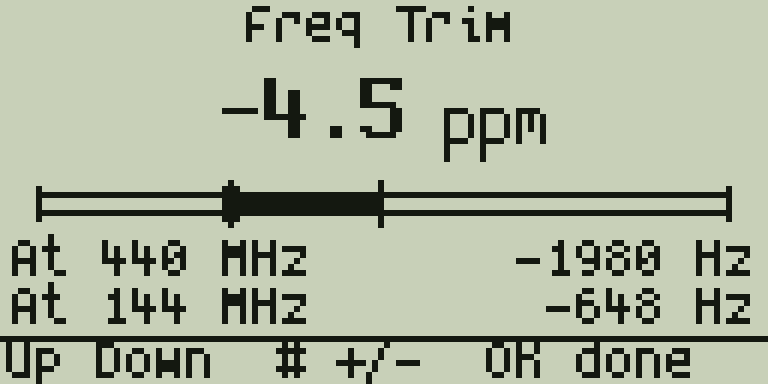
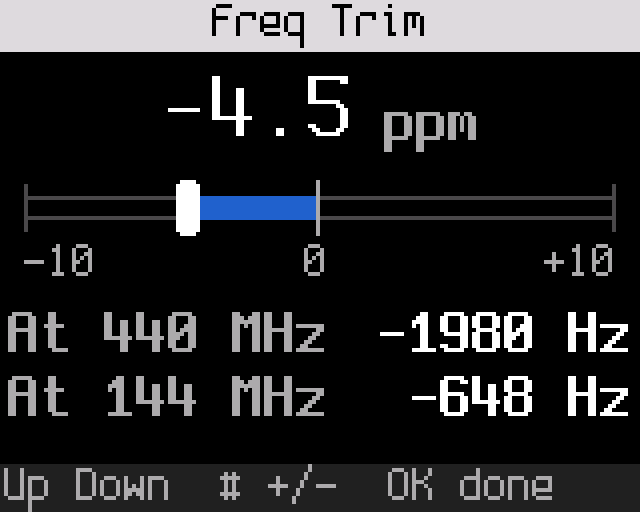
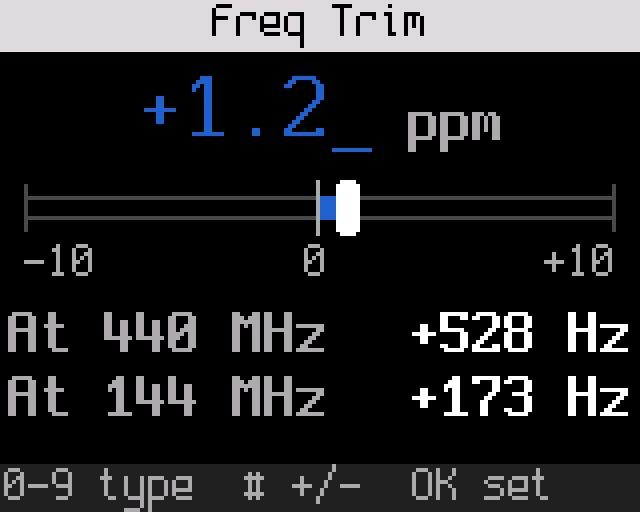
Frequency trim
Frequency trim
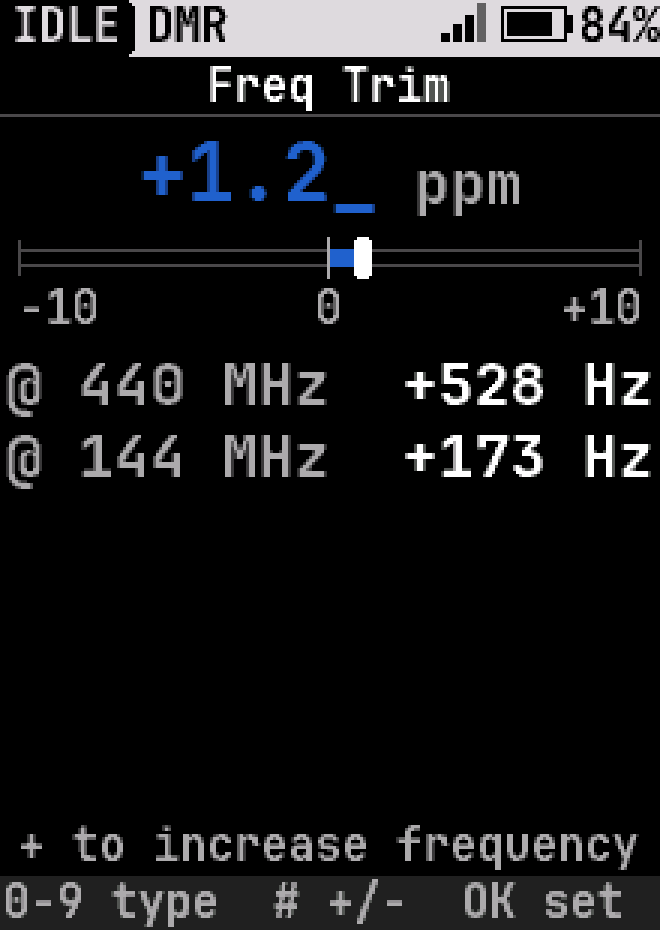
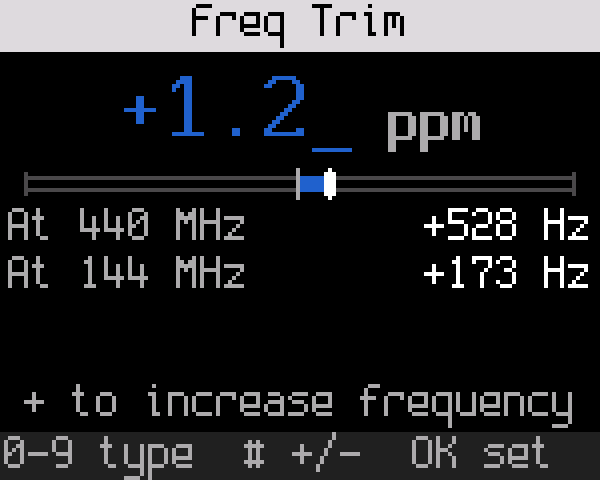
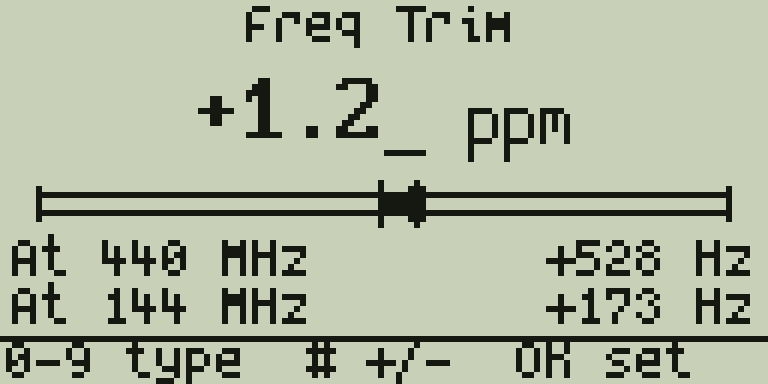
Typing a frequency trim
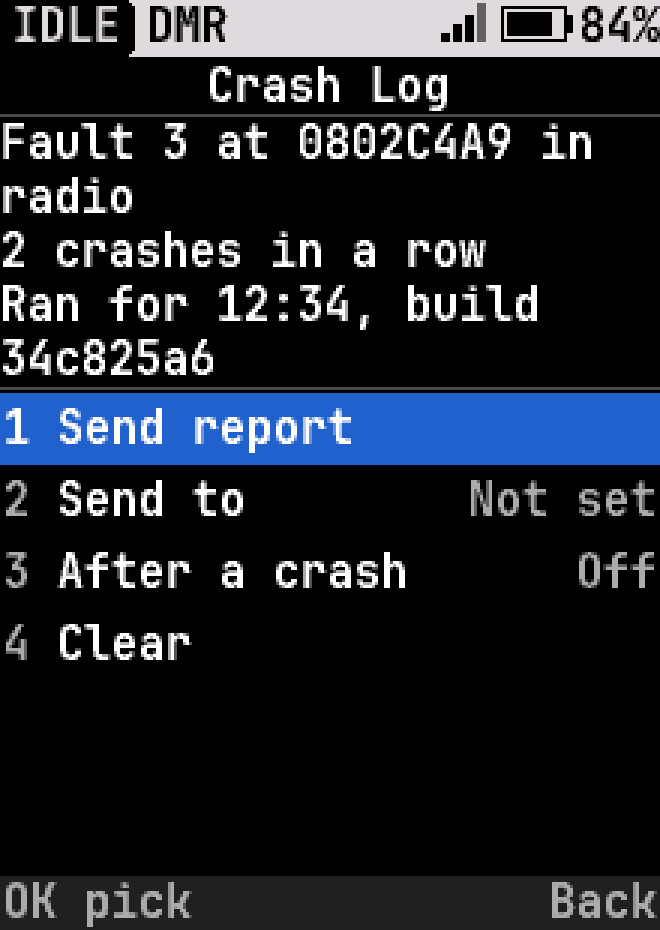
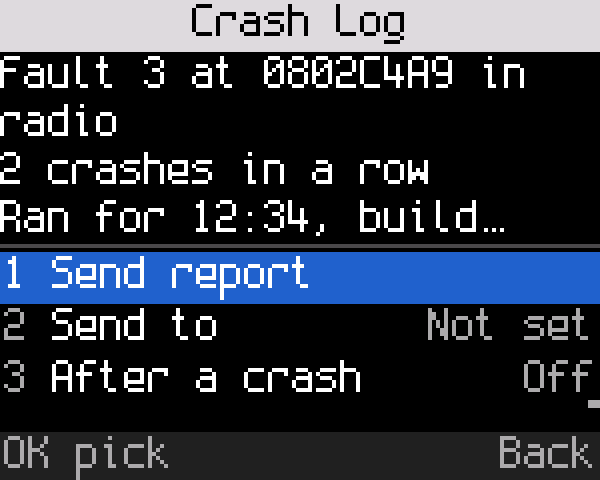
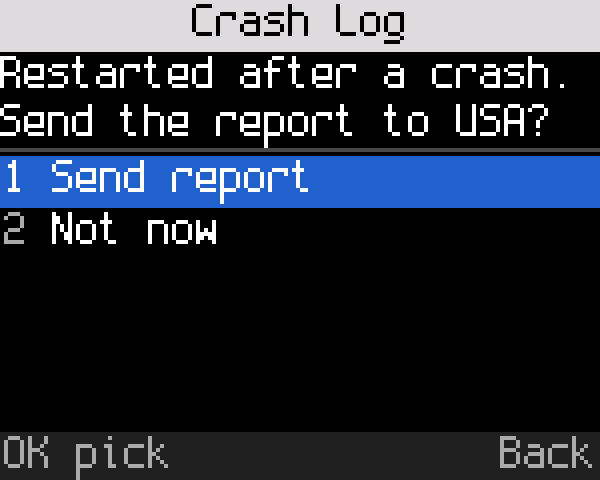
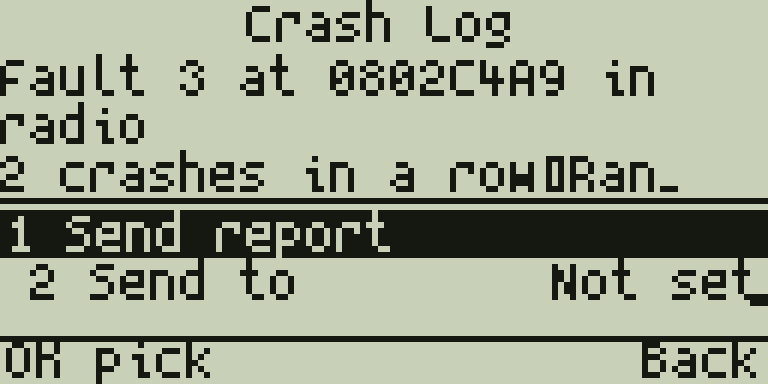
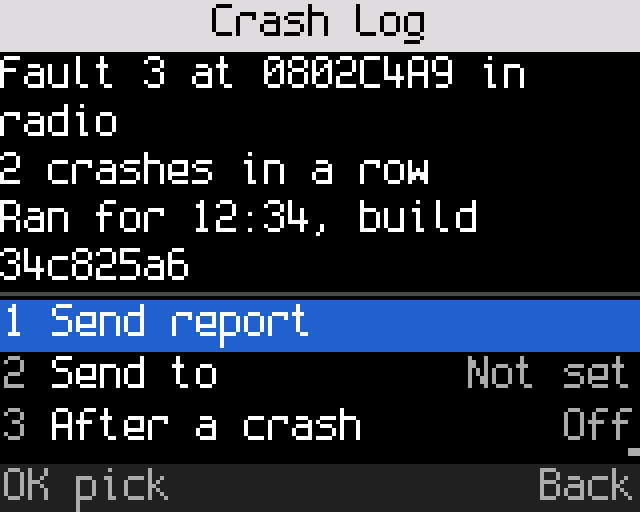
Crash log
Crash log
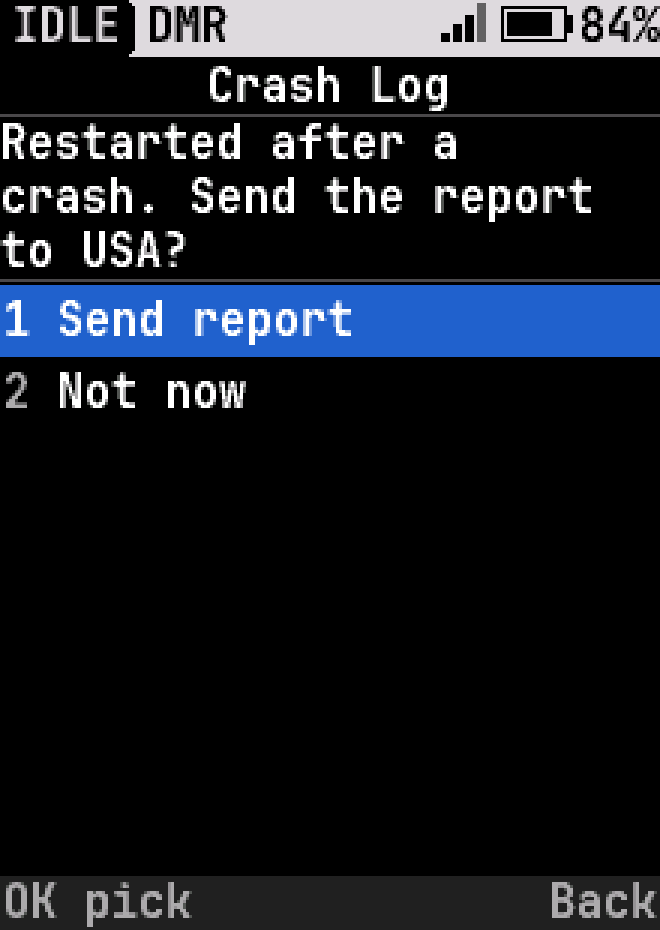
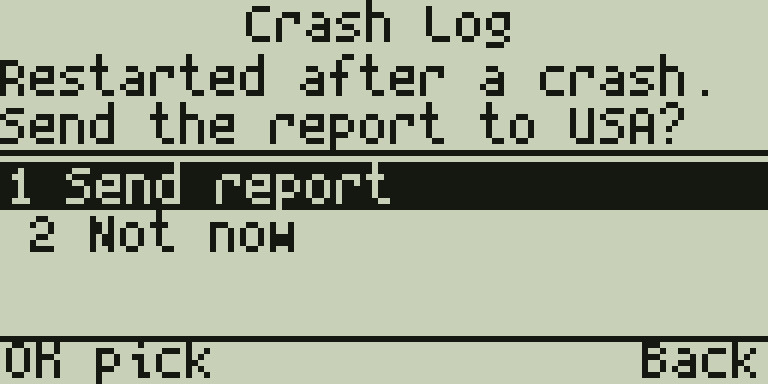
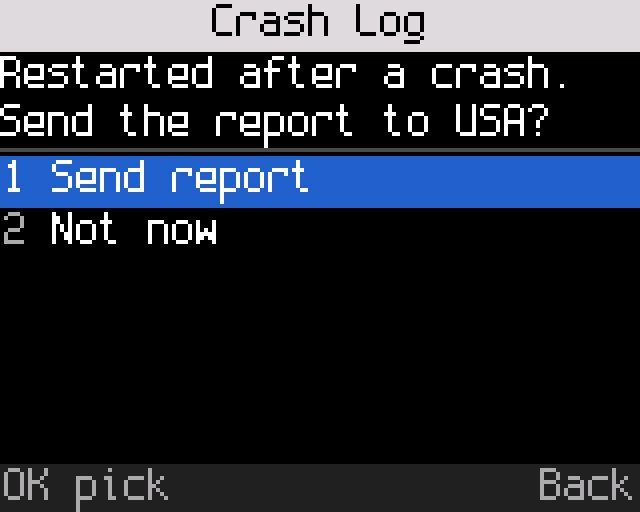
Send crash report?
Send crash report?
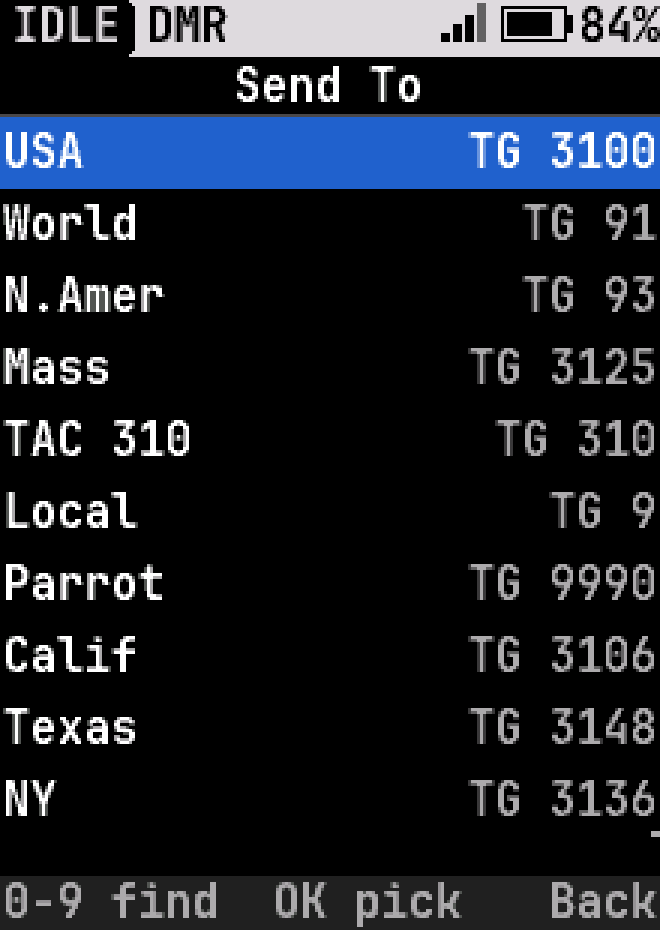
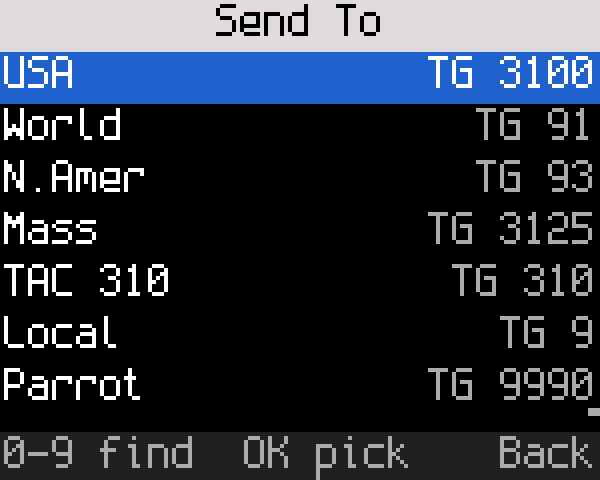
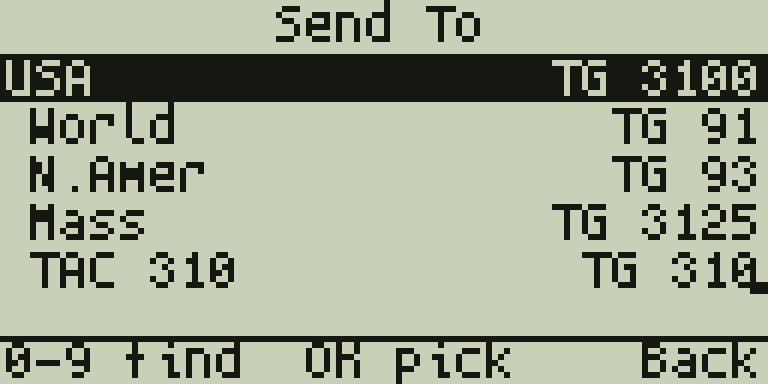
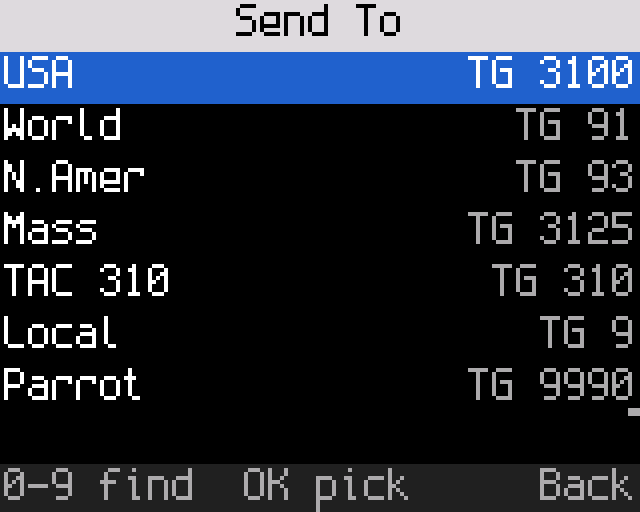
Crash report: send to
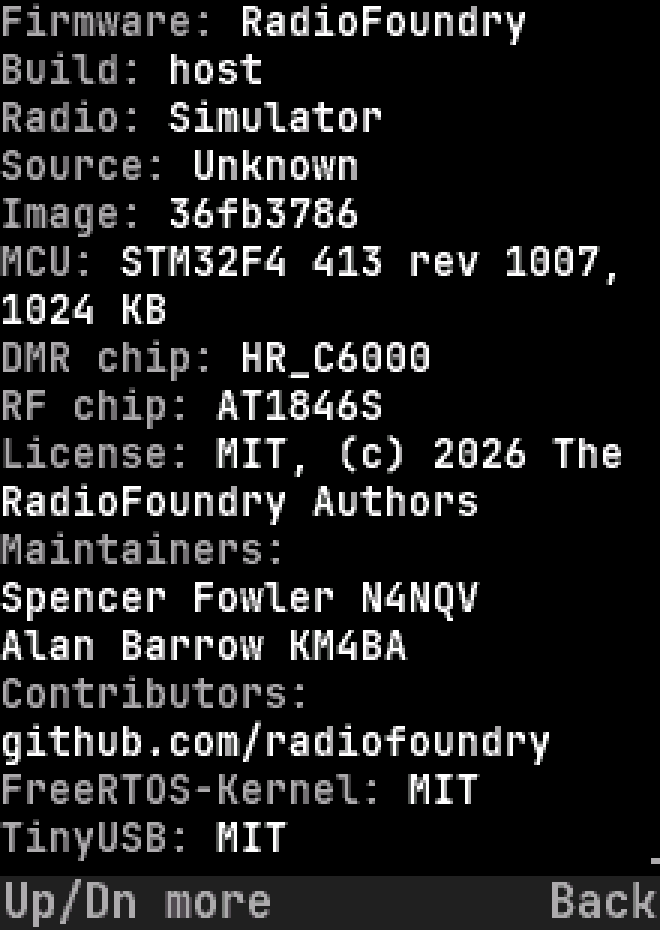
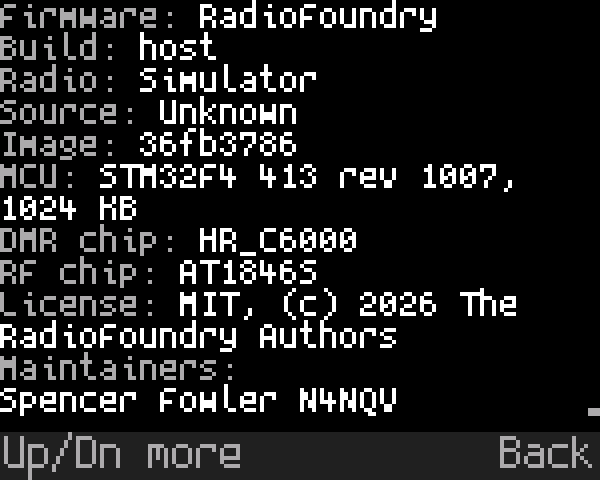
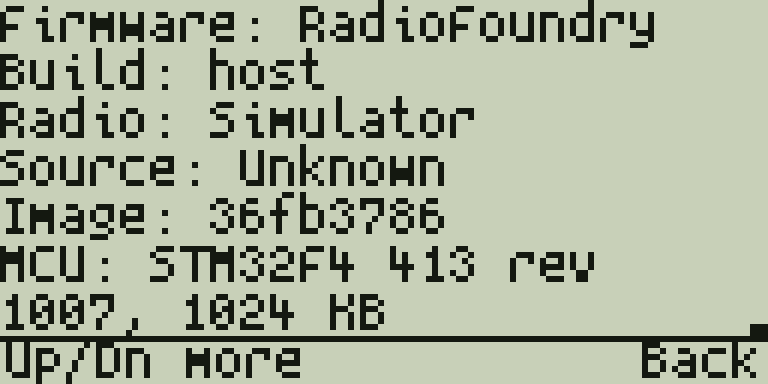
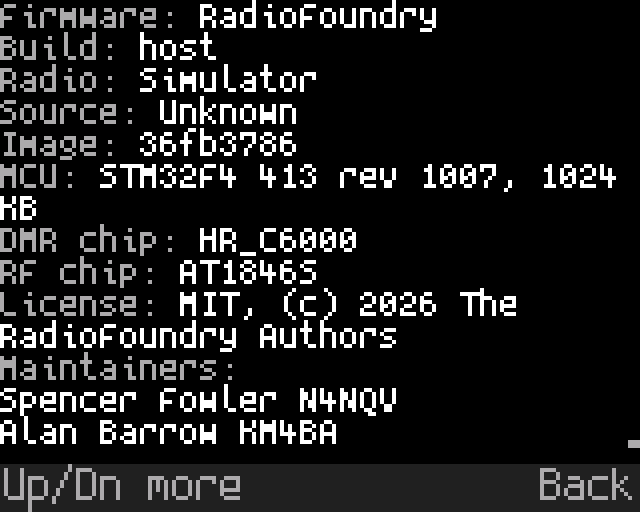
About
About
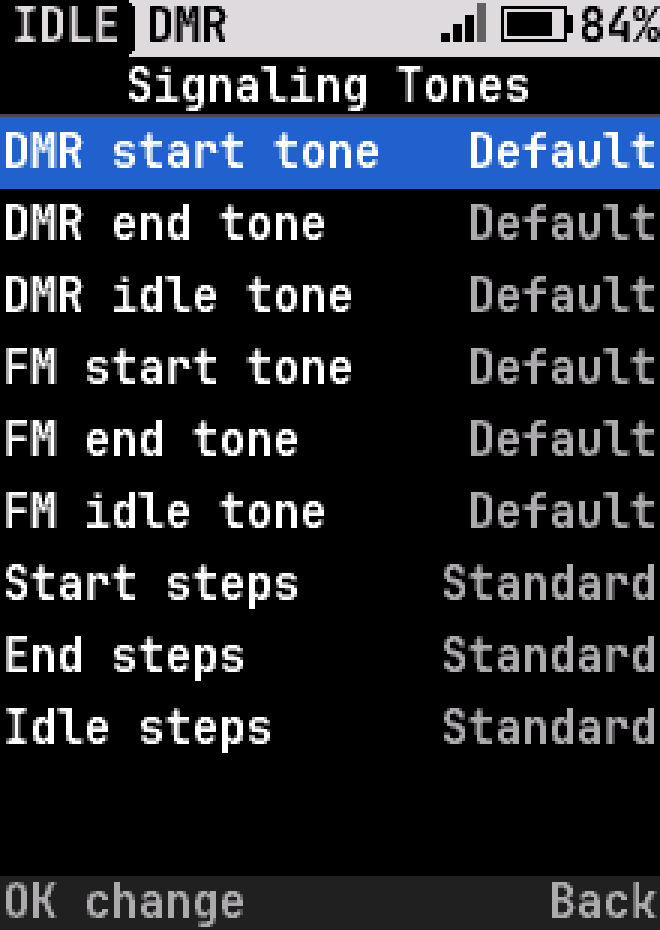
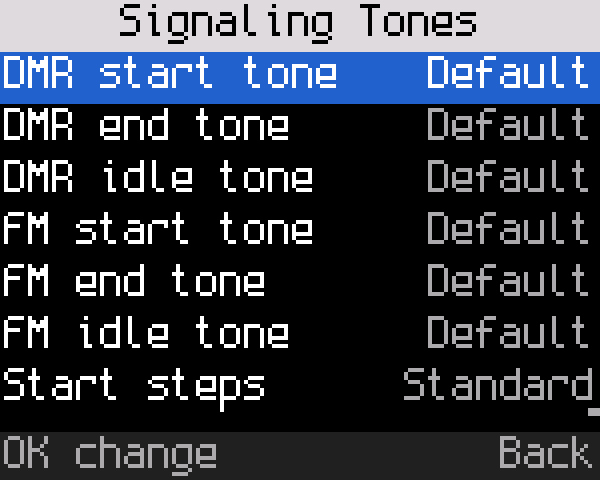
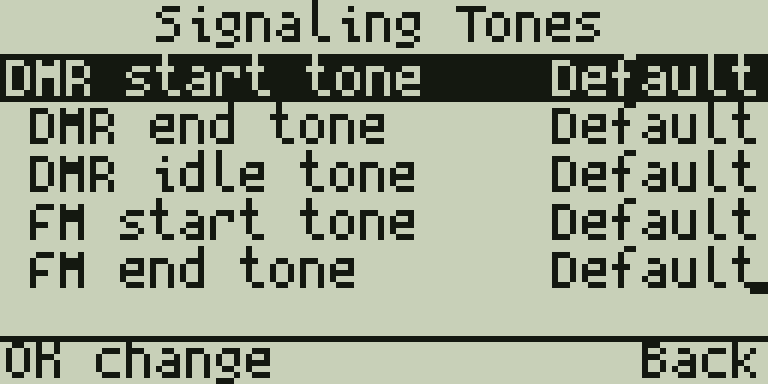
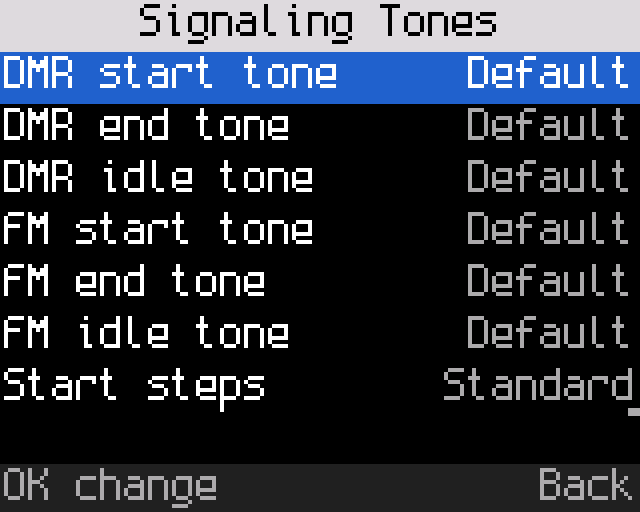
Settings: signaling tones
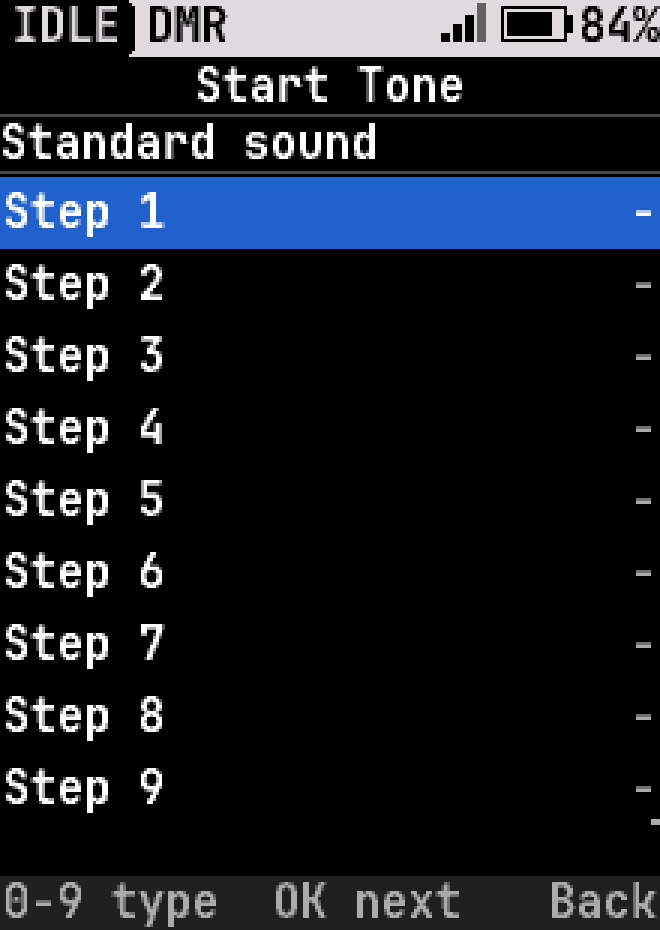
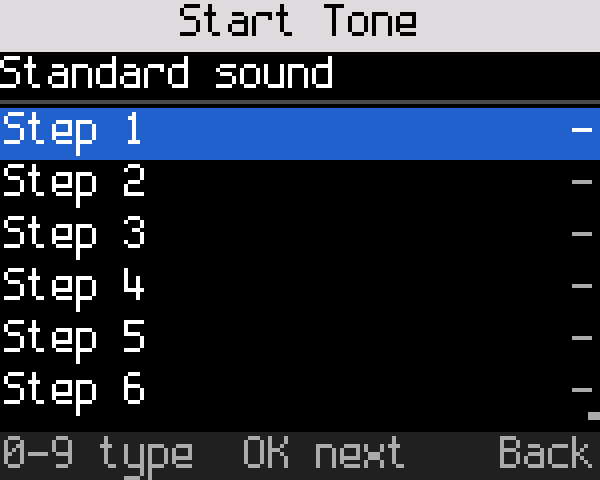
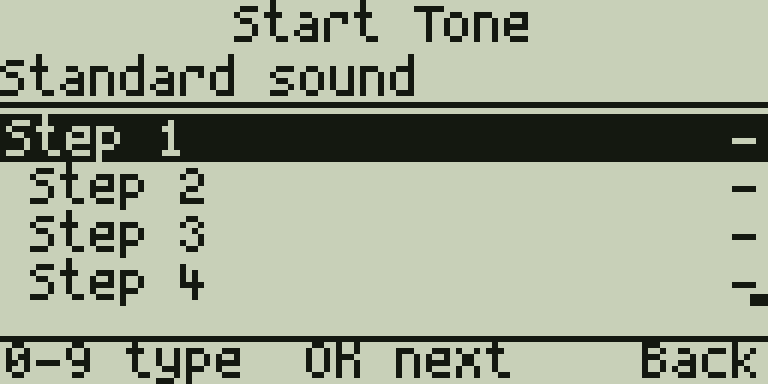
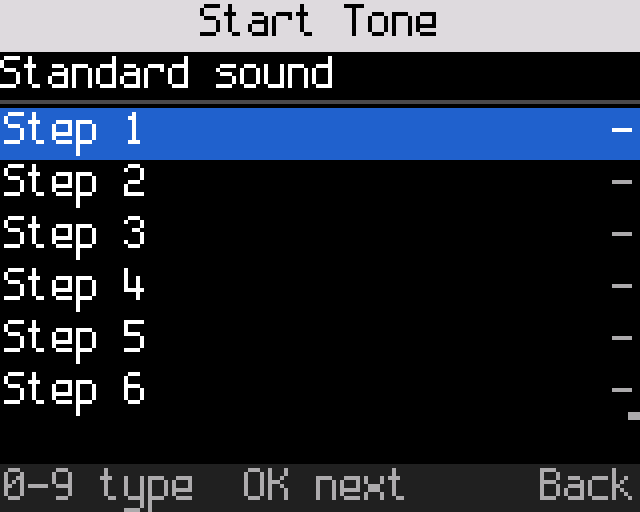
Signaling tone steps
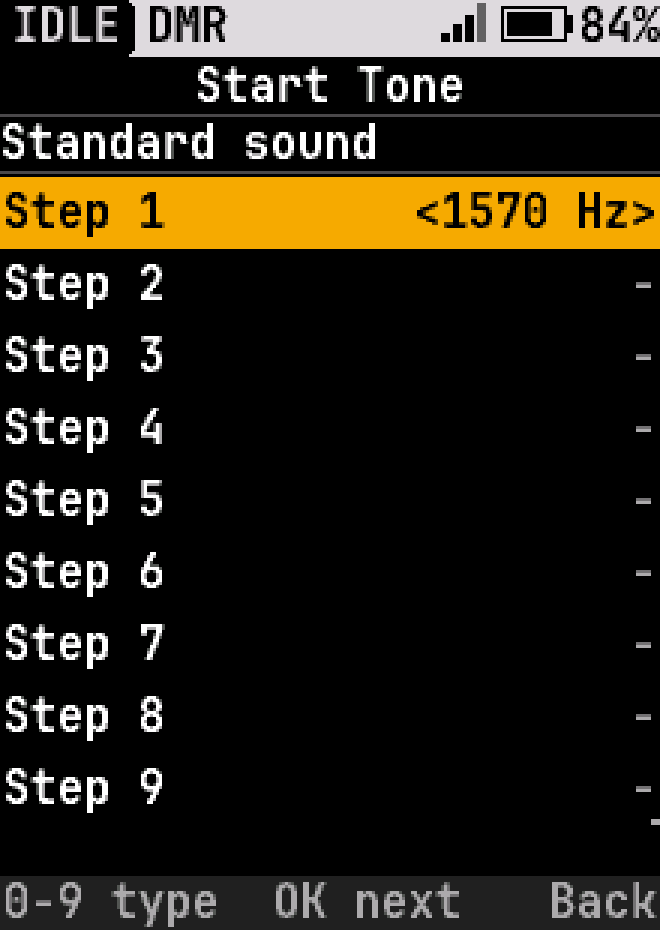
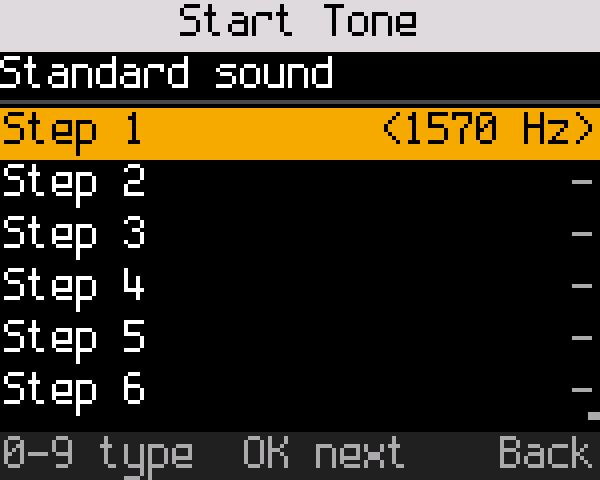
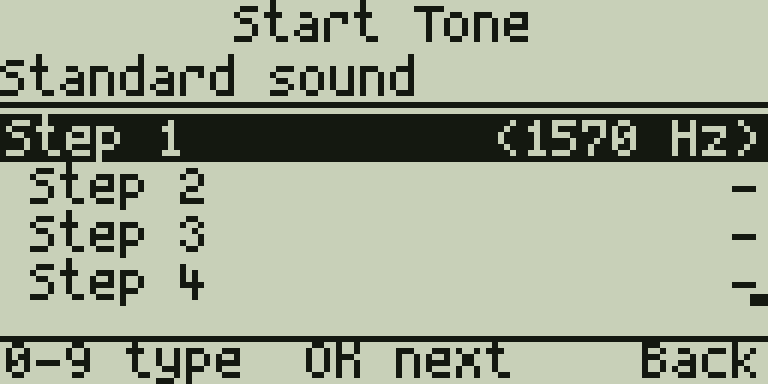
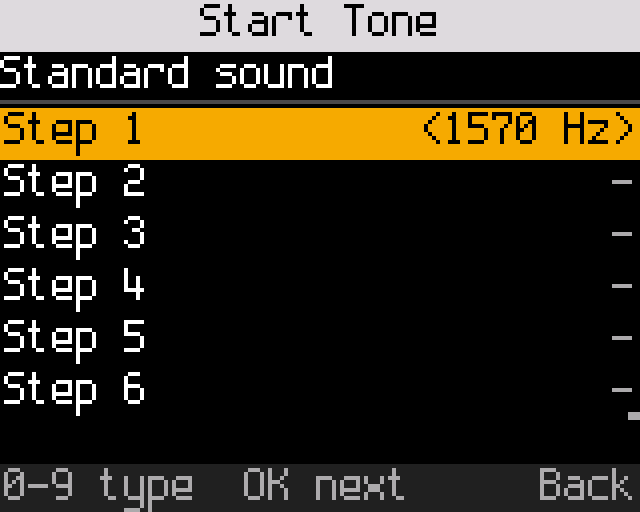
Signaling tone step
Signaling tone step

Baofeng DM-1701

154 screens · 1.77" color, 160 × 128 · About the Baofeng DM-1701

Home and quick settings
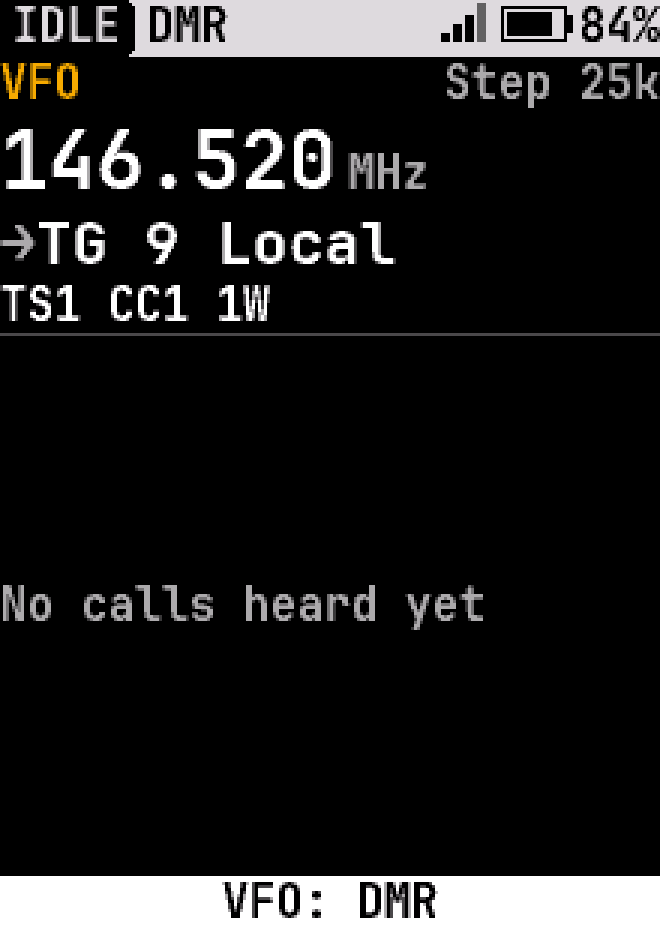
Boot screen
Boot screen
Home, FM channel
Home, FM channel
Home, GPS off: a hollow dish by the signal bars
Home, GPS on, searching: a solid dish
Home, GPS with a fix: the dish with waves
Home, DMR channel
Home, DMR channel
Home, DMR channel, high-contrast theme
Home, DMR channel, light theme
Home, DMR channel, light blue highlight
Home, DMR channel, night (red) theme
Home, DMR channel, red highlight
Home, DMR channel, yellow highlight
Home, DMR, last heard
VFO
VFO
VFO, typing a frequency
VFO, digital (DMR)
VFO, digital (DMR)
Copy to VFO
Copy to VFO
Home, large text
Home, large text
Home on FM, Monitor held: squelch open, RX
Home, status bar not filled
Home, status bar not filled, high-contrast theme
Home, status bar not filled, light theme
Home, status bar not filled, night (red) theme
Home, keys locked
Home, keys locked
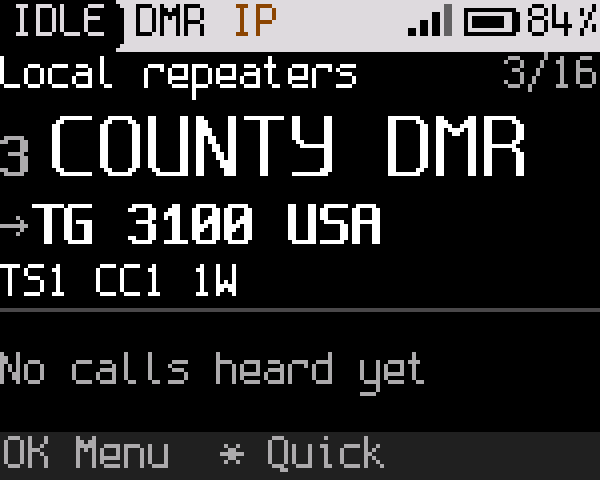
Home with USB as a network adapter, waiting for the computer (IP)
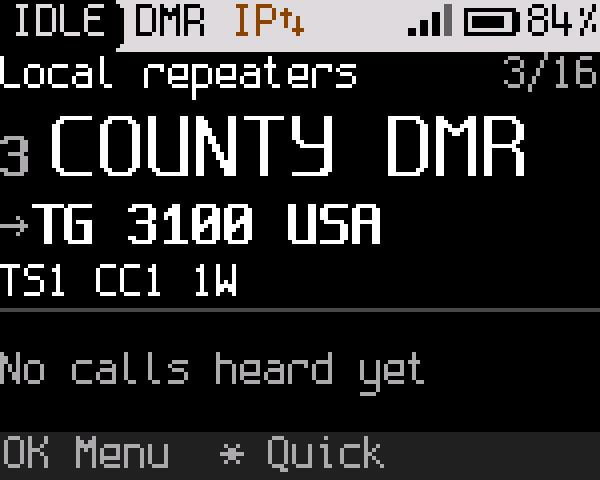
Home with the computer connected over USB network (IP and the link arrows)
Home, temporary talk target
Home, reply to caller
Quick settings, FM
Quick settings, FM
Squelch
Squelch
Quick settings, DMR
Quick settings, DMR
Color code
Color code
Quick settings, FM VFO
Quick settings: typing a TX frequency
VFO, FM, transmitting on a split
Quick settings, DMR VFO
VFO, DMR, with a split TX frequency
VFO, DMR, transmitting on a split
VFO color code
VFO color code
Dual watch: A and B, PTT on A
Dual watch: a call coming in on B
Dual watch: a call coming in on B, high-contrast theme
Dual watch: a call coming in on B, light theme
Dual watch: a call coming in on B, night (red) theme
Dual watch: the last calls, with their channel
Dual watch: busy on A during the wait after a call on B
Dual watch: talking on B
Dual watch: a long channel name moves the PTT pill to row 3
Dual watch: transmitting on A
Dual watch: the VFO as B
Dual watch: typing a frequency into the VFO
Dual watch: B in another zone
Dual watch: an FM channel as B
Dual watch, large text
Dual watch, typing a frequency, large text
Dual watch on two receivers: a call on each
Dual watch on two receivers: a call on each, high-contrast theme
Dual watch on two receivers: a call on each, light theme
Dual watch on two receivers: a call on each, night (red) theme
Dual watch: talking on B while a call arrives on A
Dual watch on two receivers, large text
Dual watch: talk back on B after its call
Volume bar: the knob turned
Volume bar over Quick settings

Calls

Transmitting
Transmitting
Transmitting, high-contrast theme
Transmitting, light theme
Transmitting, night (red) theme
Sending an APRS beacon
Transmitting a private call
Sending touch tones (DTMF) on FM
Receiving a group call
Receiving a group call, high-contrast theme
Receiving a group call, light theme
Receiving a group call, night (red) theme
Receiving a private call
Incoming call
Incoming call
Caller actions
Caller actions
Talk target
Talk target
Talk target, DMR VFO
Recent calls
Recent calls
Emergency
Emergency
Call alert received
Call alert received
Radio check
Radio check
Volume bar during a call

Messages

Messages
Messages
Messages, empty
Messages, empty
Reading a message
Reading a message
A long message: Full message
A long message, all of it
Write a message
Write a message
New message
New message
A zone offered by another radio
Wireless zone and channel sharing, radio to radio
The channels of an offered zone
One channel shared by another radio
Tools with a shared zone waiting
An offered channel
An offered channel

Channels and contacts

Zones, with the VFO
Zones, with the VFO
Zones: creating a new zone
Every channel by number
Every channel by number, high-contrast theme
Every channel by number, light theme
Every channel by number, light blue highlight
Every channel by number, night (red) theme
Every channel by number, red highlight
Every channel by number, yellow highlight
A channel's settings, ready to edit
Channel editor: picking the power with the knob
Channel editor: changed rows marked until saved
Channel editor: typing an RX frequency
Channel editor: typing a tone
Channel editor: the zones a channel is in
Text entry: a channel name on the keypad
Channel editor: picking the TX contact
Leaving the channel editor with unsaved changes
Saving over another firmware's codeplug: start a new one or keep it
New channel from current settings
Sharing a channel from its settings
Channels in a zone
Channels in a zone
A channel's actions in a zone
Adding a channel to a zone
Zone options
Zone options
Deleting a zone asks first
Sharing a zone or channel with another radio
Sharing to an ID that isn't a contact
Sending a zone, and the frequency it goes on
A shared zone imported
Find a channel
Find a channel
Find by name
Find by name
Find by number
Find by number
Find: tune the VFO to a typed frequency
Find: create a contact from a typed number
A new contact
A new contact
Saving a new contact
Contacts
Contacts
Find a contact
Find a contact
Contact actions
Contact actions
Scan
Scan
Dual watch: pick B
Dual watch: pick B
Dual watch: B from another zone or the VFO
Dual watch actions
Dual watch actions

Tools

Connected to the radio programming utility
Menu
Menu
Tools
Tools
Hotspot mode
Hotspot mode
Hotspot details
Hotspot details
Repeater roaming
Repeater roaming
Position (APRS)
Position (APRS)
Heard station details
Heard station no longer in the list
Heard station with its status text
Satellite tracking
Satellite tracking
Upcoming satellite passes
Calculating satellite passes
Editing a satellite TLE
GPS sky plot
GPS sky plot
GPS signal bars
GPS signal bars
Grid locator
Grid locator
Diagnostics
Diagnostics

Settings

Settings
Settings
Sound settings
Sound settings
Sound settings: tones
Display settings
Display settings
Display settings, high-contrast theme
Display settings, light theme
Display settings, night (red) theme
Advanced settings
Advanced settings
Changing a setting
Changing a setting
Volume
Volume
Your DMR ID, set on the radio and saved in the codeplug
Typing a new DMR ID
Typing a new DMR ID
Volume muted
Volume muted
Factory reset
Factory reset
Freq trim in Advanced settings
Frequency trim
Frequency trim
Typing a frequency trim
Crash log
Crash log
Send crash report?
Send crash report?
Crash report: send to
About
About
Settings: signaling tones
Signaling tone steps
Signaling tone step
Signaling tone step

Baofeng DM-1801 Pro

145 screens · monochrome, 128 × 64 · About the Baofeng DM-1801 Pro

Home and quick settings
Boot screen
Boot screen
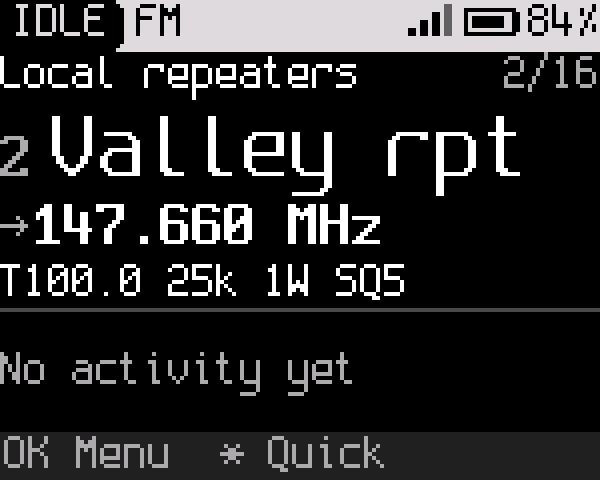
Home, FM channel
Home, FM channel
Home, DMR channel
Home, DMR channel
Home, DMR, last heard
VFO
VFO
VFO, typing a frequency
VFO, digital (DMR)
VFO, digital (DMR)
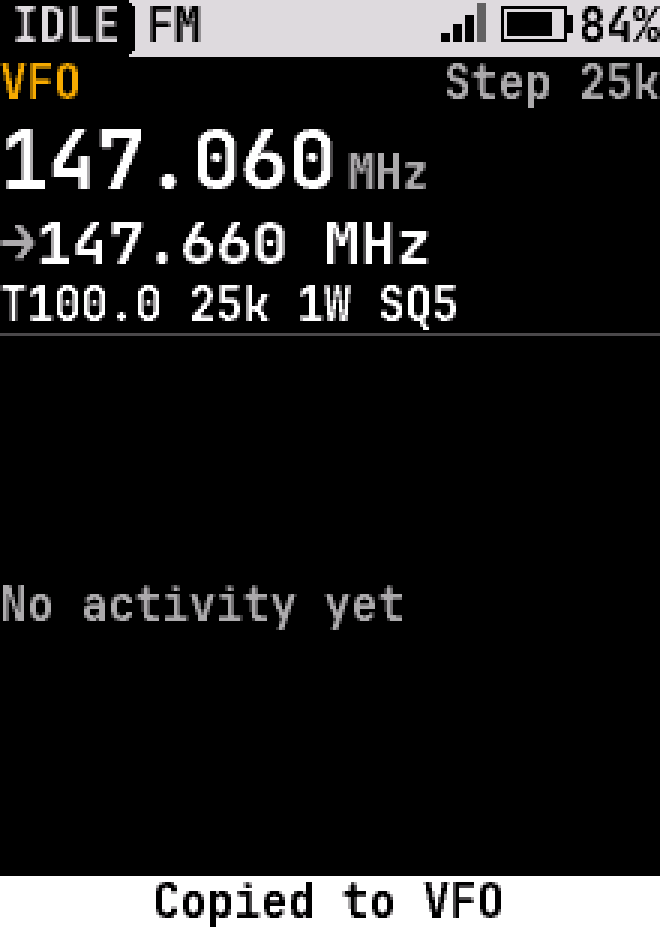
Copy to VFO
Copy to VFO
Home, large text
Home, large text
Home on FM, Monitor held: squelch open, RX
Home, keys locked
Home, keys locked
Home, temporary talk target
Home, reply to caller
Quick settings, FM
Quick settings, FM
Squelch
Squelch
Quick settings, DMR
Quick settings, DMR
Color code
Color code
Quick settings, FM VFO
Quick settings: typing a TX frequency
VFO, FM, transmitting on a split
Quick settings, DMR VFO
VFO, DMR, with a split TX frequency
VFO, DMR, transmitting on a split
VFO color code
VFO color code
Dual watch: A and B, PTT on A
Dual watch: a call coming in on B
Dual watch: the last calls, with their channel
Dual watch: busy on A during the wait after a call on B
Dual watch: talking on B
Dual watch: a long channel name moves the PTT pill to row 3
Dual watch: transmitting on A
Dual watch: the VFO as B
Dual watch: typing a frequency into the VFO
Dual watch: B in another zone
Dual watch: an FM channel as B
Dual watch, large text
Dual watch, typing a frequency, large text
Dual watch on two receivers: a call on each
Dual watch: talking on B while a call arrives on A
Dual watch on two receivers, large text
Dual watch: talk back on B after its call
Volume bar: the knob turned
Volume bar over Quick settings

Calls

Transmitting
Transmitting
Sending an APRS beacon
Transmitting a private call
Sending touch tones (DTMF) on FM
Receiving a group call
Receiving a private call
Incoming call
Incoming call
Caller actions
Caller actions
Talk target
Talk target
Talk target, DMR VFO
Recent calls
Recent calls
Emergency
Emergency
Call alert received
Call alert received
Radio check
Radio check
Volume bar during a call

Messages

Messages
Messages
Messages, empty
Messages, empty
Reading a message
Reading a message
A long message: Full message
A long message, all of it
Write a message
Write a message
New message
New message
A zone offered by another radio
Wireless zone and channel sharing, radio to radio
The channels of an offered zone
One channel shared by another radio
Tools with a shared zone waiting
An offered channel
An offered channel

Channels and contacts

Zones, with the VFO
Zones, with the VFO
Zones: creating a new zone
Every channel by number
A channel's settings, ready to edit
Channel editor: picking the power with the knob
Channel editor: changed rows marked until saved
Channel editor: typing an RX frequency
Channel editor: typing a tone
Channel editor: the zones a channel is in
Text entry: a channel name on the keypad
Channel editor: picking the TX contact
Leaving the channel editor with unsaved changes
Saving over another firmware's codeplug: start a new one or keep it
New channel from current settings
Sharing a channel from its settings
Channels in a zone
Channels in a zone
A channel's actions in a zone
Adding a channel to a zone
Zone options
Zone options
Deleting a zone asks first
Sharing a zone or channel with another radio
Sharing to an ID that isn't a contact
Sending a zone, and the frequency it goes on
A shared zone imported
Find a channel
Find a channel
Find by name
Find by name
Find by number
Find by number
Find: tune the VFO to a typed frequency
Find: create a contact from a typed number
A new contact
A new contact
Saving a new contact
Contacts
Contacts
Find a contact
Find a contact
Contact actions
Contact actions
Scan
Scan
Dual watch: pick B
Dual watch: pick B
Dual watch: B from another zone or the VFO
Dual watch actions
Dual watch actions

Tools

Connected to the radio programming utility
Menu
Menu
Tools
Tools
Hotspot mode
Hotspot mode
Hotspot details
Hotspot details
Repeater roaming
Repeater roaming
Position (APRS)
Position (APRS)
Heard station details
Heard station no longer in the list
Heard station with its status text
Satellite tracking
Satellite tracking
Upcoming satellite passes
Calculating satellite passes
Editing a satellite TLE
Diagnostics
Diagnostics

Settings

Settings
Settings
Sound settings
Sound settings
Sound settings: tones
Display settings
Display settings
Advanced settings
Advanced settings
Changing a setting
Changing a setting
Volume
Volume
Your DMR ID, set on the radio and saved in the codeplug
Typing a new DMR ID
Typing a new DMR ID
Volume muted
Volume muted
Factory reset
Factory reset
Freq trim in Advanced settings
Frequency trim
Frequency trim
Typing a frequency trim
Crash log
Crash log
Send crash report?
Send crash report?
Crash report: send to
About
About
Settings: signaling tones
Signaling tone steps
Signaling tone step
Signaling tone step

Radioddity DB25-D PRO

149 screens · 1.77" color, 160 × 128 · About the Radioddity DB25-D PRO

Home and quick settings
Boot screen
Boot screen
Home, FM channel
Home, FM channel
Home, GPS off: a hollow dish by the signal bars
Home, GPS on, searching: a solid dish
Home, GPS with a fix: the dish with waves
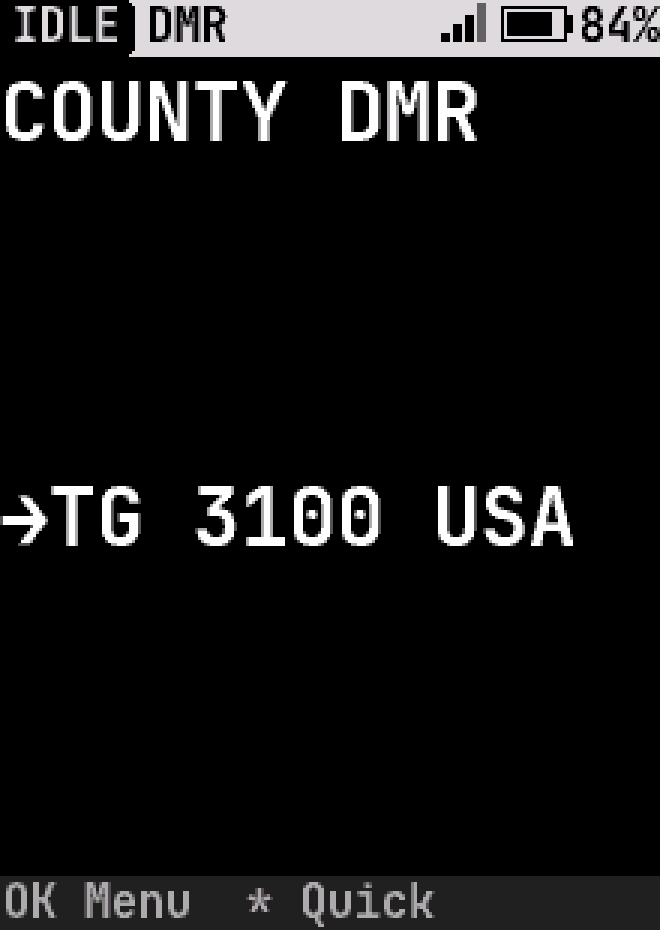
Home, DMR channel
Home, DMR channel
Home, DMR channel, high-contrast theme
Home, DMR channel, light theme
Home, DMR channel, light blue highlight
Home, DMR channel, night (red) theme
Home, DMR channel, red highlight
Home, DMR channel, yellow highlight
Home, DMR, last heard
VFO
VFO
VFO, typing a frequency
VFO, digital (DMR)
VFO, digital (DMR)
Copy to VFO
Copy to VFO
Home, large text
Home, large text
Home on FM, Monitor held: squelch open, RX
Home, status bar not filled
Home, status bar not filled, high-contrast theme
Home, status bar not filled, light theme
Home, status bar not filled, night (red) theme
Home, keys locked
Home, keys locked
Home, temporary talk target
Home, reply to caller
Quick settings, FM
Quick settings, FM
Squelch
Squelch
Quick settings, DMR
Quick settings, DMR
Color code
Color code
Quick settings, FM VFO
Quick settings: typing a TX frequency
VFO, FM, transmitting on a split
Quick settings, DMR VFO
VFO, DMR, with a split TX frequency
VFO, DMR, transmitting on a split
VFO color code
VFO color code
Dual watch: A and B, PTT on A
Dual watch: a call coming in on B
Dual watch: a call coming in on B, high-contrast theme
Dual watch: a call coming in on B, light theme
Dual watch: a call coming in on B, night (red) theme
Dual watch: the last calls, with their channel
Dual watch: busy on A during the wait after a call on B
Dual watch: talking on B
Dual watch: a long channel name moves the PTT pill to row 3
Dual watch: transmitting on A
Dual watch: the VFO as B
Dual watch: typing a frequency into the VFO
Dual watch: B in another zone
Dual watch: an FM channel as B
Dual watch, large text
Dual watch, typing a frequency, large text
Dual watch on two receivers: a call on each
Dual watch on two receivers: a call on each, high-contrast theme
Dual watch on two receivers: a call on each, light theme
Dual watch on two receivers: a call on each, night (red) theme
Dual watch: talking on B while a call arrives on A
Dual watch on two receivers, large text
Dual watch: talk back on B after its call
Volume bar: the knob turned
Volume bar over Quick settings

Calls

Transmitting
Transmitting
Transmitting, high-contrast theme
Transmitting, light theme
Transmitting, night (red) theme
Sending an APRS beacon
Transmitting a private call
Sending touch tones (DTMF) on FM
Receiving a group call
Receiving a group call, high-contrast theme
Receiving a group call, light theme
Receiving a group call, night (red) theme
Receiving a private call
Incoming call
Incoming call
Caller actions
Caller actions
Talk target
Talk target
Talk target, DMR VFO
Recent calls
Recent calls
Emergency
Emergency
Call alert received
Call alert received
Radio check
Radio check
Volume bar during a call

Messages

Messages
Messages
Messages, empty
Messages, empty
Reading a message
Reading a message
A long message: Full message
A long message, all of it
Write a message
Write a message
New message
New message
A zone offered by another radio
Wireless zone and channel sharing, radio to radio
The channels of an offered zone
One channel shared by another radio
Tools with a shared zone waiting
An offered channel
An offered channel

Channels and contacts

Zones, with the VFO
Zones, with the VFO
Zones: creating a new zone
Every channel by number
Every channel by number, high-contrast theme
Every channel by number, light theme
Every channel by number, light blue highlight
Every channel by number, night (red) theme
Every channel by number, red highlight
Every channel by number, yellow highlight
A channel's settings, ready to edit
Channel editor: picking the power with the knob
Channel editor: changed rows marked until saved
Channel editor: typing an RX frequency
Channel editor: typing a tone
Channel editor: the zones a channel is in
Text entry: a channel name on the keypad
Channel editor: picking the TX contact
Leaving the channel editor with unsaved changes
Saving over another firmware's codeplug: start a new one or keep it
New channel from current settings
Sharing a channel from its settings
Channels in a zone
Channels in a zone
A channel's actions in a zone
Adding a channel to a zone
Zone options
Zone options
Deleting a zone asks first
Sharing a zone or channel with another radio
Sharing to an ID that isn't a contact
Sending a zone, and the frequency it goes on
A shared zone imported
Find a channel
Find a channel
Find by name
Find by name
Find by number
Find by number
Find: tune the VFO to a typed frequency
Find: create a contact from a typed number
A new contact
A new contact
Saving a new contact
Contacts
Contacts
Find a contact
Find a contact
Contact actions
Contact actions
Scan
Scan
Dual watch: pick B
Dual watch: pick B
Dual watch: B from another zone or the VFO
Dual watch actions
Dual watch actions

Tools

Connected to the radio programming utility
Menu
Menu
Tools
Tools
Hotspot mode
Hotspot mode
Hotspot details
Hotspot details
Repeater roaming
Repeater roaming
Position (APRS)
Position (APRS)
Satellite tracking
Satellite tracking
Upcoming satellite passes
Calculating satellite passes
Editing a satellite TLE
GPS sky plot
GPS sky plot
GPS signal bars
GPS signal bars
Grid locator
Grid locator
Diagnostics
Diagnostics

Settings

Settings
Settings
Sound settings
Sound settings
Sound settings: tones
Display settings
Display settings
Display settings, high-contrast theme
Display settings, light theme
Display settings, night (red) theme
Advanced settings
Advanced settings
Changing a setting
Changing a setting
Volume
Volume
Your DMR ID, set on the radio and saved in the codeplug
Typing a new DMR ID
Typing a new DMR ID
Volume muted
Volume muted
Factory reset
Factory reset
Freq trim in Advanced settings
Frequency trim
Frequency trim
Typing a frequency trim
Crash log
Crash log
Send crash report?
Send crash report?
Crash report: send to
About
About
Settings: signaling tones
Signaling tone steps
Signaling tone step
Signaling tone step

TYT MD-380

150 screens · color, 160 × 128 · About the TYT MD-380

Home and quick settings
Boot screen
Boot screen
Home, FM channel
Home, FM channel
Home, GPS off: a hollow dish by the signal bars
Home, GPS on, searching: a solid dish
Home, GPS with a fix: the dish with waves
Home, DMR channel
Home, DMR channel
Home, DMR channel, high-contrast theme
Home, DMR channel, light theme
Home, DMR channel, light blue highlight
Home, DMR channel, night (red) theme
Home, DMR channel, red highlight
Home, DMR channel, yellow highlight
Home, DMR, last heard
VFO
VFO
VFO, typing a frequency
VFO, digital (DMR)
VFO, digital (DMR)
Copy to VFO
Copy to VFO
Home, large text
Home, large text
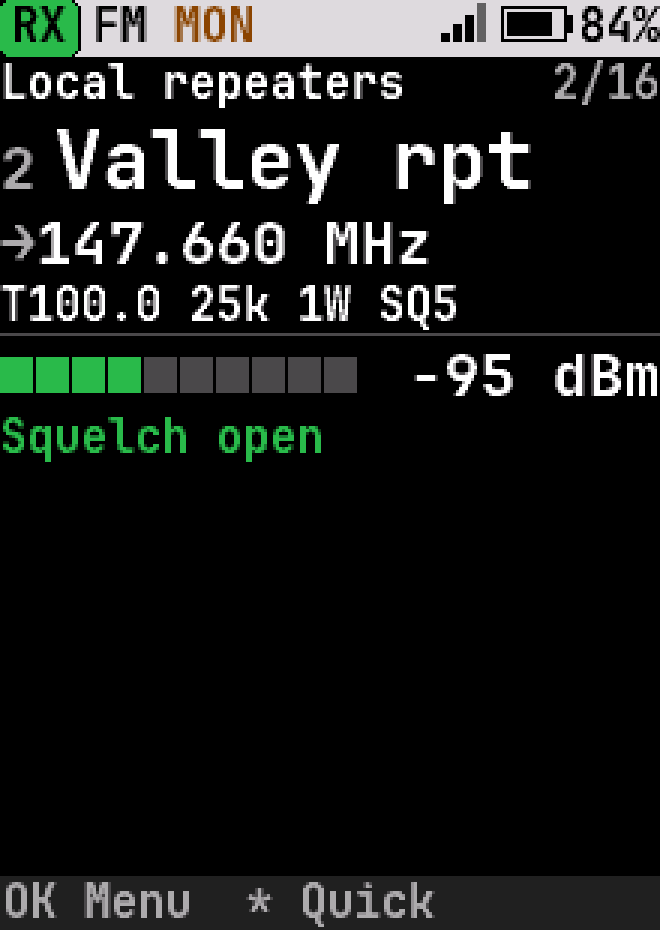
Home on FM, Monitor held: squelch open, RX
Home, status bar not filled
Home, status bar not filled, high-contrast theme
Home, status bar not filled, light theme
Home, status bar not filled, night (red) theme
Home, keys locked
Home, keys locked
Home with USB as a network adapter, waiting for the computer (IP)
Home with the computer connected over USB network (IP and the link arrows)
Home, temporary talk target
Home, reply to caller
Quick settings, FM
Quick settings, FM
Squelch
Squelch
Quick settings, DMR
Quick settings, DMR
Color code
Color code
Quick settings, FM VFO
Quick settings: typing a TX frequency
VFO, FM, transmitting on a split
Quick settings, DMR VFO
VFO, DMR, with a split TX frequency
VFO, DMR, transmitting on a split
VFO color code
VFO color code
Dual watch: A and B, PTT on A
Dual watch: a call coming in on B
Dual watch: a call coming in on B, high-contrast theme
Dual watch: a call coming in on B, light theme
Dual watch: a call coming in on B, night (red) theme
Dual watch: the last calls, with their channel
Dual watch: busy on A during the wait after a call on B
Dual watch: talking on B
Dual watch: a long channel name moves the PTT pill to row 3
Dual watch: transmitting on A
Dual watch: the VFO as B
Dual watch: typing a frequency into the VFO
Dual watch: B in another zone
Dual watch: an FM channel as B
Dual watch, large text
Dual watch, typing a frequency, large text
Dual watch on two receivers: a call on each
Dual watch on two receivers: a call on each, high-contrast theme
Dual watch on two receivers: a call on each, light theme
Dual watch on two receivers: a call on each, night (red) theme
Dual watch: talking on B while a call arrives on A
Dual watch on two receivers, large text
Dual watch: talk back on B after its call
Volume bar: the knob turned
Volume bar over Quick settings

Calls

Transmitting
Transmitting
Transmitting, high-contrast theme
Transmitting, light theme
Transmitting, night (red) theme
Sending an APRS beacon
Transmitting a private call
Receiving a group call
Receiving a group call, high-contrast theme
Receiving a group call, light theme
Receiving a group call, night (red) theme
Receiving a private call
Incoming call
Incoming call
Caller actions
Caller actions
Talk target
Talk target
Talk target, DMR VFO
Recent calls
Recent calls
Emergency
Emergency
Call alert received
Call alert received
Radio check
Radio check
Volume bar during a call

Messages

Messages
Messages
Messages, empty
Messages, empty
Reading a message
Reading a message
A long message: Full message
A long message, all of it
Write a message
Write a message
New message
New message
A zone offered by another radio
Wireless zone and channel sharing, radio to radio
The channels of an offered zone
One channel shared by another radio
Tools with a shared zone waiting
An offered channel
An offered channel

Channels and contacts

Zones, with the VFO
Zones, with the VFO
Zones: creating a new zone
Every channel by number
Every channel by number, high-contrast theme
Every channel by number, light theme
Every channel by number, light blue highlight
Every channel by number, night (red) theme
Every channel by number, red highlight
Every channel by number, yellow highlight
A channel's settings, ready to edit
Channel editor: picking the power with the knob
Channel editor: changed rows marked until saved
Channel editor: typing an RX frequency
Channel editor: typing a tone
Channel editor: the zones a channel is in
Text entry: a channel name on the keypad
Channel editor: picking the TX contact
Leaving the channel editor with unsaved changes
Saving over another firmware's codeplug: start a new one or keep it
New channel from current settings
Sharing a channel from its settings
Channels in a zone
Channels in a zone
A channel's actions in a zone
Adding a channel to a zone
Zone options
Zone options
Deleting a zone asks first
Sharing a zone or channel with another radio
Sharing to an ID that isn't a contact
Sending a zone, and the frequency it goes on
A shared zone imported
Find a channel
Find a channel
Find by name
Find by name
Find by number
Find by number
Find: tune the VFO to a typed frequency
Find: create a contact from a typed number
A new contact
A new contact
Saving a new contact
Contacts
Contacts
Find a contact
Find a contact
Contact actions
Contact actions
Scan
Scan
Dual watch: pick B
Dual watch: pick B
Dual watch: B from another zone or the VFO
Dual watch actions
Dual watch actions

Tools

Connected to the radio programming utility
Menu
Menu
Tools
Tools
Hotspot mode
Hotspot mode
Hotspot details
Hotspot details
Repeater roaming
Repeater roaming
Position (APRS)
Position (APRS)
Satellite tracking
Satellite tracking
Upcoming satellite passes
Calculating satellite passes
Editing a satellite TLE
GPS sky plot
GPS sky plot
GPS signal bars
GPS signal bars
Grid locator
Grid locator
Diagnostics
Diagnostics

Settings

Settings
Settings
Sound settings
Sound settings
Sound settings: tones
Display settings
Display settings
Display settings, high-contrast theme
Display settings, light theme
Display settings, night (red) theme
Advanced settings
Advanced settings
Changing a setting
Changing a setting
Volume
Volume
Your DMR ID, set on the radio and saved in the codeplug
Typing a new DMR ID
Typing a new DMR ID
Volume muted
Volume muted
Factory reset
Factory reset
Freq trim in Advanced settings
Frequency trim
Frequency trim
Typing a frequency trim
Crash log
Crash log
Send crash report?
Send crash report?
Crash report: send to
About
About
Settings: signaling tones
Signaling tone steps
Signaling tone step
Signaling tone step

TYT MD-UV380

159 screens · 1.77" color, 160 × 128 · About the TYT MD-UV380

Home and quick settings
Boot screen
Boot screen
Home, FM channel
Home, FM channel
Home, GPS off: a hollow dish by the signal bars
Home, GPS on, searching: a solid dish
Home, GPS with a fix: the dish with waves
Home, DMR channel
Home, DMR channel
Home, DMR channel, high-contrast theme
Home, DMR channel, light theme
Home, DMR channel, light blue highlight
Home, DMR channel, night (red) theme
Home, DMR channel, red highlight
Home, DMR channel, yellow highlight
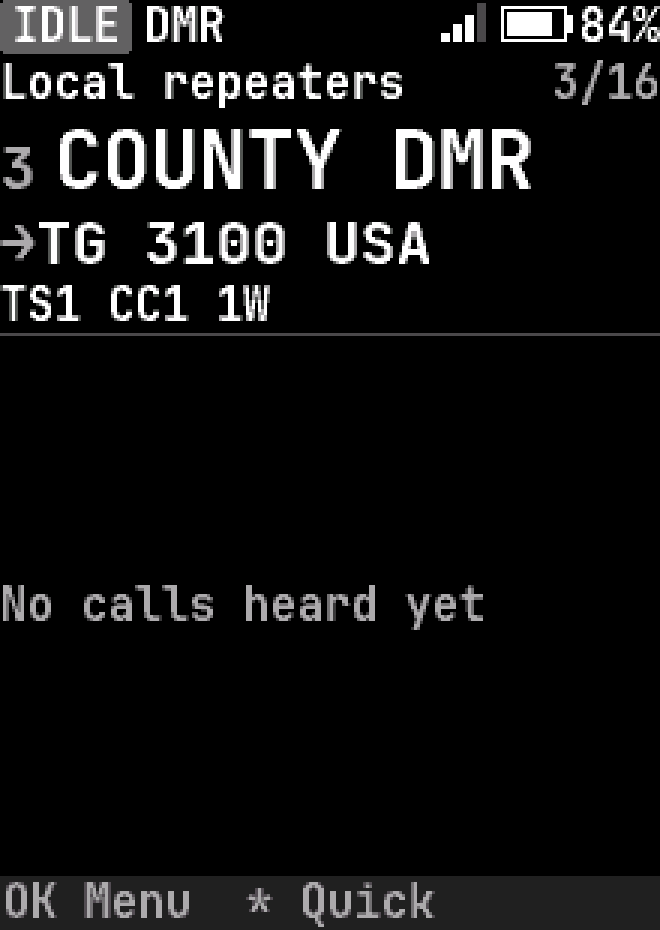
Home, DMR, last heard
Home, Fusion channel
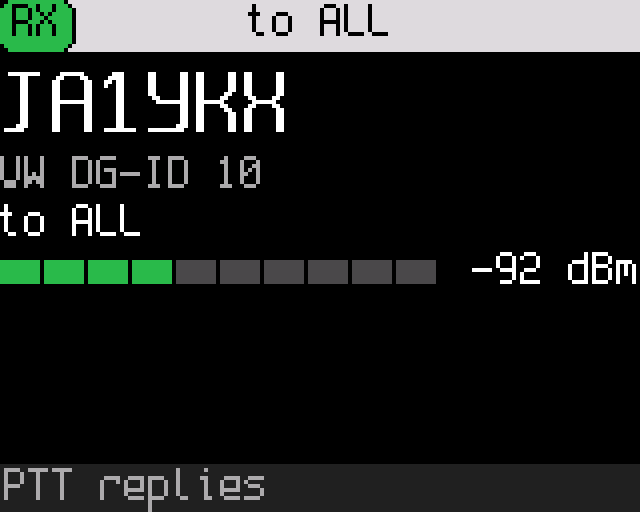
Home, Fusion, receiving DN
Home, Fusion, VW heard
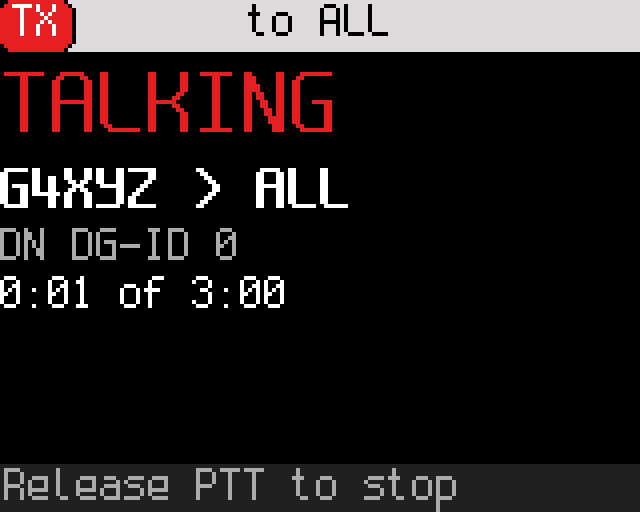
Home, Fusion, transmitting
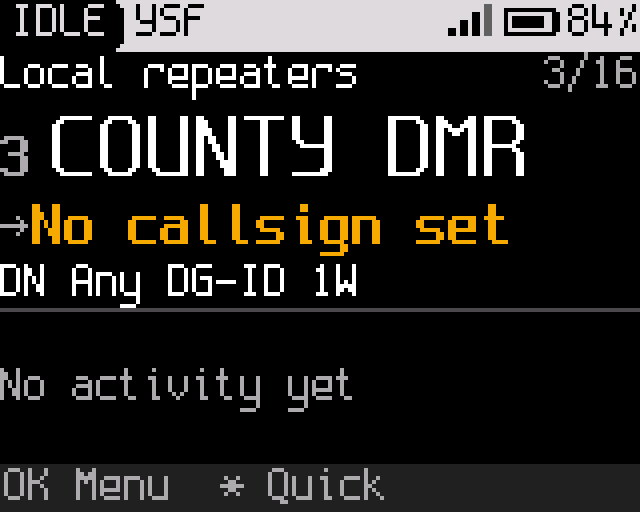
Home, Fusion, no callsign
VFO
VFO
VFO, typing a frequency
VFO, digital (DMR)
VFO, digital (DMR)
Copy to VFO
Copy to VFO
Home, large text
Home, large text
Home on FM, Monitor held: squelch open, RX
Home, status bar not filled
Home, status bar not filled, high-contrast theme
Home, status bar not filled, light theme
Home, status bar not filled, night (red) theme
Home, keys locked
Home, keys locked
Home with USB as a network adapter, waiting for the computer (IP)
Home with the computer connected over USB network (IP and the link arrows)
Home, temporary talk target
Home, reply to caller
Quick settings, FM
Quick settings, FM
Squelch
Squelch
Quick settings, DMR
Quick settings, DMR
Color code
Color code
Quick settings, FM VFO
Quick settings: typing a TX frequency
VFO, FM, transmitting on a split
Quick settings, DMR VFO
VFO, DMR, with a split TX frequency
VFO, DMR, transmitting on a split
VFO color code
VFO color code
Dual watch: A and B, PTT on A
Dual watch: a call coming in on B
Dual watch: a call coming in on B, high-contrast theme
Dual watch: a call coming in on B, light theme
Dual watch: a call coming in on B, night (red) theme
Dual watch: the last calls, with their channel
Dual watch: busy on A during the wait after a call on B
Dual watch: talking on B
Dual watch: a long channel name moves the PTT pill to row 3
Dual watch: transmitting on A
Dual watch: the VFO as B
Dual watch: typing a frequency into the VFO
Dual watch: B in another zone
Dual watch: an FM channel as B
Dual watch, large text
Dual watch, typing a frequency, large text
Dual watch on two receivers: a call on each
Dual watch on two receivers: a call on each, high-contrast theme
Dual watch on two receivers: a call on each, light theme
Dual watch on two receivers: a call on each, night (red) theme
Dual watch: talking on B while a call arrives on A
Dual watch on two receivers, large text
Dual watch: talk back on B after its call
Volume bar: the knob turned
Volume bar over Quick settings

Calls

Transmitting
Transmitting
Transmitting, high-contrast theme
Transmitting, light theme
Transmitting, night (red) theme
Sending an APRS beacon
Transmitting a private call
Sending touch tones (DTMF) on FM
Receiving a group call
Receiving a group call, high-contrast theme
Receiving a group call, light theme
Receiving a group call, night (red) theme
Receiving a private call
Incoming call
Incoming call
Caller actions
Caller actions
Talk target
Talk target
Talk target, DMR VFO
Recent calls
Recent calls
Emergency
Emergency
Call alert received
Call alert received
Radio check
Radio check
Volume bar during a call

Messages

Messages
Messages
Messages, empty
Messages, empty
Reading a message
Reading a message
A long message: Full message
A long message, all of it
Write a message
Write a message
New message
New message
A zone offered by another radio
Wireless zone and channel sharing, radio to radio
The channels of an offered zone
One channel shared by another radio
Tools with a shared zone waiting
An offered channel
An offered channel

Channels and contacts

Zones, with the VFO
Zones, with the VFO
Zones: creating a new zone
Every channel by number
Every channel by number, high-contrast theme
Every channel by number, light theme
Every channel by number, light blue highlight
Every channel by number, night (red) theme
Every channel by number, red highlight
Every channel by number, yellow highlight
A channel's settings, ready to edit
Channel editor: picking the power with the knob
Channel editor: changed rows marked until saved
Channel editor: typing an RX frequency
Channel editor: typing a tone
Channel editor: the zones a channel is in
Text entry: a channel name on the keypad
Channel editor: picking the TX contact
Leaving the channel editor with unsaved changes
Saving over another firmware's codeplug: start a new one or keep it
New channel from current settings
Sharing a channel from its settings
Channels in a zone
Channels in a zone
A channel's actions in a zone
Adding a channel to a zone
Zone options
Zone options
Deleting a zone asks first
Sharing a zone or channel with another radio
Sharing to an ID that isn't a contact
Sending a zone, and the frequency it goes on
A shared zone imported
Find a channel
Find a channel
Find by name
Find by name
Find by number
Find by number
Find: tune the VFO to a typed frequency
Find: create a contact from a typed number
A new contact
A new contact
Saving a new contact
Contacts
Contacts
Find a contact
Find a contact
Contact actions
Contact actions
Scan
Scan
Dual watch: pick B
Dual watch: pick B
Dual watch: B from another zone or the VFO
Dual watch actions
Dual watch actions

Tools

Connected to the radio programming utility
Menu
Menu
Tools
Tools
Hotspot mode
Hotspot mode
Hotspot details
Hotspot details
Repeater roaming
Repeater roaming
Position (APRS)
Position (APRS)
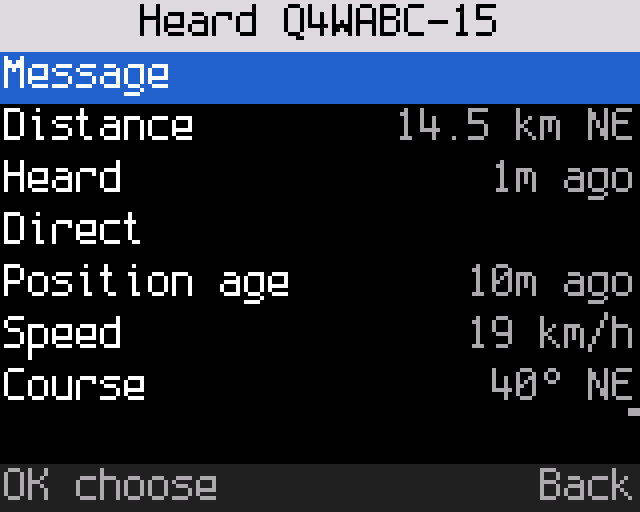
Heard station details
Heard station no longer in the list
Heard station with its status text
Satellite tracking
Satellite tracking
Upcoming satellite passes
Calculating satellite passes
Editing a satellite TLE
GPS sky plot
GPS sky plot
GPS signal bars
GPS signal bars
Grid locator
Grid locator
Diagnostics
Diagnostics

Settings

Settings
Settings
Sound settings
Sound settings
Sound settings: tones
Display settings
Display settings
Display settings, high-contrast theme
Display settings, light theme
Display settings, night (red) theme
Advanced settings
Advanced settings
Changing a setting
Changing a setting
Volume
Volume
Your DMR ID, set on the radio and saved in the codeplug
Typing a new DMR ID
Typing a new DMR ID
Volume muted
Volume muted
Factory reset
Factory reset
Freq trim in Advanced settings
Frequency trim
Frequency trim
Typing a frequency trim
Crash log
Crash log
Send crash report?
Send crash report?
Crash report: send to
About
About
Settings: signaling tones
Signaling tone steps
Signaling tone step
Signaling tone step

TYT MD-9600

153 screens · monochrome, 128 × 64 · About the TYT MD-9600

Home and quick settings
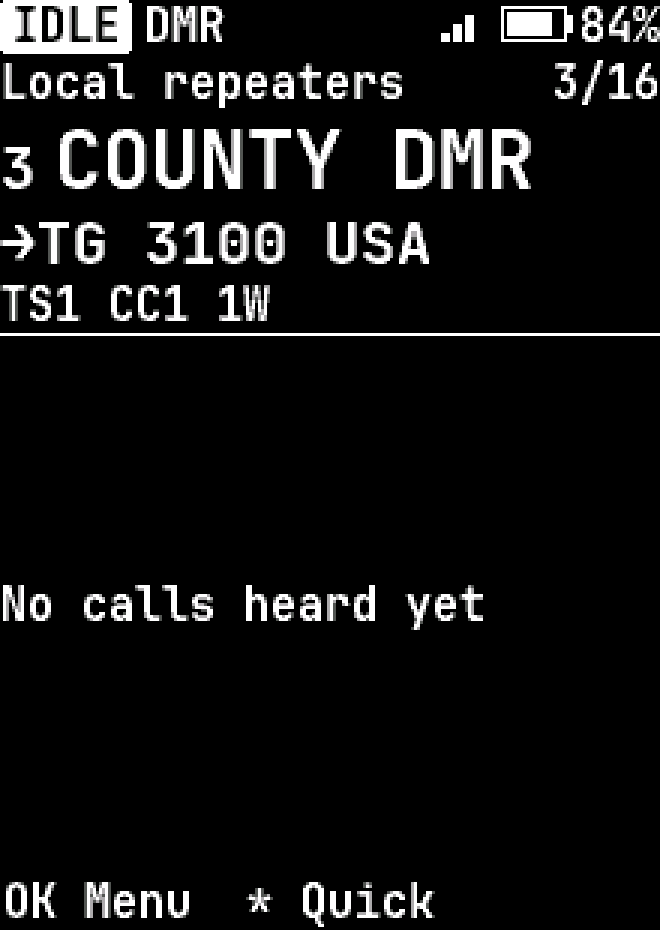
Boot screen
Boot screen
Home, FM channel
Home, FM channel
Home, GPS off: a hollow dish by the signal bars
Home, GPS on, searching: a solid dish
Home, GPS with a fix: the dish with waves
Home, DMR channel
Home, DMR channel
Home, DMR, last heard
VFO
VFO
VFO, typing a frequency
VFO, digital (DMR)
VFO, digital (DMR)
Copy to VFO
Copy to VFO
Home, large text
Home, large text
Home on FM, Monitor held: squelch open, RX
Home, keys locked
Home, keys locked
Home with USB as a network adapter, waiting for the computer (IP)
Home with the computer connected over USB network (IP and the link arrows)
Home, temporary talk target
Home, reply to caller
Quick settings, FM
Quick settings, FM
Squelch
Squelch
Quick settings, DMR
Quick settings, DMR
Color code
Color code
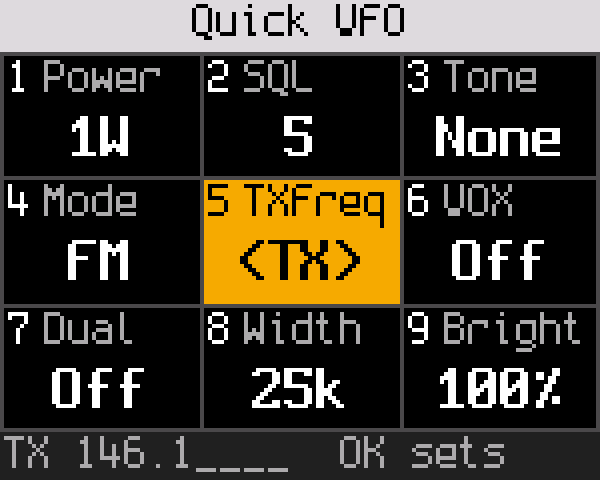
Quick settings, FM VFO
Quick settings: typing a TX frequency
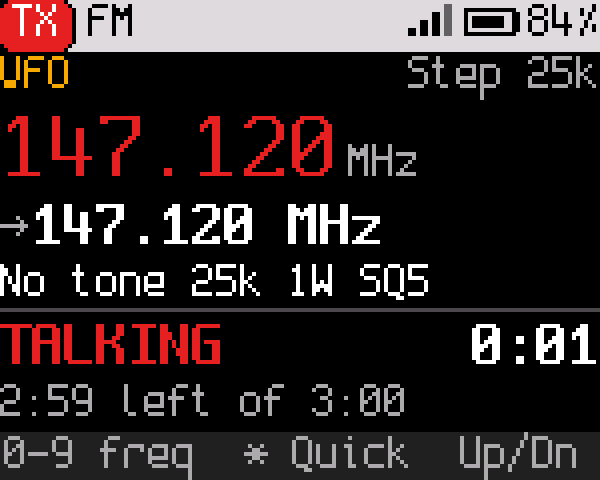
VFO, FM, transmitting on a split
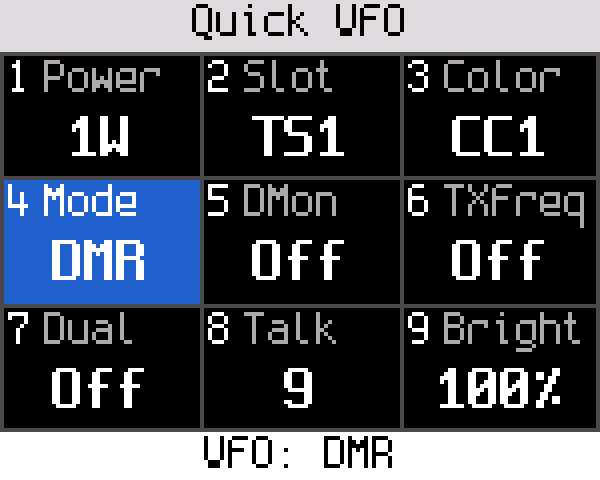
Quick settings, DMR VFO
VFO, DMR, with a split TX frequency
VFO, DMR, transmitting on a split
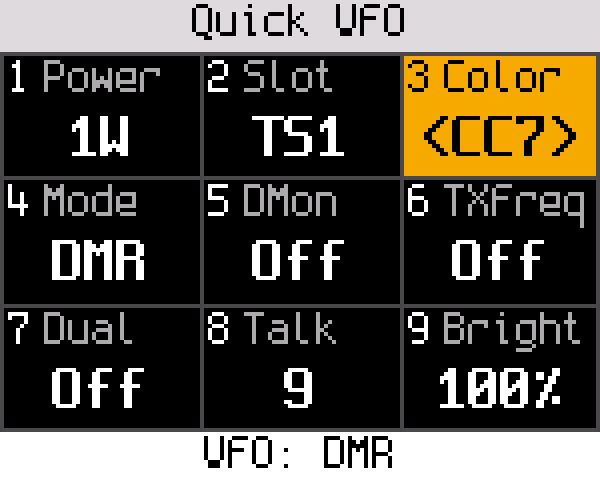
VFO color code
VFO color code
Dual watch: A and B, PTT on A
Dual watch: a call coming in on B
Dual watch: the last calls, with their channel
Dual watch: busy on A during the wait after a call on B
Dual watch: talking on B
Dual watch: a long channel name moves the PTT pill to row 3
Dual watch: transmitting on A
Dual watch: the VFO as B
Dual watch: typing a frequency into the VFO
Dual watch: B in another zone
Dual watch: an FM channel as B
Dual watch, large text
Dual watch, typing a frequency, large text
Dual watch on two receivers: a call on each
Dual watch: talking on B while a call arrives on A
Dual watch on two receivers, large text
Dual watch: talk back on B after its call
Volume bar: the knob turned
Volume bar over Quick settings
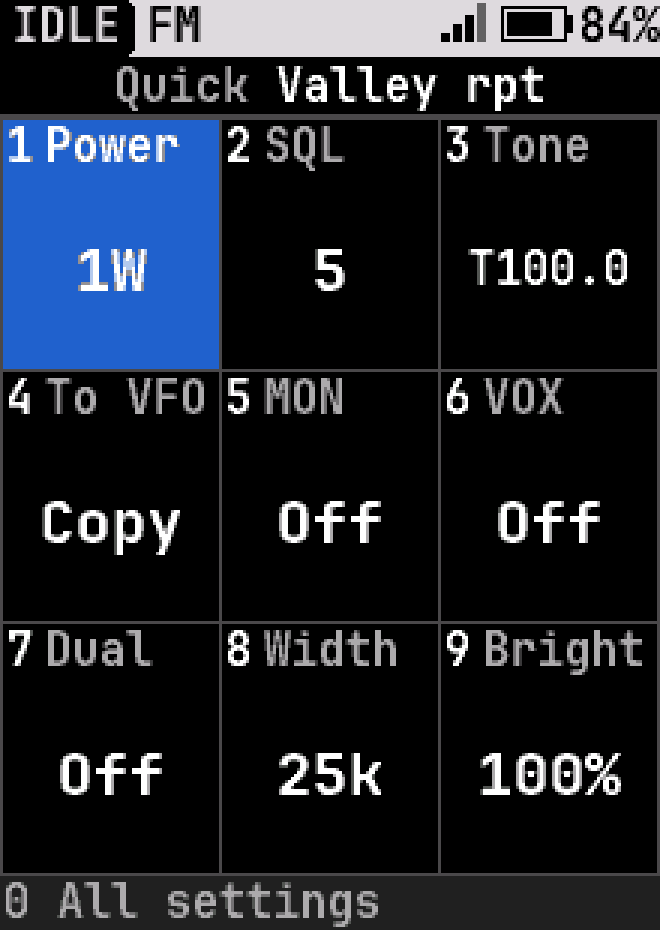
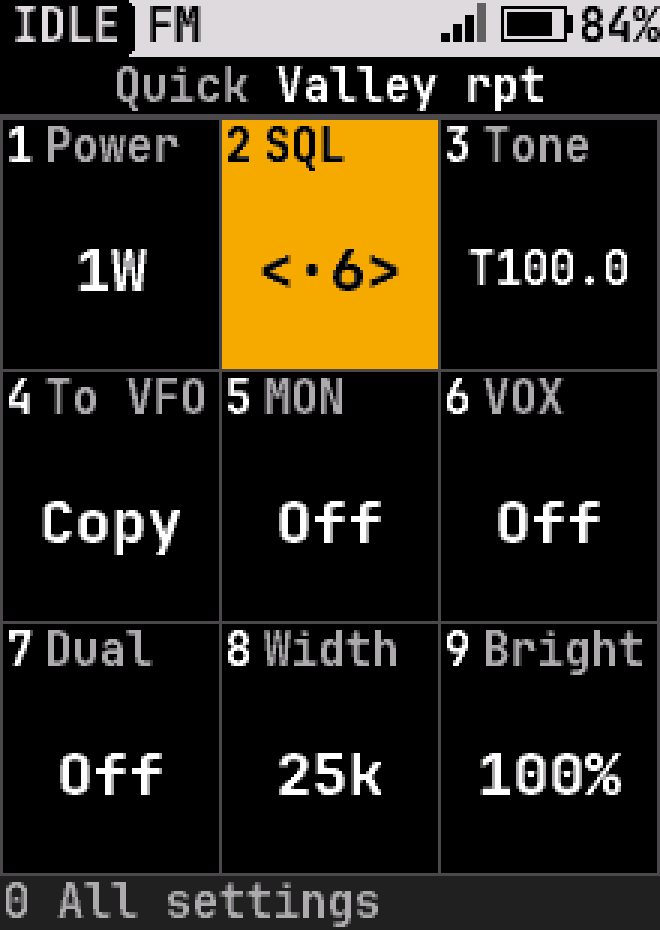
Calls

Transmitting
Transmitting
Sending an APRS beacon
Transmitting a private call
Sending touch tones (DTMF) on FM
Receiving a group call
Receiving a private call
Incoming call
Incoming call
Caller actions
Caller actions
Talk target
Talk target
Talk target, DMR VFO
Recent calls
Recent calls
Emergency
Emergency
Call alert received
Call alert received
Radio check
Radio check
Volume bar during a call

Messages

Messages
Messages
Messages, empty
Messages, empty
Reading a message
Reading a message
A long message: Full message
A long message, all of it
Write a message
Write a message
New message
New message
A zone offered by another radio
Wireless zone and channel sharing, radio to radio
The channels of an offered zone
One channel shared by another radio
Tools with a shared zone waiting
An offered channel
An offered channel

Channels and contacts

Zones, with the VFO
Zones, with the VFO
Zones: creating a new zone
Every channel by number
A channel's settings, ready to edit
Channel editor: picking the power with the knob
Channel editor: changed rows marked until saved
Channel editor: typing an RX frequency
Channel editor: typing a tone
Channel editor: the zones a channel is in
Text entry: a channel name on the keypad
Channel editor: picking the TX contact
Leaving the channel editor with unsaved changes
Saving over another firmware's codeplug: start a new one or keep it
New channel from current settings
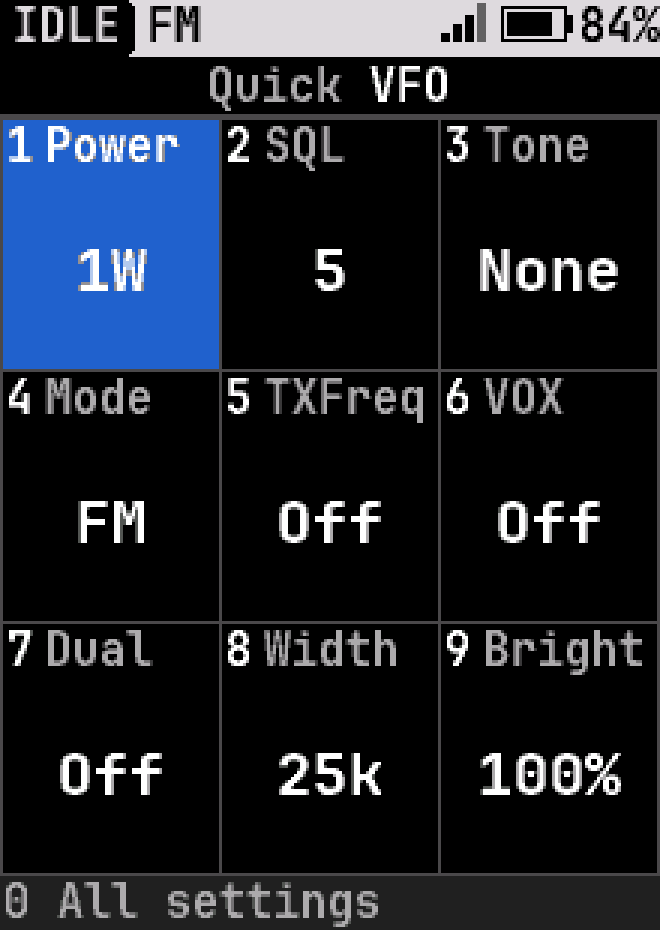
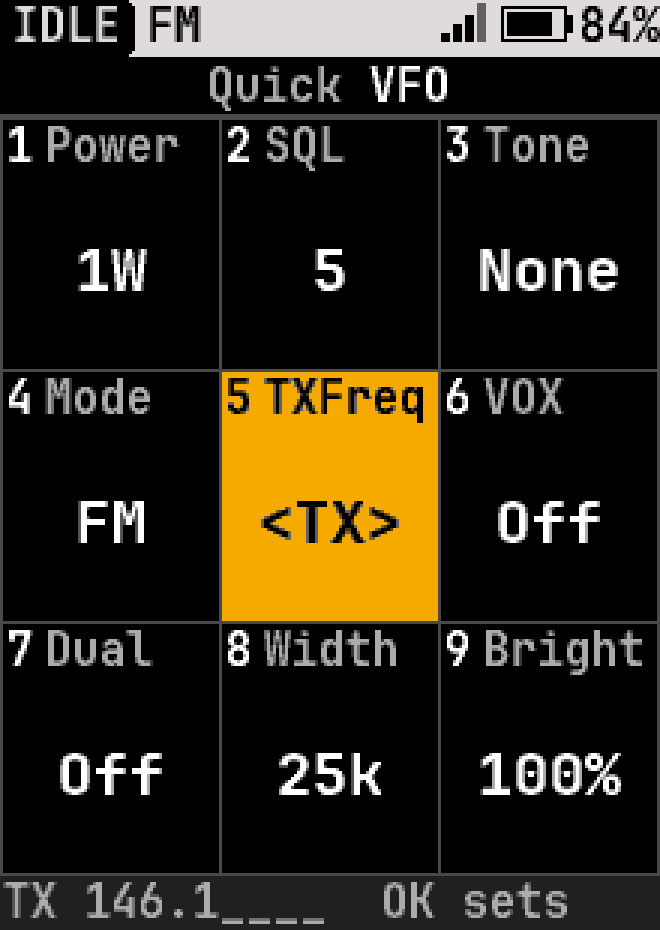
Sharing a channel from its settings
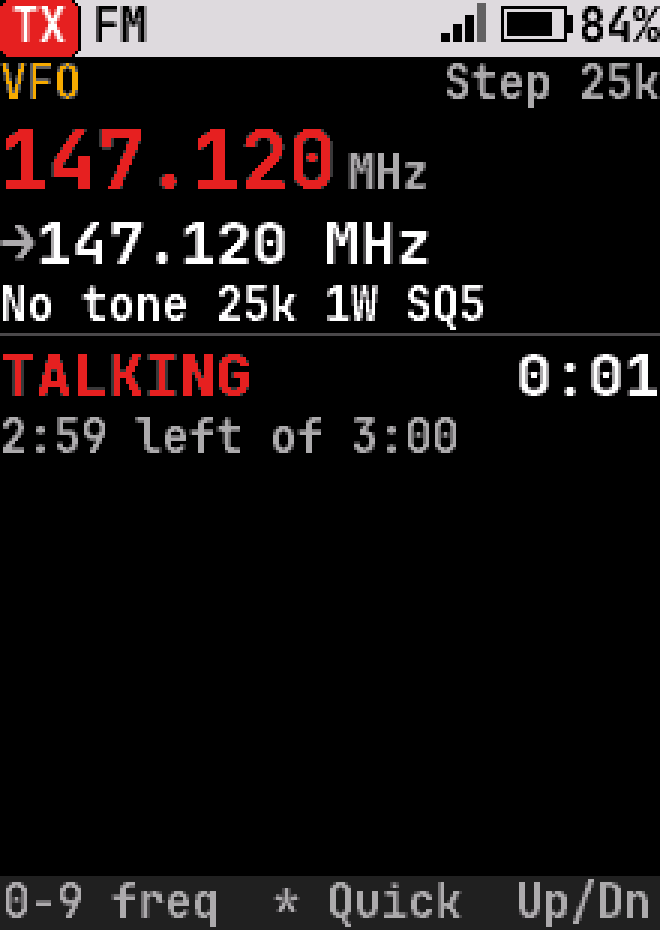
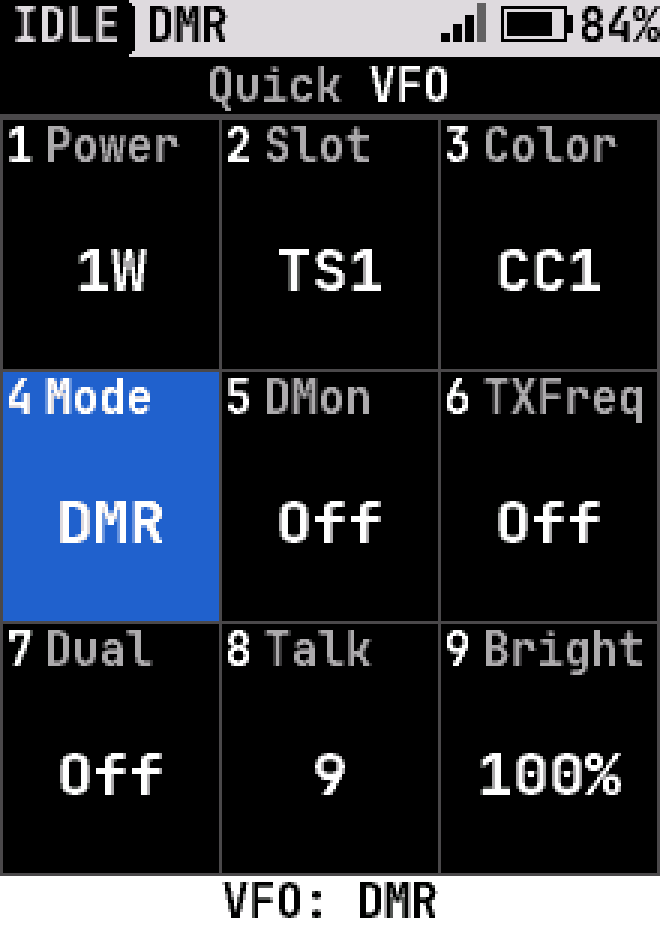
Channels in a zone
Channels in a zone
A channel's actions in a zone
Adding a channel to a zone
Zone options
Zone options
Deleting a zone asks first
Sharing a zone or channel with another radio
Sharing to an ID that isn't a contact
Sending a zone, and the frequency it goes on
A shared zone imported
Find a channel
Find a channel
Find by name
Find by name
Find by number
Find by number
Find: tune the VFO to a typed frequency
Find: create a contact from a typed number
A new contact
A new contact
Saving a new contact
Contacts
Contacts
Find a contact
Find a contact
Contact actions
Contact actions
Scan
Scan
Dual watch: pick B
Dual watch: pick B
Dual watch: B from another zone or the VFO
Dual watch actions
Dual watch actions

Tools

Connected to the radio programming utility
Menu
Menu
Tools
Tools
Hotspot mode
Hotspot mode
Hotspot details
Hotspot details
Repeater roaming
Repeater roaming
Position (APRS)
Position (APRS)
Heard station details
Heard station no longer in the list
Heard station with its status text
Satellite tracking
Satellite tracking
Upcoming satellite passes
Calculating satellite passes
Editing a satellite TLE
GPS sky plot
GPS sky plot
GPS signal bars
GPS signal bars
Grid locator
Grid locator
Diagnostics
Diagnostics

Settings
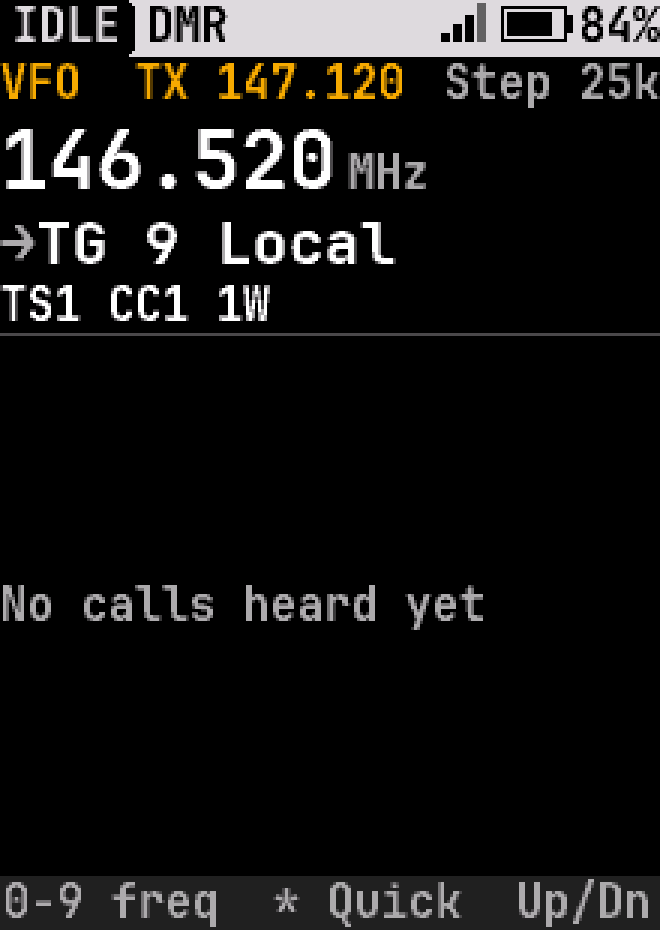
Settings
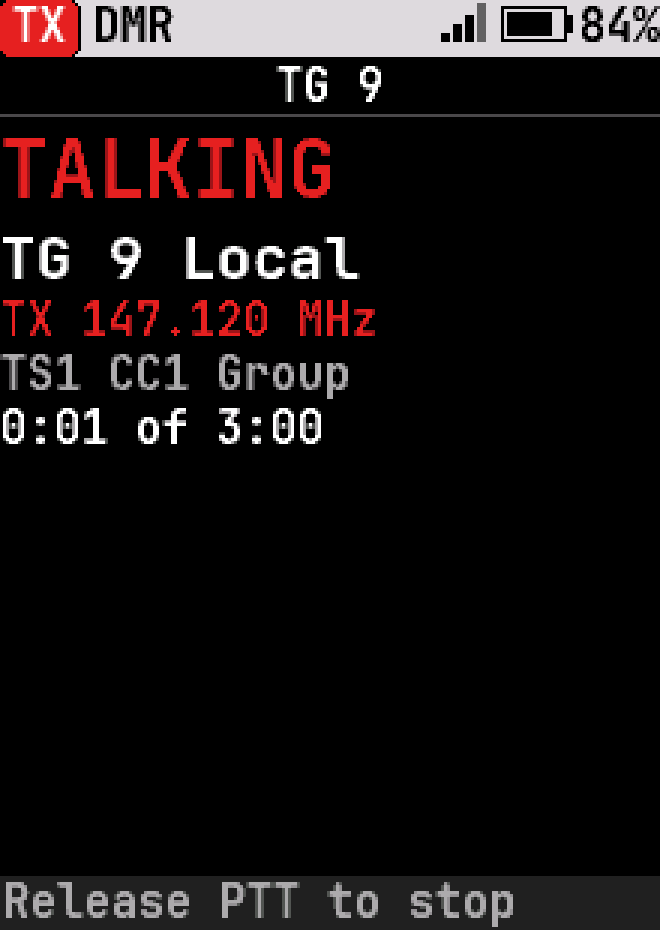
Settings
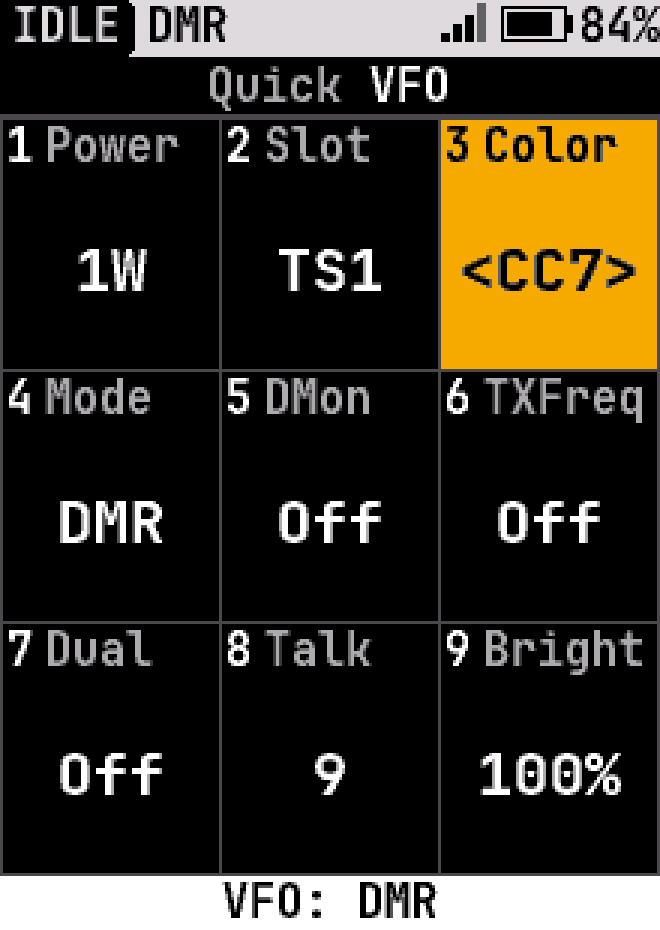
Sound settings
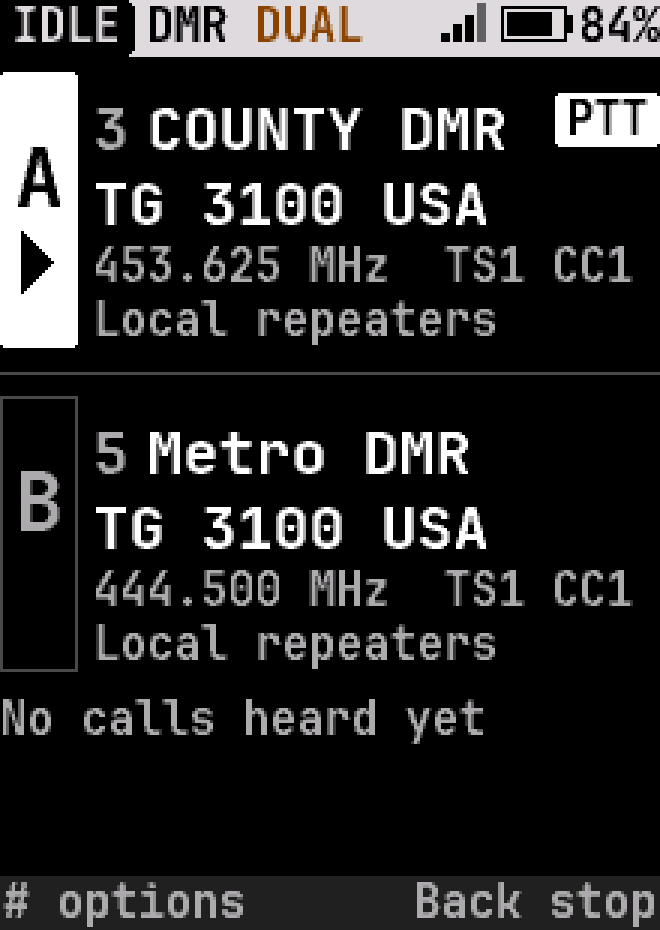
Sound settings
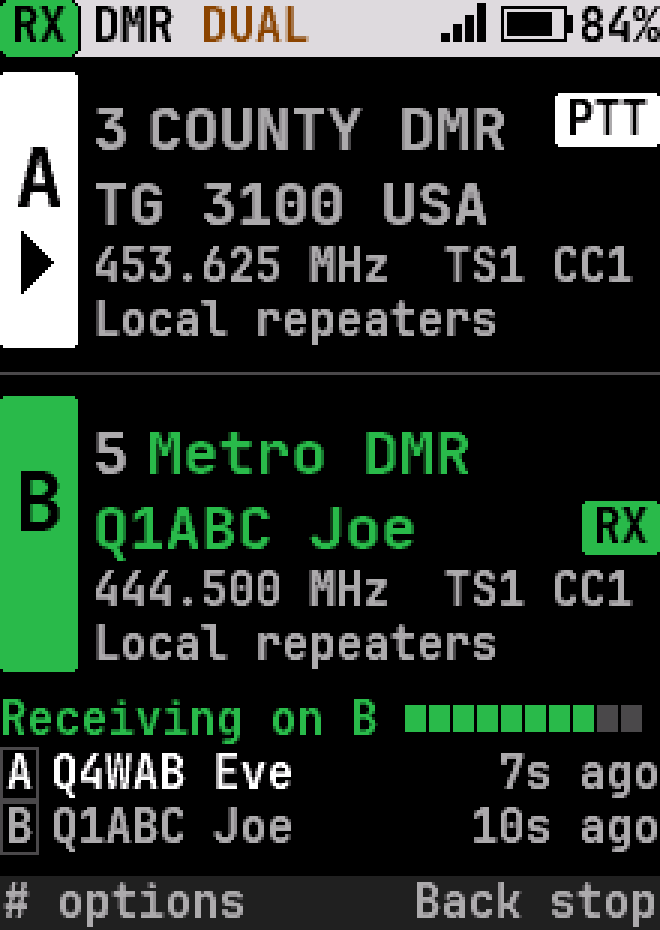
Sound settings: tones
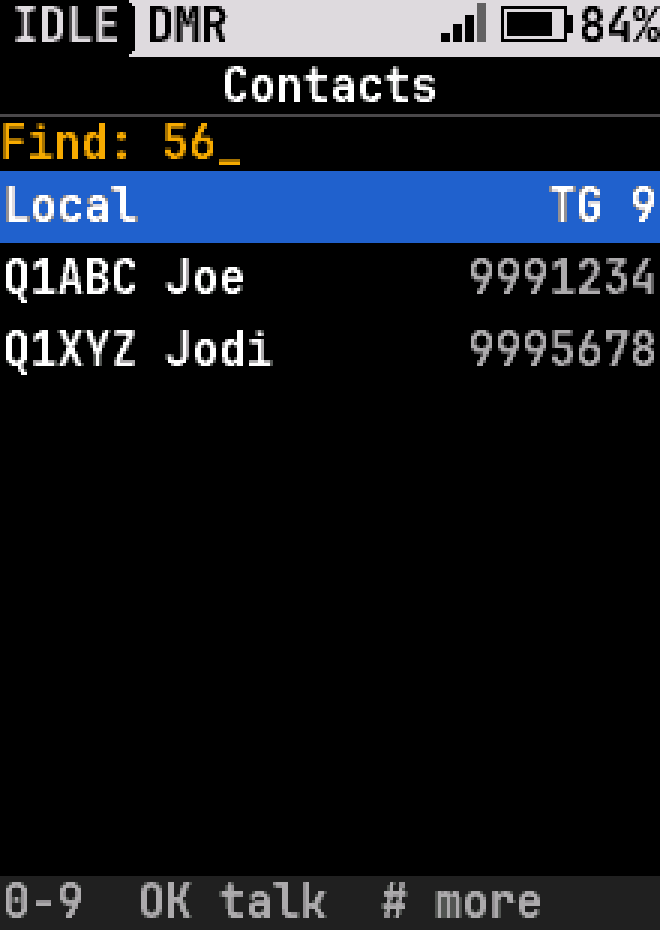
Display settings
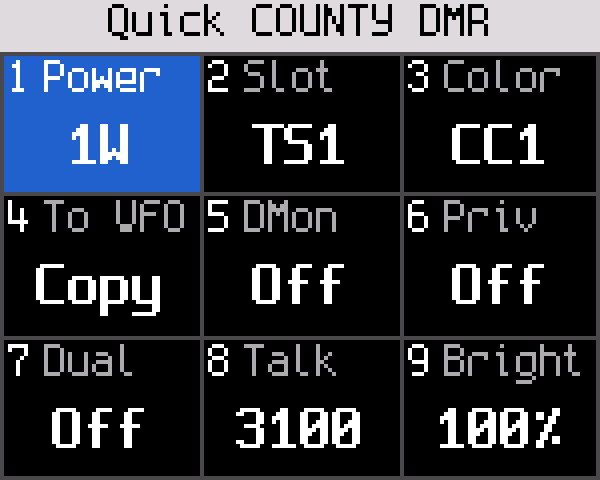
Display settings
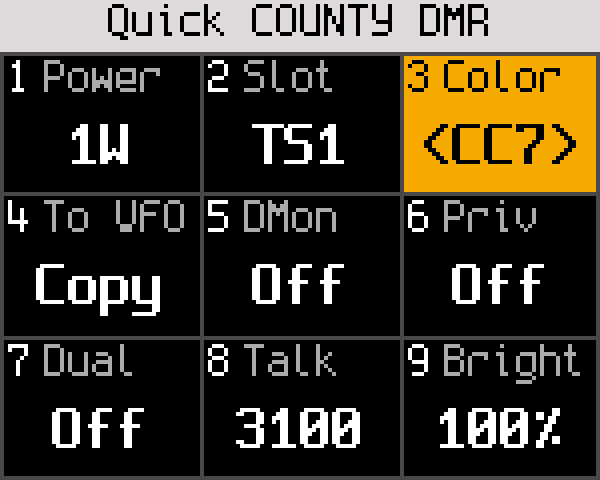
Advanced settings
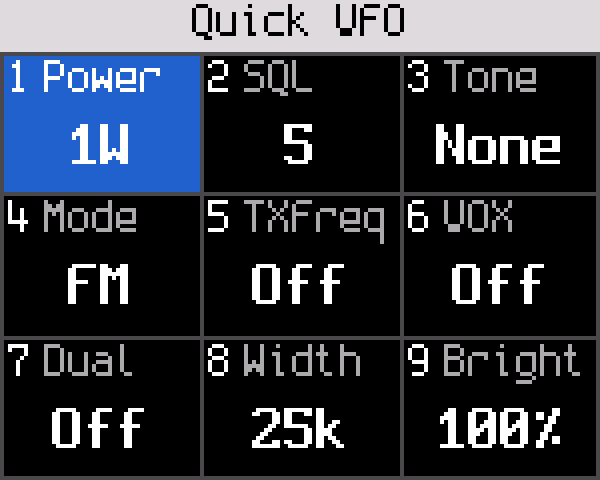
Advanced settings
Changing a setting
Changing a setting
Volume
Volume
Your DMR ID, set on the radio and saved in the codeplug
Typing a new DMR ID
Typing a new DMR ID
Volume muted
Volume muted
Factory reset
Factory reset
Freq trim in Advanced settings
Frequency trim
Frequency trim
Typing a frequency trim
Crash log
Crash log
Send crash report?
Send crash report?
Crash report: send to
About
About
Settings: signaling tones
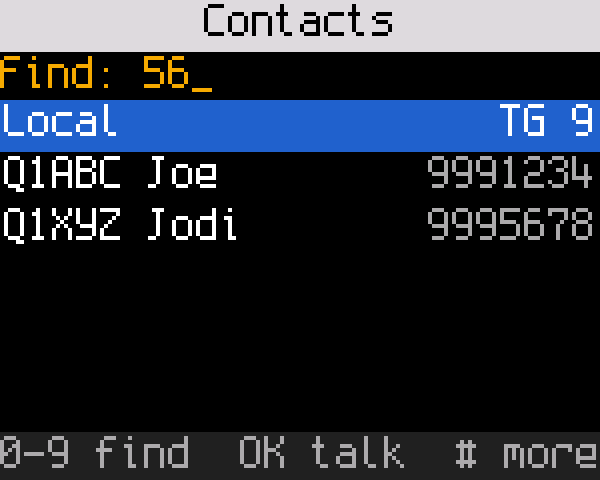
Signaling tone steps
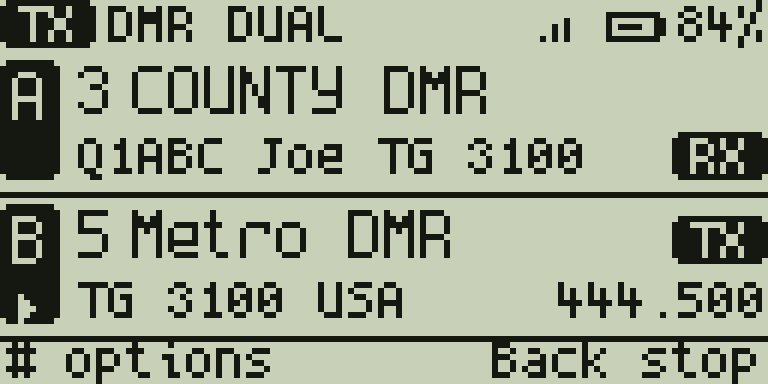
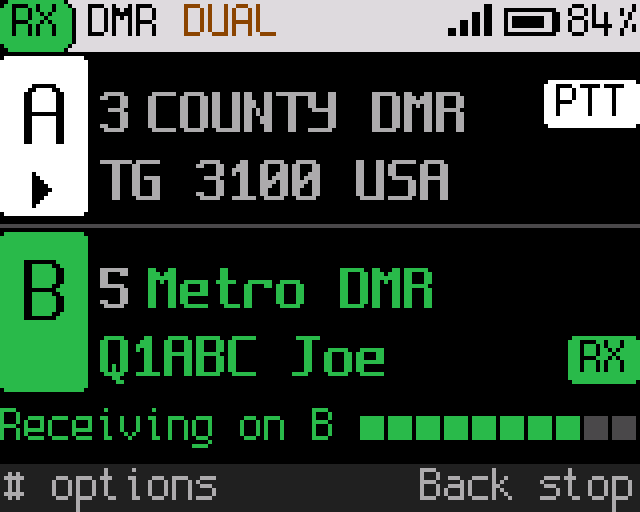
Signaling tone step
Signaling tone step